

Custom Vscode Extension Analyzer Debug
最近都告一段落了,晚上臨時起意寫了個plugin 結合我的靜態分析器
apt-get install npm apt-get install npde.js
https://code.visualstudio.com/api/get-started/your-first-extension
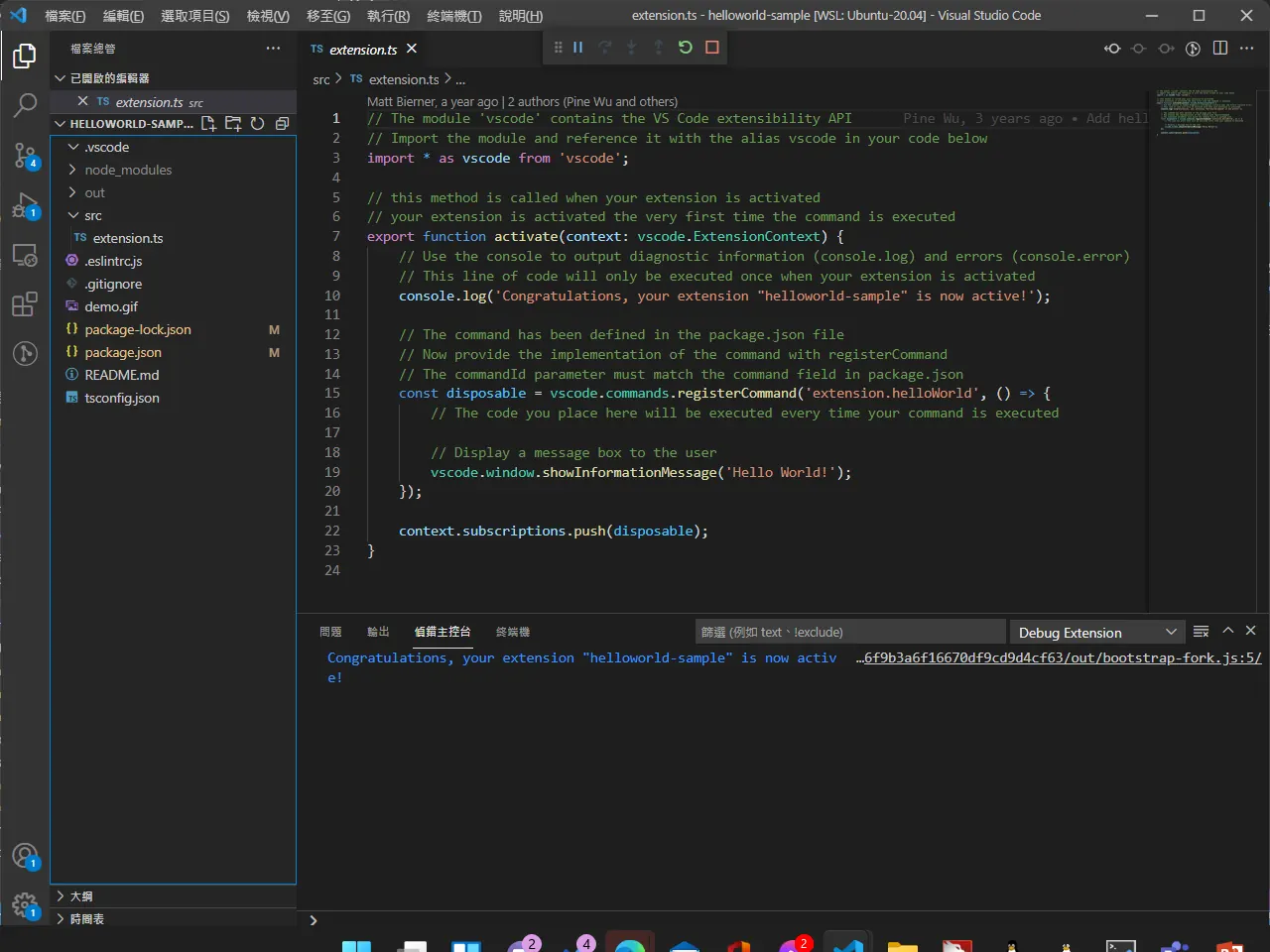
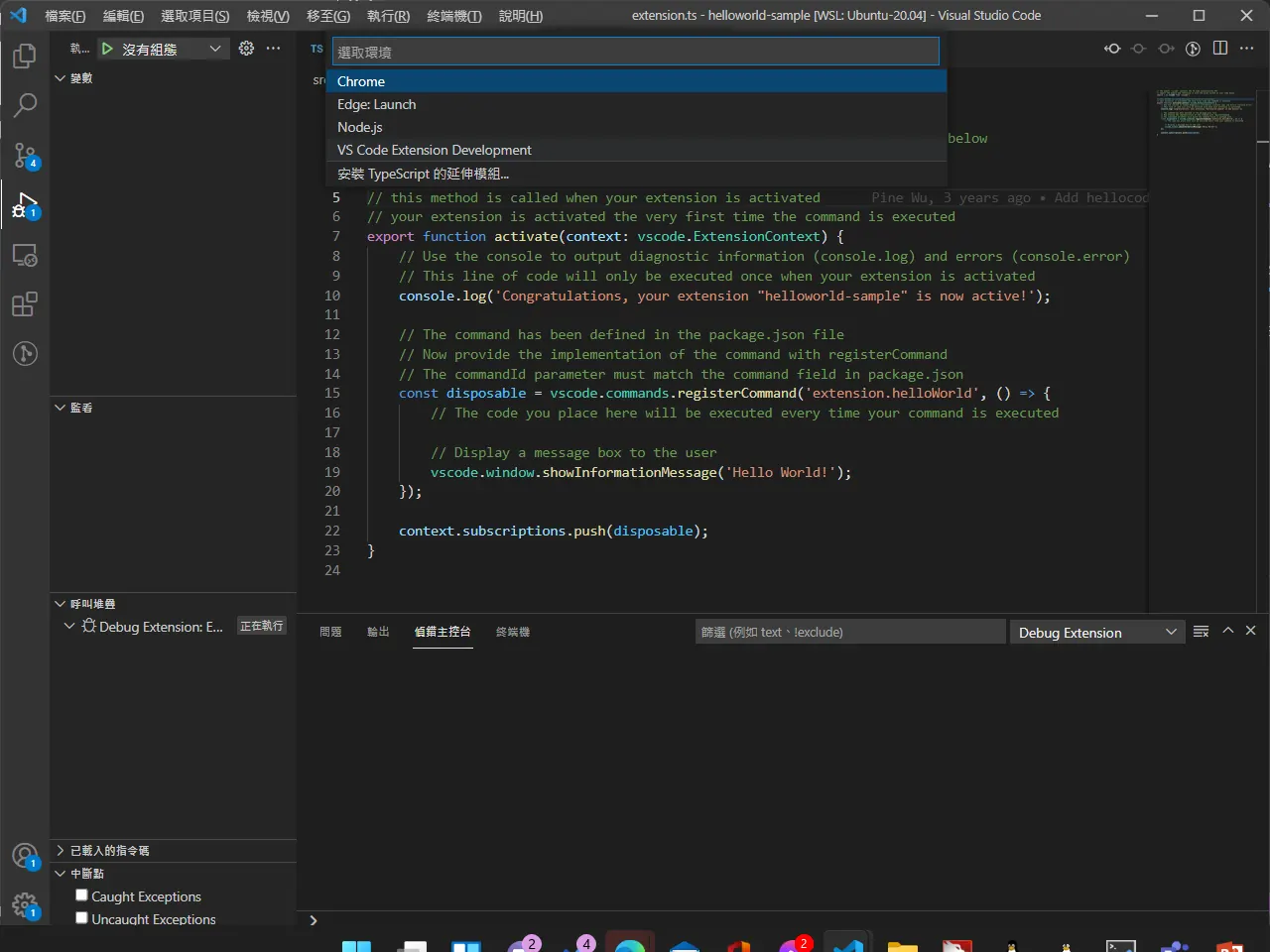
選取 vscode extension development
extension 使用的是 typescript 從vue.js 3改版後就很久沒寫 javascript 來寫一下
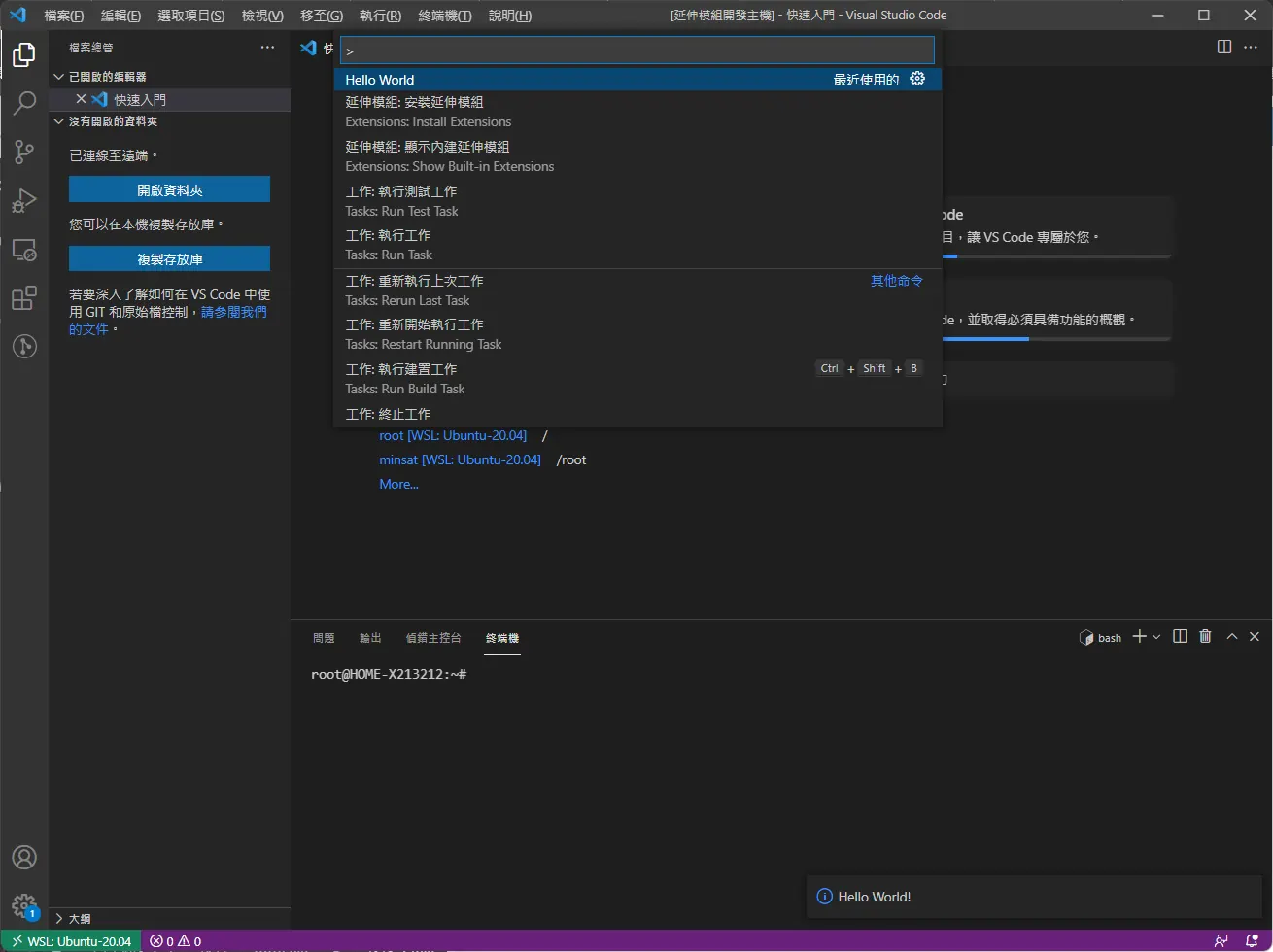
ctrl + shift + p 輸入 hello word 即可在右下角看到剛才註冊的 extension
論文到尾聲,或許需要部屬到 docker,這邊只是實驗性質的去寫一個vscode 實現我 static analyzer breakpoints extension
參考了這兩個 網站,一個是真正 debuger run 起來的 https://stackoverflow.com/questions/56012353/how-to-get-vs-code-debug-data-like-breakpoints-steps-line-code
第二個網址才是可以攔截breakpoint增加或刪除 https://stackoverflow.com/questions/57250136/can-i-capture-breakpoint-event-on-vscode
看一下返回的資料結構是個array 我們直接把他 console.log 出來
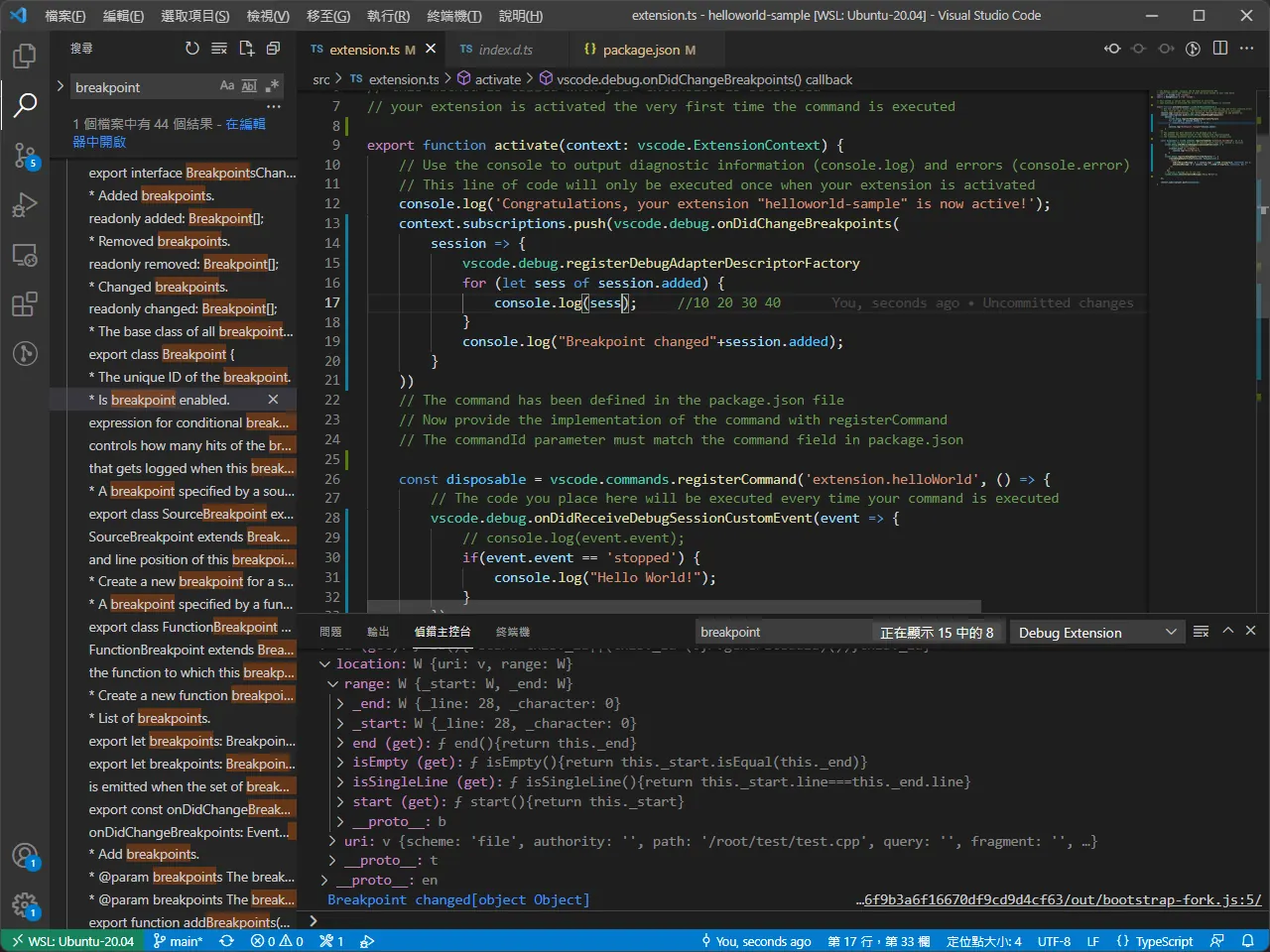
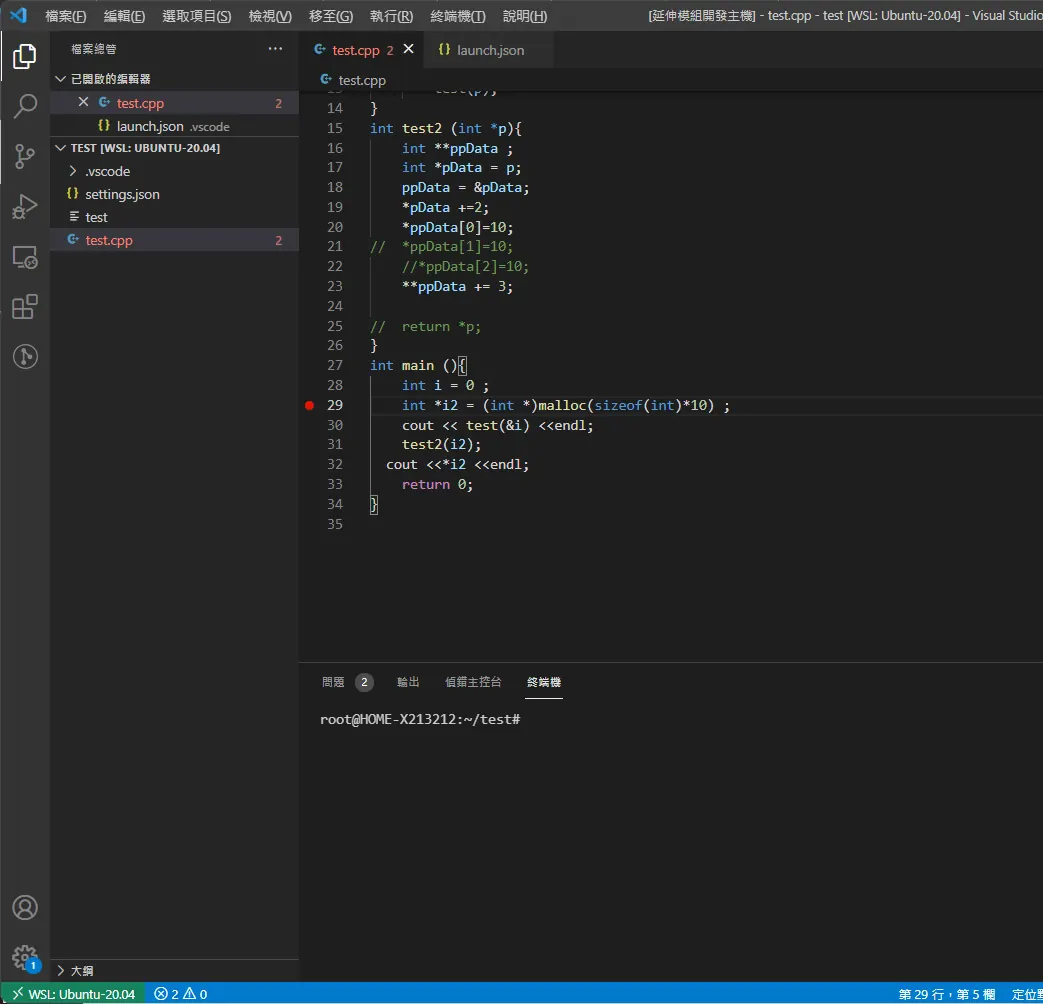
到著邊幾乎我們就已經把我們的前置作業做完了
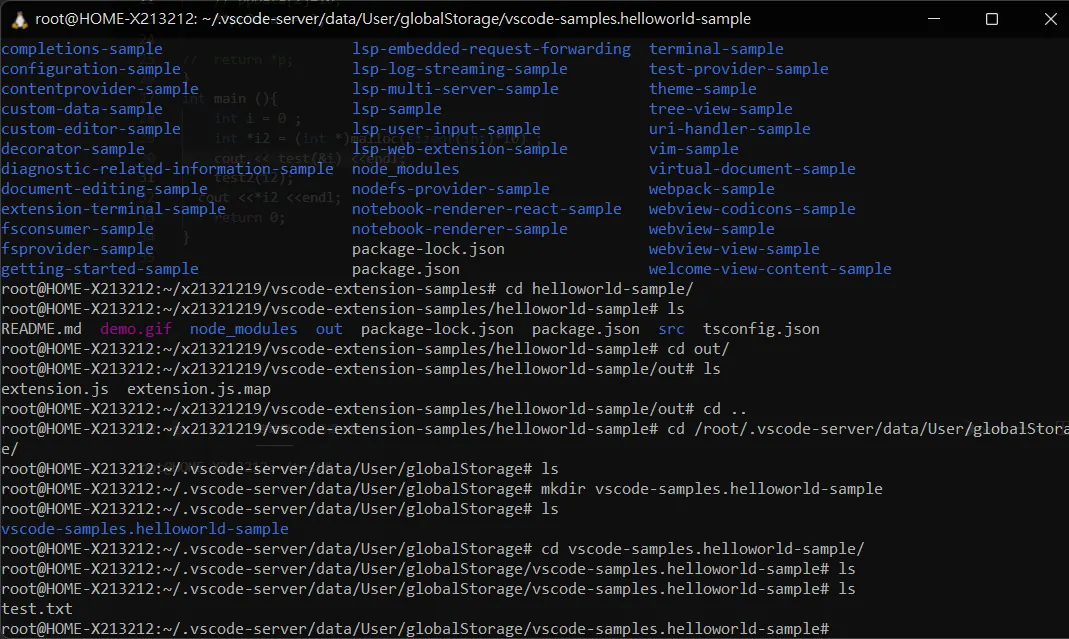
嘗試找到一個可以寫入檔案的位置
        const storagePath = context.storagePath;
        const globalStoragePath = context.globalStoragePath;
嘗試寫檔案
    fs.writeFile(globalStoragePath+'/test.txt', '您好嗎?', function (err: any) {
                if (err)
                    console.log(err);
                else
                    console.log('Write operation complete.');
            });
撈取斷點infomation
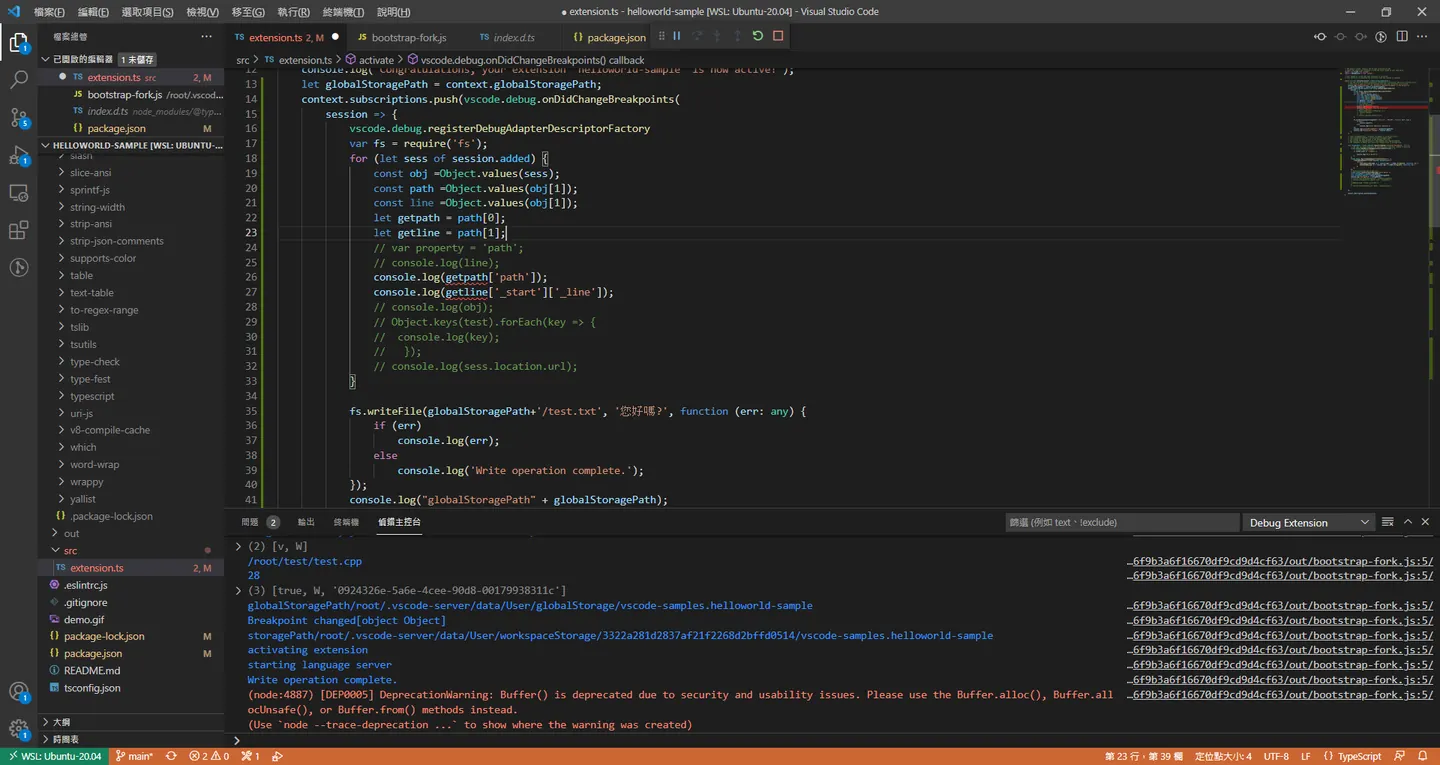 可以看到已經可以得到debug 斷點的位置
/root/test/test.cpp
/root/.vscode-server/bin/c13f1abb110fc756f9b3a6f16670df9cd9d4cf63/out/bootstrap-fork.js:5
28
/root/.vscode-server/bin/c13f1abb110fc756f9b3a6f16670df9cd9d4cf63/out/bootstrap-fork.js:5
這邊 斷點的行數跟我的plugin 實際斷點的位置有點不太一樣
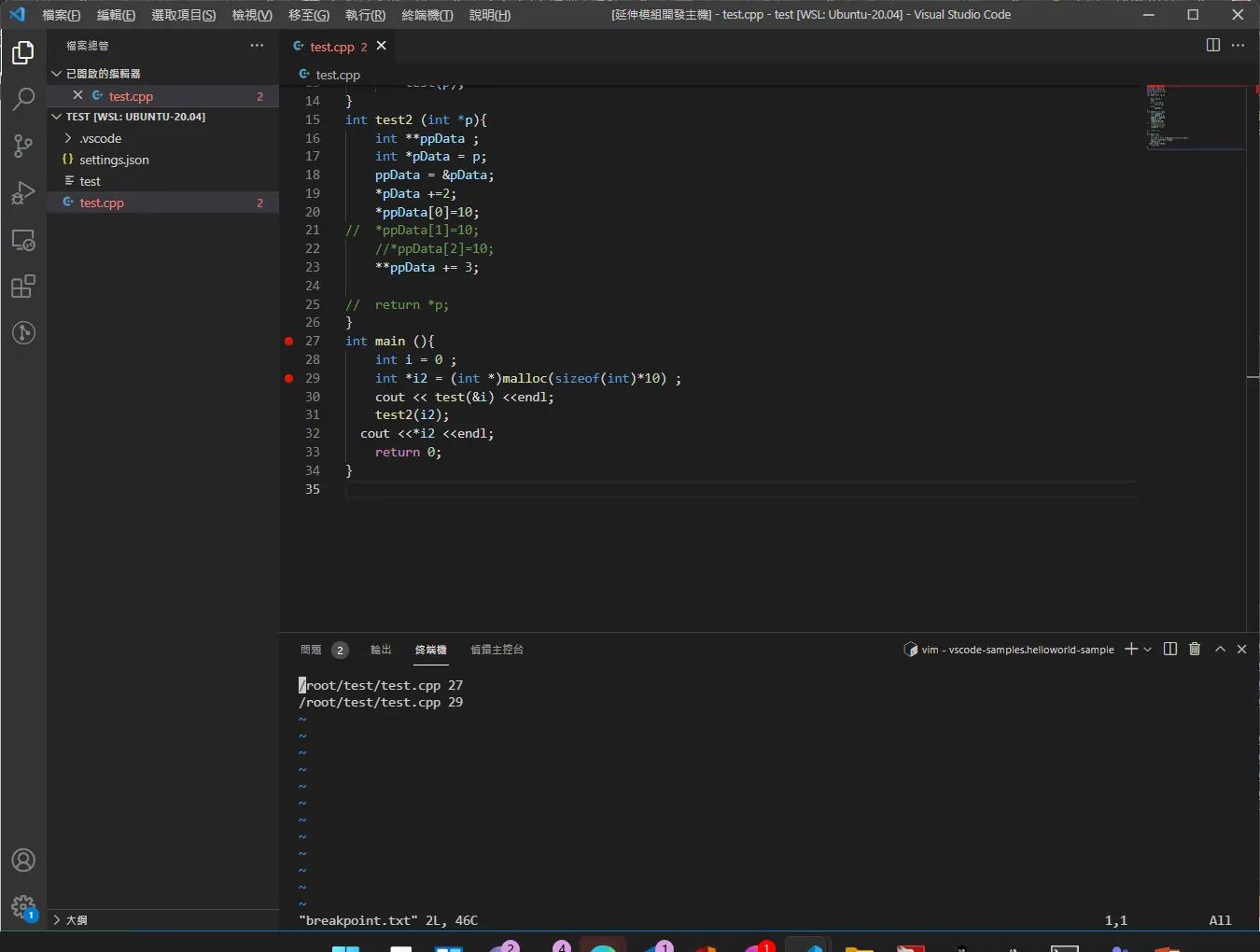
var fs = require('fs');
            for (let sess of session.added) {
                const obj =Object.values(sess);
                const path =Object.values(obj[1]);
                const line =Object.values(obj[1]);
                let getpath = path[0];
                let getline = path[1];
                // var property = 'path';
                // console.log(line);
                console.log(getpath['path']);
                console.log(getline['_start']['_line']);
                // console.log(obj);
                // Object.keys(test).forEach(key => {
                //  console.log(key);
                //   });
                // console.log(sess.location.url);
                fs.appendFile(globalStoragePath+'/breakpoint',getpath['path']+" "+ (Number(getline['_start']['_line'])+1) +"\n" , function (err: any) {
                    if (err)
                        console.log(err);
                    else
                        console.log('Write operation complete.');
                });
            }
extension 開始前初始化
    var fs = require('fs');
        fs.unlink(globalStoragePath+'/breakpoint', err => {
            if(err) console.log('init error');
          })
來開始處理gcc plugin 這部分
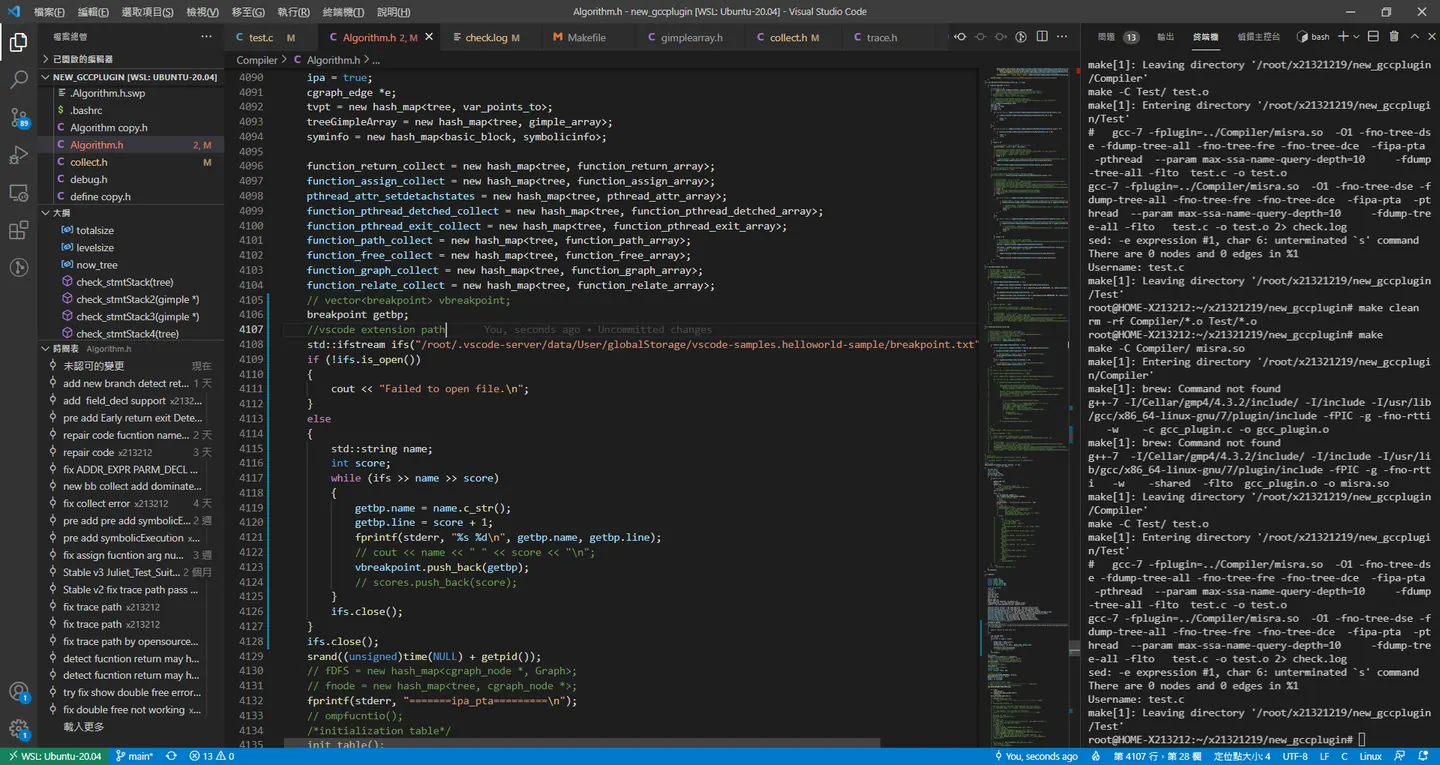
    breakpoint getbp;
    std::ifstream ifs("input.txt", std::ios::in);
    if (!ifs.is_open())
    {
        cout << "Failed to open file.\n";
    }
    else
    {
        std::string name;
        int score;
        while (ifs >> name >> score)
        {
            getbp.name = name.c_str();
            getbp.line = score + 1;
            fprintf(stderr, "%s %d\n", getbp.name, getbp.line);
            // cout << name << " " << score << "\n";
            vbreakpoint.push_back(getbp);
            // scores.push_back(score);
        }
        ifs.close();
    }
    ifs.close();
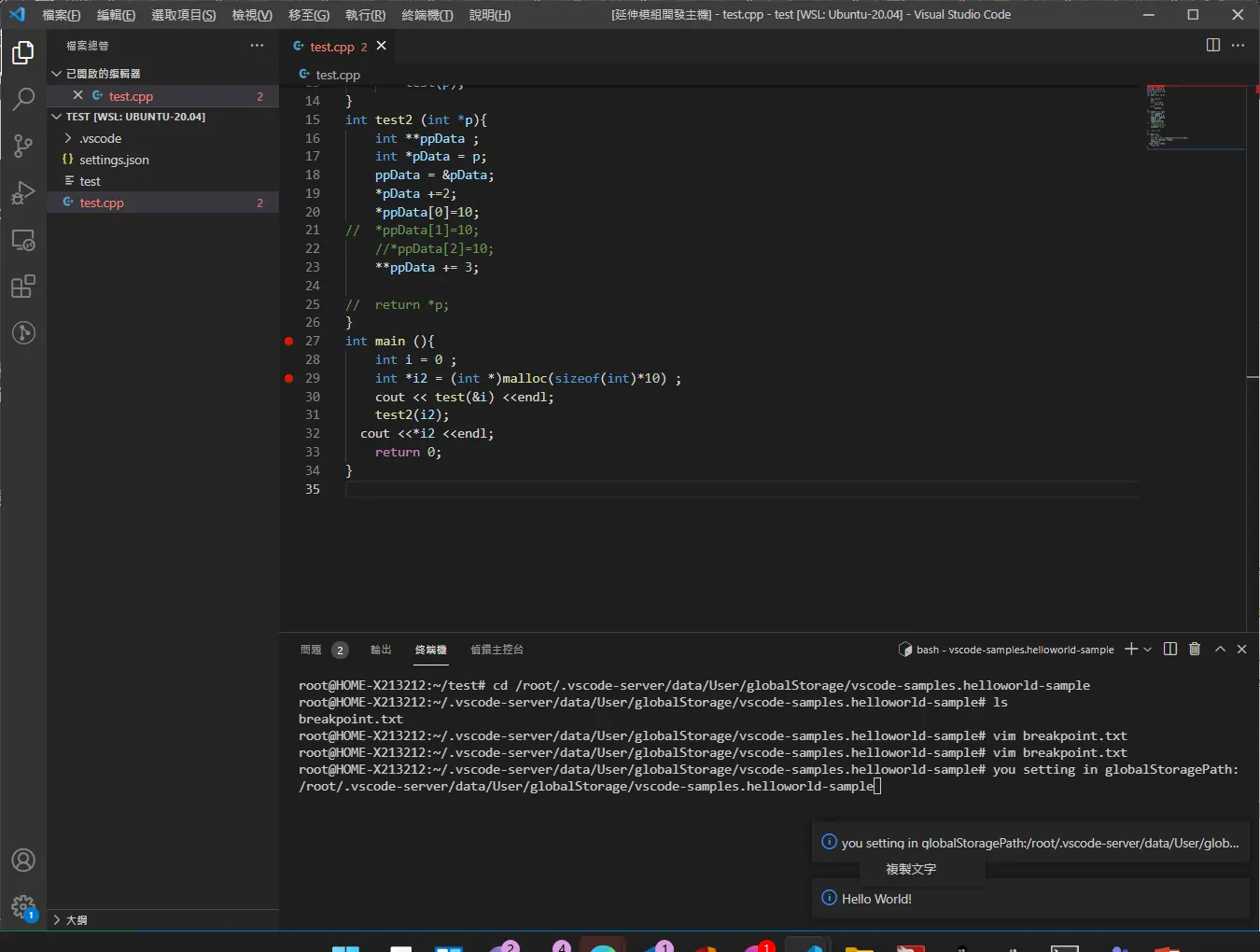
嘗試讓extension 可以顯示可以複製訊息
vscode.window.showInformationMessage("you setting in globalStoragePath:"+globalStoragePath)
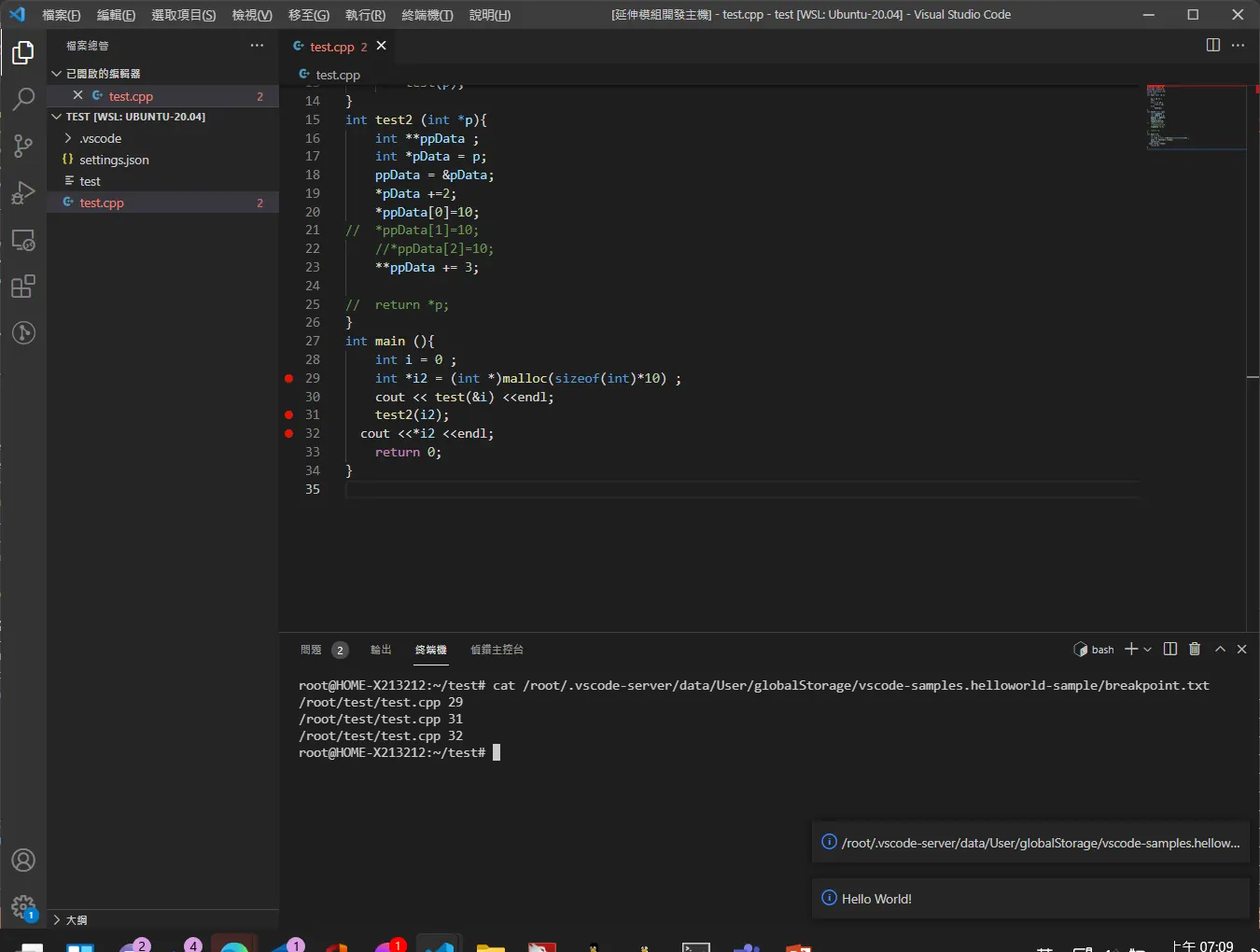
斷點初始化
var fs = require('fs');
            const globalStoragePath = context.globalStoragePath;

            fs.unlink(globalStoragePath+'/breakpoint.txt', (err: any) => {
                if(err) console.log('init error');
              })
            for (let sess of session.added) {
                const obj =Object.values(sess);
                const path =Object.values(obj[1]);
                const line =Object.values(obj[1]);
                let getpath = path[0];
                let getline = path[1];
                // var property = 'path';
                // console.log(line);
                console.log(getpath['path']);
                console.log(getline['_start']['_line']);
                // console.log(obj);
                // Object.keys(test).forEach(key => {
                //  console.log(key);
                //   });
                // console.log(sess.location.url);
                fs.appendFile(globalStoragePath+'/breakpoint.txt',getpath['path']+" "+ (Number(getline['_start']['_line'])+1) +"\n" , function (err: any) {
                    if (err)
                        console.log(err);
                    else
                        console.log('Write operation complete.');
                });
            }

            console.log("globalStoragePath" + globalStoragePath);
            console.log("Breakpoint changed" + session.added);
組合一下
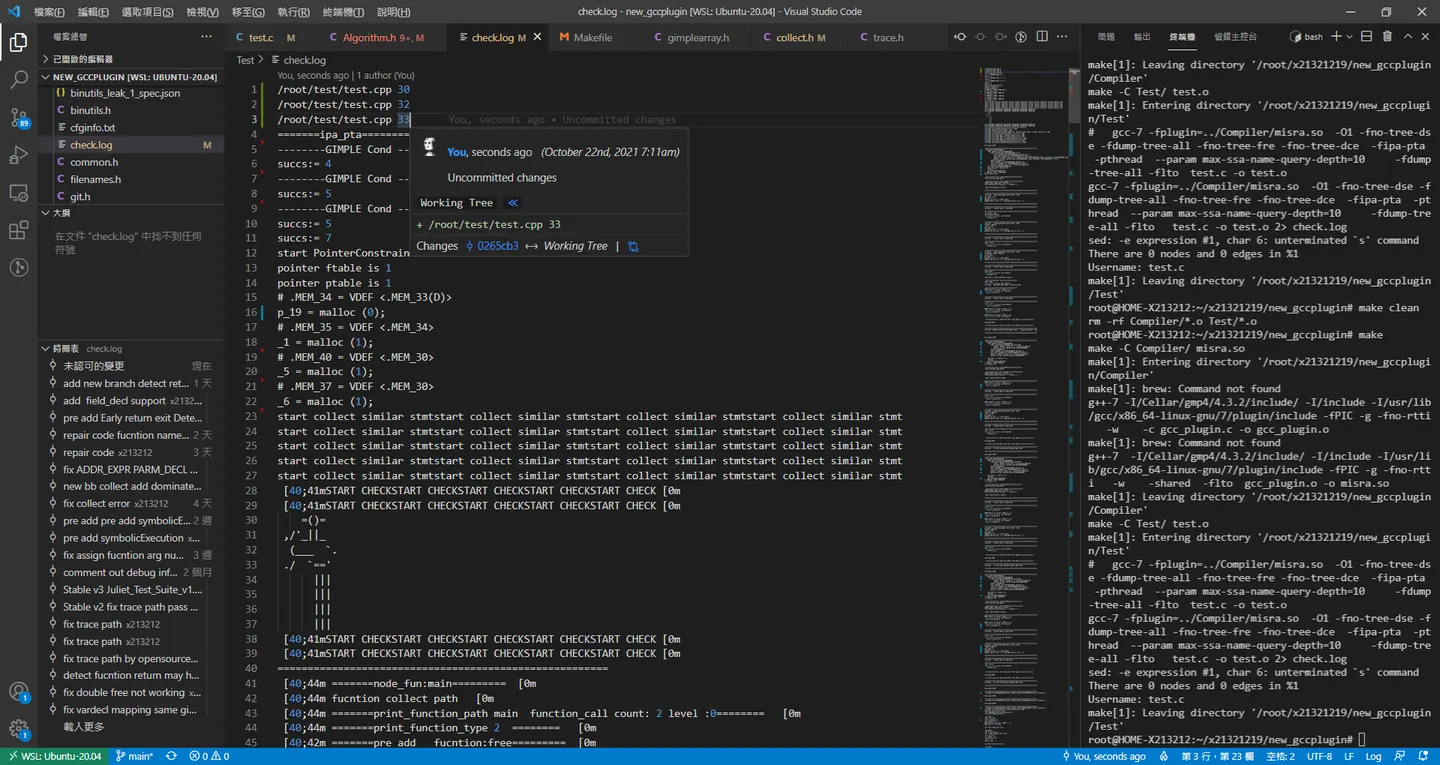
參考 gimple
https://code.woboq.org/gcc/gcc/input.h.html
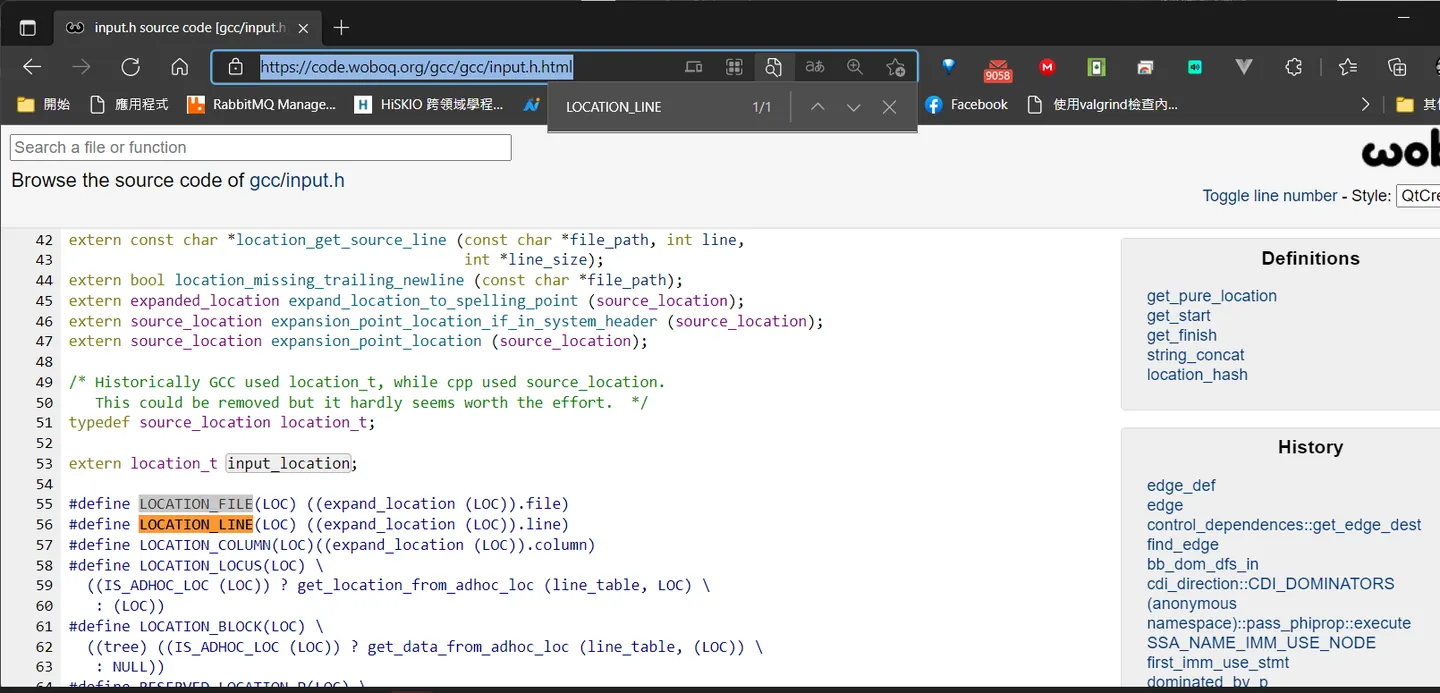
到這邊我的靜態分析器就支援 vscode extension
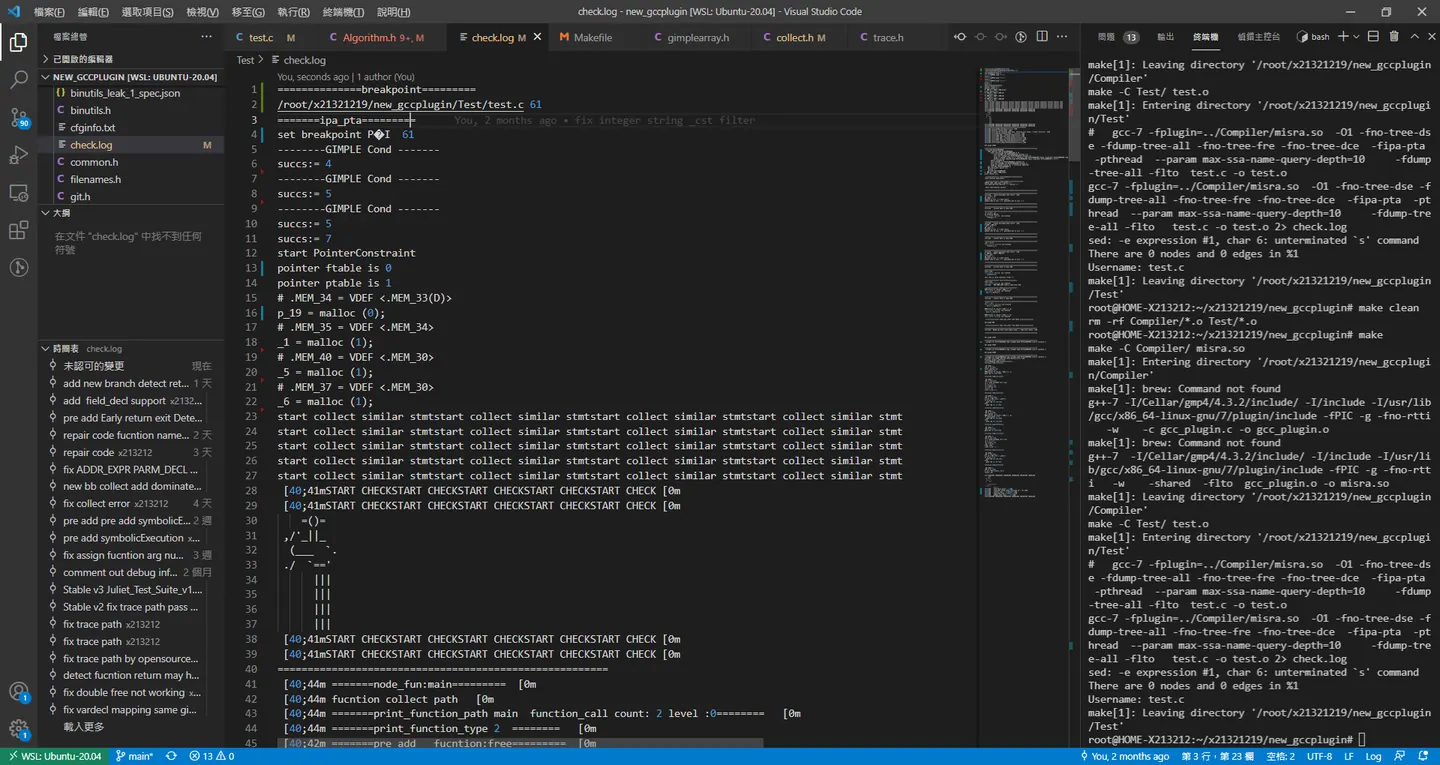
    int find = 0;
    for (int i = 0; i < vbreakpoint.size(); i++)
    {
        size_t found = vbreakpoint[i].name.find(LOCATION_FILE(loc));
        if (found)
            if (vbreakpoint[i].line == LOCATION_LINE(loc))
            {
                fprintf(stderr, "set breakpoint %s %d\n", vbreakpoint[i].name.c_str(), vbreakpoint[i].line);
                find = 1;
            }
    }
    if (find == 0)
        return;
流程
ctrl + shift + p 輸入 helloword 打開我的插件
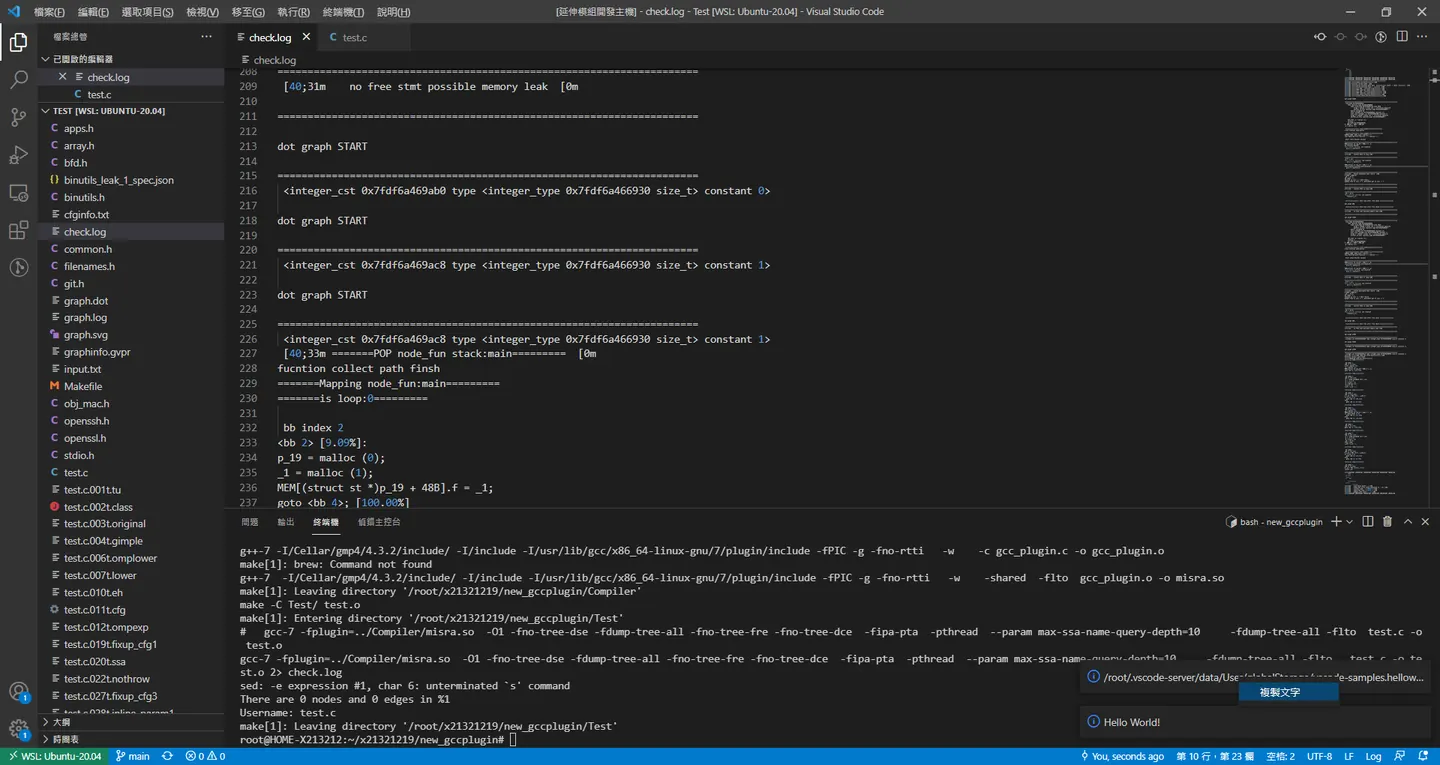
修改讀取 breakpoint 路徑
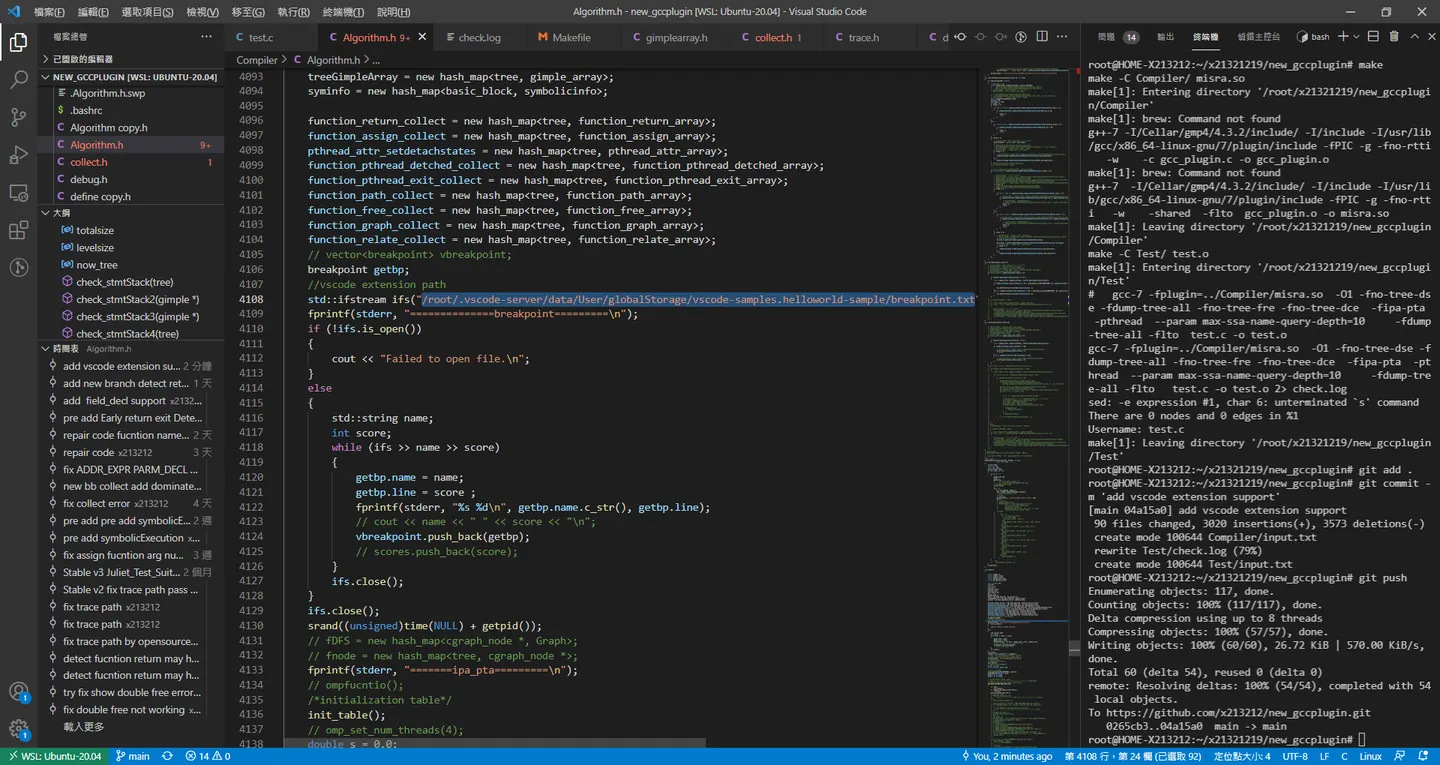
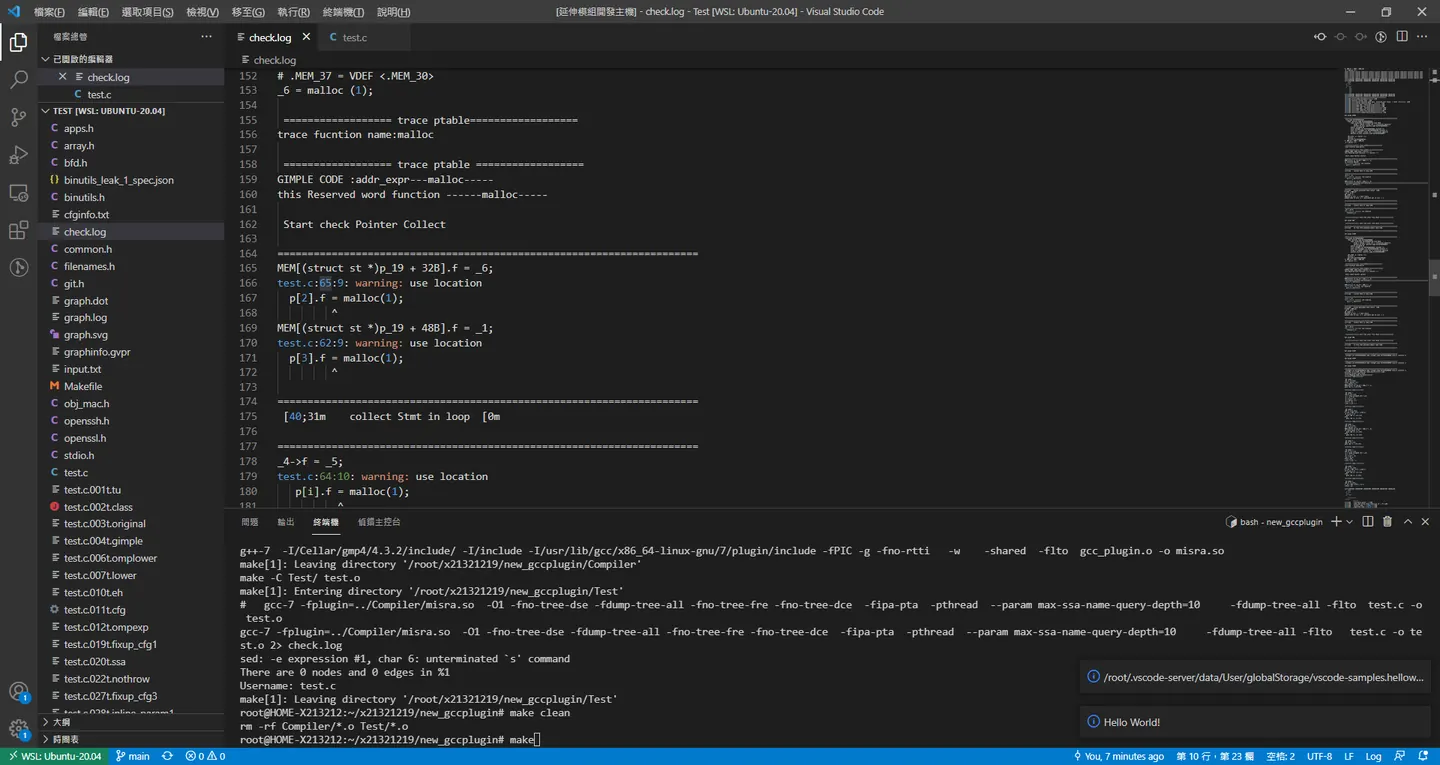
到這裡我們就可以自由的使用vscode ide 配合gcc plugin 去debug
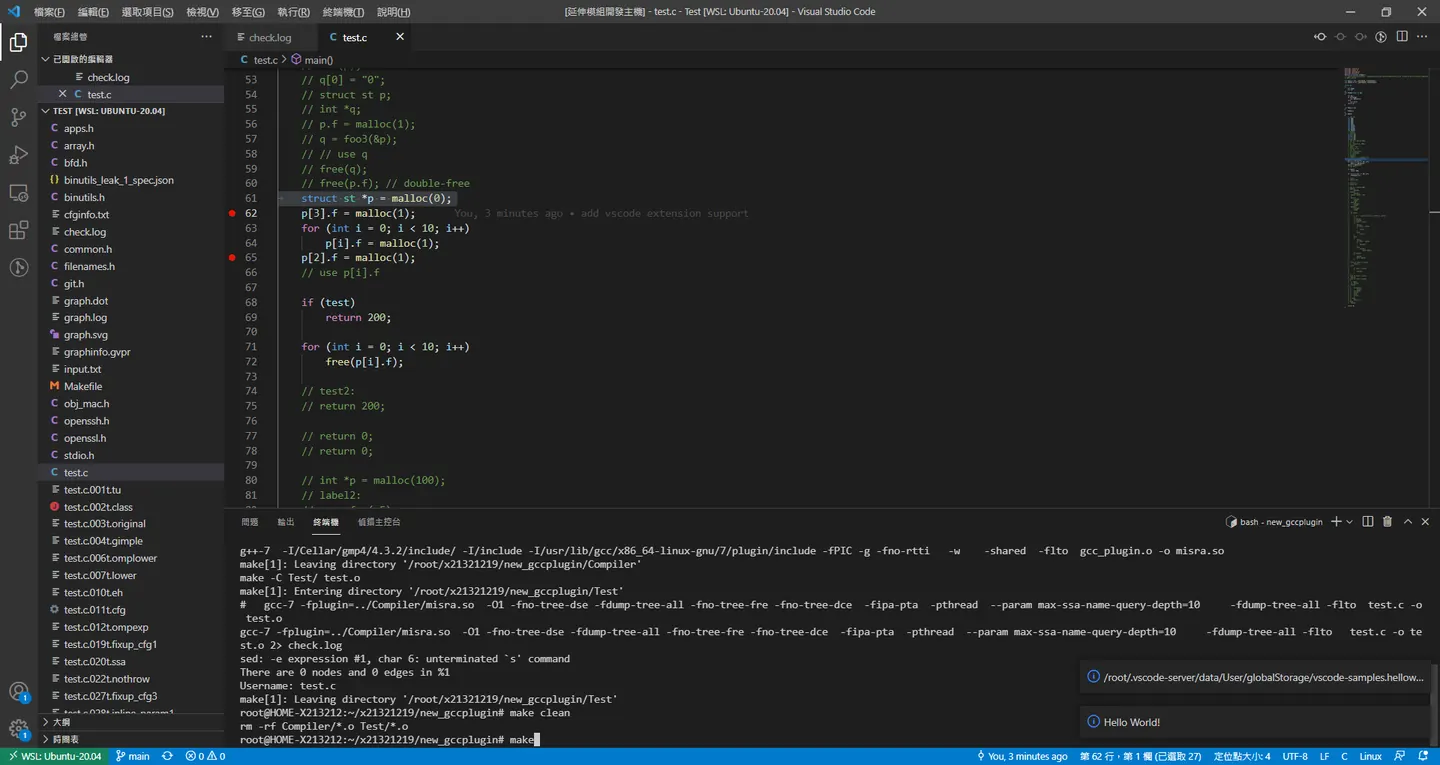
plugin 可能要等真正寫完論文才能公布了
Comments