

zipkin
zipkin是分佈式鏈路調用監控系統,聚合各業務系統調用延遲數據,達到鏈路調用監控跟踪,當服務多起來要追蹤調用method可能會異常困難,這邊引入了 zipkin 針對各個服務進行調用追蹤。
執行 zipkin
linux
wget -O zipkin.jar 'https://search.maven.org/remote_content?g=io.zipkin.java&a=zipkin-server&v=LATEST&c=exec'
java -jar zipkin.jar
url
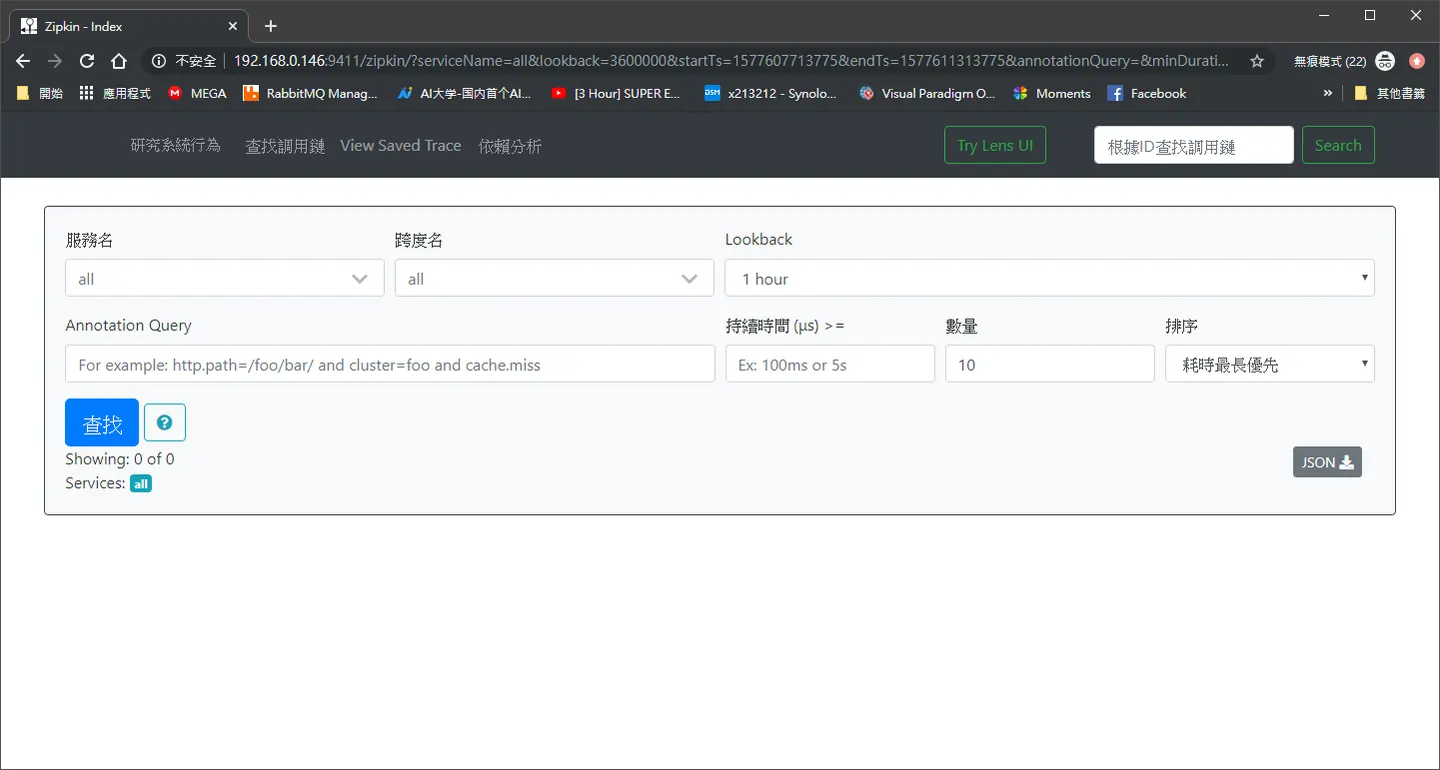
http://192.168.0.146:9411/
# Zipkin Server 地址
spring.zipkin.base-url=http://localhost:8020
# Zipkin 采样比例,默认是 0.1
spring.sleuth.sampler.probability=1
配置檔案
伺服器設置好後在
consumer provider apigateway 設定配置檔案
spring:
  zipkin:
    base-url:  http://192.168.0.146:9411
    sender:
      type: web
Zuul gateway 配置檔案設定
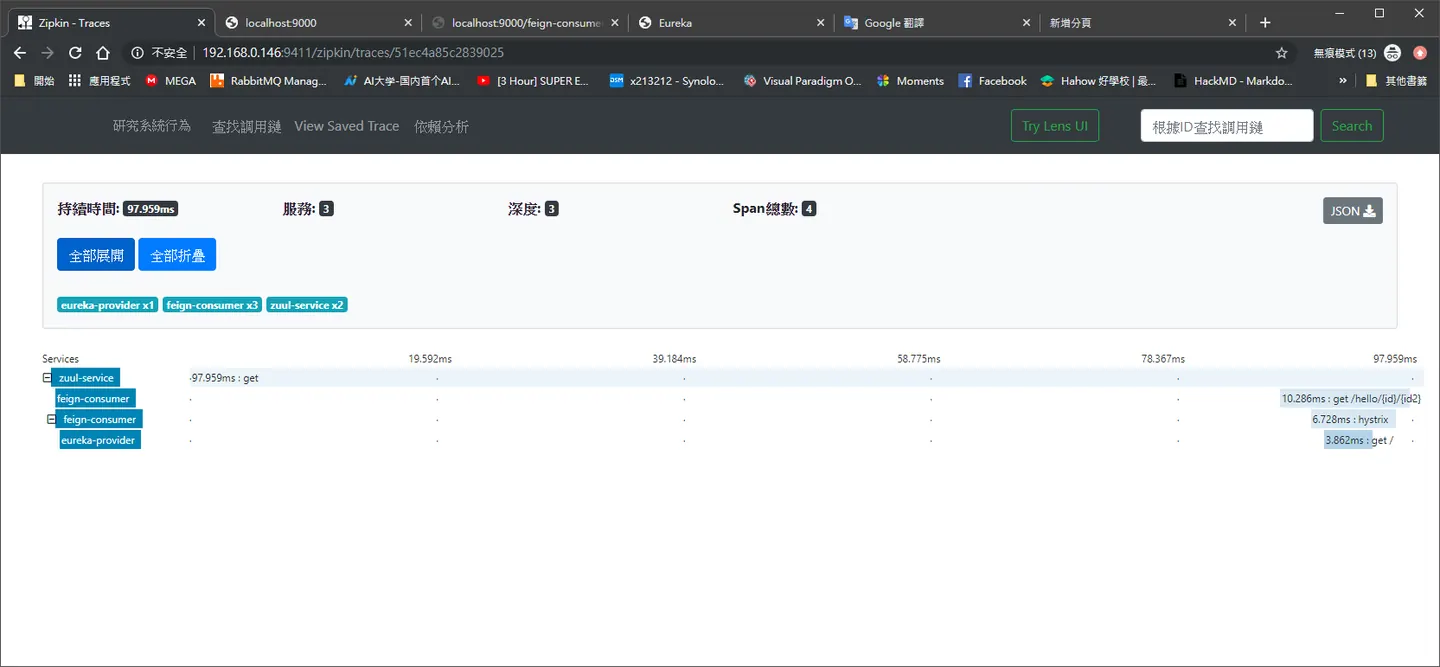
可以看到 我們的設定檔 Zuul 不再訪問 provider 是訪問 fegin fegin 再去呼叫 provider,請注意本章呼叫順序
spring:
  application:
    name: zuul-service
  zipkin:
    base-url:  http://192.168.0.146:9411
    sender:
      type: web
server:
  port: 9000
#zuul:
#  routes:
#    blog:
#        path: /ymq/**
#        url: https://www.ymq.io/about

eureka:
  client:
    serviceUrl:
      defaultZone: http://localhost:8761/eureka/
#zuul:
#  routes:
#    api:
#        path: /**
#        serviceId: eureka-provider

zuul:
  routes:
    feign-consumer:
      path: /feign-consumer/**
      serviceId: feign-consumer
fegin consumer
public class ConsumerController {
   private final Logger logger = LoggerFactory.getLogger(ConsumerController.class);
  @Autowired
     private HomeClient homeClient;


   @GetMapping("/hello/{id}/{id2}")
     public String hello(@PathVariable(name="id") Integer employeeId,@PathVariable(name="id2") Integer employeeId2) {
      System.out.print(employeeId2);

         String message = homeClient.home(employeeId,employeeId2);

         logger.info("[eureka-fegin][ConsumerController][hello], message={}", message);
  // log.info("[eureka-ribbon][EurekaRibbonConntroller][syaHello], message={}", message);
         return message ;

     }


}
provider
@SpringBootApplication
@EnableEurekaClient
@RestController

public class EurekaServiceProviderApplication {
    private final Logger logger = LoggerFactory.getLogger(EurekaServiceProviderApplication.class);

  @Value("${server.port}")
  String port;


  @GetMapping("/")
  public String home(@RequestParam (value="id", required = false) Integer employeeId,@RequestParam (value="id2", required = false) Integer employeeId2)  {
      String message = "Hello world" + port+ employeeId+employeeId2;

       logger.info("[eureka-provide][EurekaServiceProviderApplication][home], message={}", message);
       return message;
  }

  @RequestMapping("/test")
  public String test() {
   String message = "Hello world ,port:" + port;
   logger.info("[eureka-provide][EurekaServiceProviderApplication][test], message={}", message);
       return message;
  }

 public static void main(String[] args) {
  SpringApplication.run(EurekaServiceProviderApplication.class, args);
 }

}
zipkin 說明
由於
前一章訪問
url
http://localhost:9000/?id=987987&id2=489&token=Bearer eyJ0eXAiOiJKV1QiLCJhbGciOiJIUzI1NiJ9.eyJleHAiOjE1Nzc2MjExOTMsInVzZXJuYW1lIjoiamFjayJ9.IjVetEdR5ZZm6cpBEM1DoQeqEwy6qTCLTDtNWCp7QWU
這一章 因為由 fegin 承接
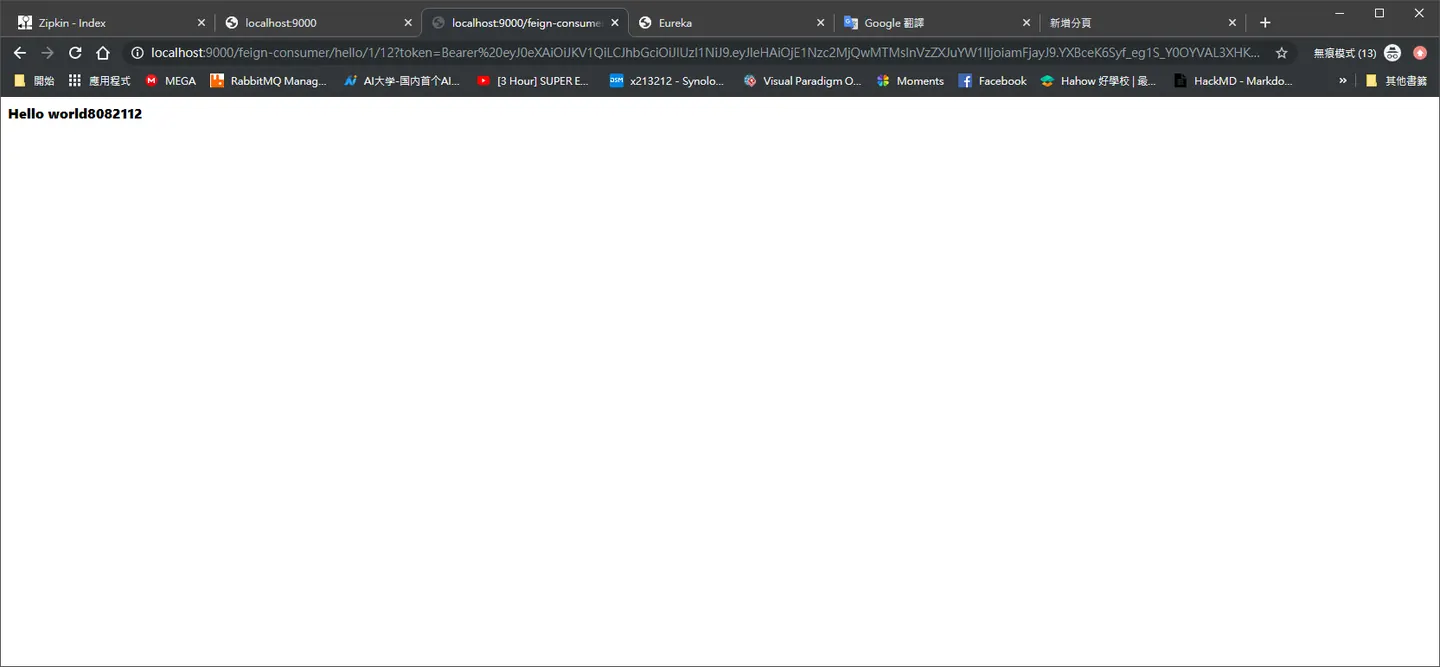
http://localhost:9000/feign-consumer/hello/1/12?token=Bearer%20eyJ0eXAiOiJKV1QiLCJhbGciOiJIUzI1NiJ9.eyJleHAiOjE1Nzc2MjMwOTcsInVzZXJuYW1lIjoiamFjayJ9.qTZa2bC-XCexPkkep-LnQzya1dMlGsJuP79eA7vp7eM
然後我們來訪問一下服務啟動
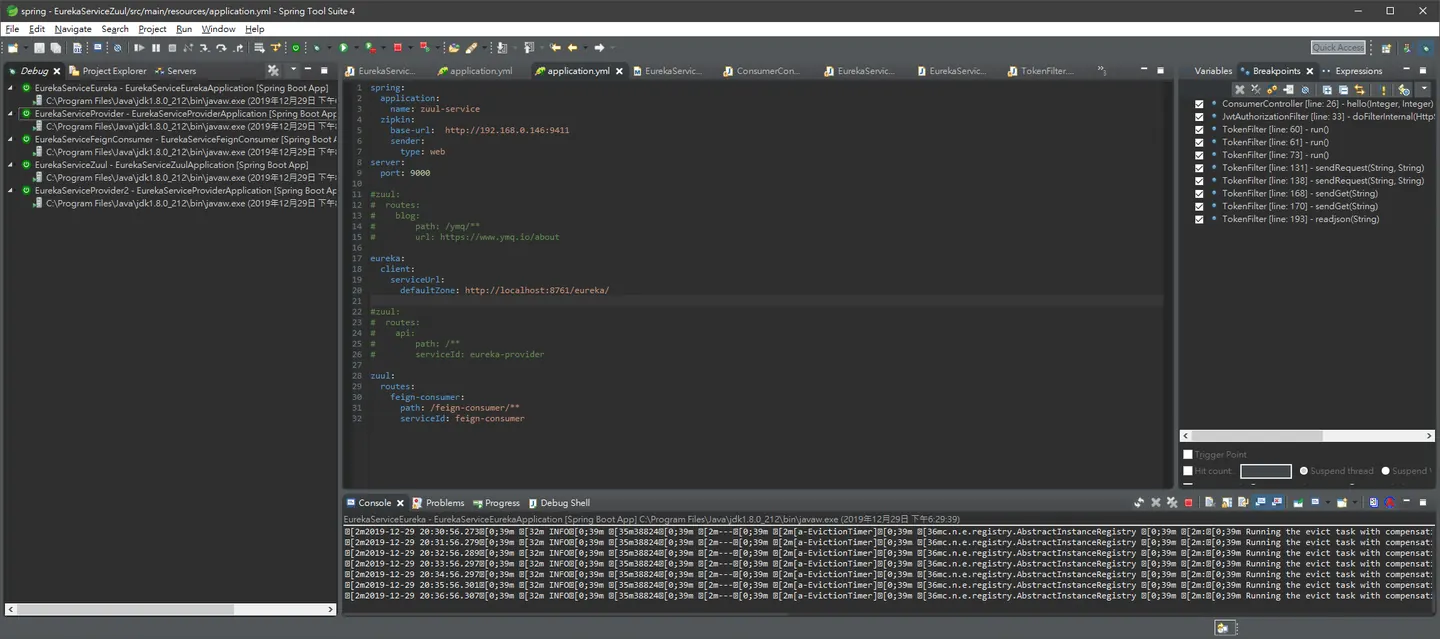
共有五個服務
- Eureka
- provider
- provider2
- feginconsumer
- Zuul
- 還有我們之前寫的認證中心
經過我們訪問 帳號密碼
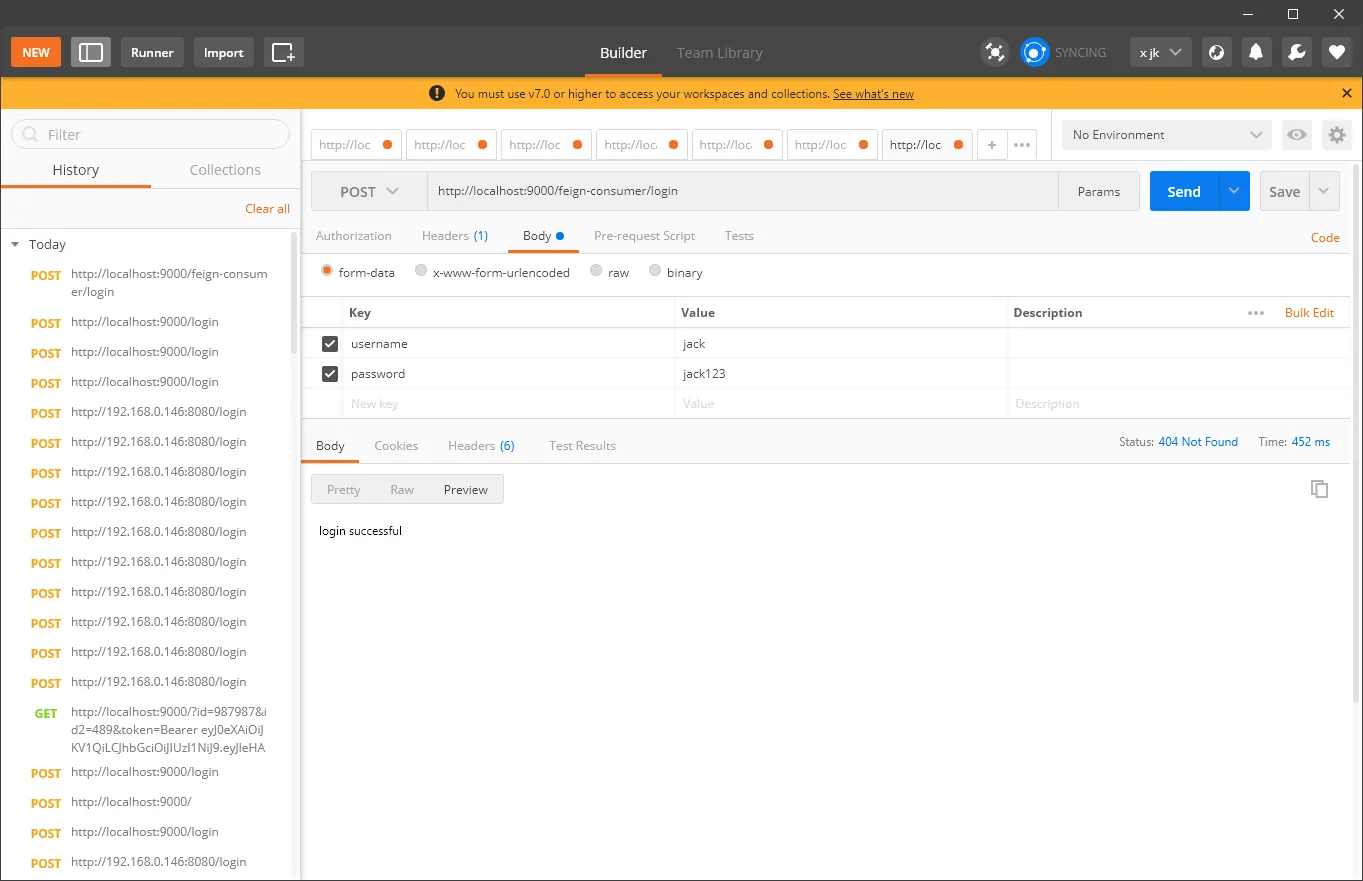
需要注意的就是我們的路由規則已經被fegin-consumer 接走了所以登入url變成
post
http://localhost:9000/feign-consumer/login
接下來看一下我們的日誌中心
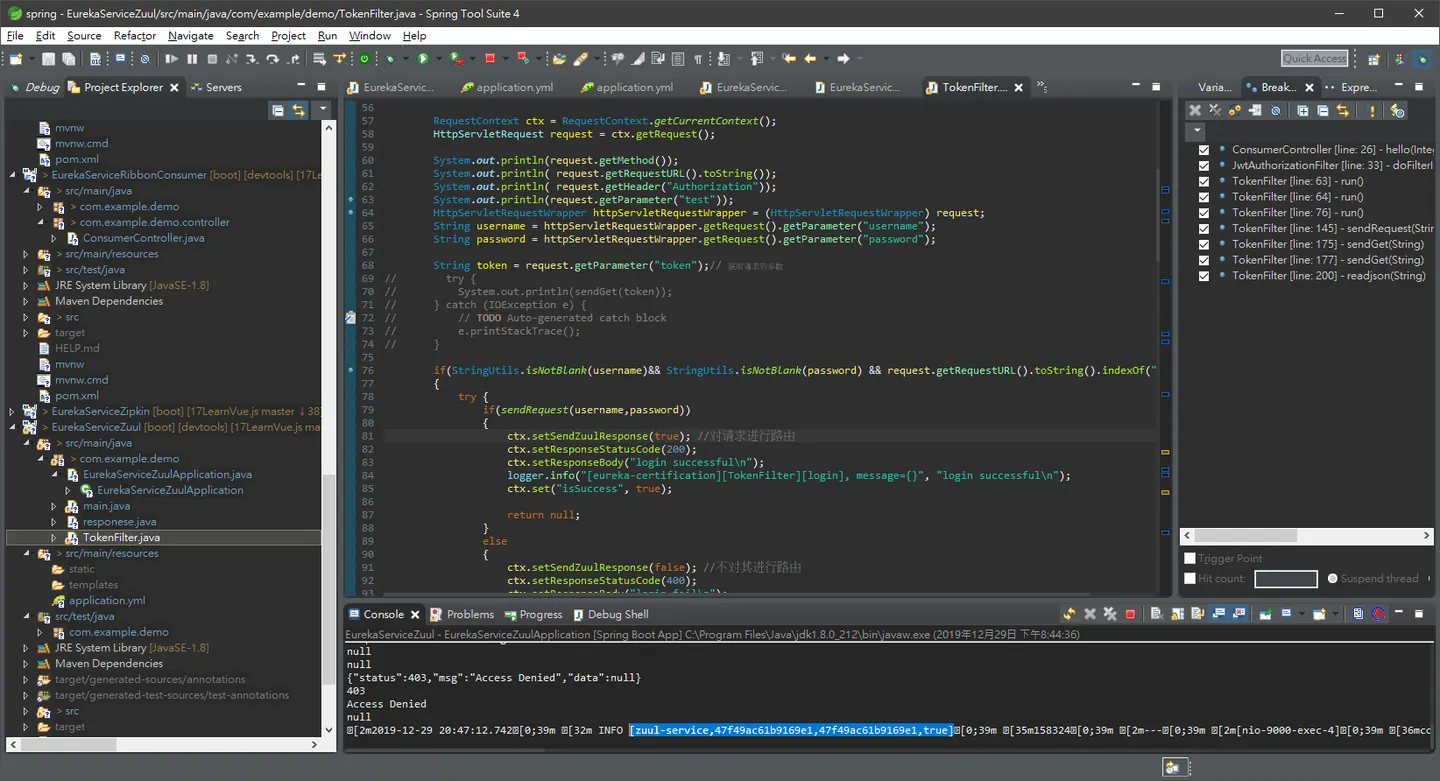
會開始又這些東西出現 日誌說明:
我們在控制台中可以查看到類似這樣的日誌:[zuul-service,47f49ac61b9169e1,47f49ac61b9169e1,true],這些就是Sleuth幫忙我們生成的。 第一個值:eureka-ribbon,代表我們的應用名稱。
第二個值:086a3ab9cf8d31a8,TraceID, 用來標識一條請求鏈路。
第三個值:f06ab1e22c04430a,SpanID,用來標識一個基本的工作單元。
第四個值:false,表示是否將該信息輸出到其他日誌收集服務中,例如:Zipkin。 TraceID和SpanID關係:一個鏈路對應多個基本工作單元,也就是一個TraceID對應多個SpanID。 那麼有什麼用呢?
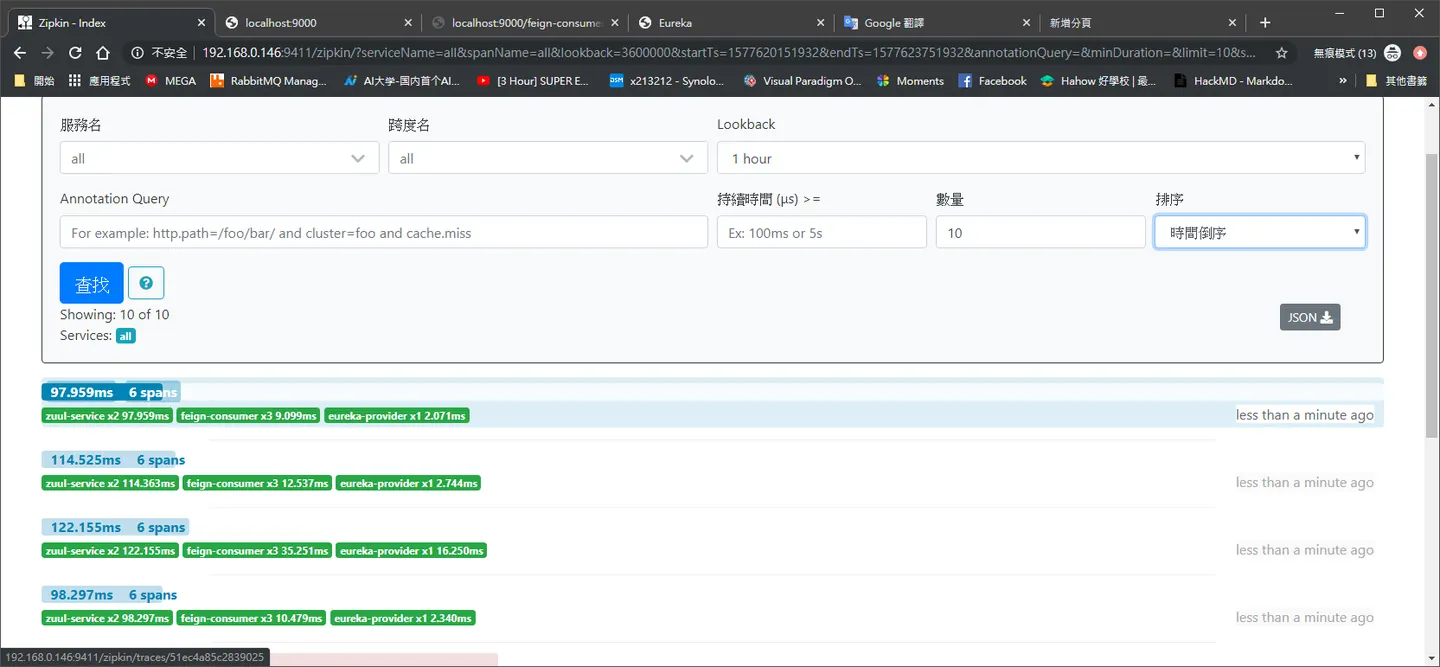
點進去就會看到什麼 mothod等等
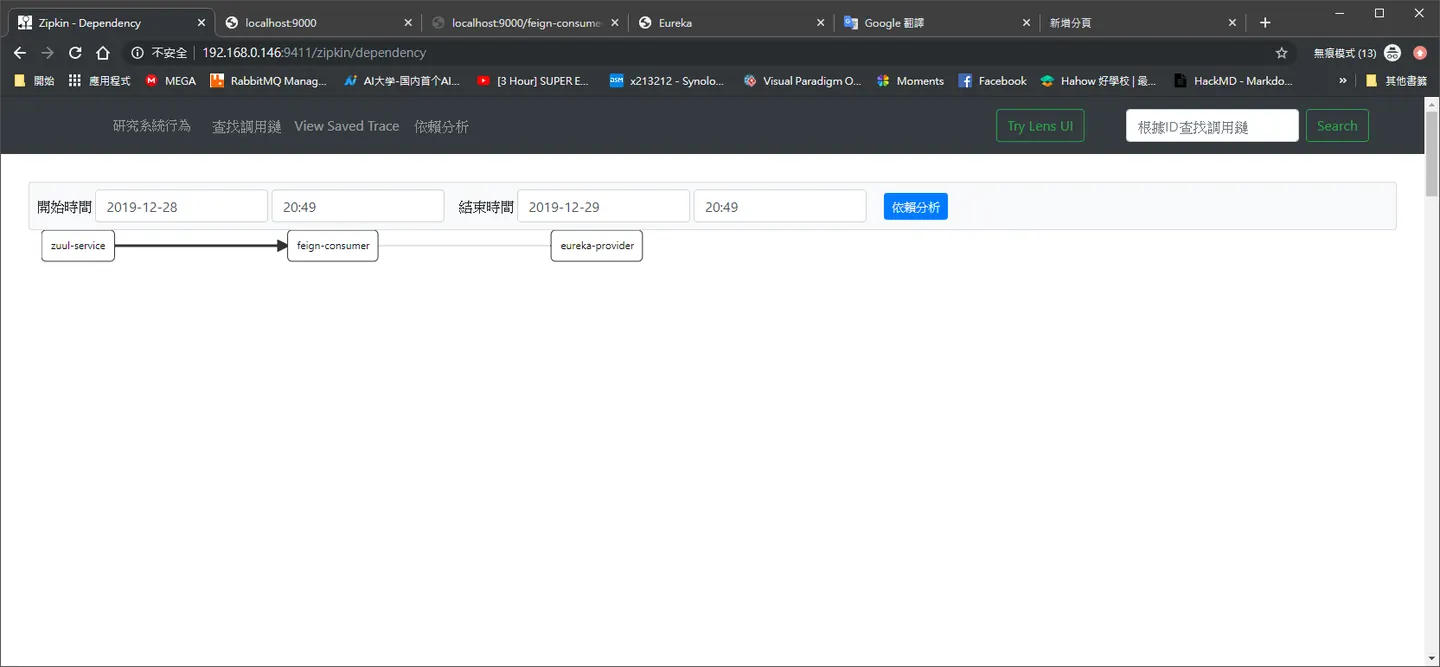
他也會幫你做一些依賴圖給你看,下一回就要做一下日誌蒐集
Comments