

Raspberry build kernel
virtualbox 最近跟 wsl2 要則一共存,來試用一下 Hyper-v
上次重編 kernel 開啟核心組態 BPF JIT Compiler 忘記紀錄一下,來重來一次
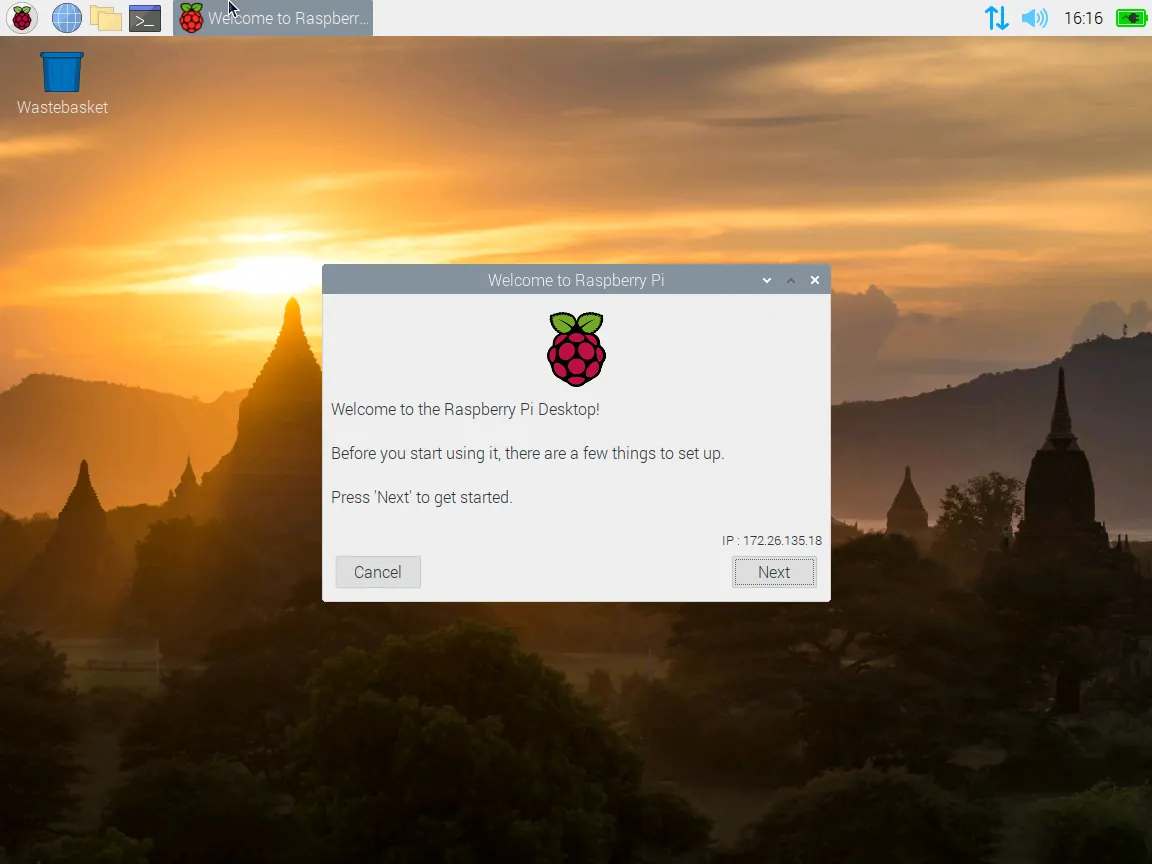 官方文檔案
https://www.raspberrypi.org/documentation/linux/kernel/building.md
官方文檔案
https://www.raspberrypi.org/documentation/linux/kernel/building.md
git clone  https://github.com/raspberrypi/linux
cd linux
sudo apt install git bc bison flex libssl-dev make
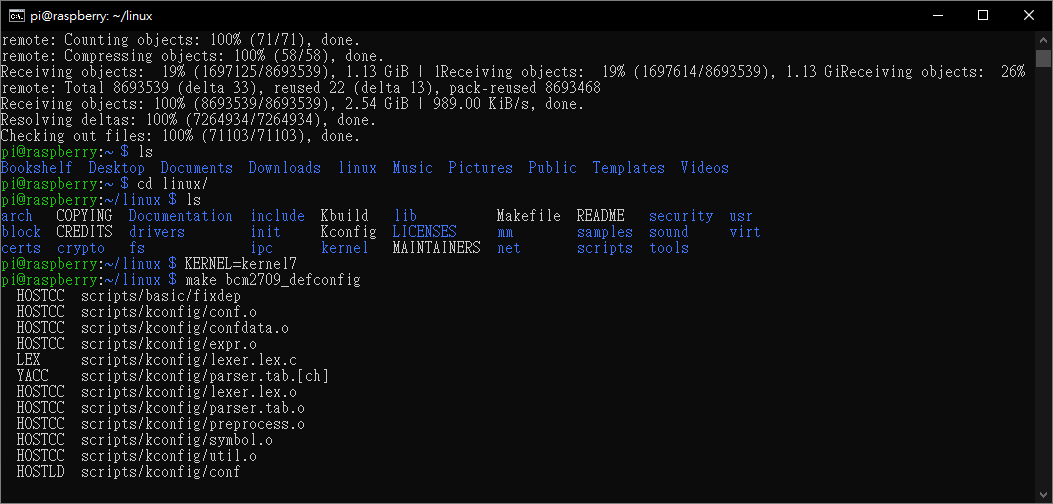
cd linux/
預設值
KERNEL=kernel7
make bcm2709_defconfig
我是測試用直接用
make menuconfig
 接著就開始找出 eBPF 需要的核心組態。從 BCC 的安裝指示中,可以知道有哪些核心組態需要開啟:
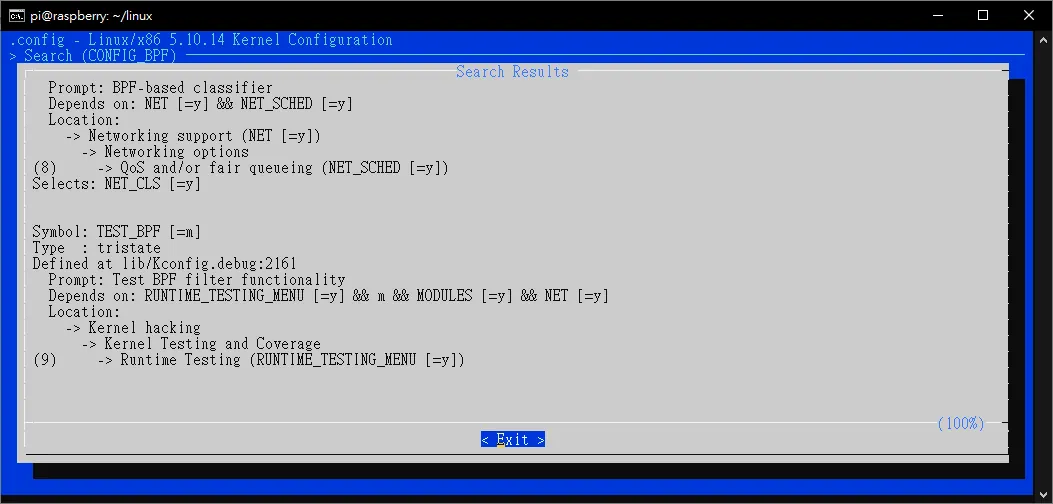
Kernel Configuration
In general, to use these features, a Linux kernel version 4.1 or newer is required. In addition, the kernel should have been compiled with the following flags set:
CONFIG_BPF=y
CONFIG_BPF_SYSCALL=y
# [optional, for tc filters]
CONFIG_NET_CLS_BPF=m
# [optional, for tc actions]
CONFIG_NET_ACT_BPF=m
CONFIG_BPF_JIT=y
# [for Linux kernel versions 4.1 through 4.6]
CONFIG_HAVE_BPF_JIT=y
# [for Linux kernel versions 4.7 and later]
CONFIG_HAVE_EBPF_JIT=y
# [optional, for kprobes]
CONFIG_BPF_EVENTS=y
There are a few optional kernel flags needed for running bcc networking examples on vanilla kernel:
CONFIG_NET_SCH_SFQ=m
CONFIG_NET_ACT_POLICE=m
CONFIG_NET_ACT_GACT=m
CONFIG_DUMMY=m
CONFIG_VXLAN=m
/ 可以搜尋,進入後 遇到 有 選項 (1) (2) 可以按下數字鍵進入該選項,接下來跟著填 (Y/N/M) 等等, ESC 是 上一頁
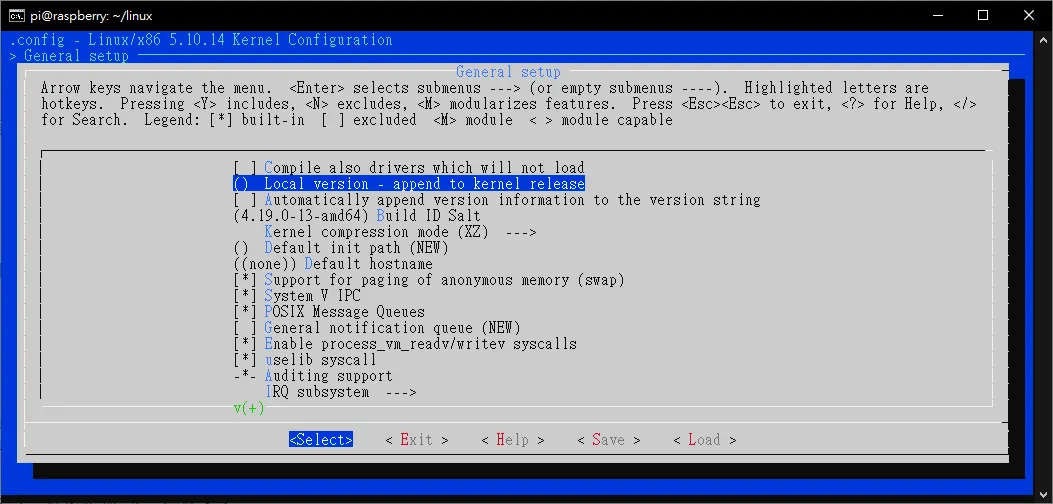 改編譯版本號
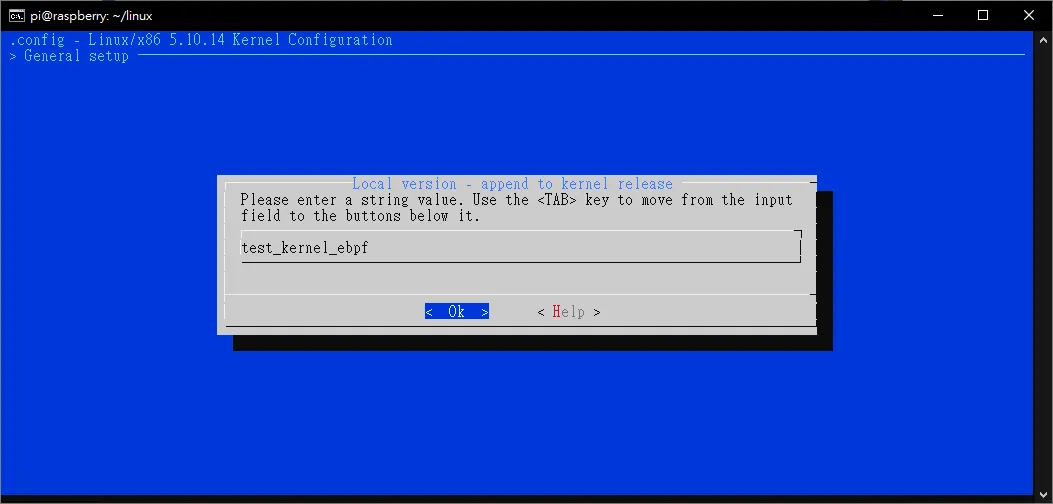 我載的是raspberry pi desktop 版,先來 boot 找 config
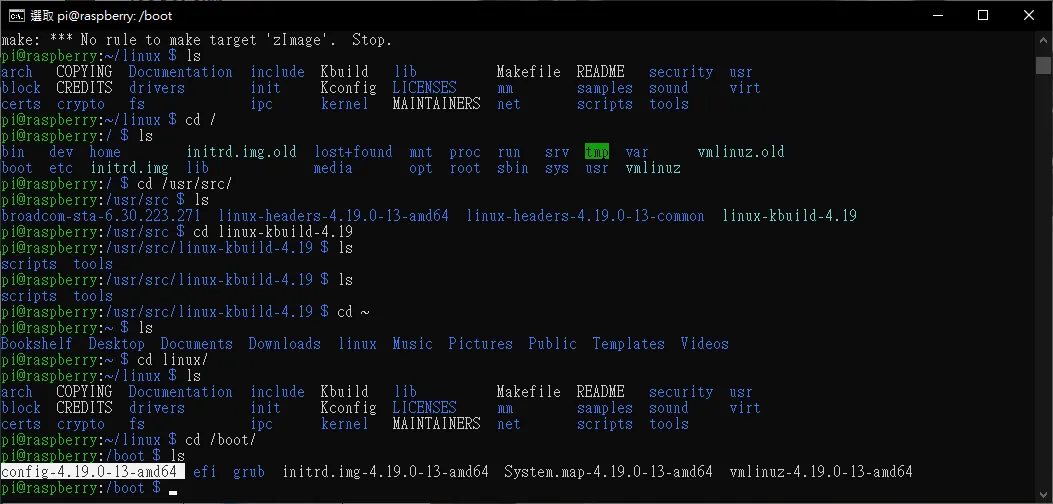
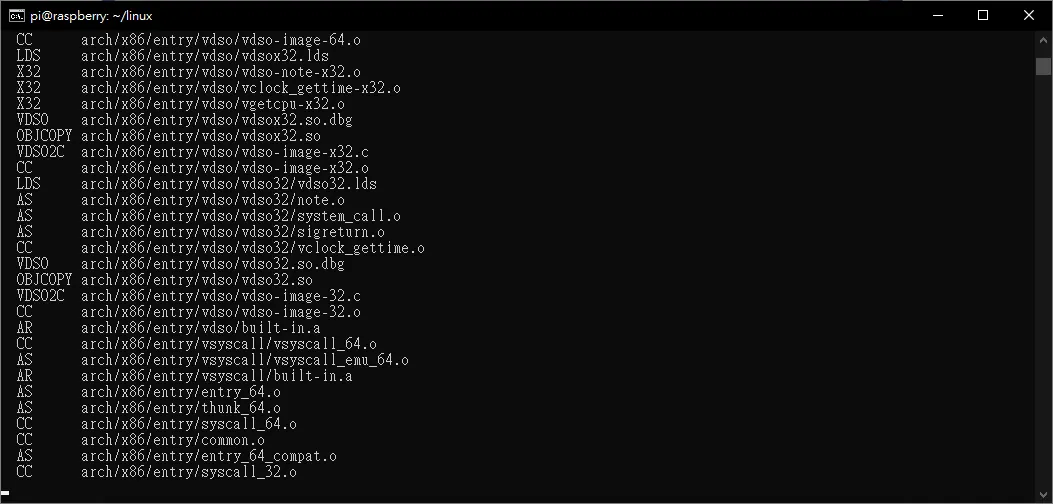 複製好後我們就可以 make 一下了
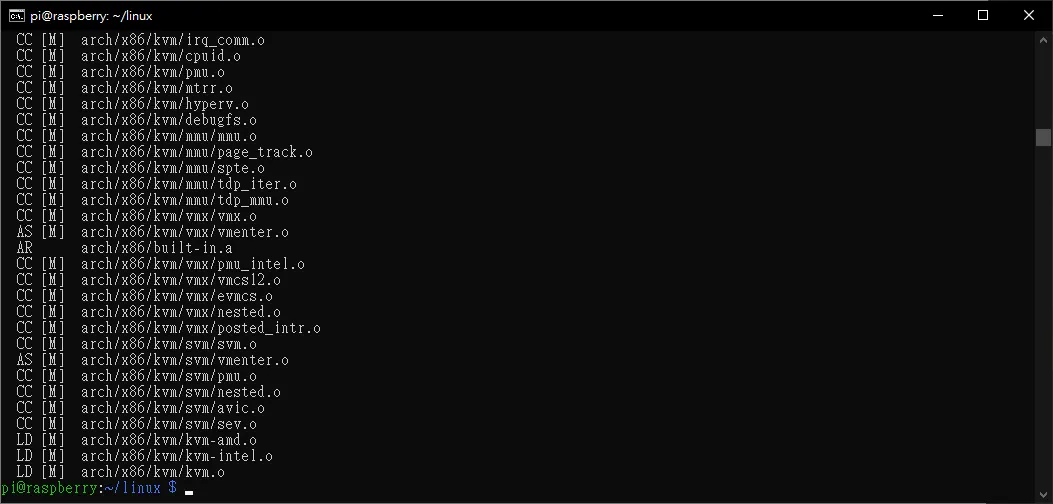 編譯蠻快的,在 raspberry 可能要幾個小時以上
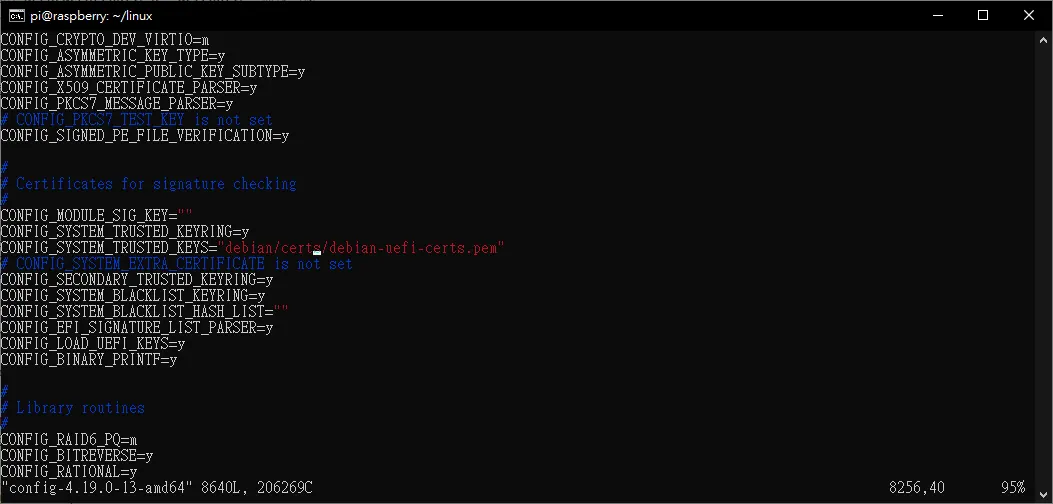
可能類似於檢驗 線上 kernel 版本的 key (?
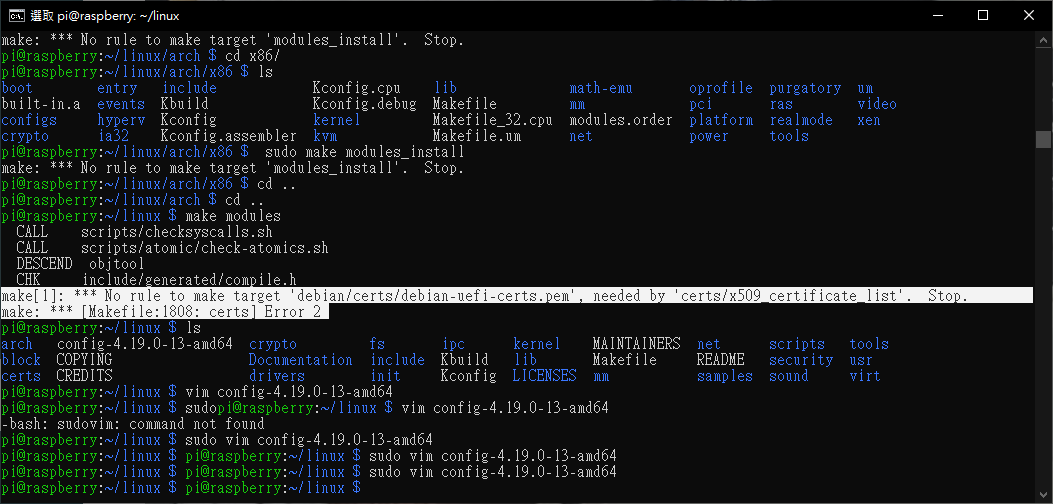 https://debian-handbook.info/browse/zh-TW/stable/sect.kernel-compilation.html
清空他
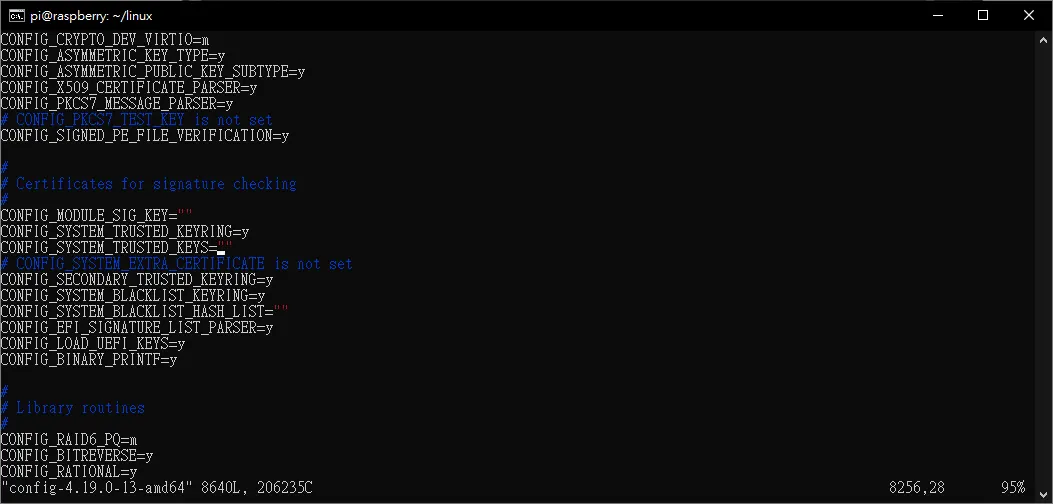
https://debian-handbook.info/browse/zh-TW/stable/sect.kernel-compilation.html
清空他
開始編譯!
cp /boot/config-4.19.0-13-amd64 ./

cd /linux/

mv config-4.19.0-13-amd64 .config

sudo apt-get install -y libelf-dev

make -j8

sudo make modules_install

sudo make install
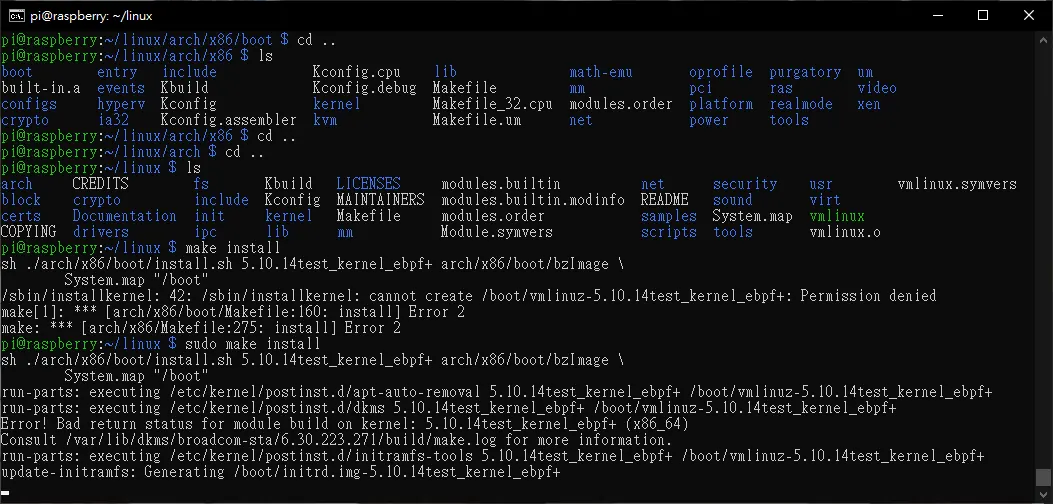
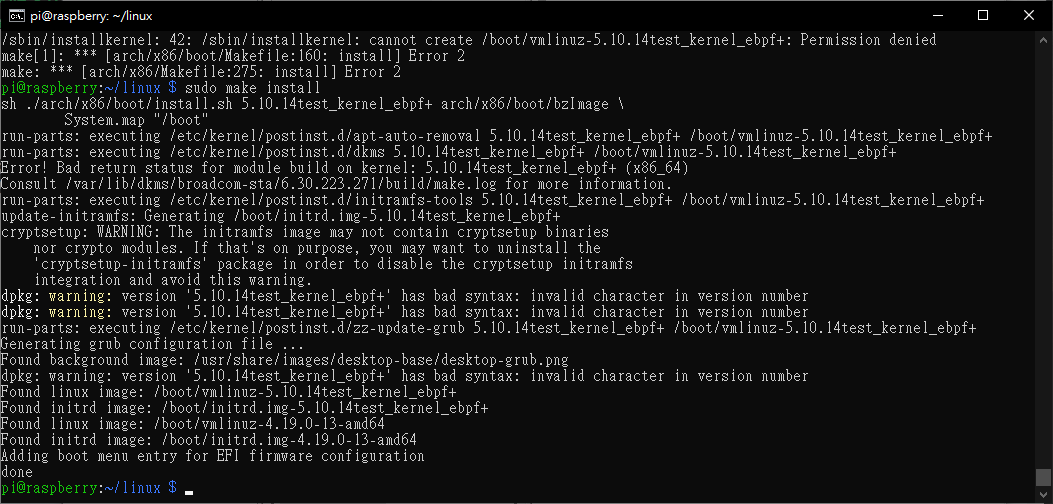
看到我們編譯的 kernel 了,版本號.. 需要透過 在ubuntu 10.04以後的版本,在最後還要多一個步驟建立 initrd的image檔
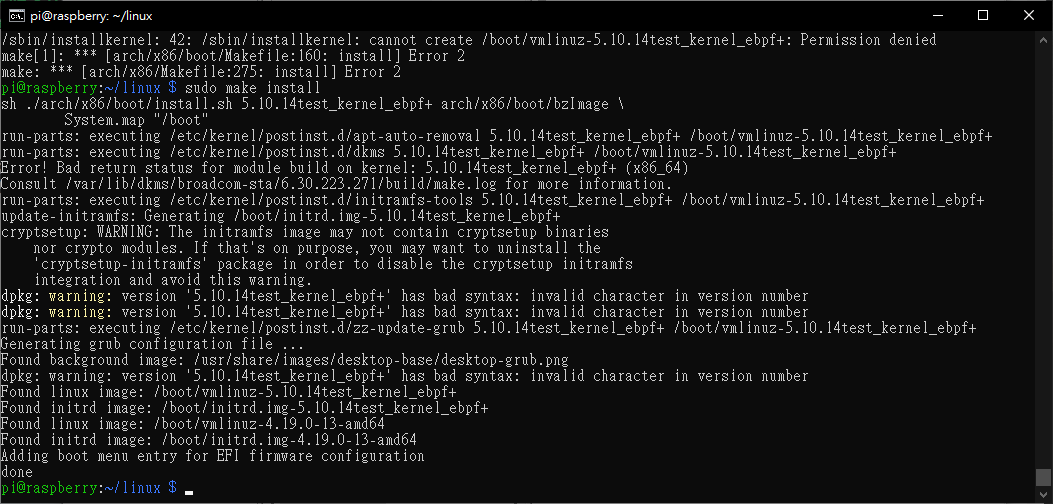
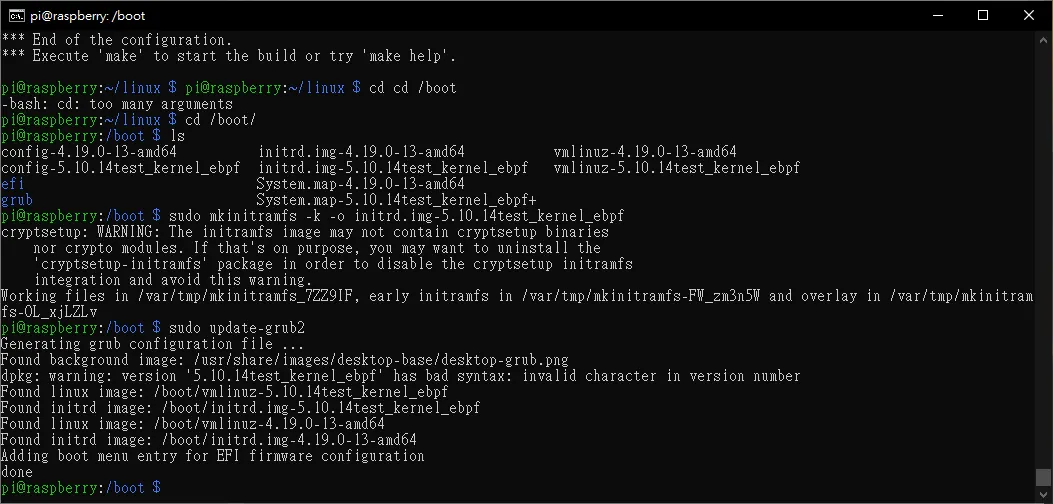
 sudo mkinitramfs -k -o initrd.img-5.10.14test_kernel_ebpf+ -r  /dev/sda1
 sudo update-grub2
然後重新開機即可
其他
sudo apt purge bcmwl-kernel-source
sudo apt-get install broadcom-sta-source
sudo apt-get install broadcom-sta-dkms
sudo apt-get install broadcom-sta-common
reference http://blog.itist.tw/2016/11/compile-a-custom-kernel-on-centos-7.html
Comments