
推送到了html5 瀏覽器又怎樣呢,我們的客戶端,假設也必須要,傳輸自己的畫面自server 怎麼辦呢? 找了一下子發現又有 solution 可以用了 https://github.com/chenxiaoqino/getusermedia-to-rtmp
Install ffmpeg
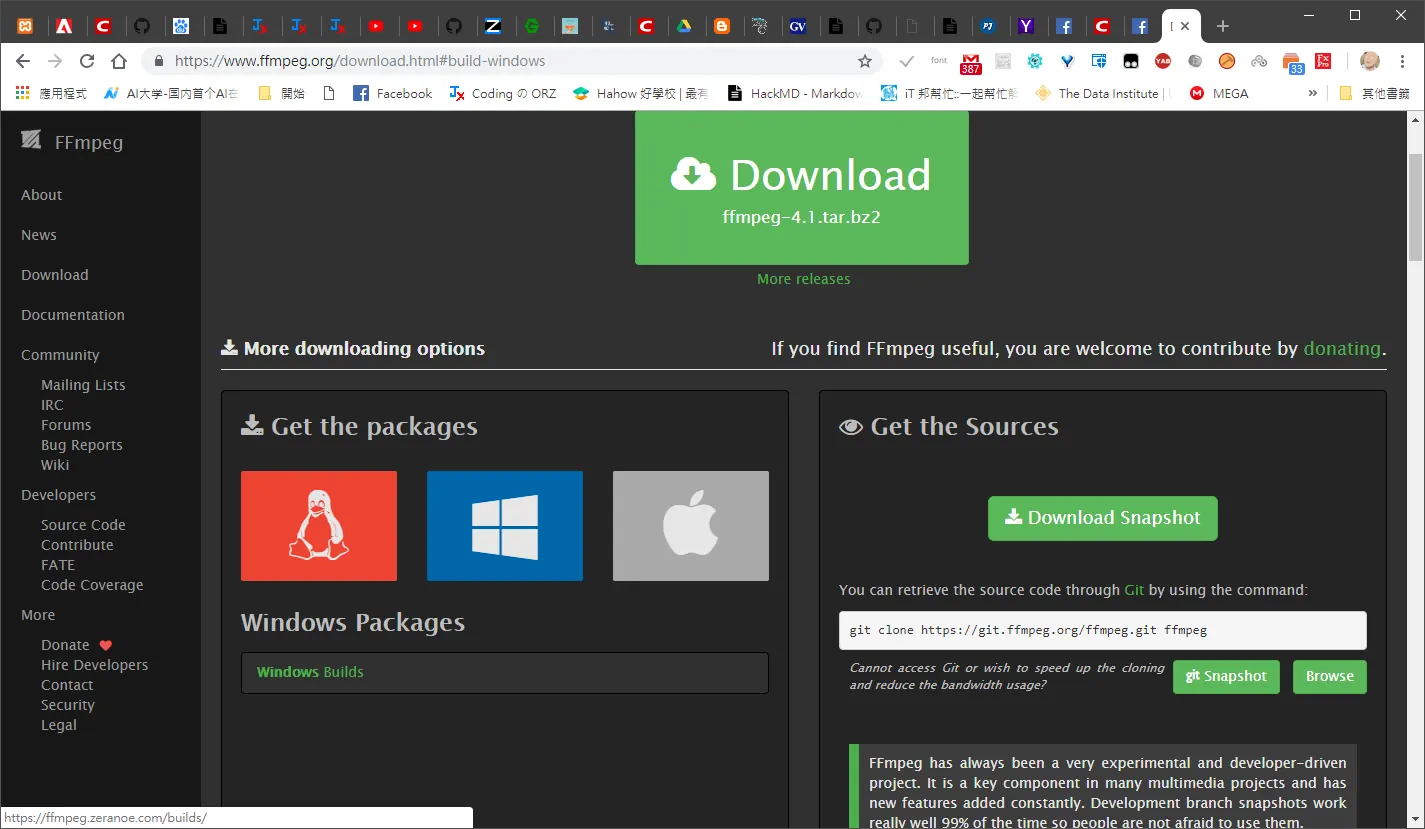
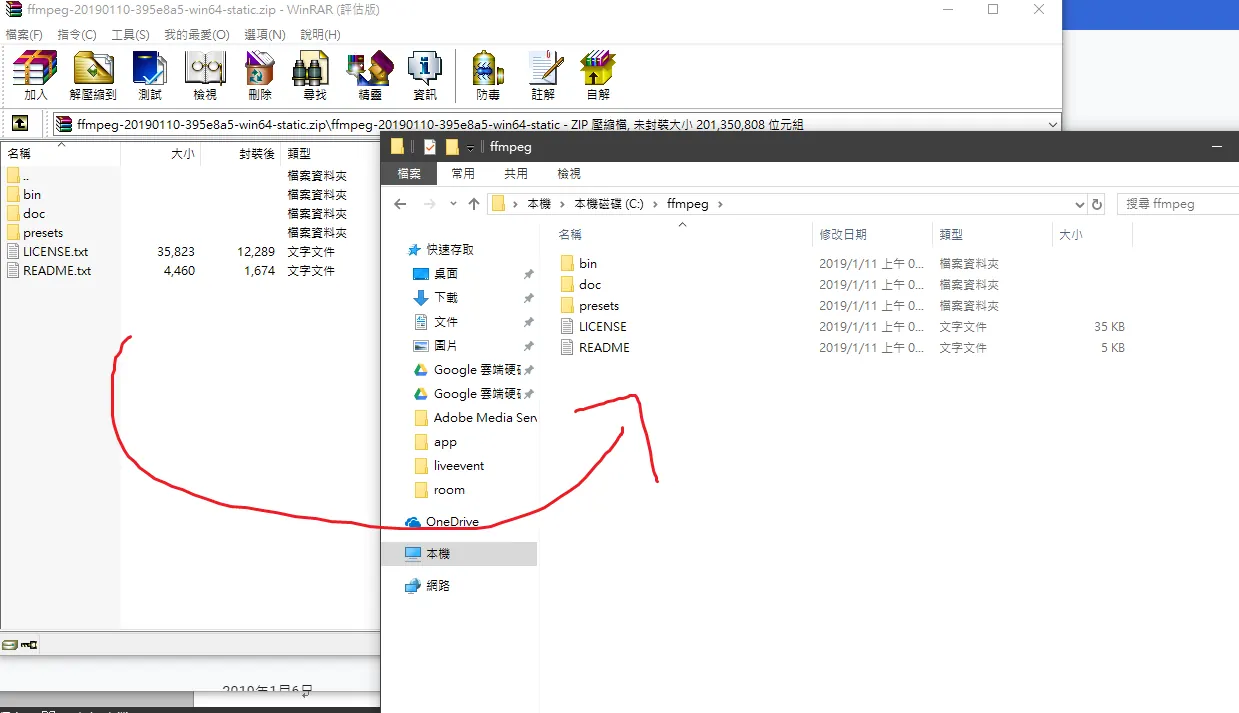
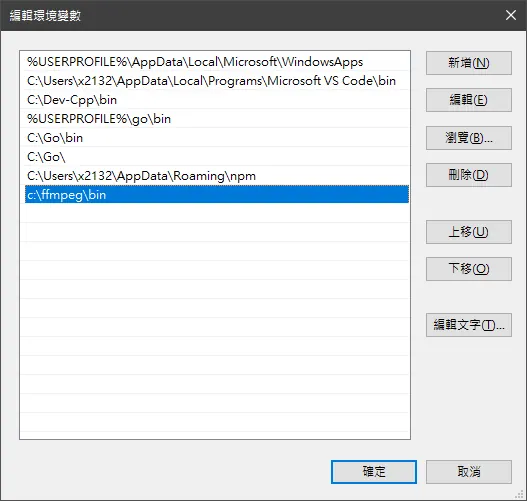
加入系統變數 c:\ffmpeg\bin
Cmd >>>ffmpeg –version
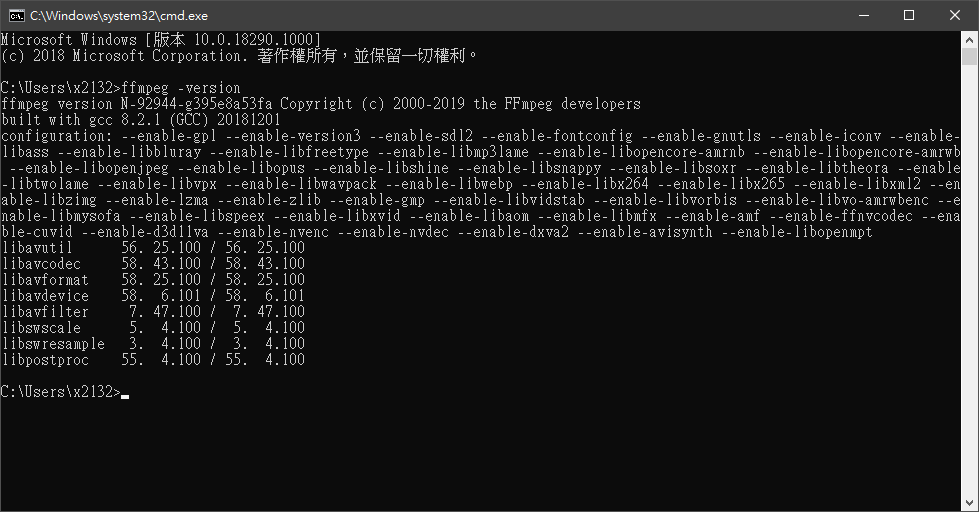
Install successful!
Node.js install
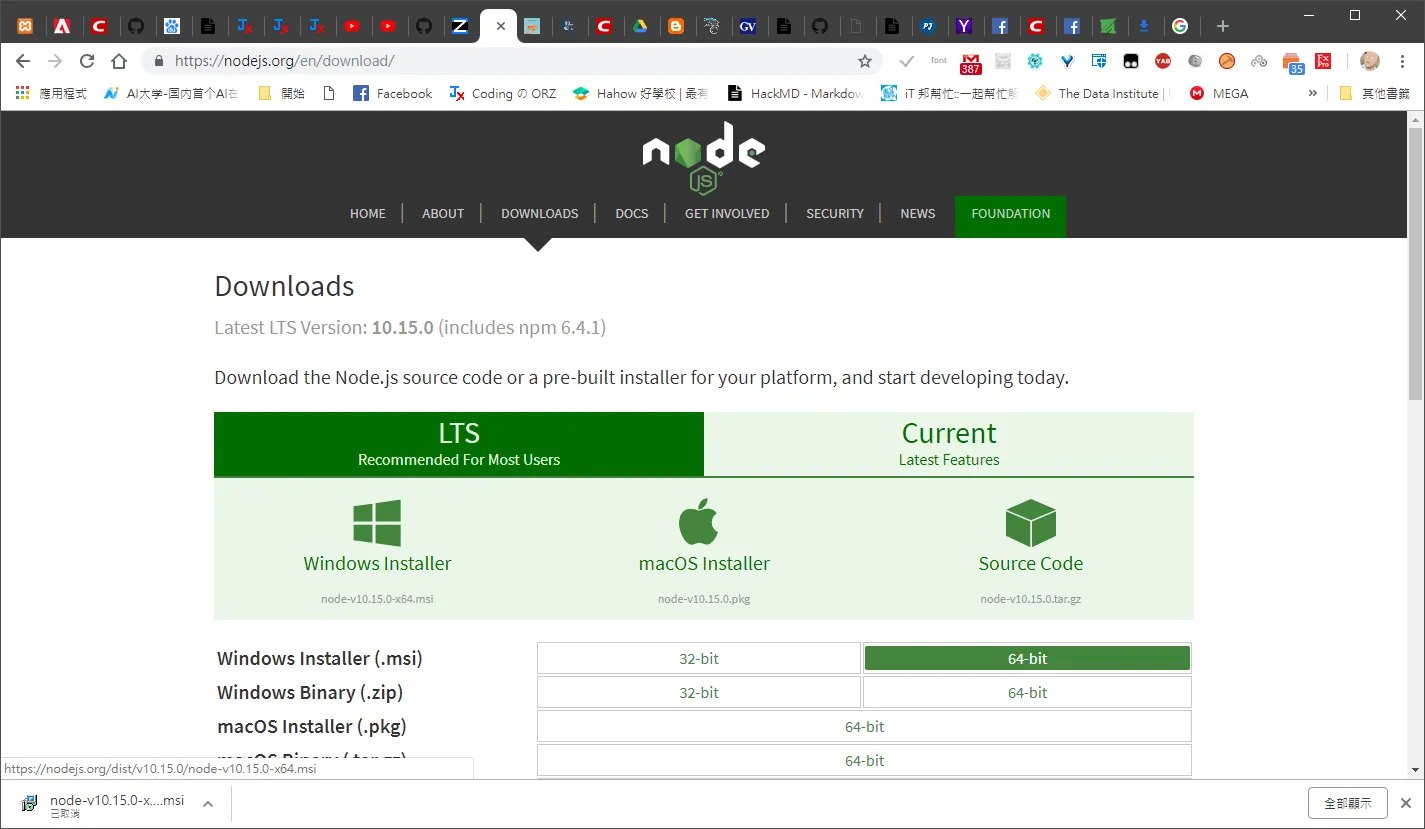
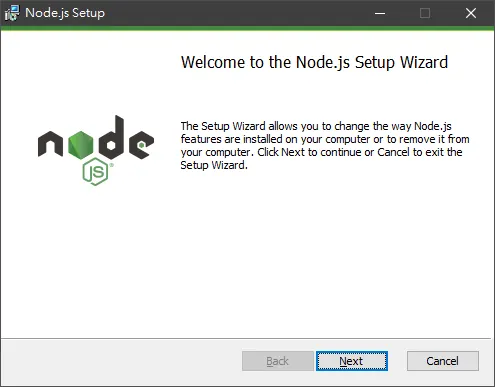
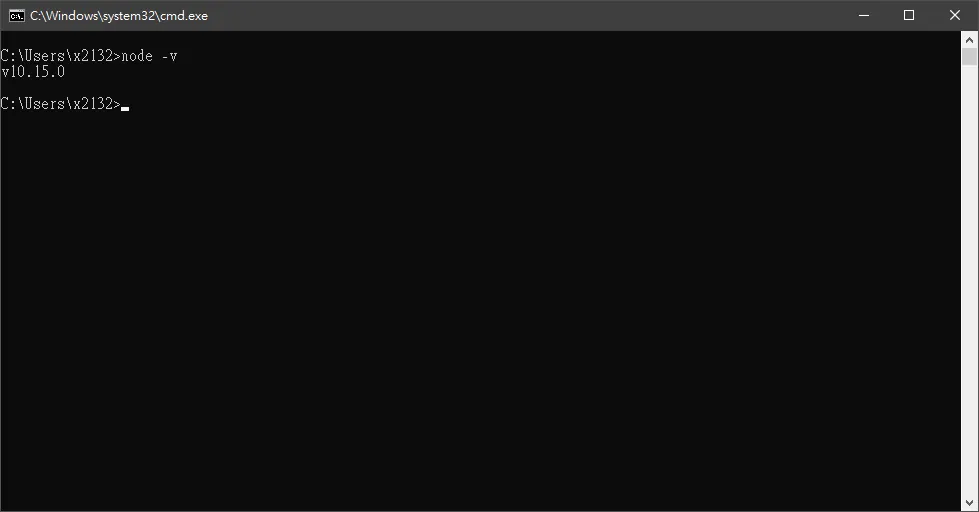
一直下一步~ Cmd >>> node -v
Clone github download getusermedia-to-rtmp
我們的主角 https://github.com/chenxiaoqino/getusermedia-to-rtmp
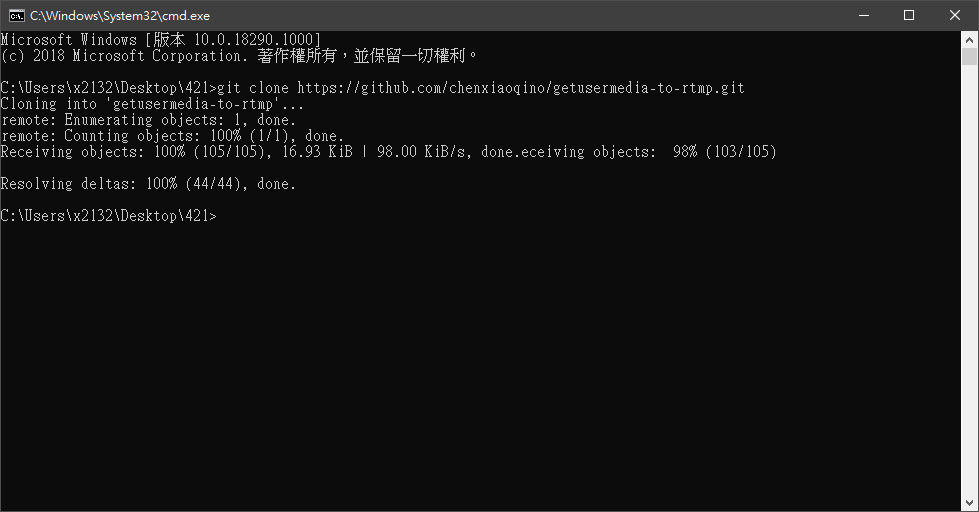
必須切去該路徑 然後 cmd 輸入 npm install
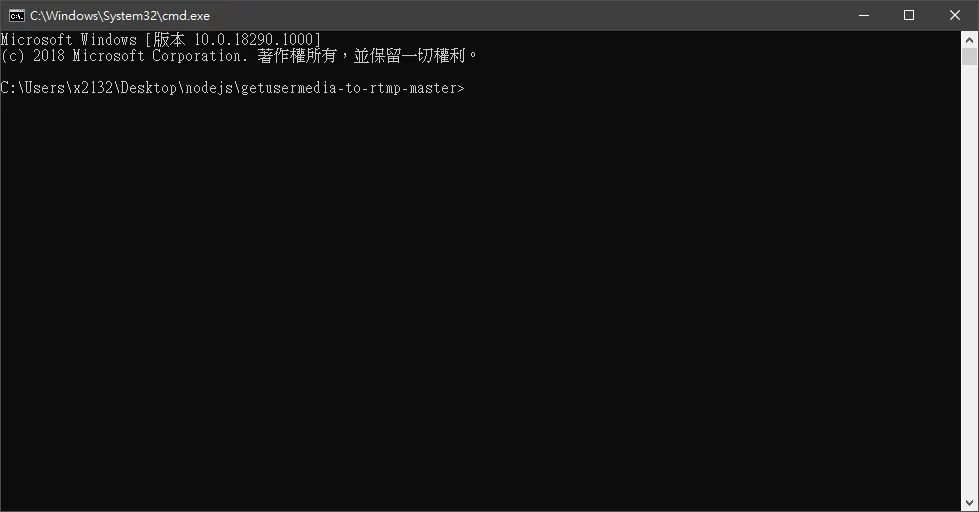
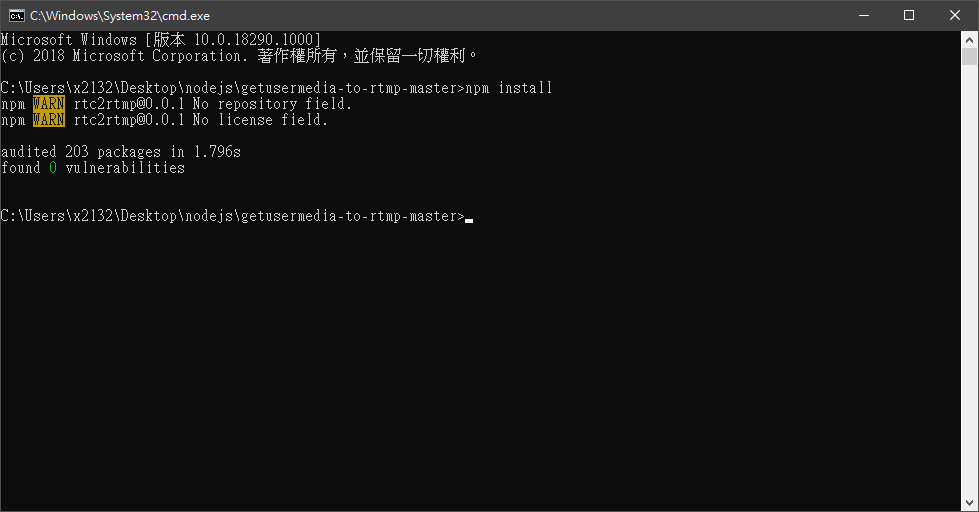
ffmpeg param setting
--- Path: C:\Users\x2132\Desktop\nodejs\getusermedia-to-rtmp-master\server.js 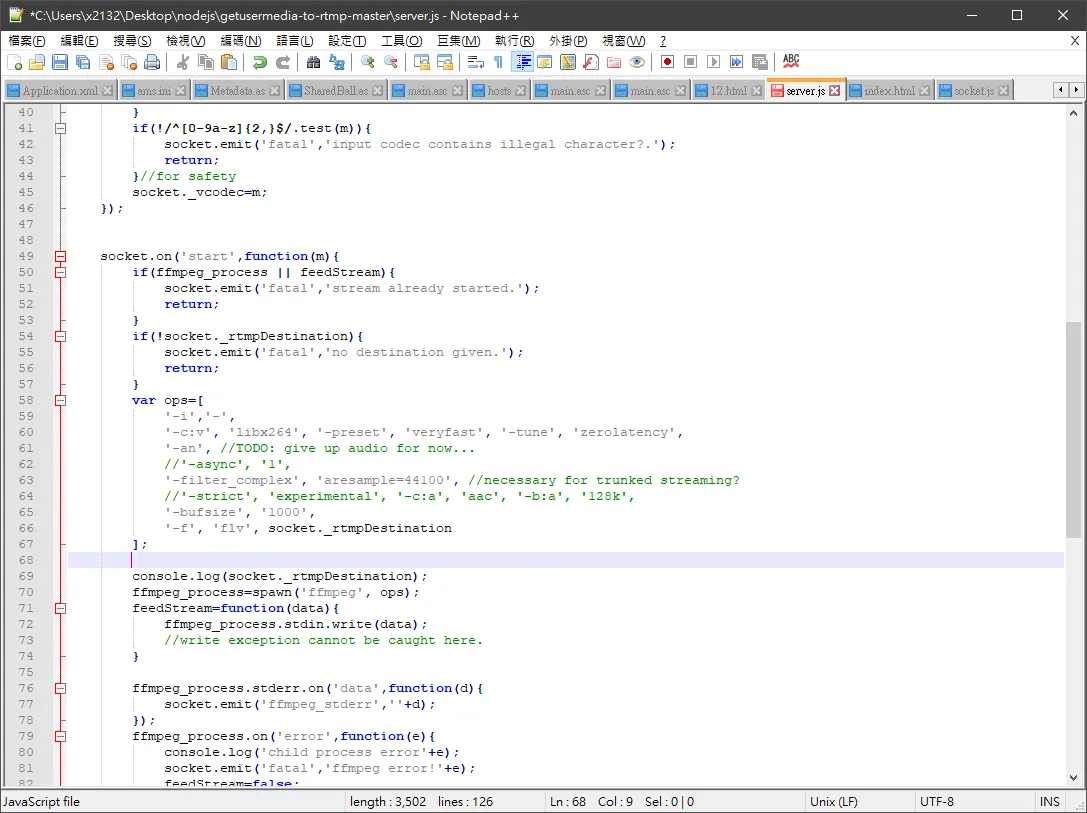
ffmpeg 參數設定
        var ops=[
            '-i','-',
            '-c:v', 'libx264', '-preset', 'veryfast', '-tune', 'zerolatency',
            '-an', //TODO: give up audio for now...
            //'-async', '1',
            '-filter_complex', 'aresample=44100', //necessary for trunked streaming?
            //'-strict', 'experimental', '-c:a', 'aac', '-b:a', '128k',
            '-bufsize', '1000',
            '-f', 'flv', socket._rtmpDestination
        ];
run nodejs server!
node server.js
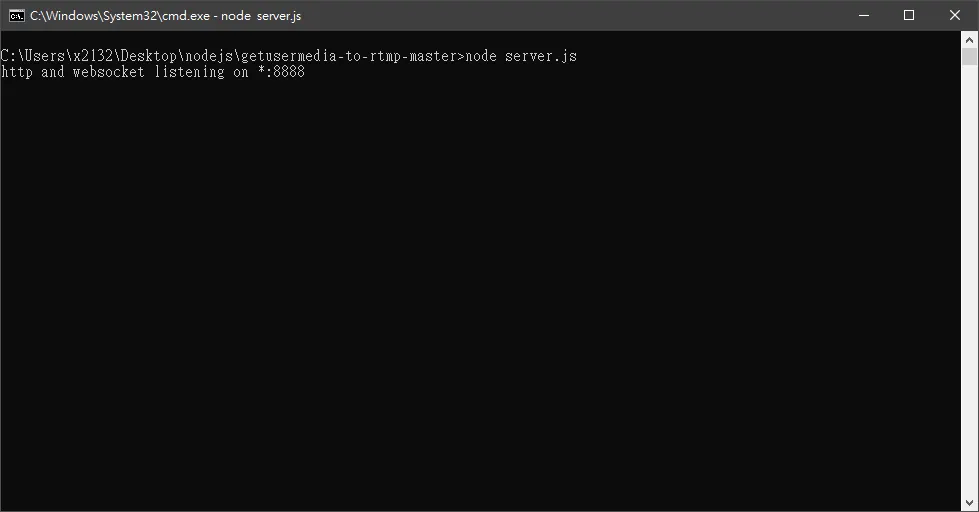
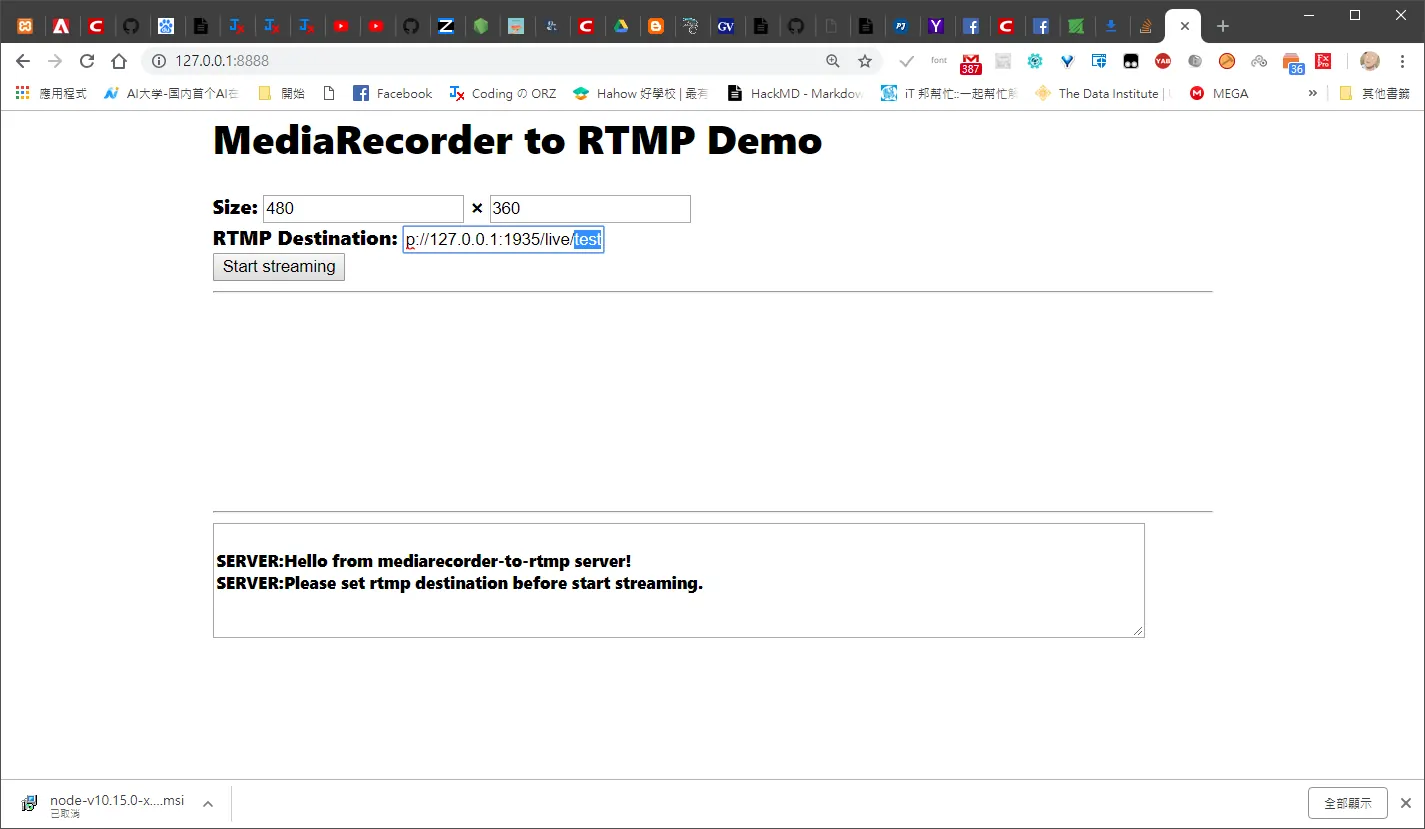
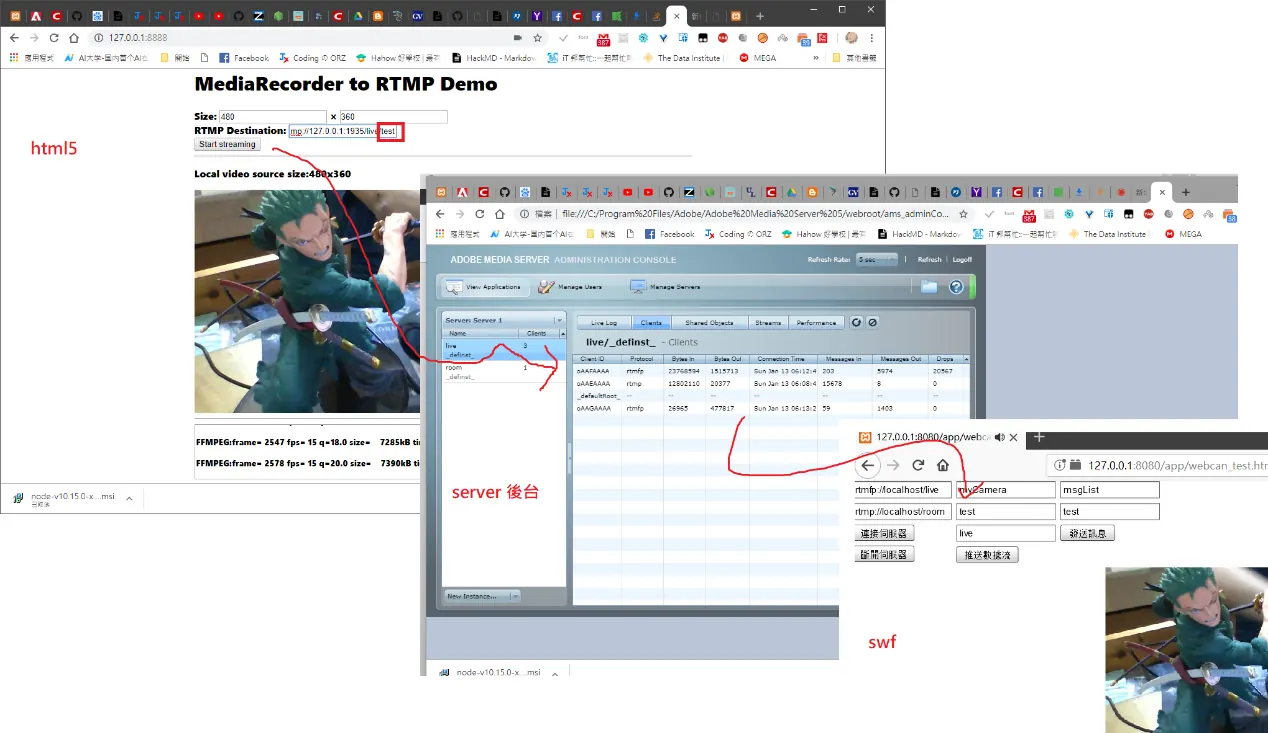
Html5 Rtmp server location
rtmp://127.0.0.1:1935/live/test 注意後面跟 flex 版本一樣必須要指定
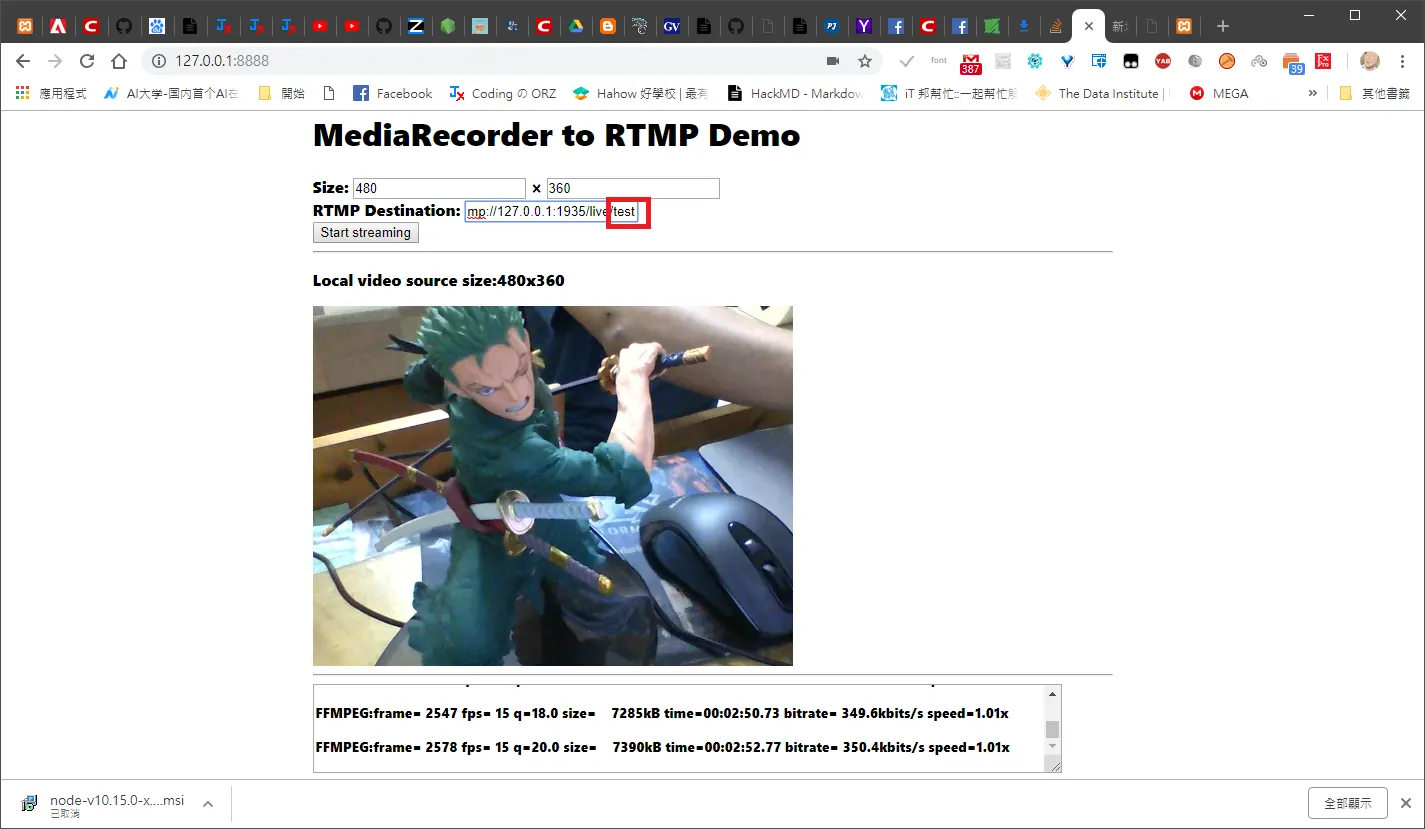
確實收到數據了!
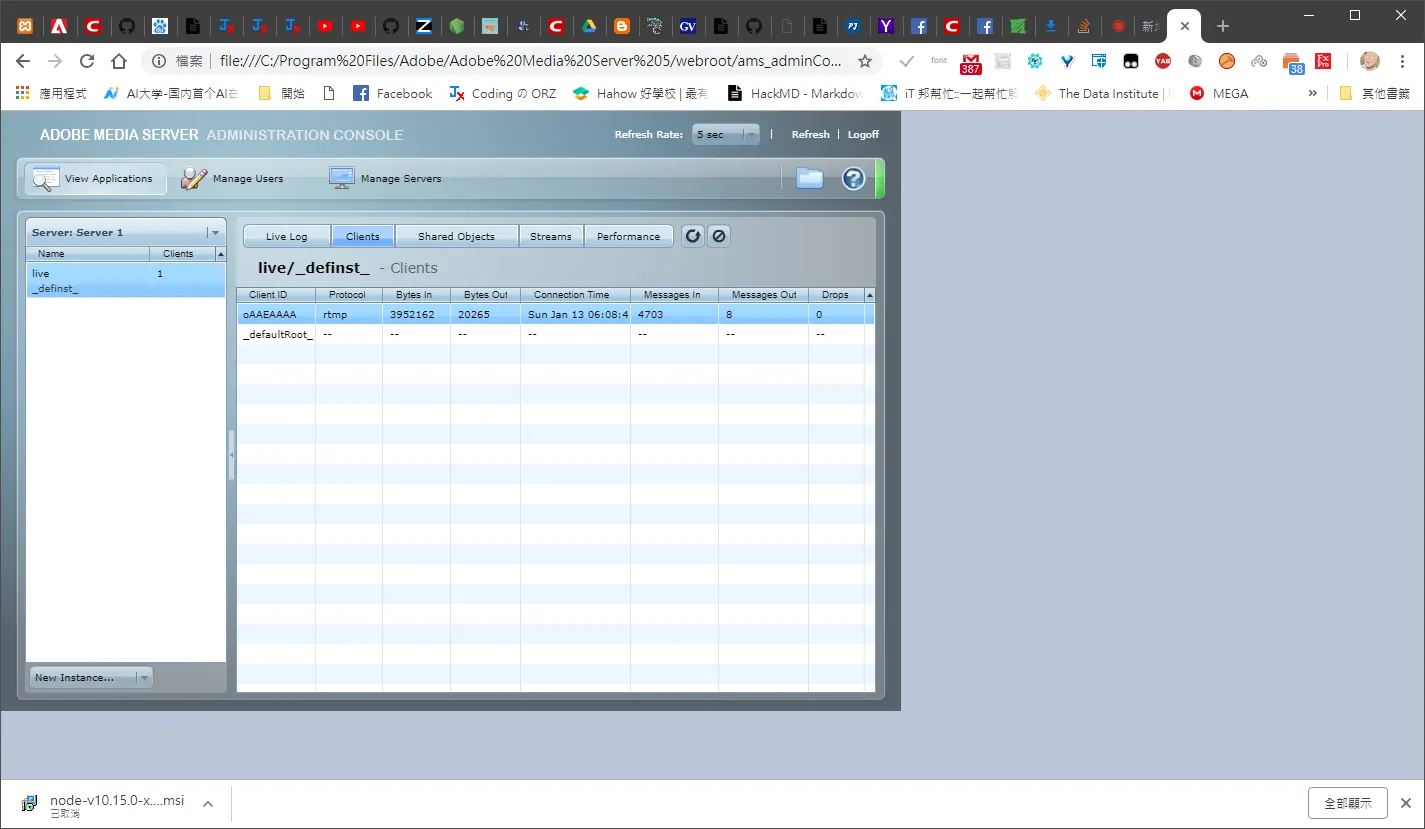
檢查 flex 端是否可以撥放
Comments