
python auto script
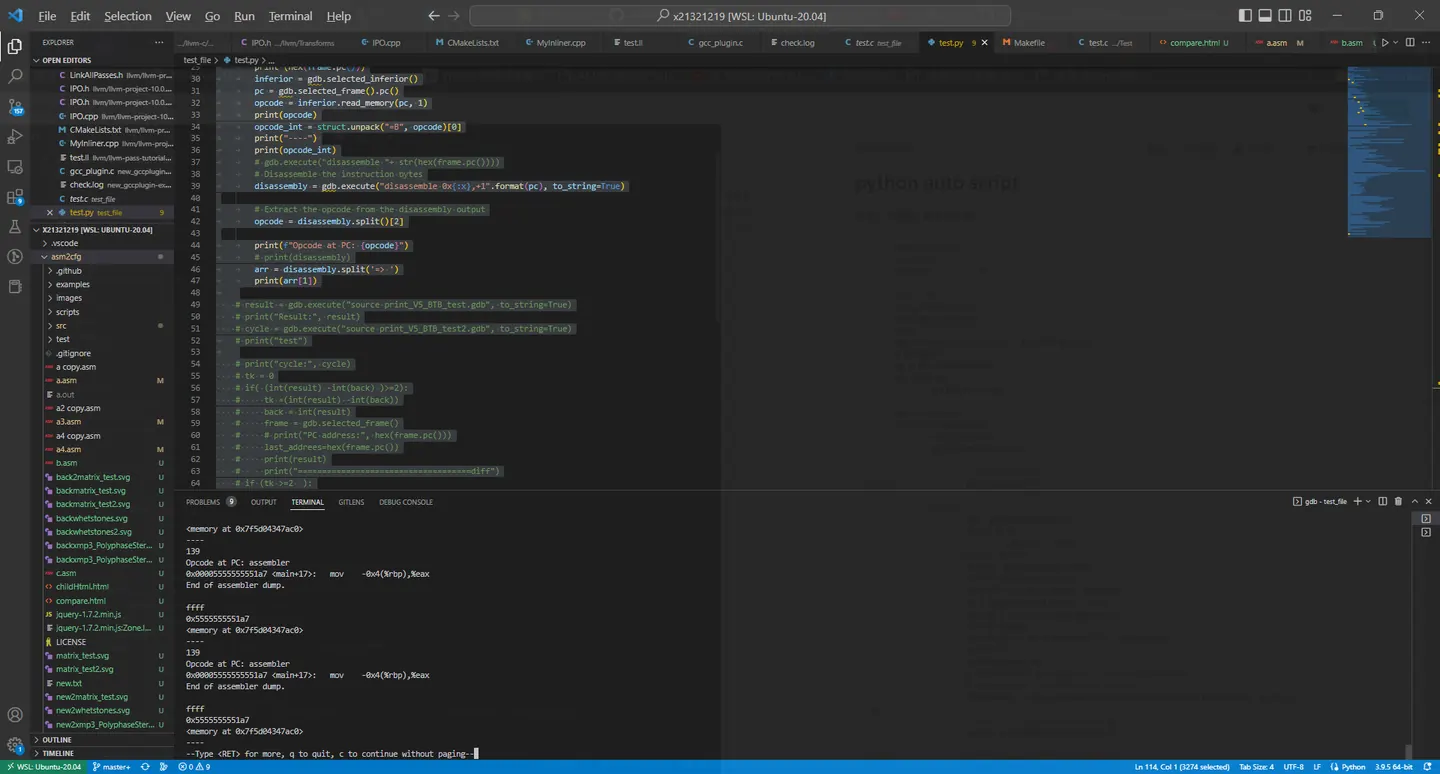
紀錄一下自動化腳本的過程,其實gdb是可以讀入python 腳本達到自動化debug的
b main
so ./test.py
#include <stdio.h>
int foo2(int b){
        int c=0;
        c=b+1;
        return c;
}
int foo(int a ){
        int b= a +1;
        return foo2(b);
}
int main (){
        for (int i = 0 ; i <100 ; i++){
                printf("%d\n",foo(i));
        }
        return 0;
}
import struct
import re
pattern = r"^\s*(\S+)\s+(.*)$"

back = 0
last_addrees = 0
possiable_address = []
test ={}
gdb.execute("b test.c:13", to_string=True)

bp = gdb.breakpoints()
for x in bp :
    x.silent = True

last_times= 0
for i in range(100):
    last_times+=1
    if(last_times <=50):

        # print("eeeeeee")
        gdb.execute("c")

    else:
        bp = gdb.breakpoints()
        for x in bp :
            x.silent = False
        print("ffff")
        frame = gdb.selected_frame()
        print (hex(frame.pc()))
        inferior = gdb.selected_inferior()
        pc = gdb.selected_frame().pc()
        opcode = inferior.read_memory(pc, 1)
        print(opcode)
        opcode_int = struct.unpack("=B", opcode)[0]
        print("----")
        print(opcode_int)
        # gdb.execute("disassemble "+ str(hex(frame.pc())))
        # Disassemble the instruction bytes
        disassembly = gdb.execute("disassemble 0x{:x},+1".format(pc), to_string=True)

        # Extract the opcode from the disassembly output
        opcode = disassembly.split()[2]

        print(f"Opcode at PC: {opcode}")
        # print(disassembly)
        arr = disassembly.split('=> ')
        print(arr[1])

    # result = gdb.execute("source print_V5_BTB_test.gdb", to_string=True)
    # print("Result:", result)
    # cycle = gdb.execute("source print_V5_BTB_test2.gdb", to_string=True)
    # print("test")

    # print("cycle:", cycle)
    # tk = 0
    # if( (int(result) -int(back) )>=2):
    #     tk =(int(result) -int(back))
    #     back = int(result)
    #     frame = gdb.selected_frame()
    #     # print("PC address:", hex(frame.pc()))
    #     last_addrees=hex(frame.pc())
    #     print(result)
    #     print("====================================diff")
    # if (tk >=2  ):
    #     frame = gdb.selected_frame()
    #     print("PC address:", hex(frame.pc()))
    #     possiable_address.append(hex(frame.pc()))
    #     sal = gdb.find_pc_line(int(hex(frame.pc()), 16)).symtab.filename
    #     linesal = gdb.find_pc_line(int(hex(frame.pc()), 16)).line
    #     test["last pc:"+str(last_addrees)+":"+sal+":"+ str(linesal)+":mis:"+ str( tk )]=hex(frame.pc())

    #     bt_output = gdb.execute("bt", to_string=True)
    #     bt_lines = bt_output.split("\n")
    #     for line in bt_lines:
    #         if not line:
    #             continue
    #         print(line)

# print(len(test))
# for x in test:
#     print("=======")
#     print("diff:")
#     tmp = x.split(':')
#     for y in tmp:
#         print(y)

#     print("last address :" +str(tmp[1]))
#     sal = gdb.find_pc_line(int(tmp[1], 16)).symtab.filename
#     linesal = gdb.find_pc_line(int(tmp[1], 16)).line
#     source ="list "+ sal+":"+ str(linesal)
#     print(source)
#     gdb.execute(source)
#     print("==============================")
#     print("now address :" +str(test[x]))
#     sal = gdb.find_pc_line(int(test[x], 16)).symtab.filename
#     linesal = gdb.find_pc_line(int(test[x], 16)).line
#     source ="list "+ sal+":"+ str(linesal)
#     print(source)

#     gdb.execute(source)
# for x in possiable_address:
#     print("=======")
#     print("PC address:", x)
#     sal = gdb.find_pc_line(int(x, 16)).symtab.filename
#     linesal = gdb.find_pc_line(int(x, 16)).line

#     source ="list "+ sal+":"+ str(linesal)
#     print(source)

#     gdb.execute(source)

gdb.execute("interrupt")
Comments