
聽同學說Tensorflow
最近才開始學習不過沒關西還是完成他,下一個框架,可能挑PyTorch 之類的可以去找看看。
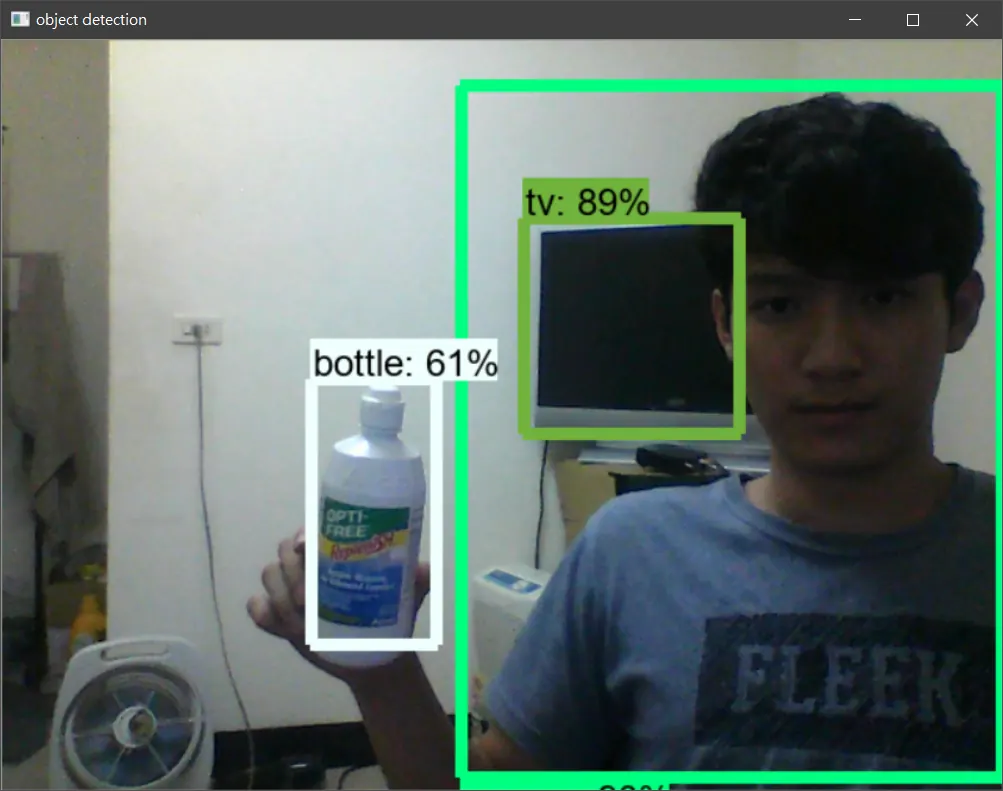
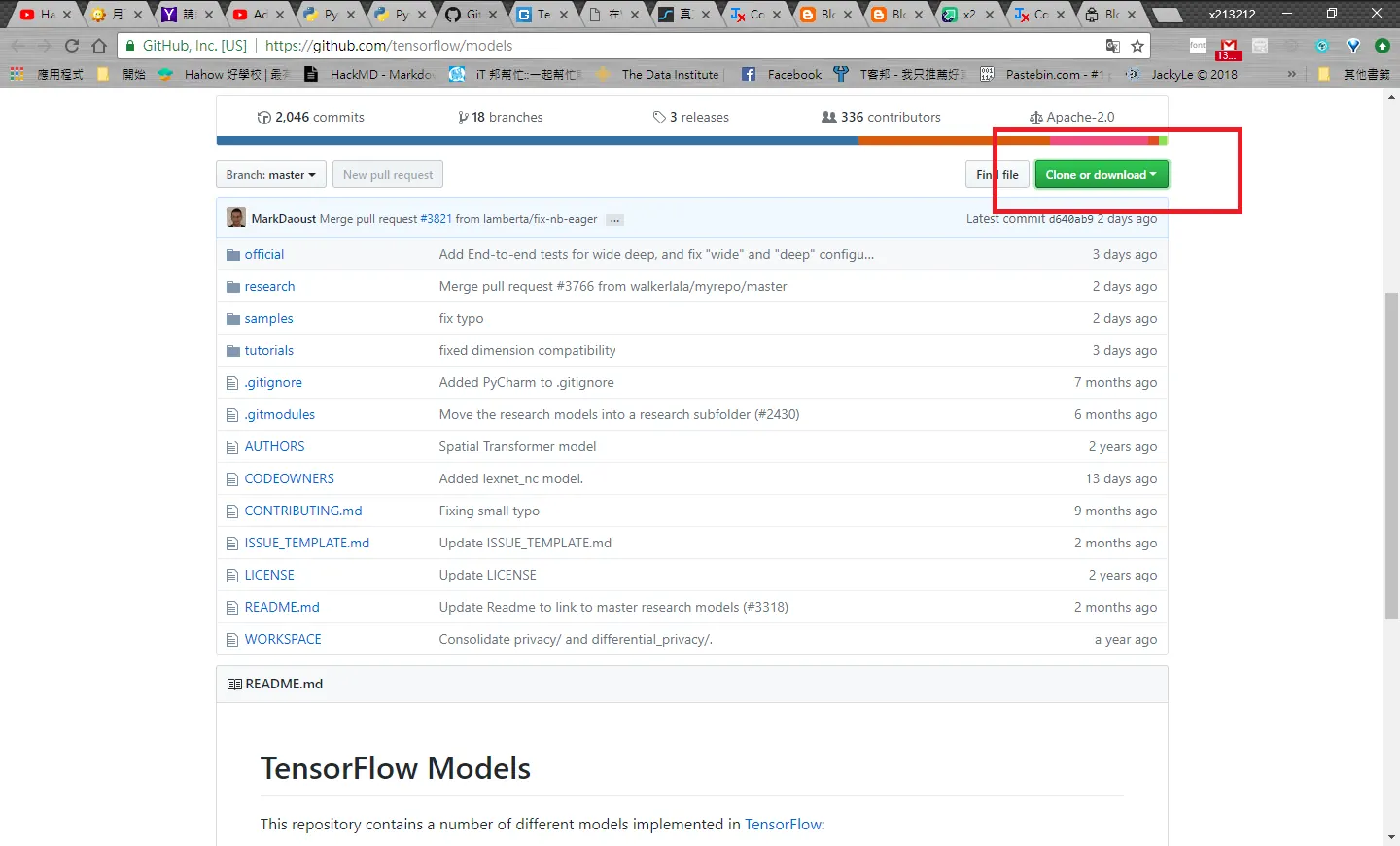
Clone TensorFlow Models
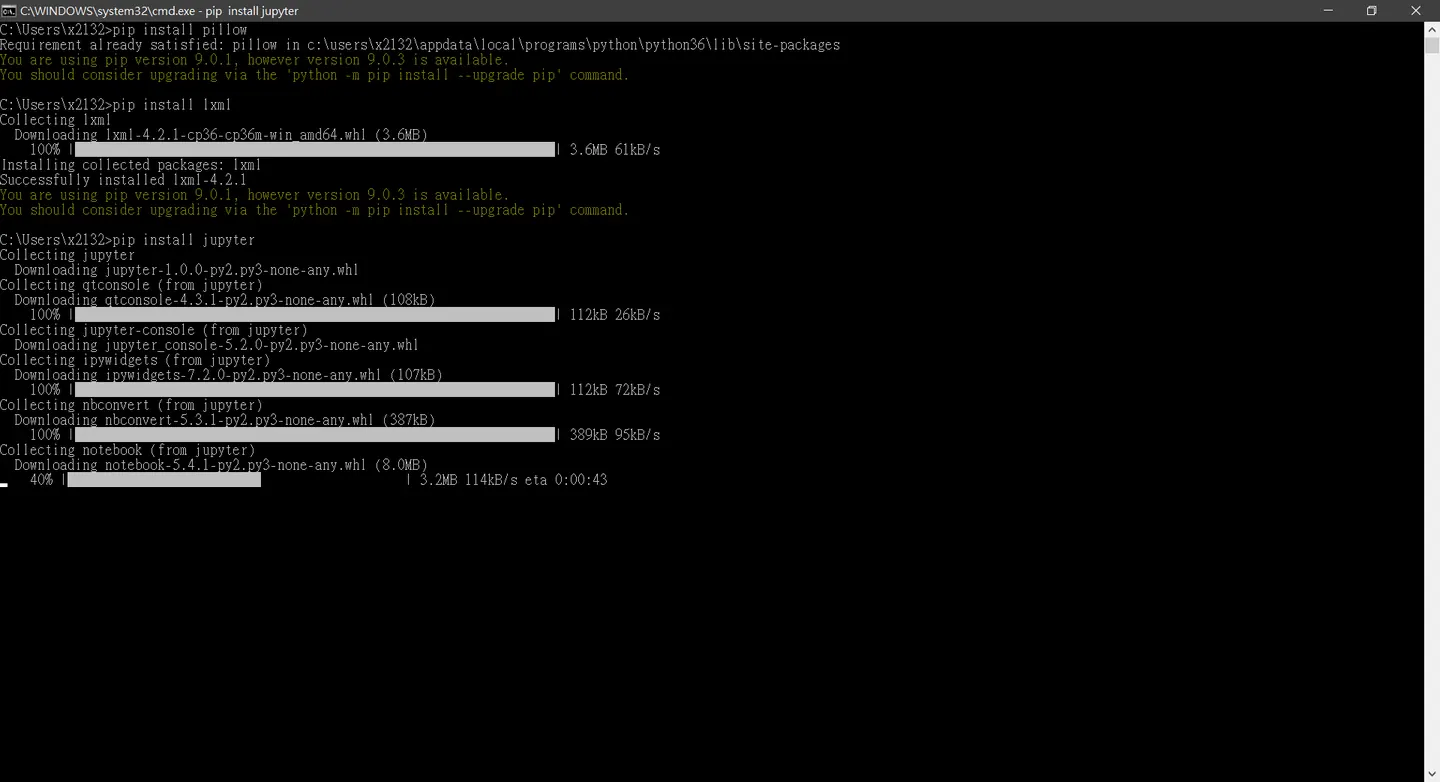
PIP Install
pip install pillow
pip install lxml
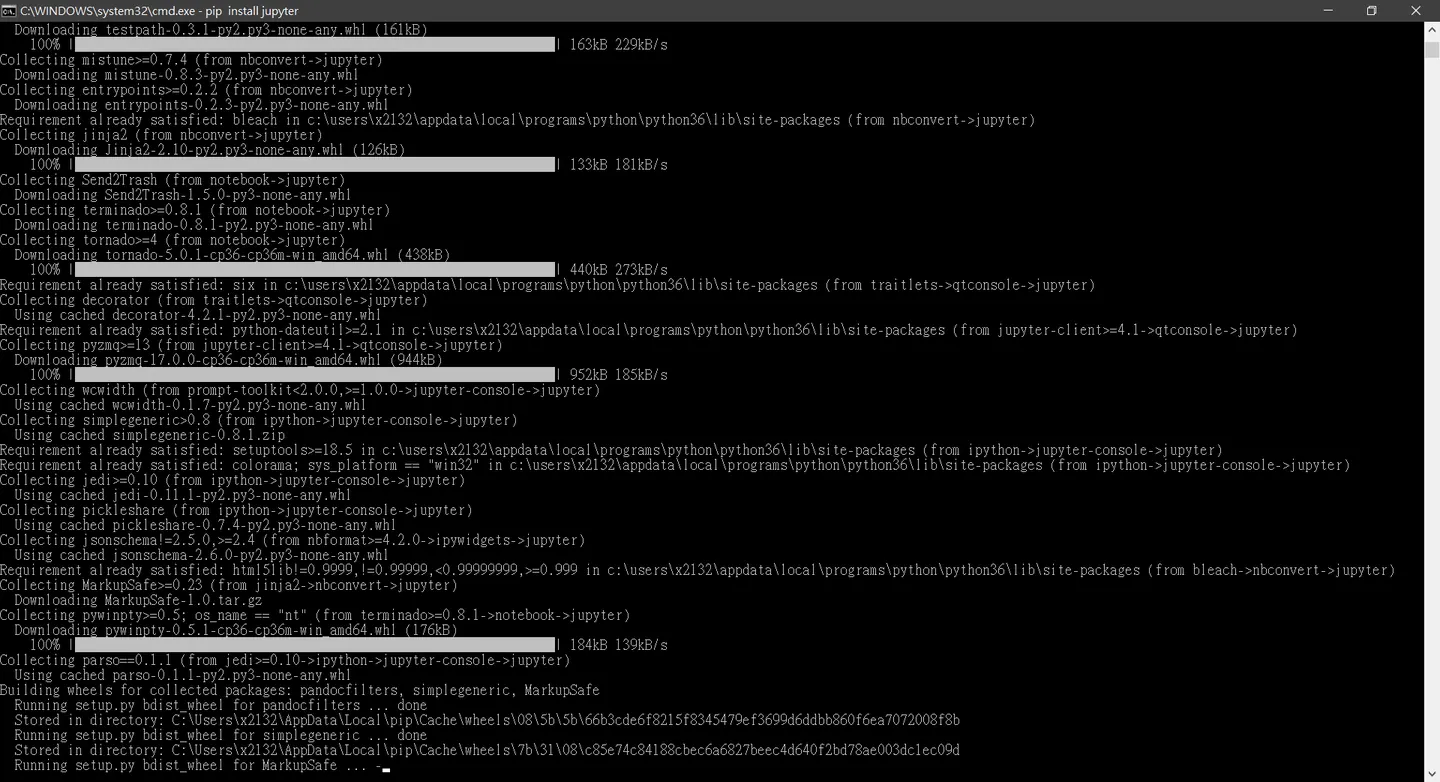
pip install jupyter
pip install matplotlib
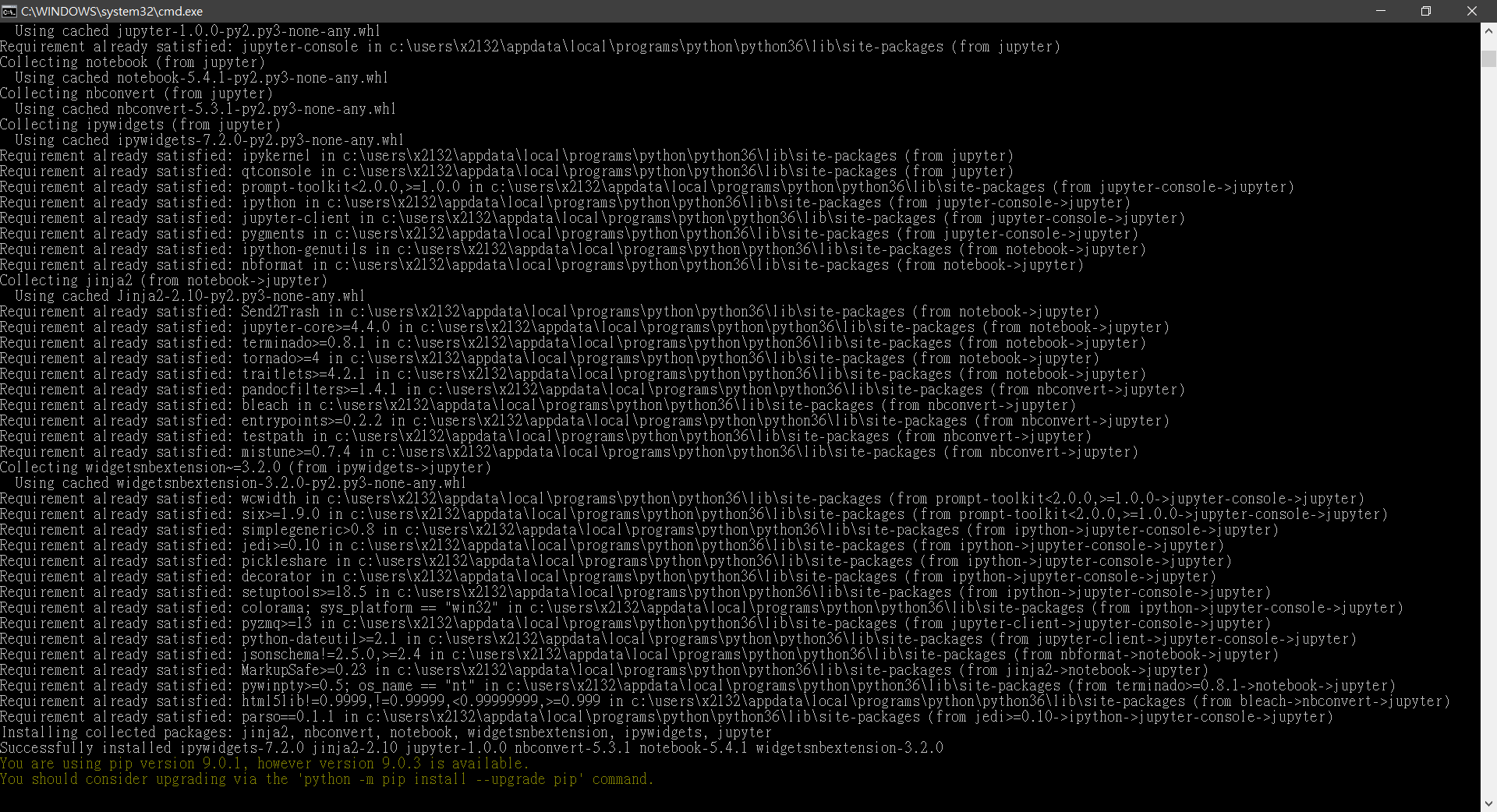
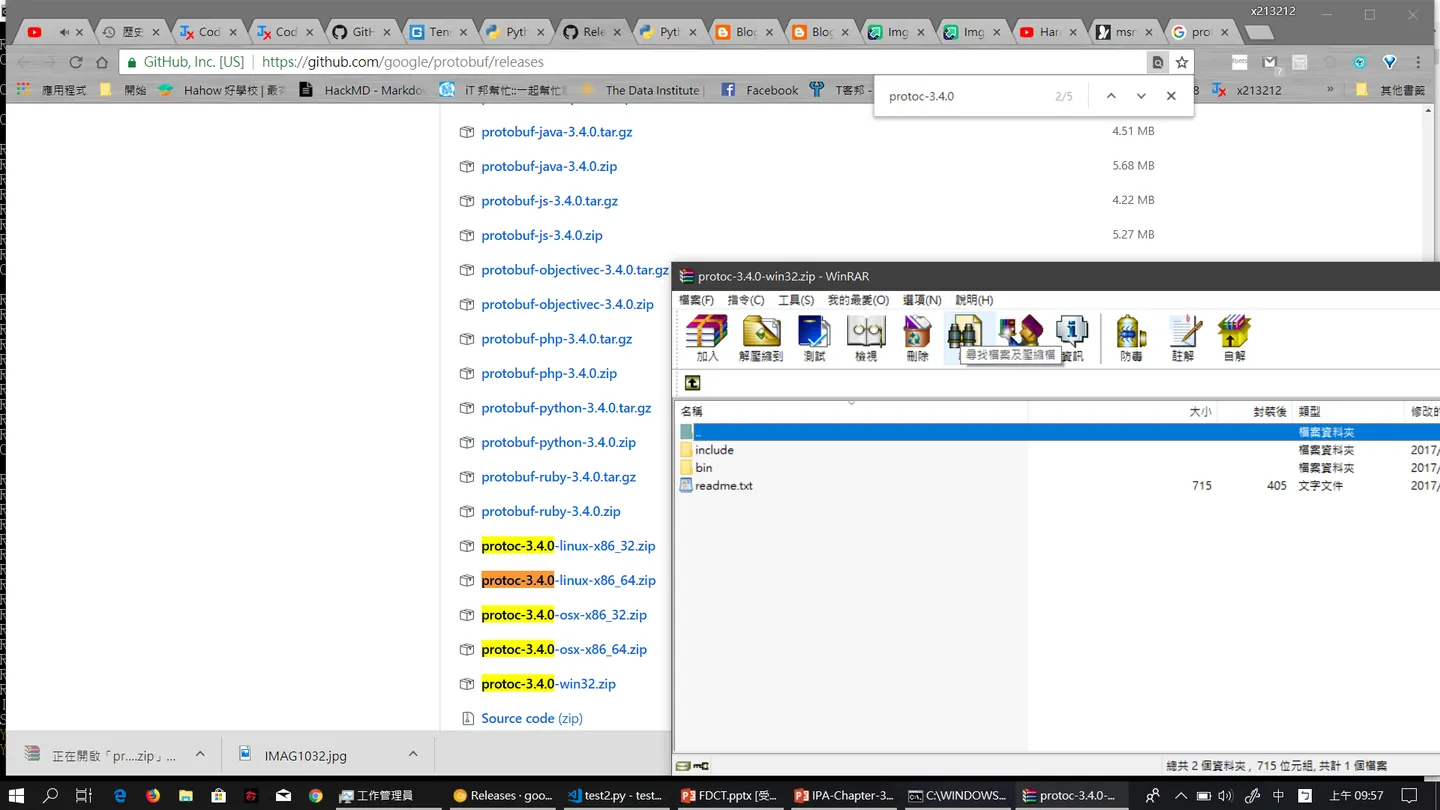
Install protoc
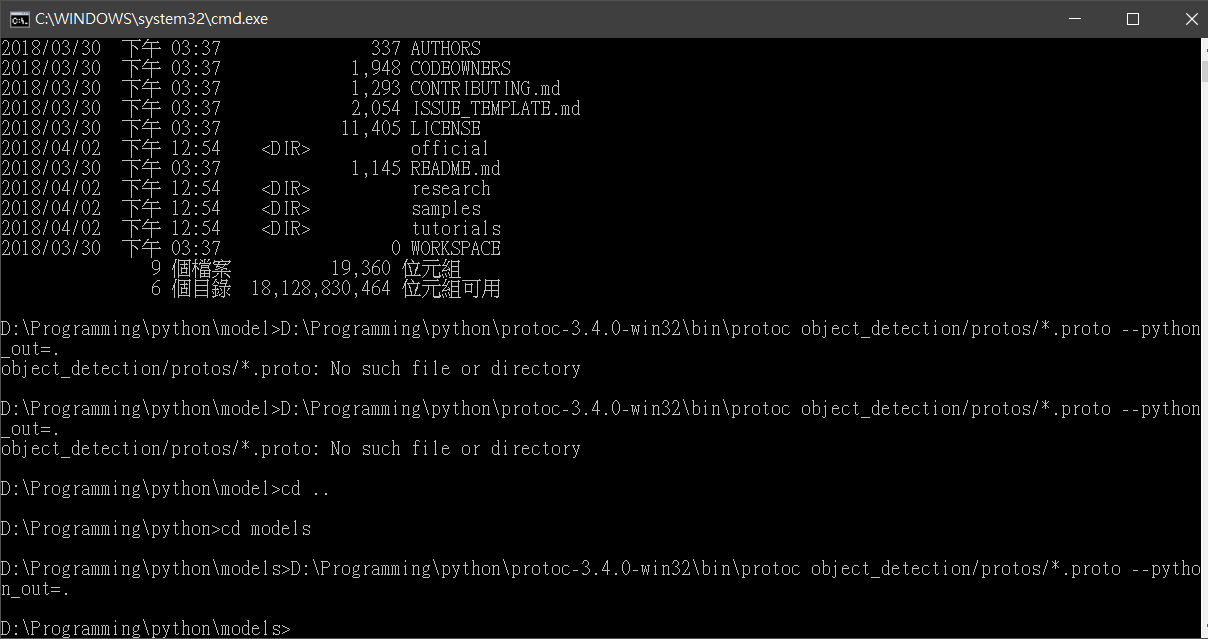
"C:/Program Files/protoc/bin/protoc" object_detection/protos/*.proto --python_out=.
Cd D:\Programming\python\protoc-3.4.0-win32\bin
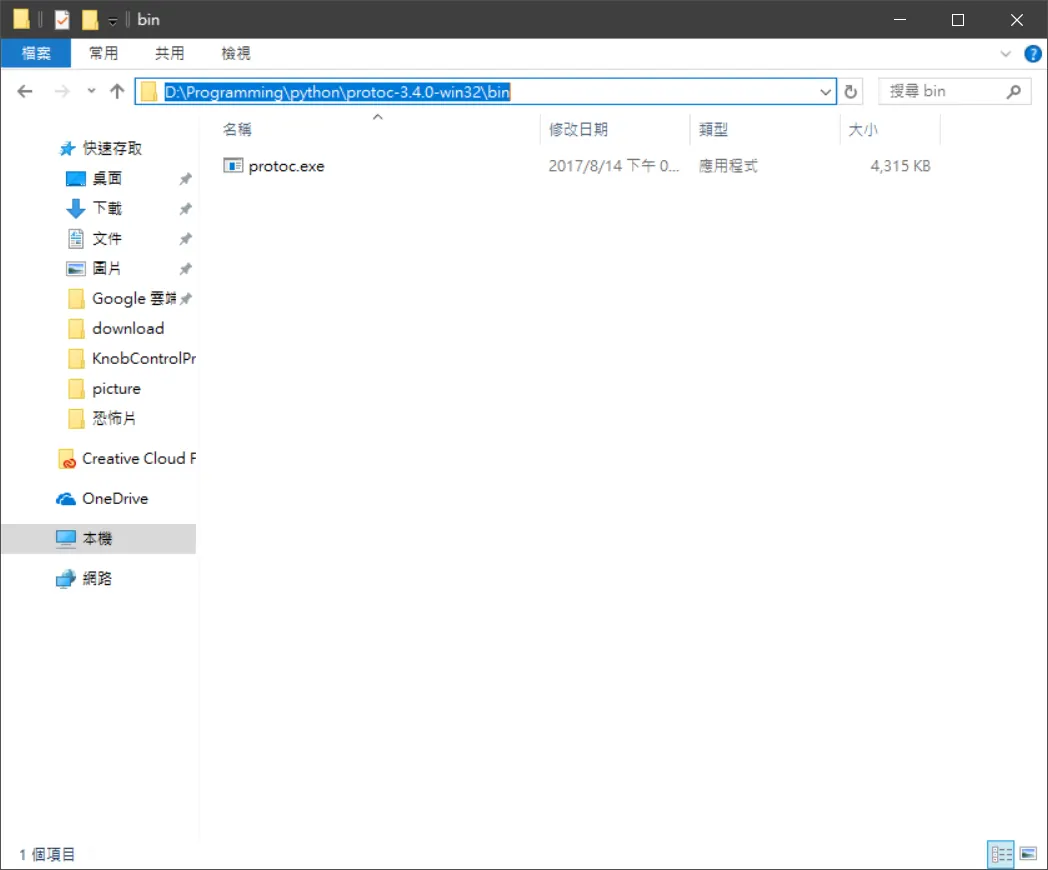
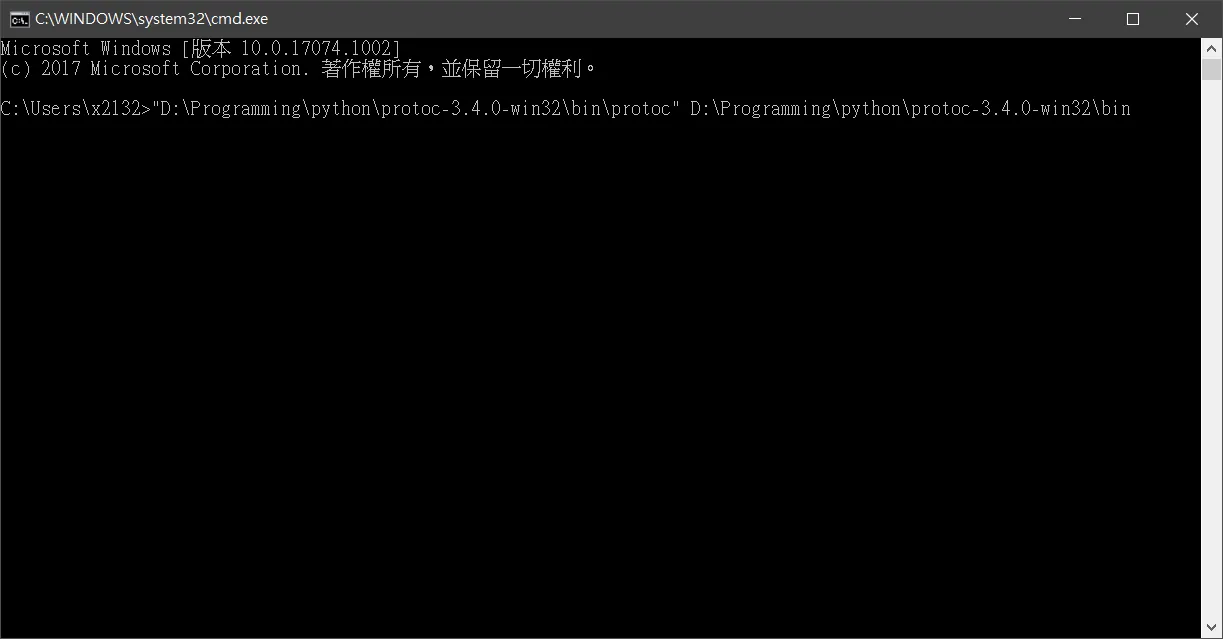
切錯囉
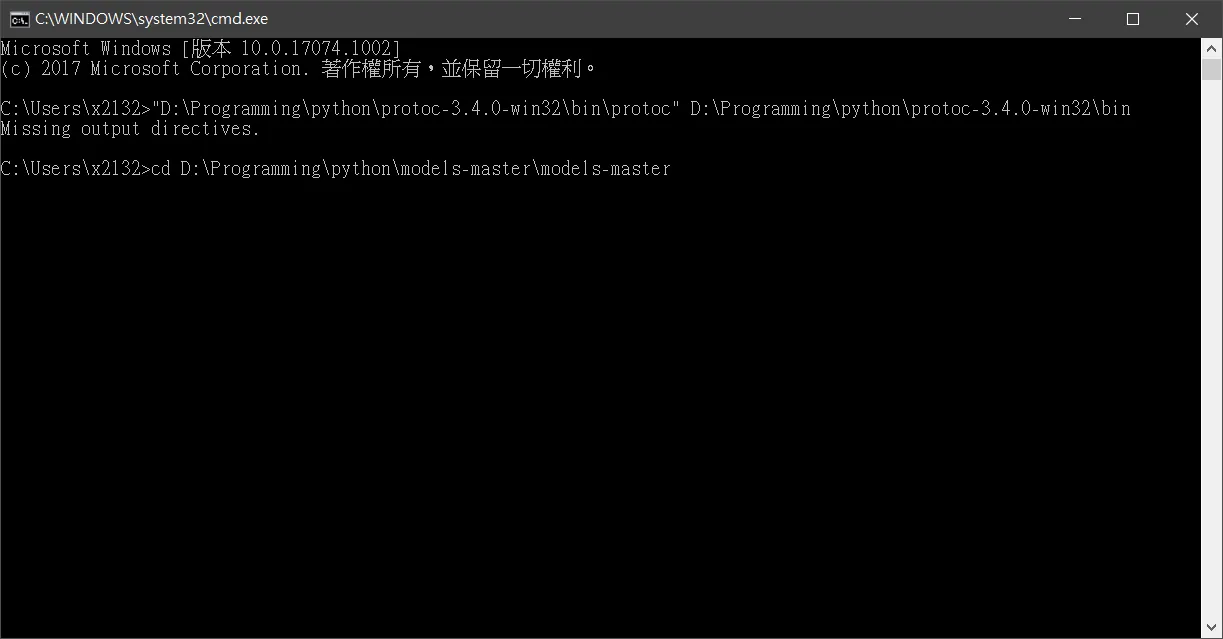
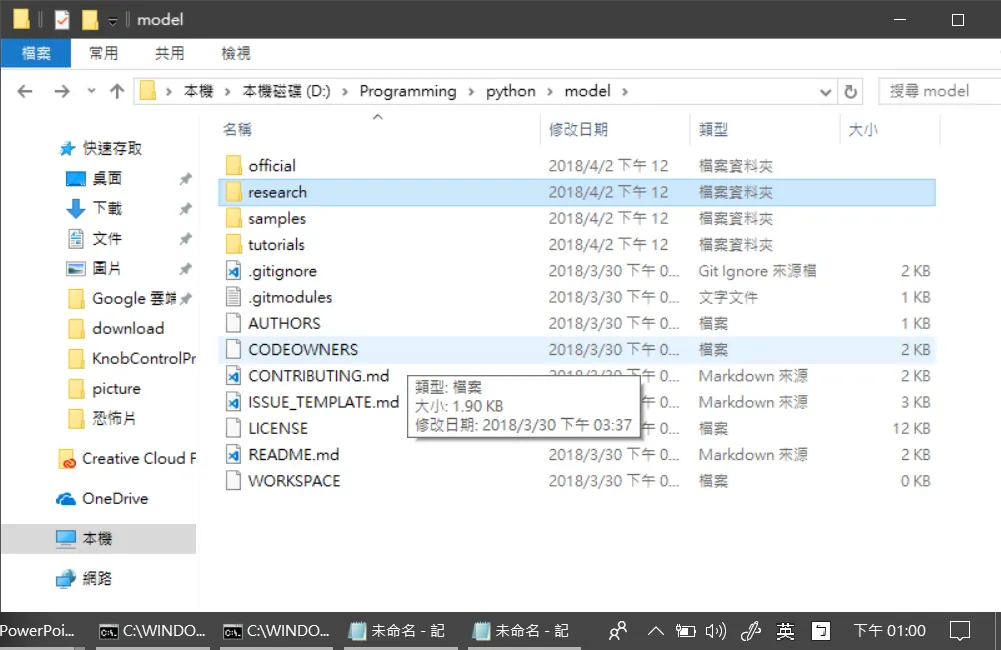
跟影片有出入新版的下載完research 才是影片的models
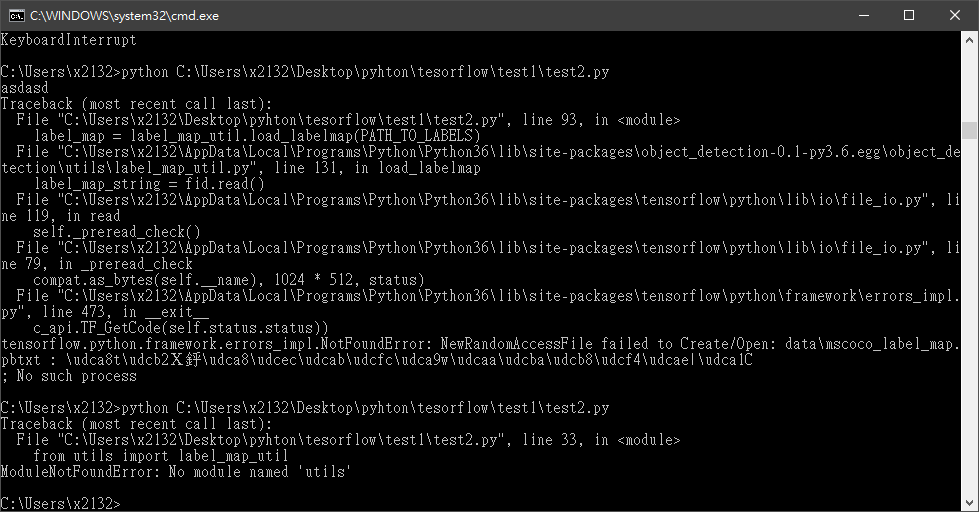
錯誤情況 0x1
Traceback (most recent call last):
File "C:\Users\x2132\Desktop\pyhton\tesorflow\test1\test2.py", line 33, in
from utils import label_map_util
ModuleNotFoundError: No module named 'utils'
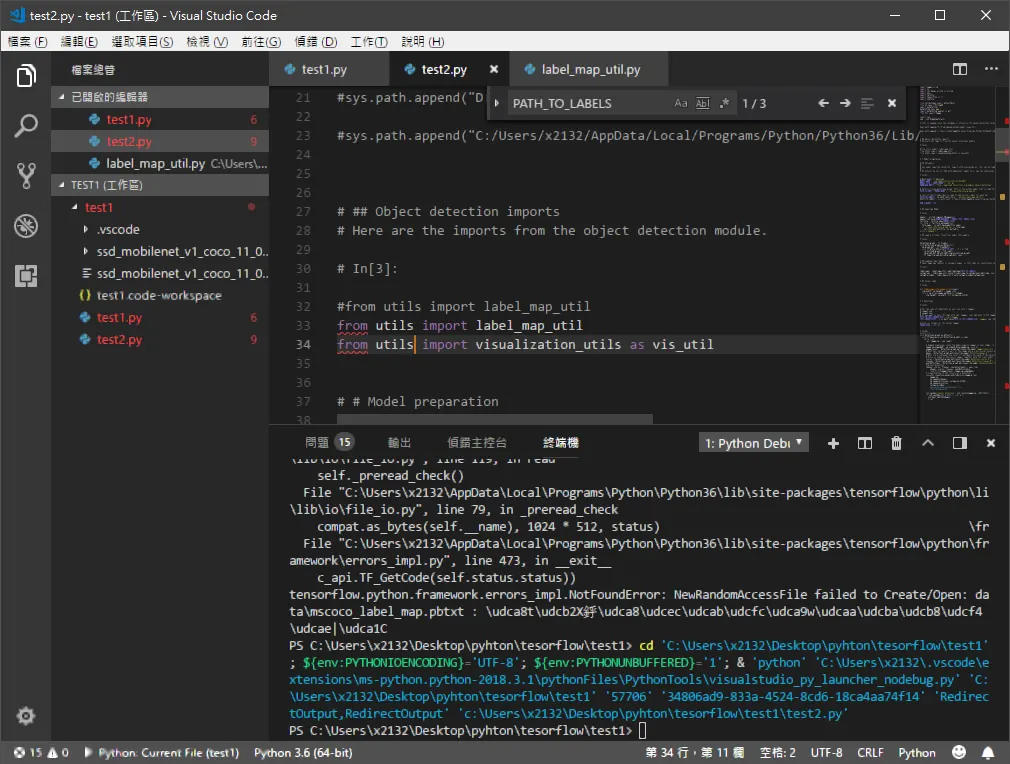 from utils import label_map_util
from utils import visualization_utils as vis_util
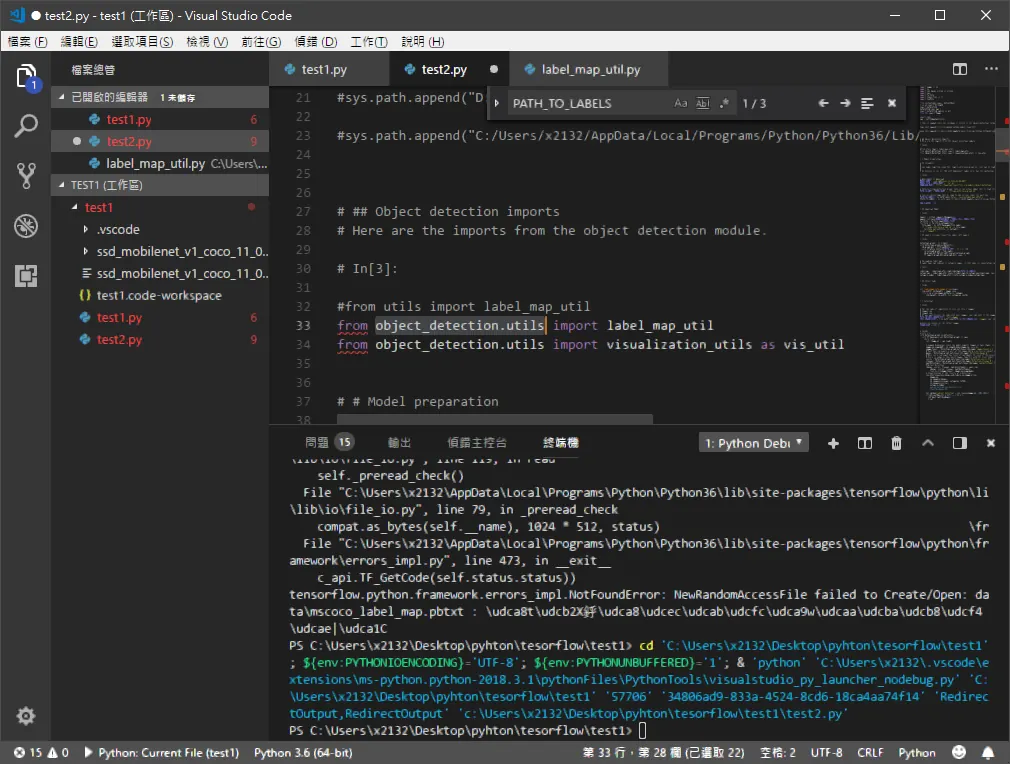 from object_detection.utils import label_map_util
from object_detection.utils import visualization_utils as vis_util
錯誤情況 0x2
Traceback (most recent call last):
File "C:\Users\x2132\Desktop\pyhton\tesorflow\test1\test2.py", line 93, in
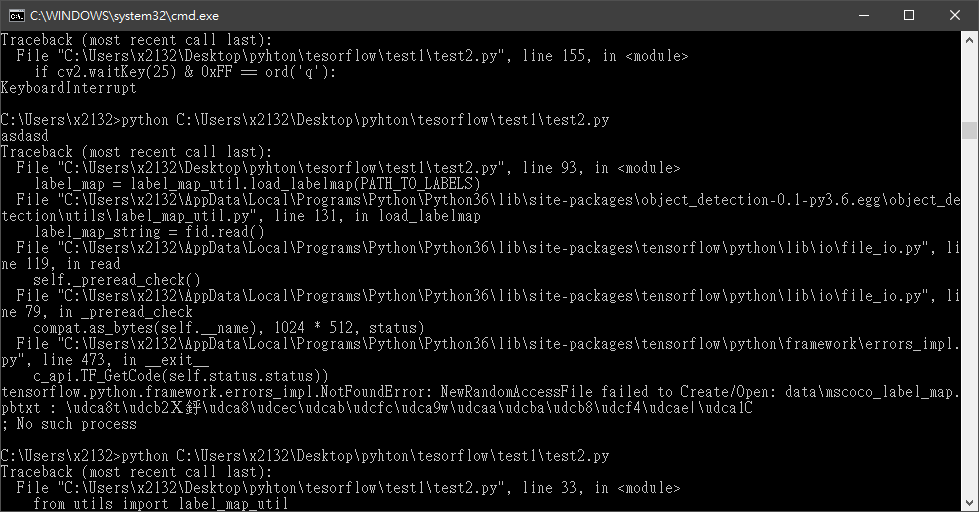
這邊可以看到我跟影片的不一樣,額切到D:\Programming\python\model\research並且下指令
python setup.py build
python setup.py install
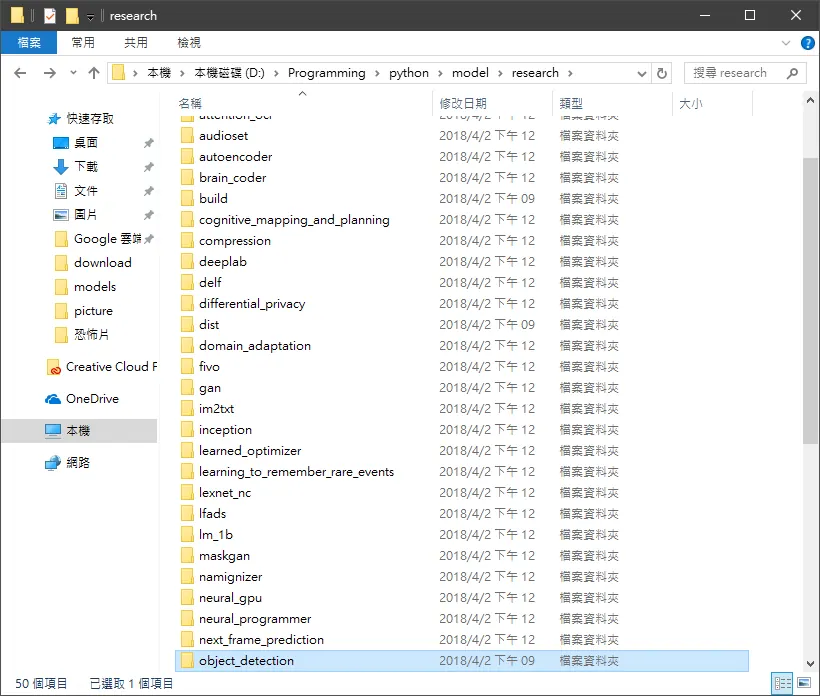
然後再切到這邊可以看到我們的python也自動裝上了
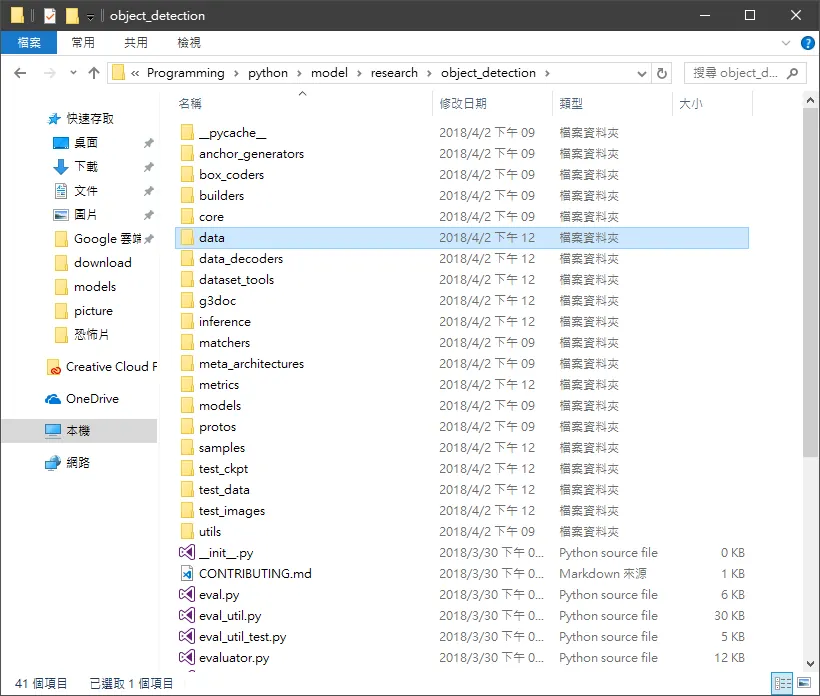
接下來我們跑一下程式碼可以看到我們安裝的python 套件資料夾有了一個object_detection-0.1-py3.6.egg 然後呢我們點進去。
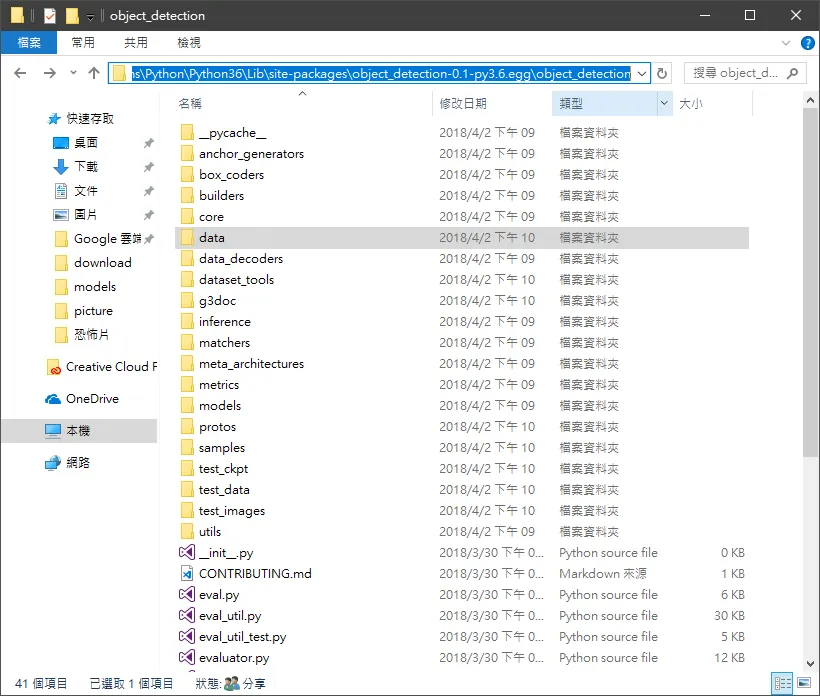 這邊裡面原本沒有data 這個資料夾,所以呢,我們呢從我們下載下來的tensorflow/research/data我們把它複製過去非常重要。
PATH_TO_LABELS = os.path.join('C:/Users/x2132/AppData/Local/Programs/Python/Python36/Lib/site-packages/object_detection-0.1-py3.6.egg/object_detection/data', 'mscoco_label_map.pbtxt')
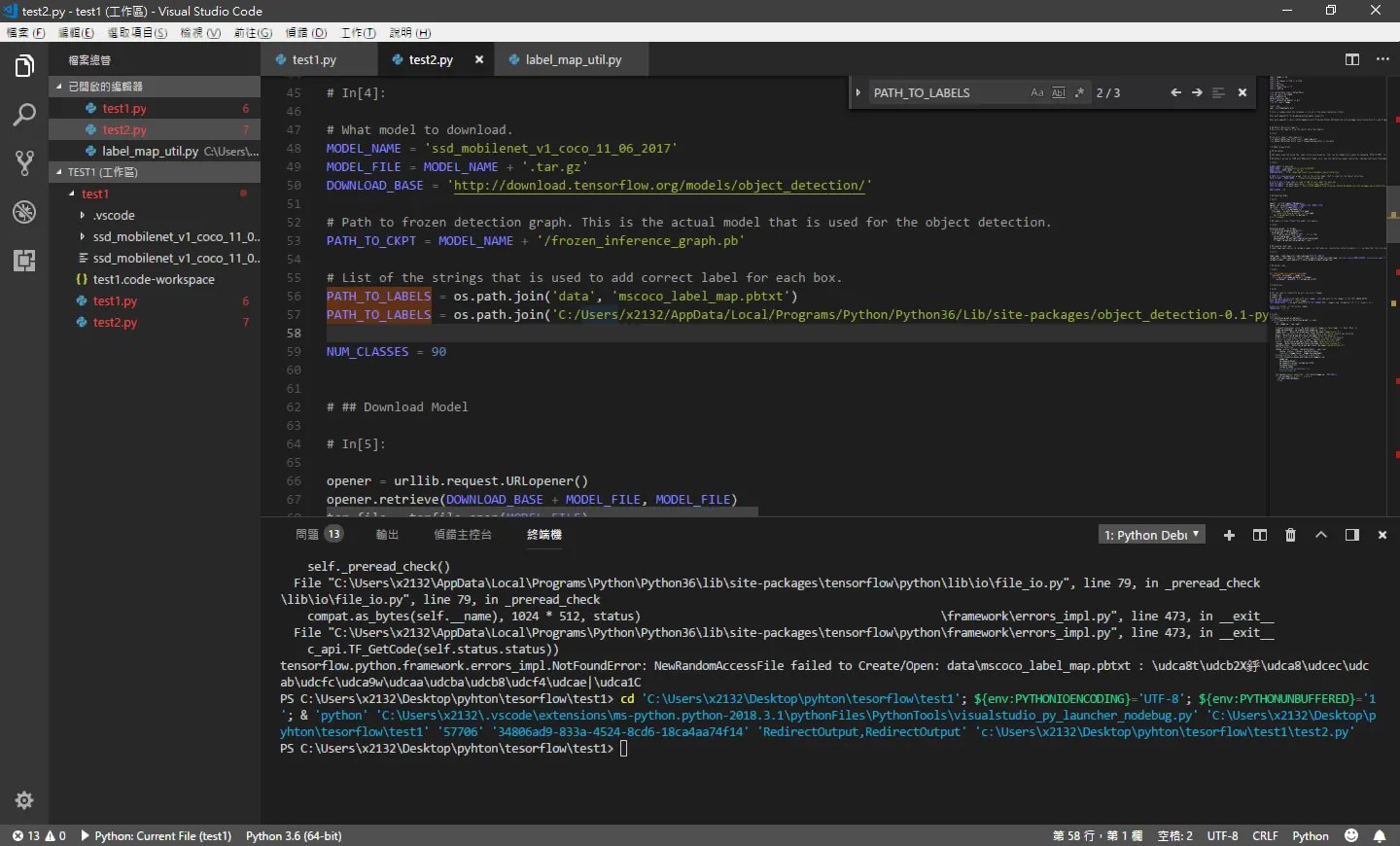
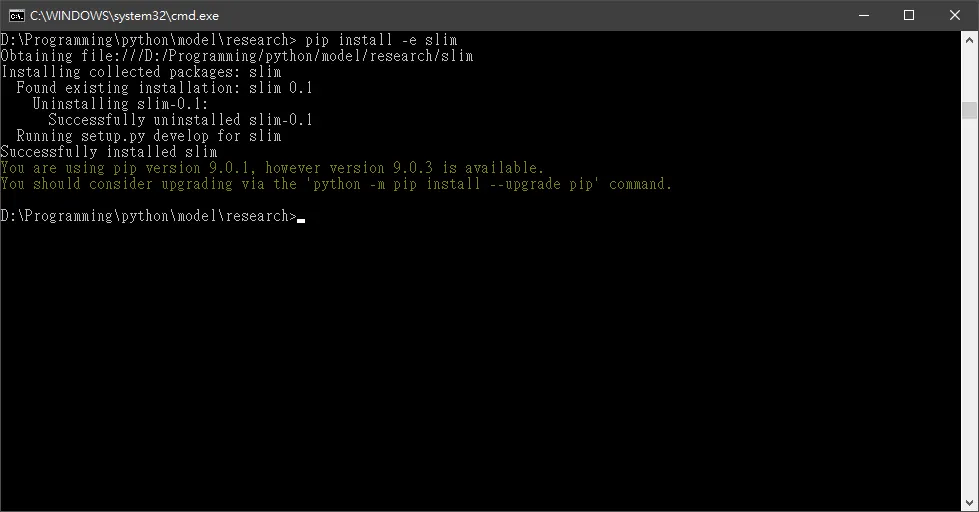
pip install -e slim
然後呢這就是以上兩種可能發生的錯誤。stackoverflow.com 挖了 1天呢。
啟動
python D:\Programming\python\model\research\object_detection\builders\model_builder_test.py
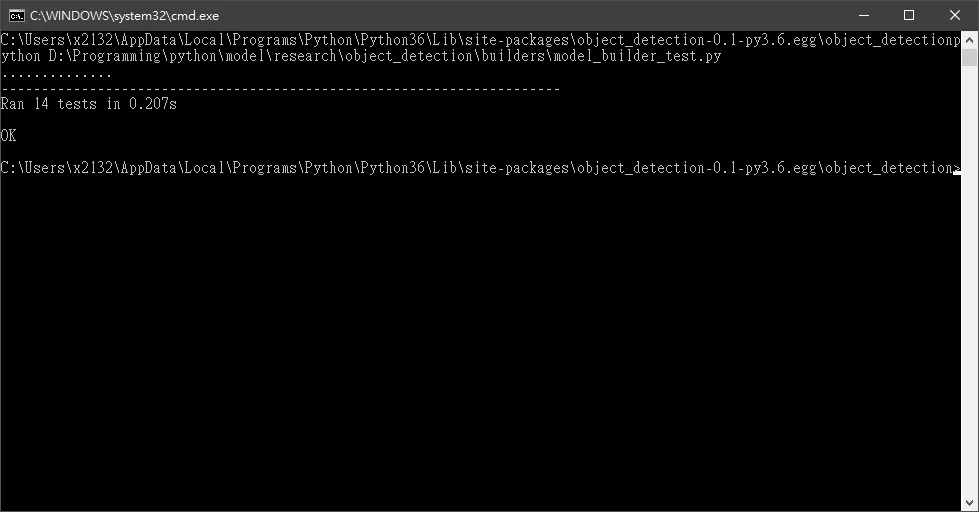
可以發現運行得非常順利我們來上程式碼。
test.py
import numpy as np


import os


import six.moves.urllib as urllib


import sys


import tarfile


import tensorflow as tf


import zipfile


from collections import defaultdict


from io import StringIO


import matplotlib


matplotlib.use('Agg')


import matplotlib.pyplot as plt


from PIL import Image


import cv2


cap = cv2.VideoCapture(0) # 這邊改成攝像頭第幾顆


# This is needed since the notebook is stored in the object_detection folder.


#sys.path.append("D:/Programming/python/model/research")


#sys.path.append("C:/Users/x2132/AppData/Local/Programs/Python/Python36/Lib/site-packages/object_detection-0.1-py3.6.egg/object_detection")


# ## Object detection imports


# Here are the imports from the object detection module.


# In[3]:


#from utils import label_map_util


from object_detection.utils import label_map_util


from object_detection.utils import visualization_utils as vis_util


# # Model preparation


# ## Variables


#


# Any model exported using the `export_inference_graph.py` tool can be loaded here simply by changing `PATH_TO_CKPT` to point to a new .pb file.


#


# By default we use an "SSD with Mobilenet" model here. See the [detection model zoo](https://github.com/tensorflow/models/blob/master/object_detection/g3doc/detection_model_zoo.md) for a list of other models that can be run out-of-the-box with varying speeds and accuracies.


# In[4]:


# What model to download.


MODEL_NAME = 'ssd_mobilenet_v1_coco_11_06_2017'


MODEL_FILE = MODEL_NAME + '.tar.gz'


DOWNLOAD_BASE = 'http://download.tensorflow.org/models/object_detection/'


# Path to frozen detection graph. This is the actual model that is used for the object detection.


PATH_TO_CKPT = MODEL_NAME + '/frozen_inference_graph.pb'


# List of the strings that is used to add correct label for each box.


PATH_TO_LABELS = os.path.join('data', 'mscoco_label_map.pbtxt')


PATH_TO_LABELS = os.path.join('C:/Users/x2132/AppData/Local/Programs/Python/Python36/Lib/site-packages/object_detection-0.1-py3.6.egg/object_detection/data', 'mscoco_label_map.pbtxt')


NUM_CLASSES = 90


# ## Download Model


# In[5]:


opener = urllib.request.URLopener()


opener.retrieve(DOWNLOAD_BASE + MODEL_FILE, MODEL_FILE)


tar_file = tarfile.open(MODEL_FILE)


for file in tar_file.getmembers():


file_name = os.path.basename(file.name)


if 'frozen_inference_graph.pb' in file_name:


tar_file.extract(file, os.getcwd())


print ('asdasd')


# ## Load a (frozen) Tensorflow model into memory.


# In[6]:


detection_graph = tf.Graph()


with detection_graph.as_default():


od_graph_def = tf.GraphDef()


with tf.gfile.GFile(PATH_TO_CKPT, 'rb') as fid:


serialized_graph = fid.read()


od_graph_def.ParseFromString(serialized_graph)


tf.import_graph_def(od_graph_def, name='')


# ## Loading label map


# Label maps map indices to category names, so that when our convolution network predicts `5`, we know that this corresponds to `airplane`.  Here we use internal utility functions, but anything that returns a dictionary mapping integers to appropriate string labels would be fine


# In[7]:


label_map = label_map_util.load_labelmap(PATH_TO_LABELS)


categories = label_map_util.convert_label_map_to_categories(label_map, max_num_classes=NUM_CLASSES, use_display_name=True)


category_index = label_map_util.create_category_index(categories)


# ## Helper code


# In[8]:


def load_image_into_numpy_array(image):


(im_width, im_height) = image.size


return np.array(image.getdata()).reshape(


(im_height, im_width, 3)).astype(np.uint8)


# # Detection


# In[9]:


# For the sake of simplicity we will use only 2 images:


# image1.jpg


# image2.jpg


# If you want to test the code with your images, just add path to the images to the TEST_IMAGE_PATHS.


PATH_TO_TEST_IMAGES_DIR = 'test_images'


TEST_IMAGE_PATHS = [ os.path.join(PATH_TO_TEST_IMAGES_DIR, 'image{}.jpg'.format(i)) for i in range(1, 3) ]


# Size, in inches, of the output images.


IMAGE_SIZE = (12, 8)


# In[10]:


print('s')


with detection_graph.as_default():


with tf.Session(graph=detection_graph) as sess:


while True:


ret, image_np = cap.read()


# Expand dimensions since the model expects images to have shape: [1, None, None, 3]


image_np_expanded = np.expand_dims(image_np, axis=0)


image_tensor = detection_graph.get_tensor_by_name('image_tensor:0')


# Each box represents a part of the image where a particular object was detected.


boxes = detection_graph.get_tensor_by_name('detection_boxes:0')


# Each score represent how level of confidence for each of the objects.


# Score is shown on the result image, together with the class label.


scores = detection_graph.get_tensor_by_name('detection_scores:0')


classes = detection_graph.get_tensor_by_name('detection_classes:0')


num_detections = detection_graph.get_tensor_by_name('num_detections:0')


# Actual detection.


(boxes, scores, classes, num_detections) = sess.run(


[boxes, scores, classes, num_detections],


feed_dict={image_tensor: image_np_expanded})


# Visualization of the results of a detection.


vis_util.visualize_boxes_and_labels_on_image_array(


image_np,


np.squeeze(boxes),


np.squeeze(classes).astype(np.int32),


np.squeeze(scores),


category_index,


use_normalized_coordinates=True,


line_thickness=8)


cv2.imshow('object detection', cv2.resize(image_np, (800,600)))


if cv2.waitKey(25) & 0xFF == ord('q'):


cv2.destroyAllWindows()


break
物種分類
可以分類幾種物種呢?我們來看一下。
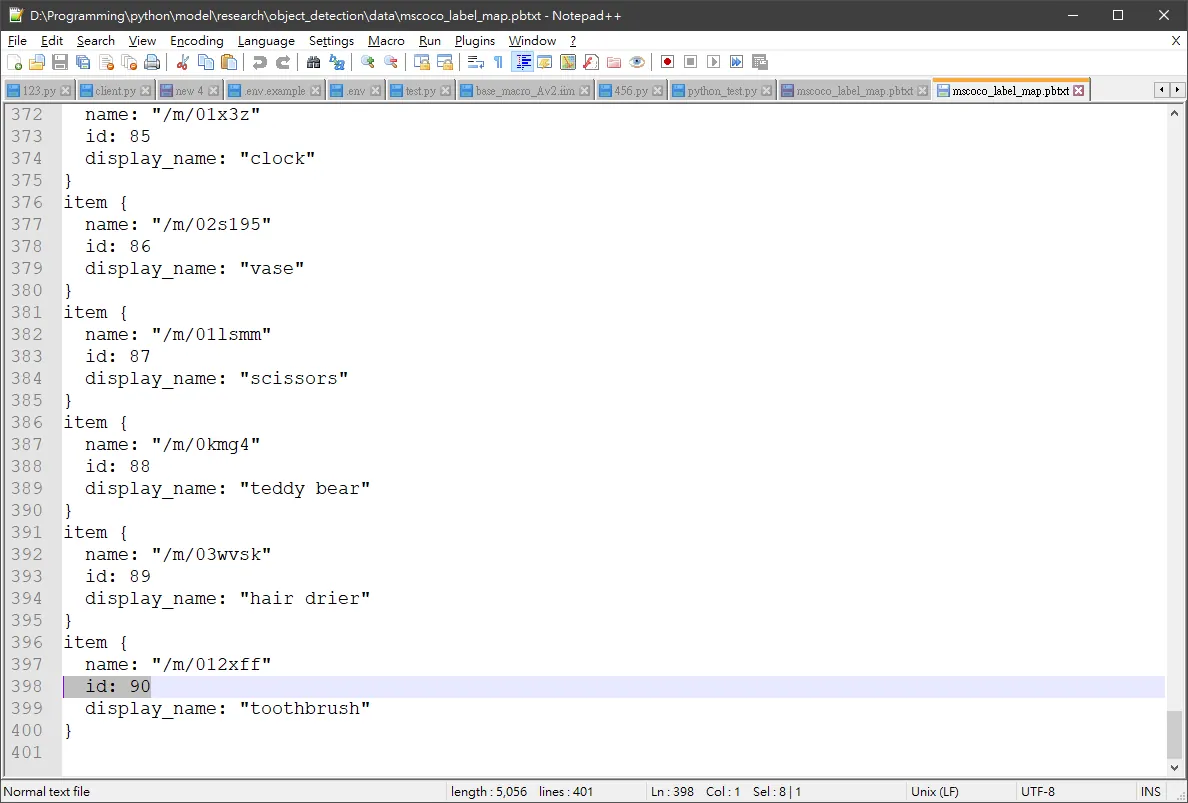
範例裡面可以分類90種
參考
https://pythonprogramming.net/video-tensorflow-object-detection-api-tutorial/
Comments