
安裝過程
https://www.tensorflow.org/install/install_windows
參考官方網站後也陸續裝了最新v9.1後發現不相容還我還多繞一條路
正常人應該裝完這下面兩個就ok了
https://developer.nvidia.com/cuda-90-download-archive
https://developer.nvidia.com/cudnn
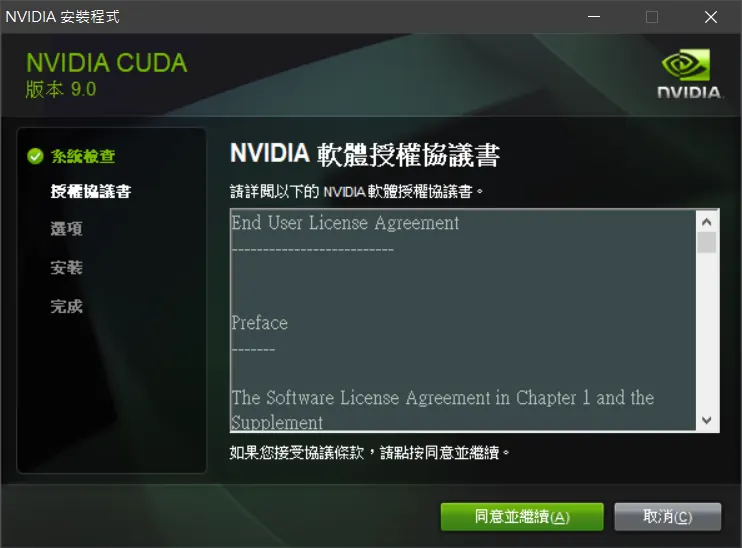
Cudnn Install
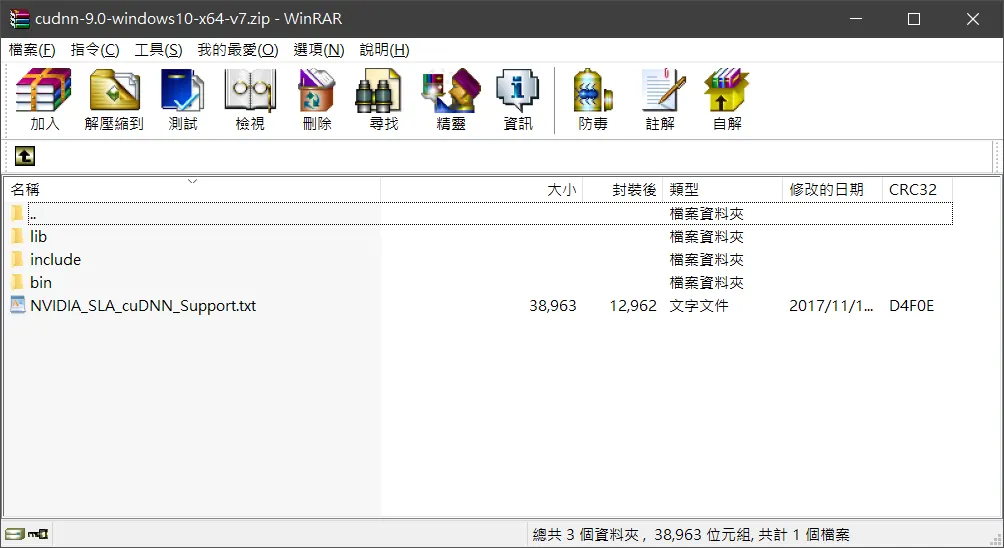
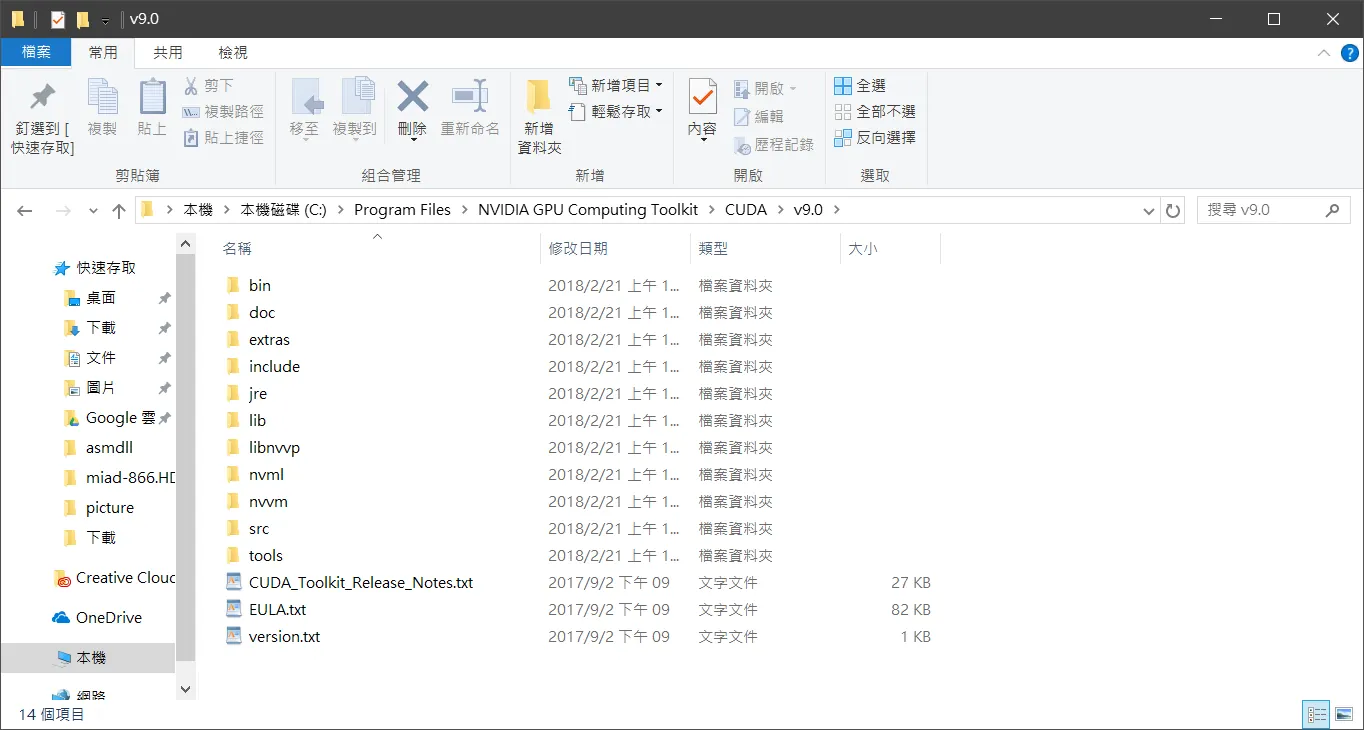
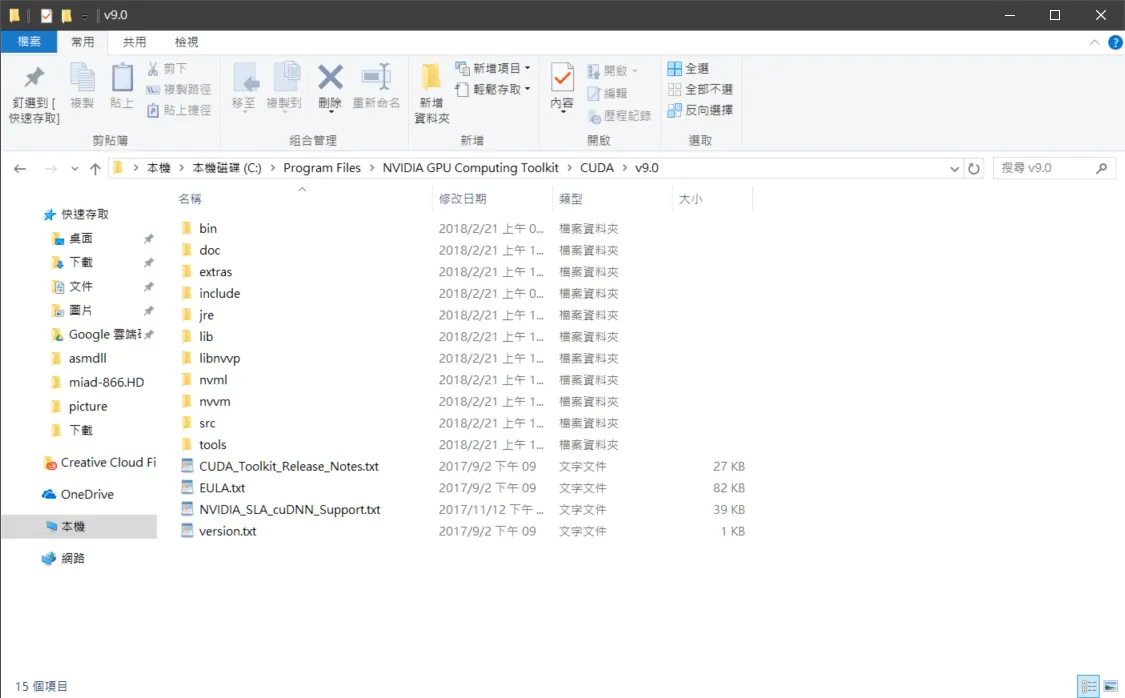
將壓縮檔的資料內容複製到安裝cuda9.0的資料夾裡面
C:\Program Files\NVIDIA GPU Computing Toolkit\CUDA\v9.0
檔案缺失Cudnn64_7.dll
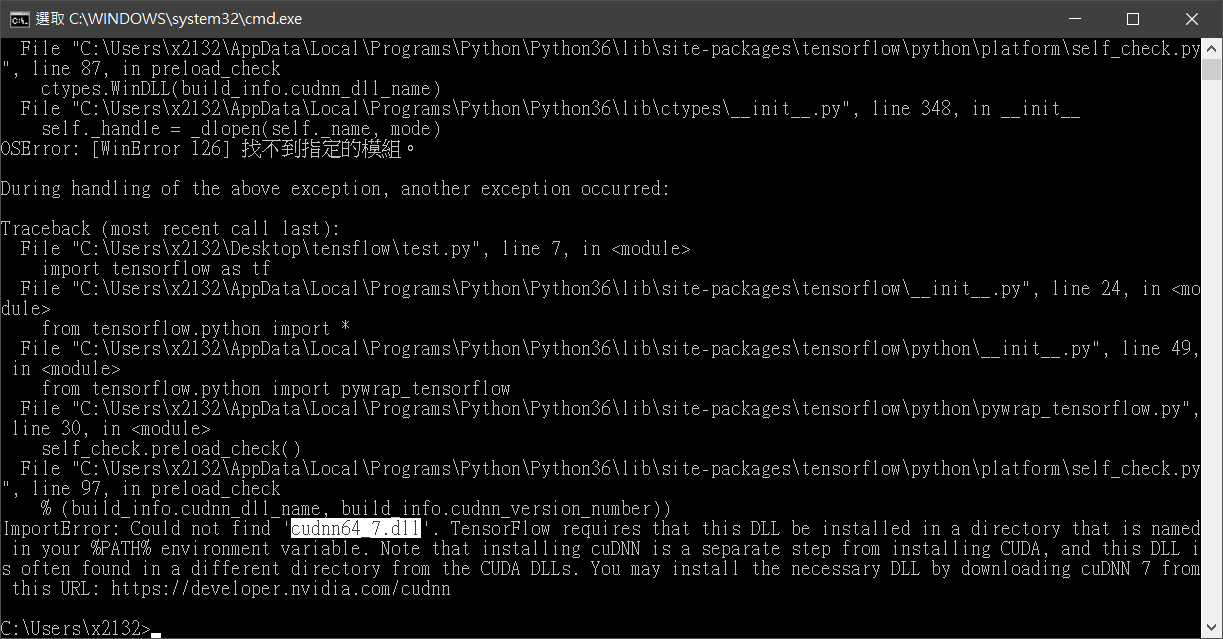
裝完cudnn 7就ok了
檔案缺失 Cudart_64_90.dll
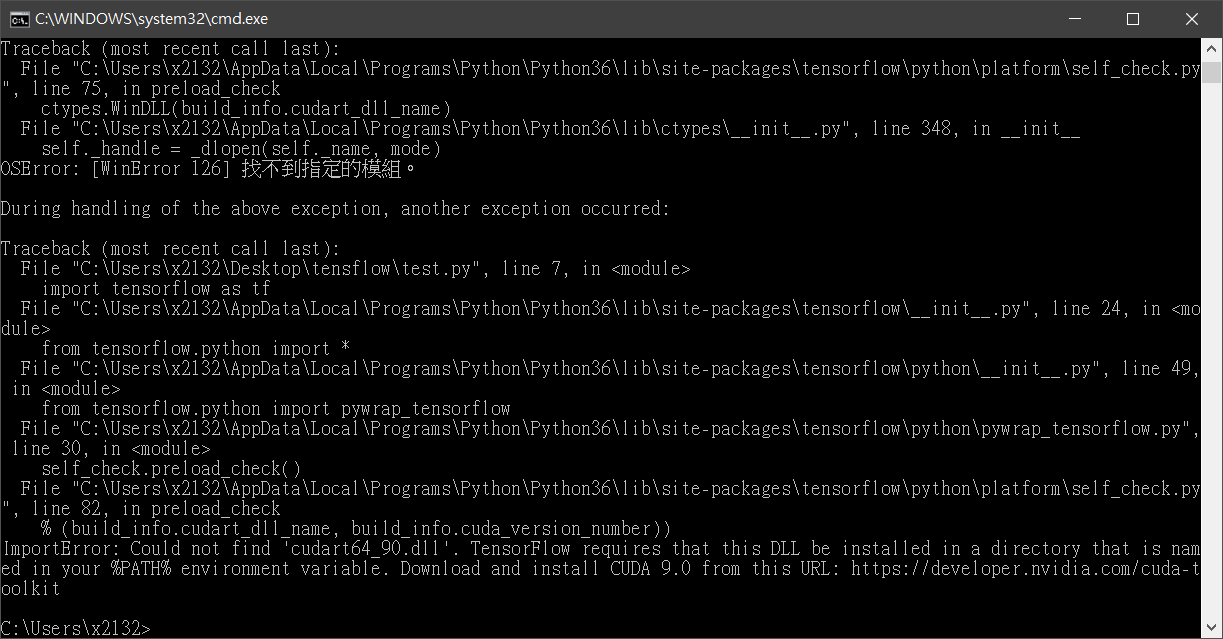
裝完cuda 9.0就ok了,像我裝完9.1後不管怎樣裝都沒用,再裝9.0會再提示你裝8.0
解決方法就是全砍裝cuda9.0和cudnn7
安裝過程
https://www.tensorflow.org/install/install_windows
test.py
import tensorflow as tf
hello = tf.constant('Hello, TensorFlow!')
sess = tf.Session()
print(sess.run(hello))
搭建完成
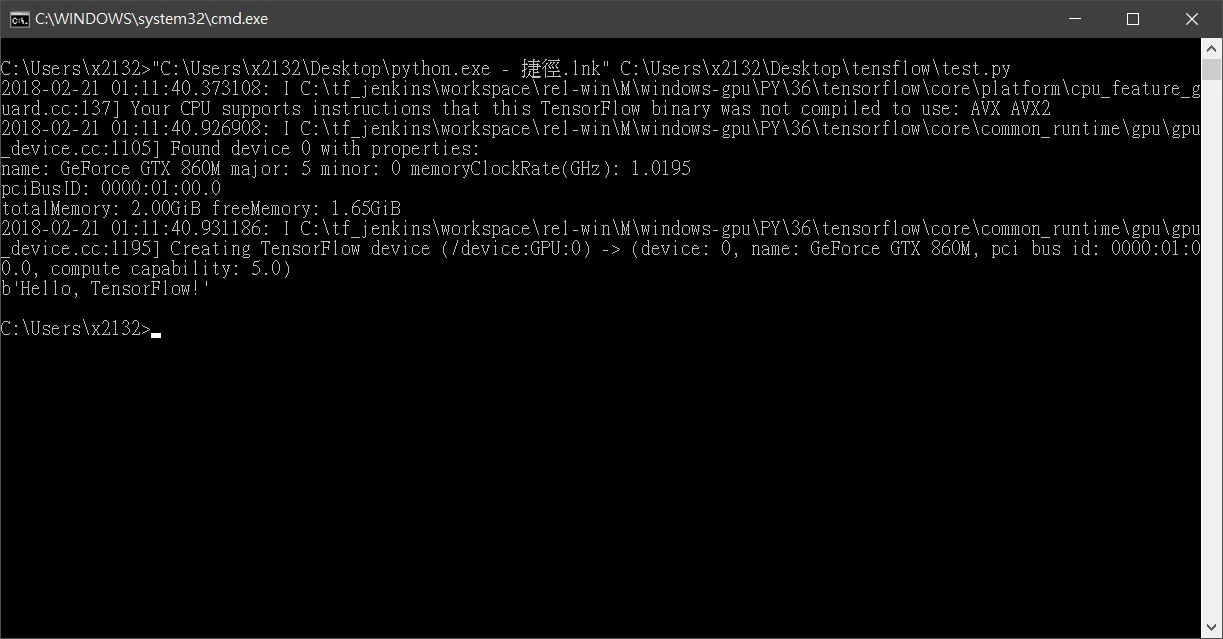
可以看到已經抓到我的顯示卡gtx860m囉,gpu來訓練神經網路會有多神呢,等修練完再說囉
Comments