
Vue element admin
vue-element-admin 是一个后台前端解决方案,它基于 vue 和 element-ui实现。它使用了最新的前端技术栈,内置了 i18 国际化解决方案,动态路由,权限验证,提炼了典型的业务模型,提供了丰富的功能组件,它可以帮助你快速搭建企业级中后台产品原型。相信不管你的需求是什么,本项目都能帮助到你,後期將會針對各個部件進行後續寫文章。 https://panjiachen.github.io/vue-element-admin-site/zh/guide/ 在線預覽
https://panjiachen.gitee.io/vue-element-admin/#/login?redirect=%2Fdashboard
環境搭建
這邊採用 多國語系版本, 目前需要加設 在login 登入 到 menu這一段 需要 新增後端配合,
這邊簡單使用 spring 來小配合demo。 github : vue-element-admin 這邊我們使用 多國語言版 分支
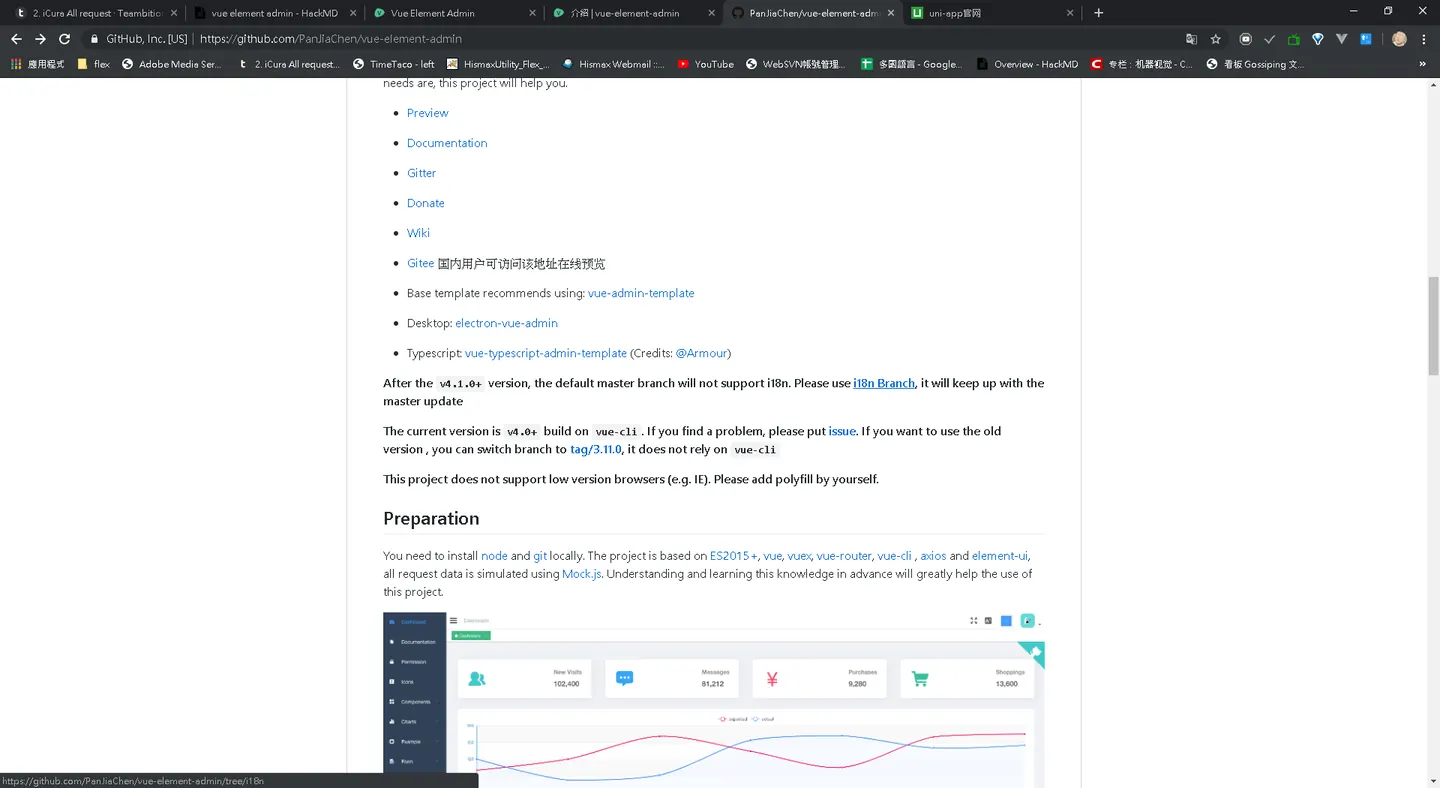
git clone https://github.com/PanJiaChen/vue-element-admin.git
Getting Started
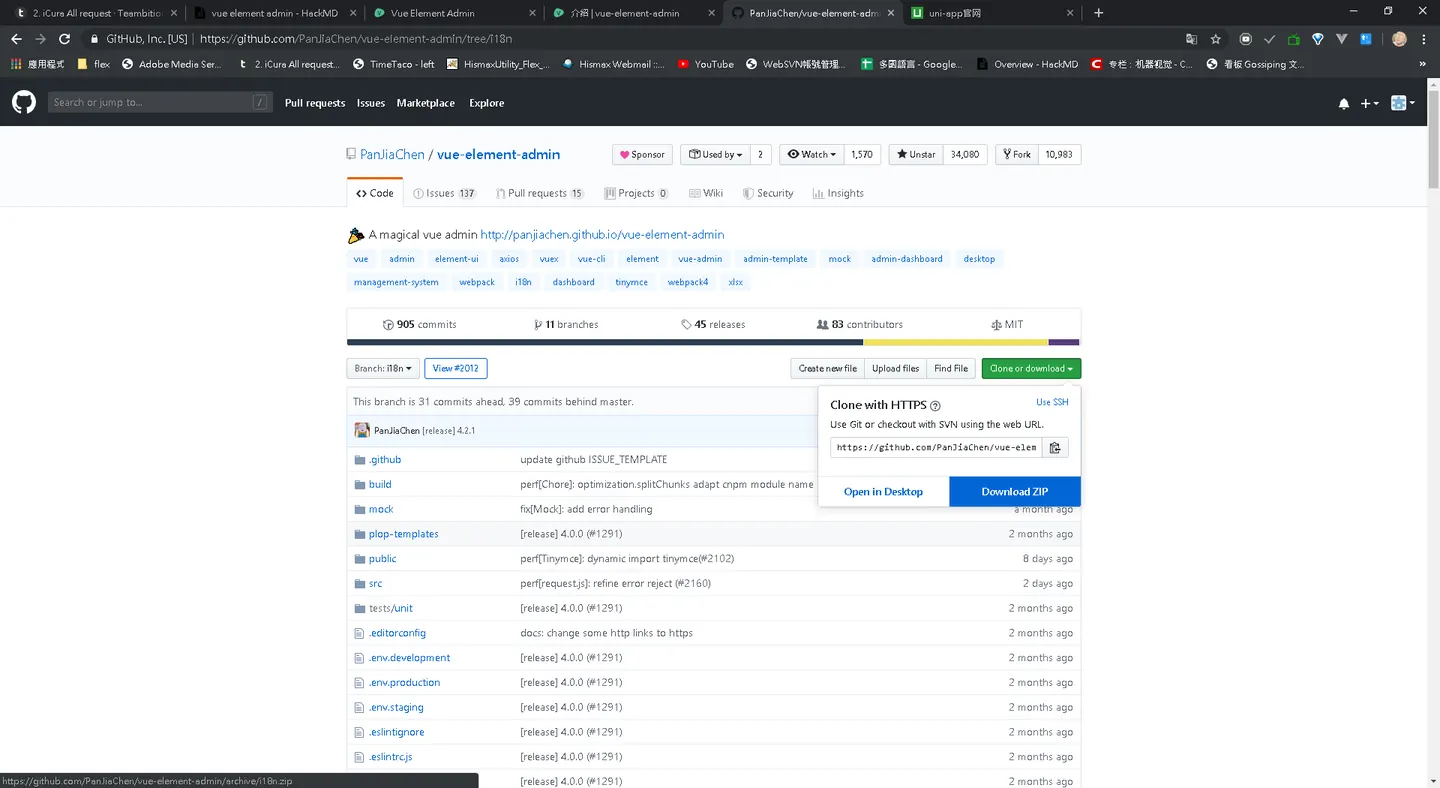
我在桌面底下 資料夾 把 專案下載至test2 資料夾
這邊要直接下載資料夾, 或者是 git clone 是現在目前線上 最新版本
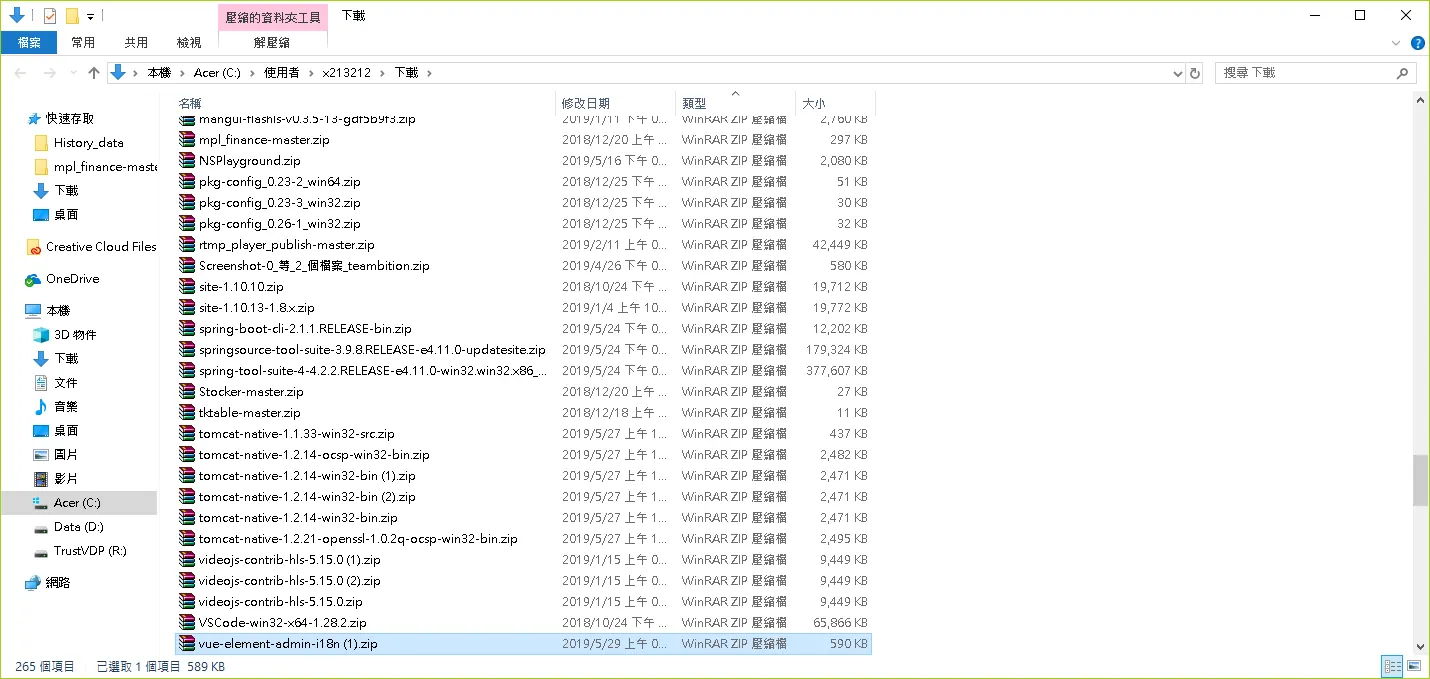
複製到目錄底下
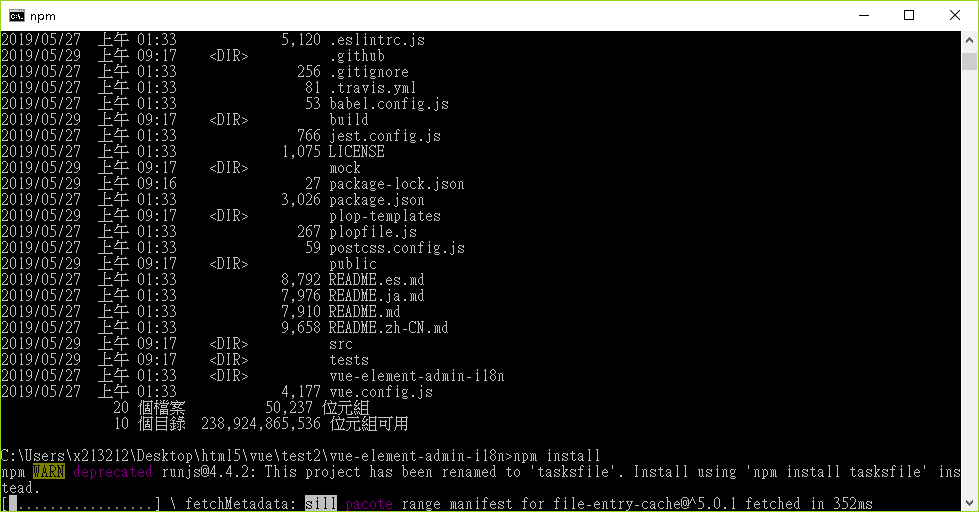
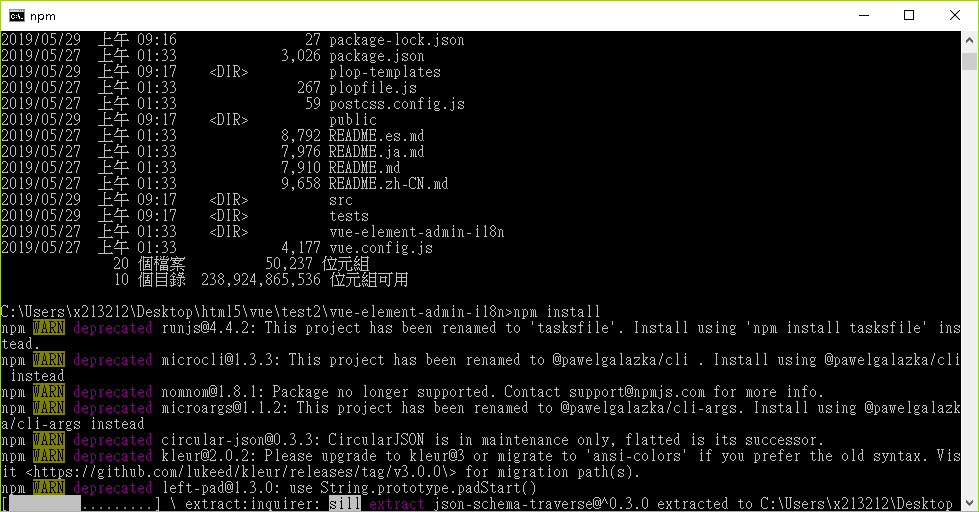
install dependency
npm install
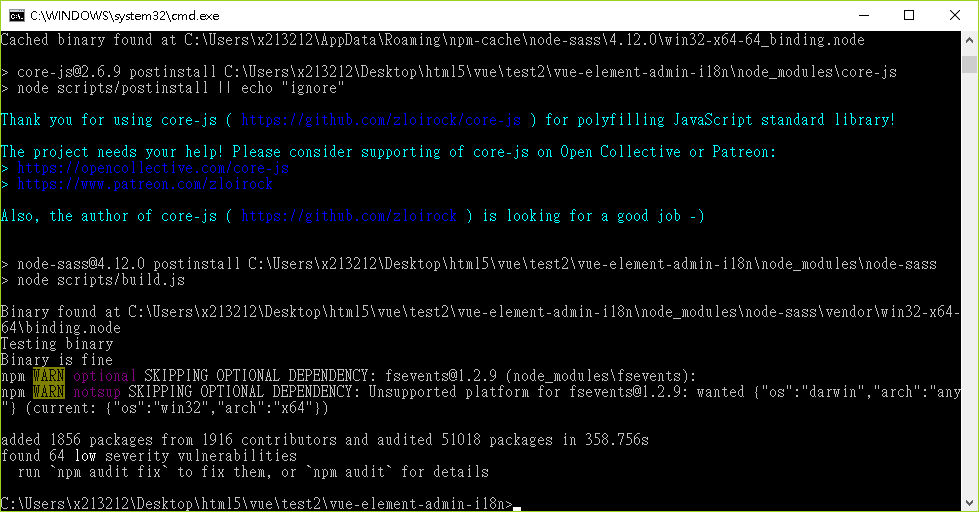
develop
npm run dev
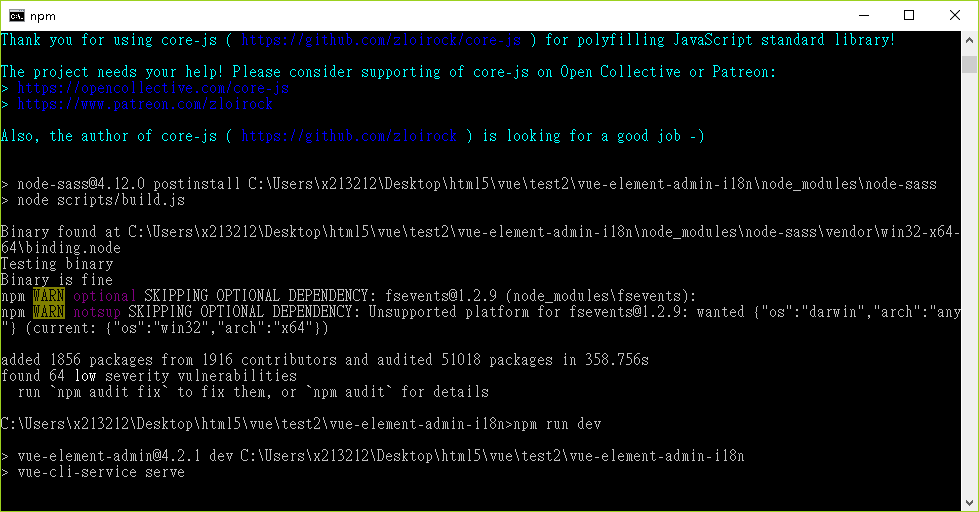
使用 打包ing
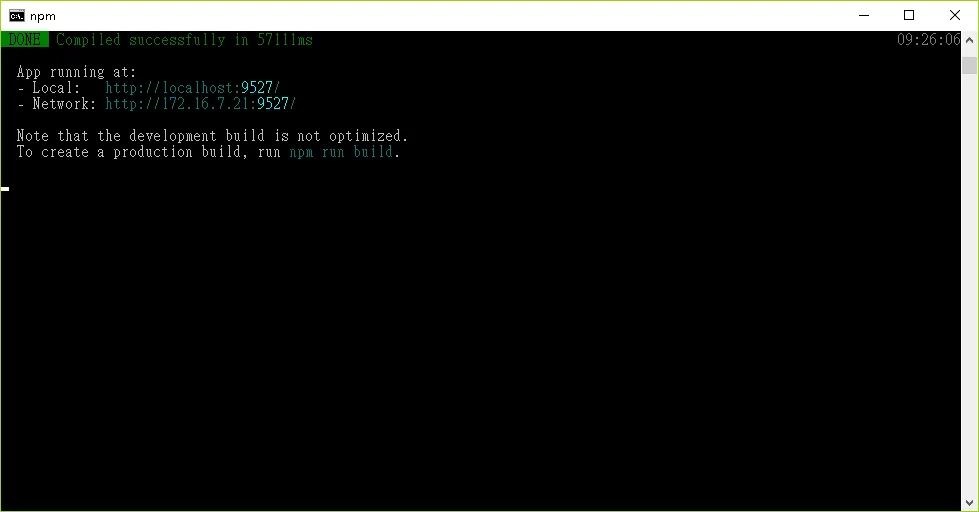
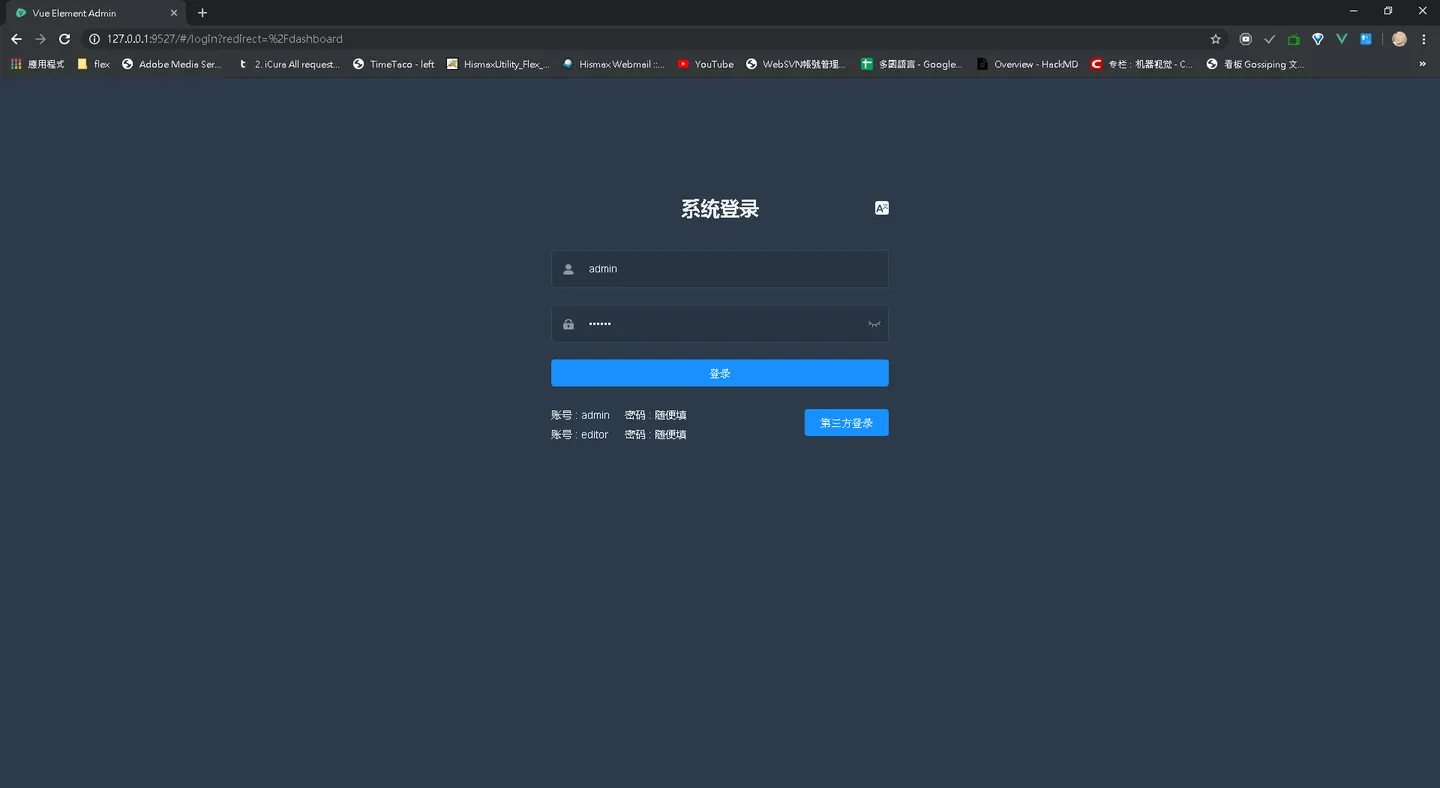
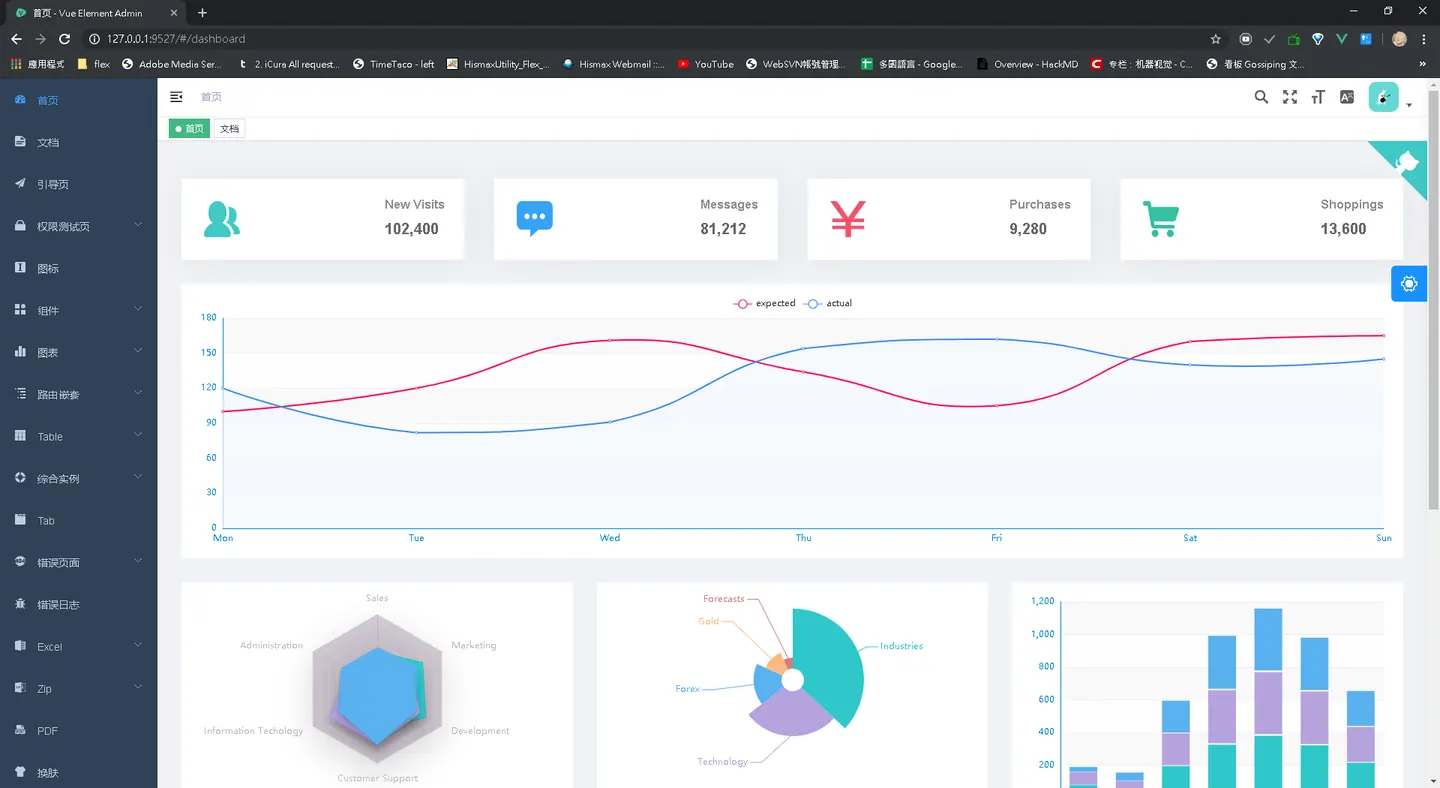
需要開發
- Login/Menu 兩個項目為主要的開發
- 採用SSL
- Seession測試"
- iCura 已具備多國語言
- pdf 預覽
visual code 環境搭建
安裝套件
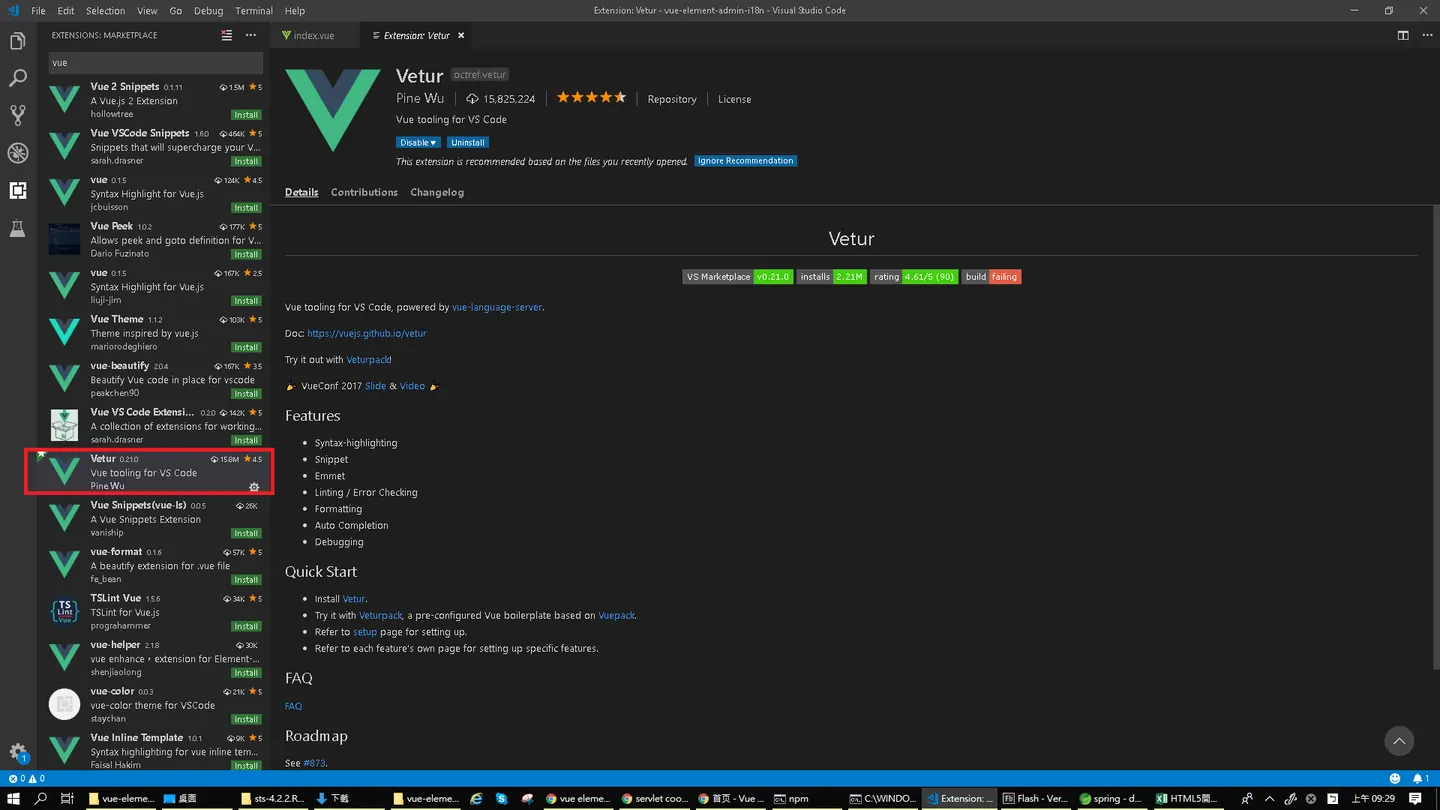
點擊install
修復 eslint vscode存檔 格式 出錯
"scripts": {
    "dev": "vue-cli-service serve",
    "build:prod": "vue-cli-service build",
    "build:stage": "vue-cli-service build --mode staging",
    "preview": "node build/index.js --preview",
    "lint": "eslint  src --fix",
    "test:unit": "jest --clearCache && vue-cli-service test:unit",
    "test:ci": "npm run lint && npm run test:unit",
    "svgo": "svgo -f src/icons/svg --config=src/icons/svgo.yml",
    "new": "plop"
  },
  "husky": {
    "hooks": {
      "pre-commit": "lint-staged"
    }
  },
  "lint-staged": {
    "src/**/*.{js,vue}": [
      "eslint --fix",
      "git add"
    ]
  },
修復 vscode 存檔 雙引號問題
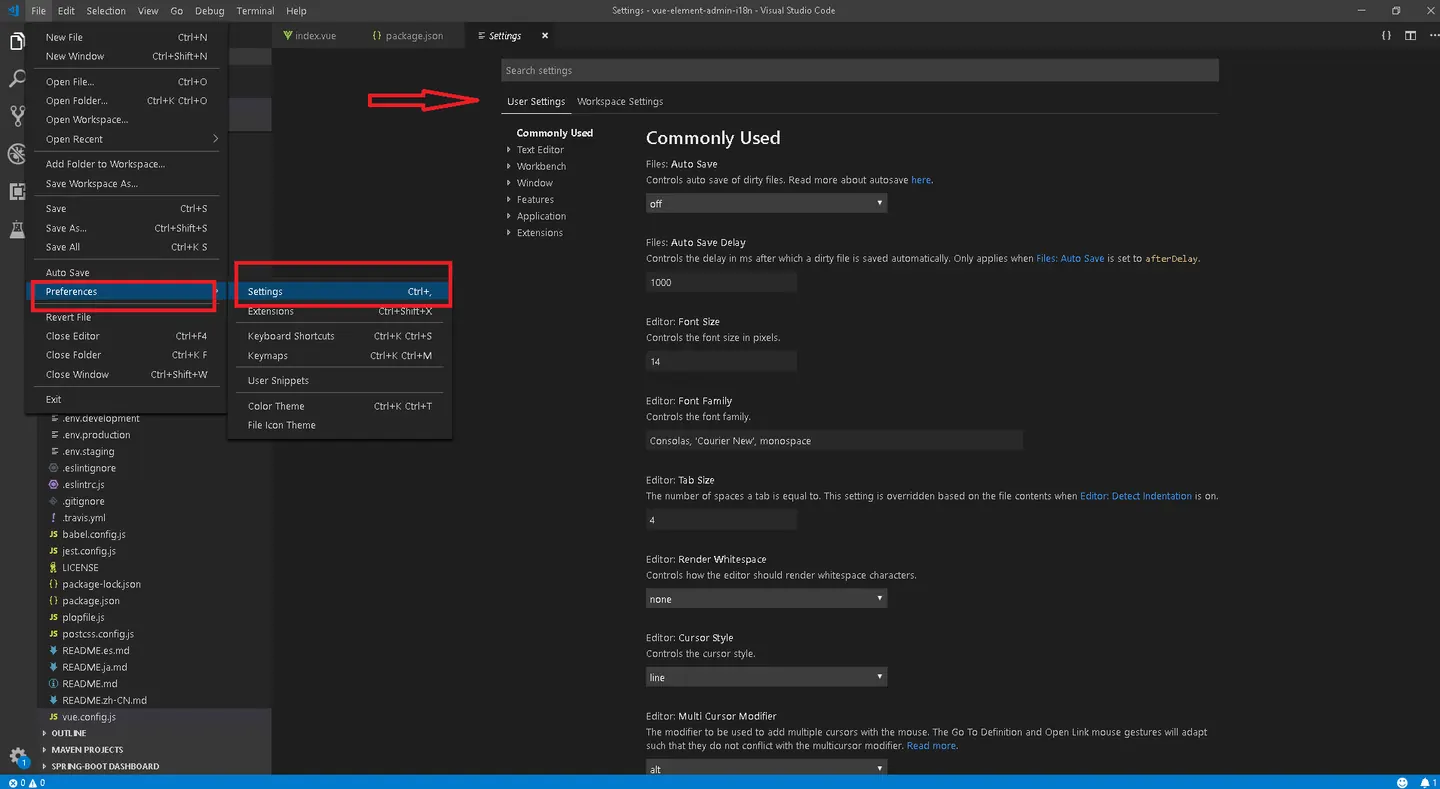
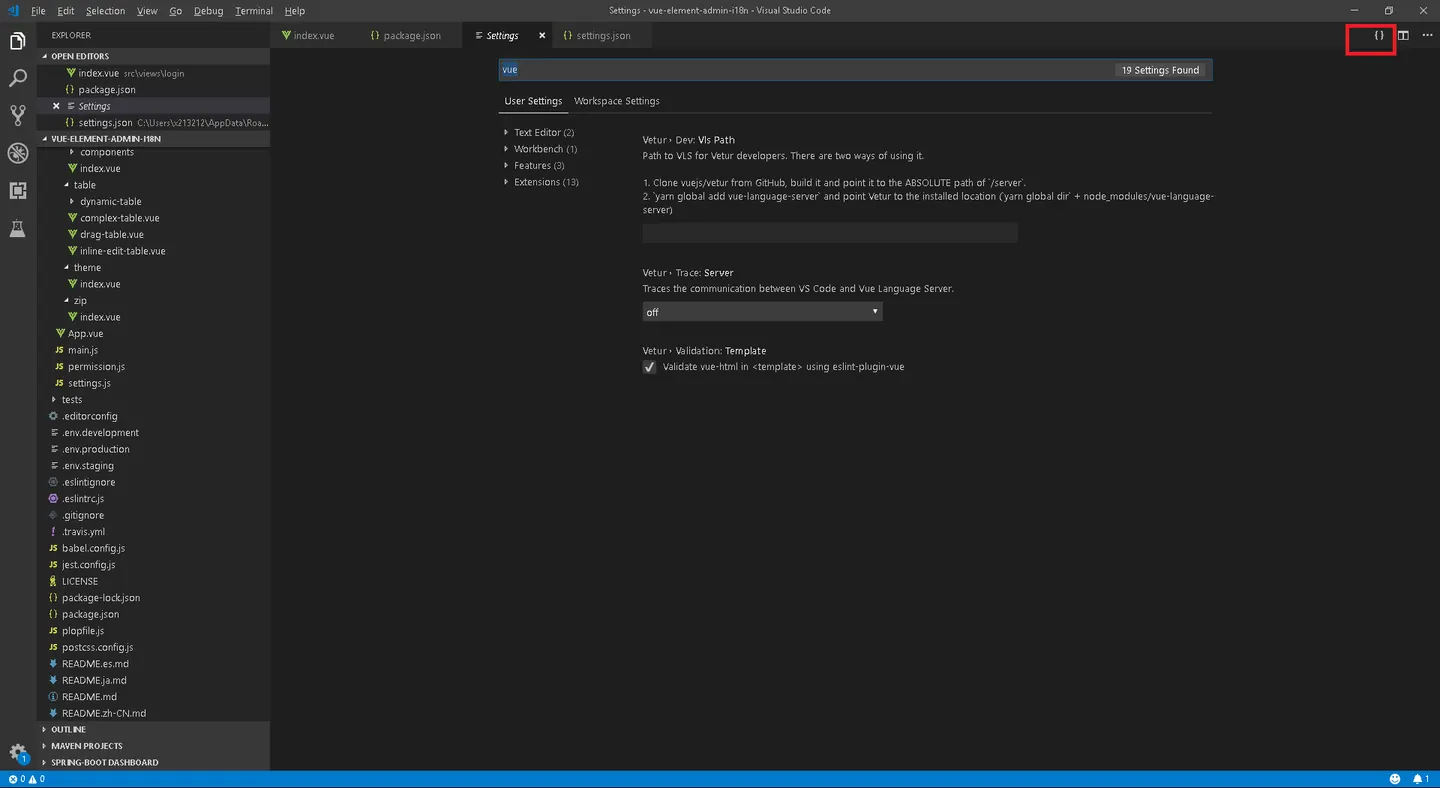
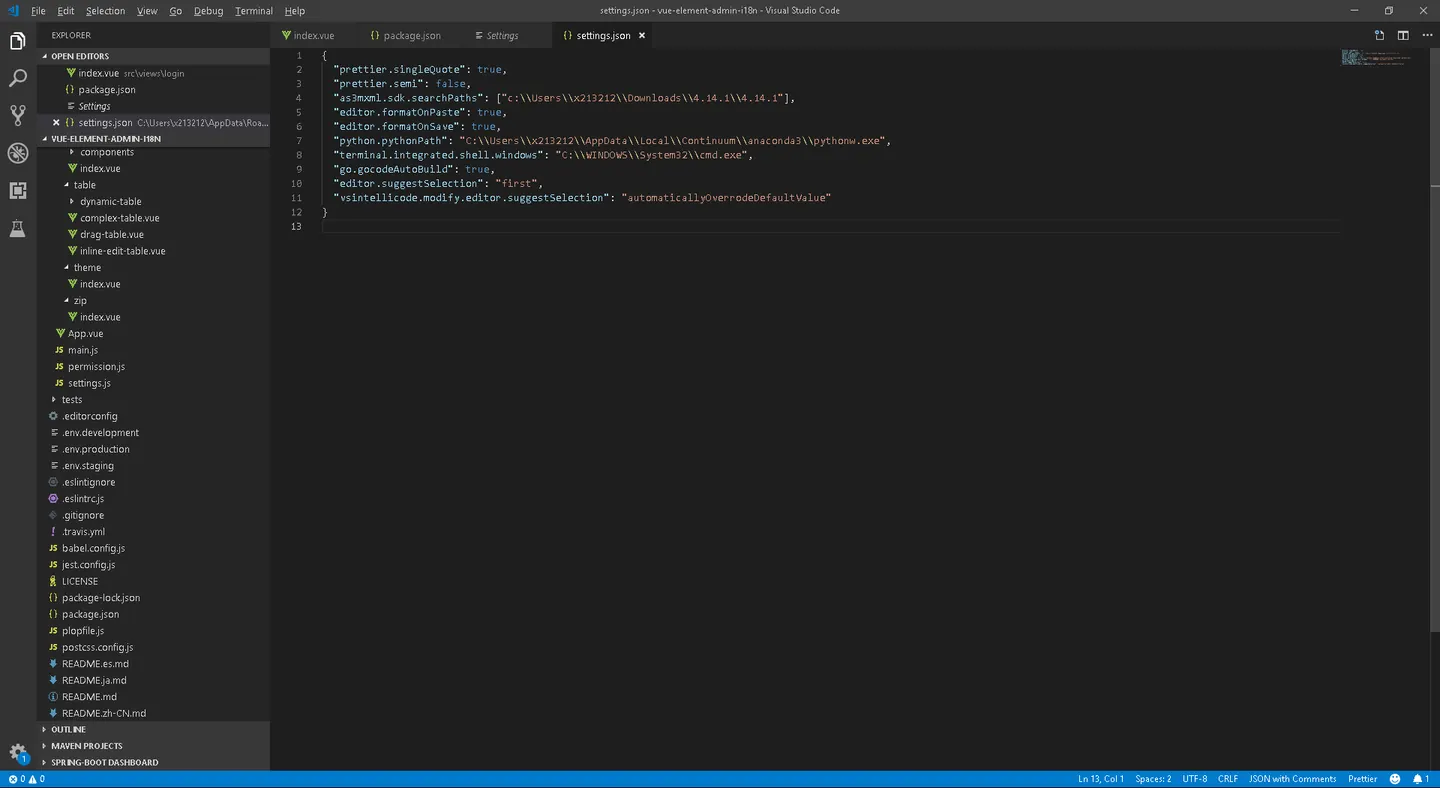
{
  "prettier.singleQuote": true,
  "prettier.semi": false,
  "as3mxml.sdk.searchPaths": ["c:\\Users\\x213212\\Downloads\\4.14.1\\4.14.1"],
  "editor.formatOnPaste": true,
  "editor.formatOnSave": true,
  "python.pythonPath": "C:\\Users\\x213212\\AppData\\Local\\Continuum\\anaconda3\\pythonw.exe",
  "terminal.integrated.shell.windows": "C:\\WINDOWS\\System32\\cmd.exe",
  "go.gocodeAutoBuild": true,
  "editor.suggestSelection": "first",
  "vsintellicode.modify.editor.suggestSelection": "automaticallyOverrodeDefaultValue"
}
現在 ctrl+s,不會再出現 單引號 自動 變成雙引號的問題囉~
vue 如何優雅的取值
https://www.sunzhongwei.com/how-to-get-input-value-in-vuejs
getpost
https://stackoverflow.com/questions/43646844/cannot-read-property-post-of-undefined-vue npm install --save vue-resource
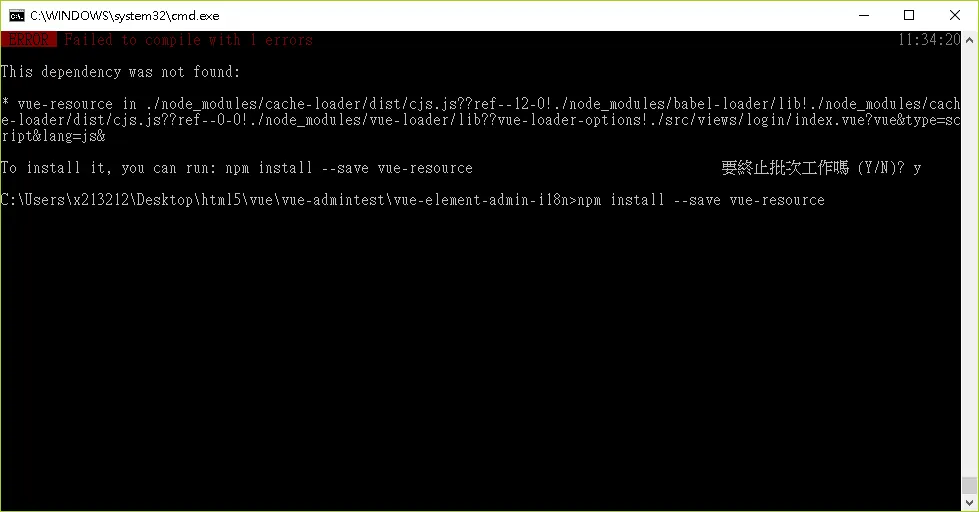
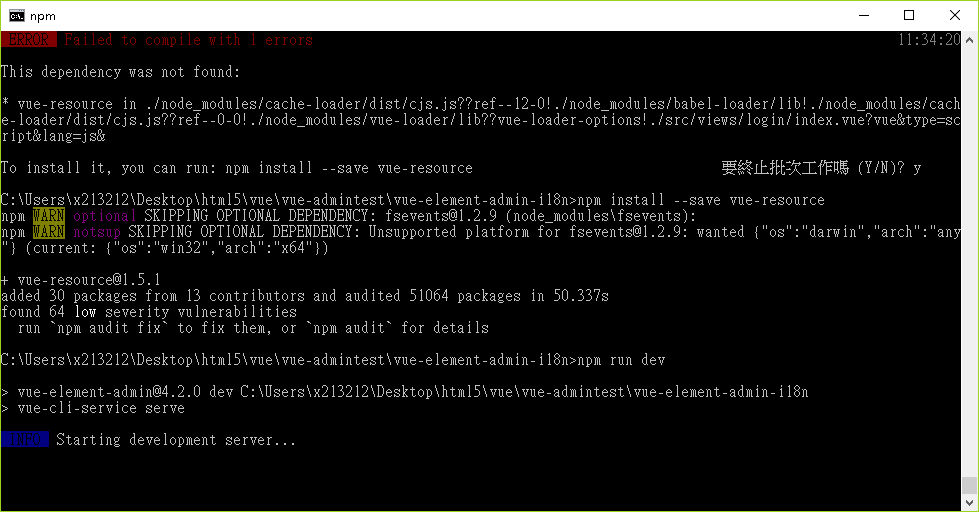
cors 跨網域
https://kuro.tw/posts/2017/06/07/如何在-Vue-CLI-建立的開發環境呼叫跨域遠端-RESTful-APIs/
Jquery ajax, Axios, Fetch区别之我见
https://segmentfault.com/a/1190000012836882
使用 axios 不使用 ajax
Vue2.0之后,尤雨溪推荐大家用axios替换JQuery ajax,想必让Axios进入了很多人的目光中。Axios本质上也是对原生XHR的封装,只不过它是Promise的实现版本,符合最新的ES规范,从它的官网上可以看到它有以下几条特性: 从 node.js 创建 http 请求
支持 Promise API
客户端支持防止CSRF
提供了一些并发请求的接口(重要,方便了很多的操作)
这个支持防止CSRF其实挺好玩的,是怎么做到的呢,就是让你的每个请求都带一个从cookie中拿到的key, 根据浏览器同源策略,假冒的网站是拿不到你cookie中得key的,这样,后台就可以轻松辨别出这个请求是否是用户在假冒网站上的误导输入,从而采取正确的策略。 Axios既提供了并发的封装,也没有下文会提到的fetch的各种问题,而且体积也较小,当之无愧现在最应该选用的请求的方式。
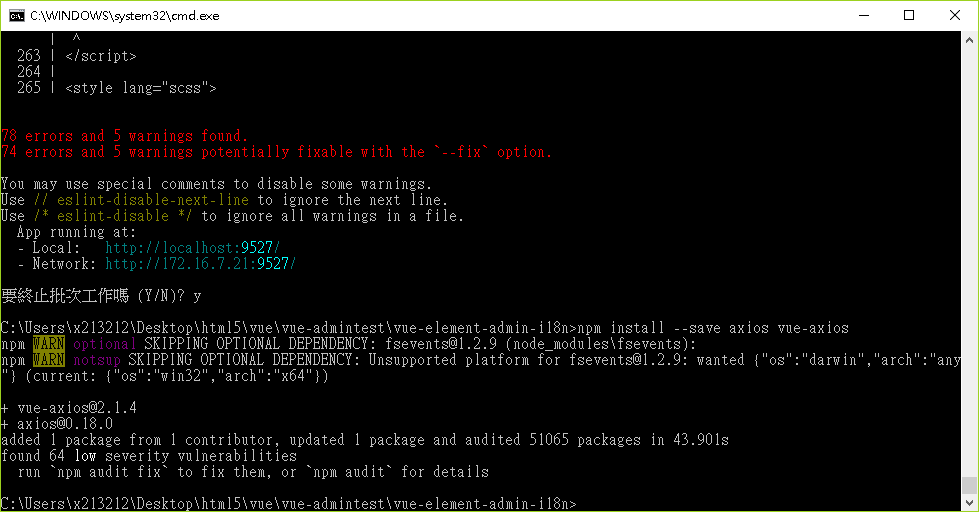
npm install --save axios vue-axios
spring cros 跨域
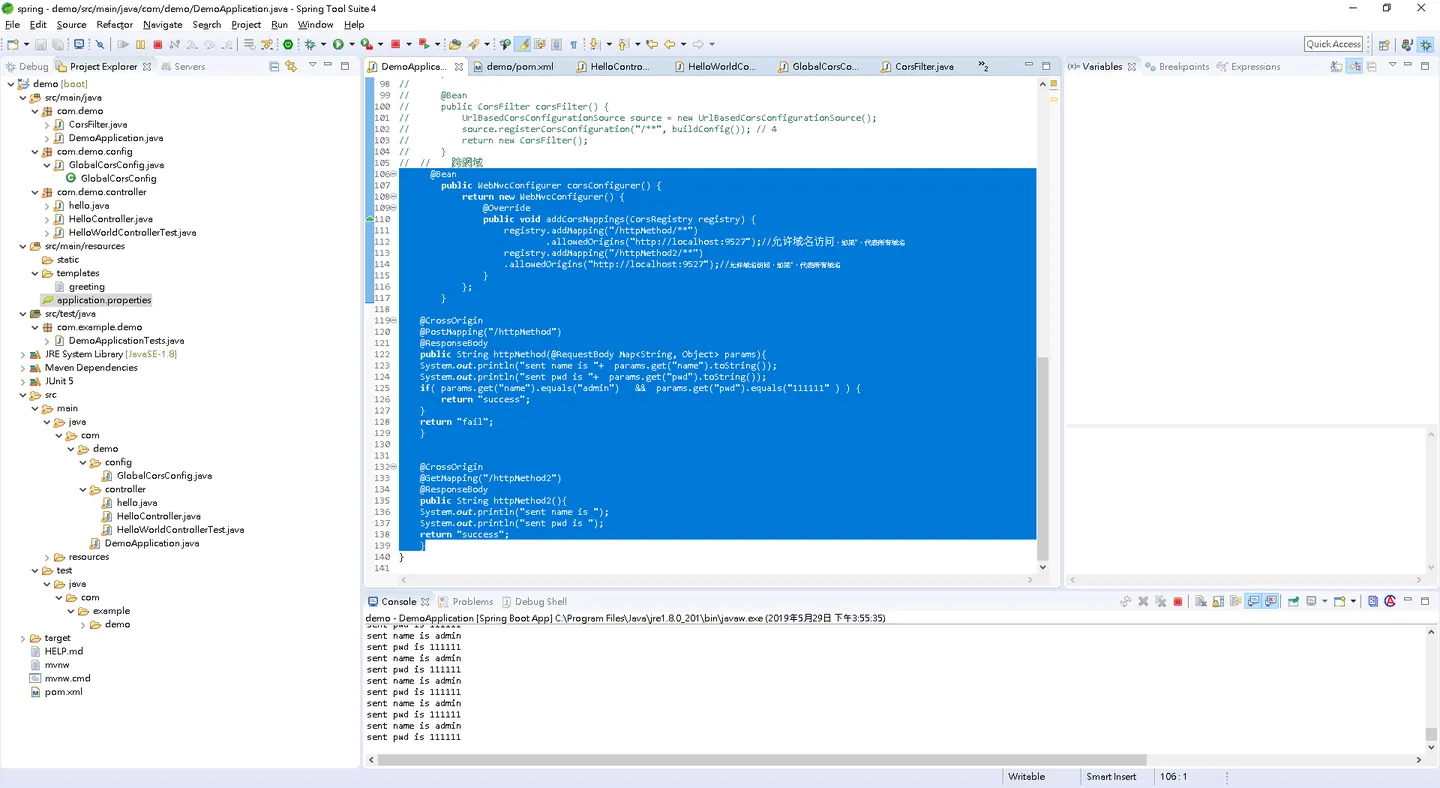
@Bean
     public WebMvcConfigurer corsConfigurer() {
         return new WebMvcConfigurer() {
             @Override
             public void addCorsMappings(CorsRegistry registry) {
                 registry.addMapping("/httpMethod/**")
                         .allowedOrigins("http://localhost:9527");//允许域名访问,如果*,代表所有域名
                 registry.addMapping("/httpMethod2/**")
                    .allowedOrigins("http://localhost:9527");//允许域名访问,如果*,代表所有域名
             }
         };
     }

 @CrossOrigin
    @PostMapping("/httpMethod")
 @ResponseBody
 public String httpMethod(@RequestBody Map<String, Object> params){
 System.out.println("sent name is "+  params.get("name").toString());
 System.out.println("sent pwd is "+  params.get("pwd").toString());
 if( params.get("name").equals("admin")   &&  params.get("pwd").equals("111111" ) ) {
  return "success";
 }
 return "fail";
 }

 @CrossOrigin
    @GetMapping("/httpMethod2")
 @ResponseBody
 public String httpMethod2(){
 System.out.println("sent name is ");
 System.out.println("sent pwd is ");
 return "success";
 }
https://ithelp.ithome.com.tw/articles/10194612
spring boot 其他參數連接埠設定
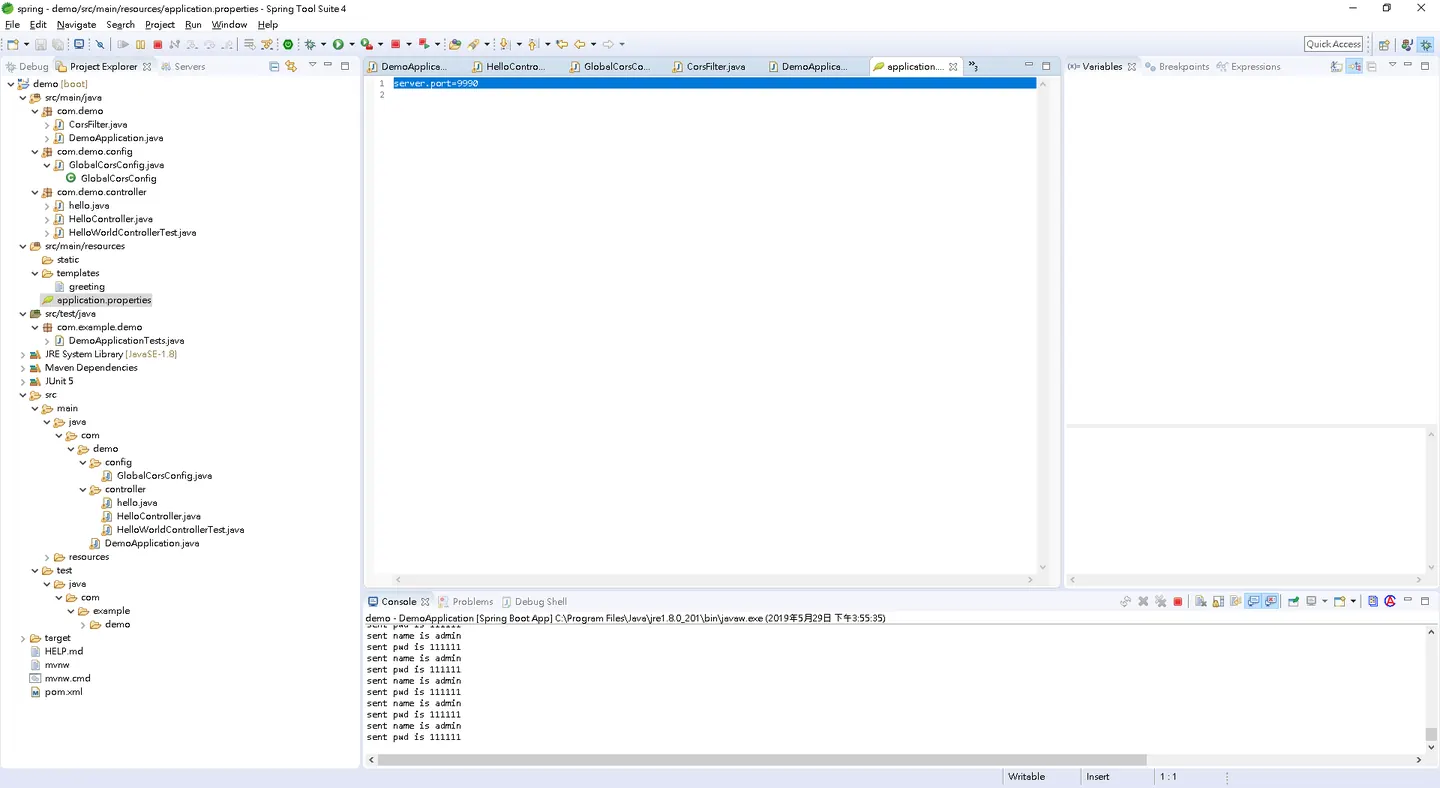
server.port=9990
spring 加掛 ssh 其他參數設定
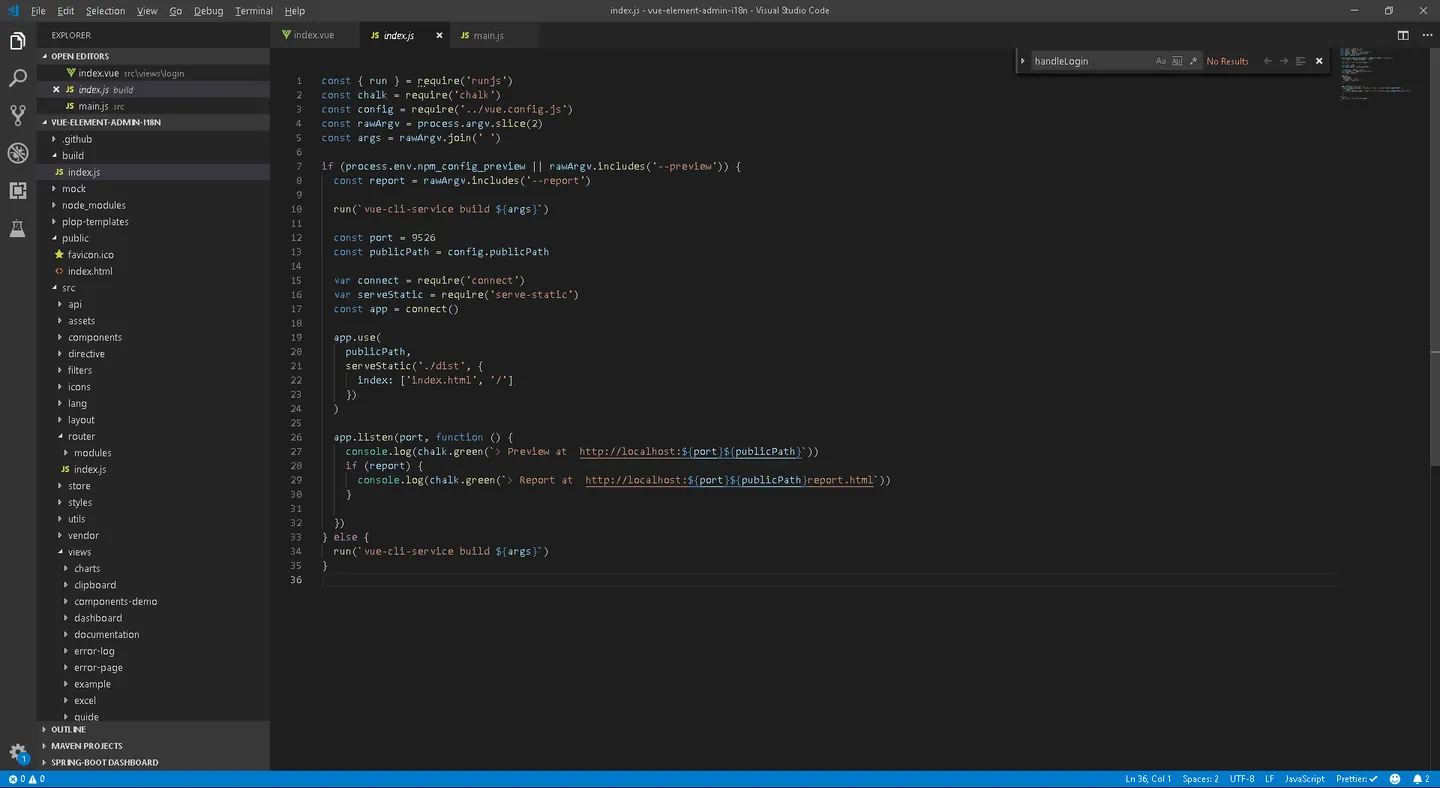
https://blog.csdn.net/beguile/article/details/80053956
這邊跟之前做串流伺服器一樣可以加掛 ssh
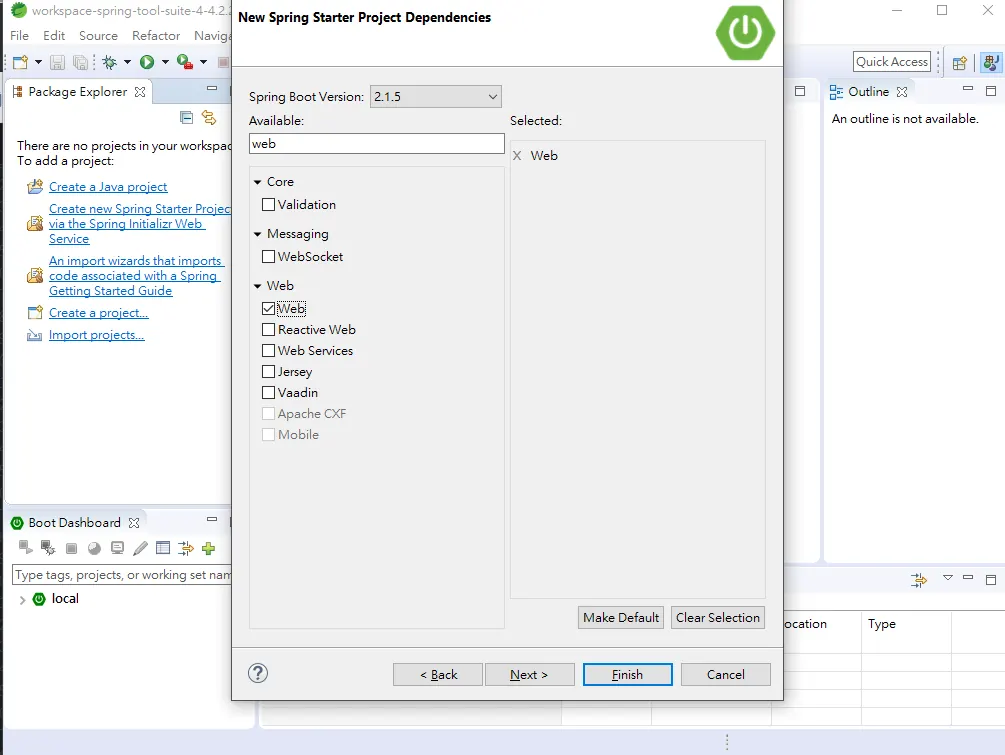
spring 簡單安裝
https://ithelp.ithome.com.tw/articles/10192344
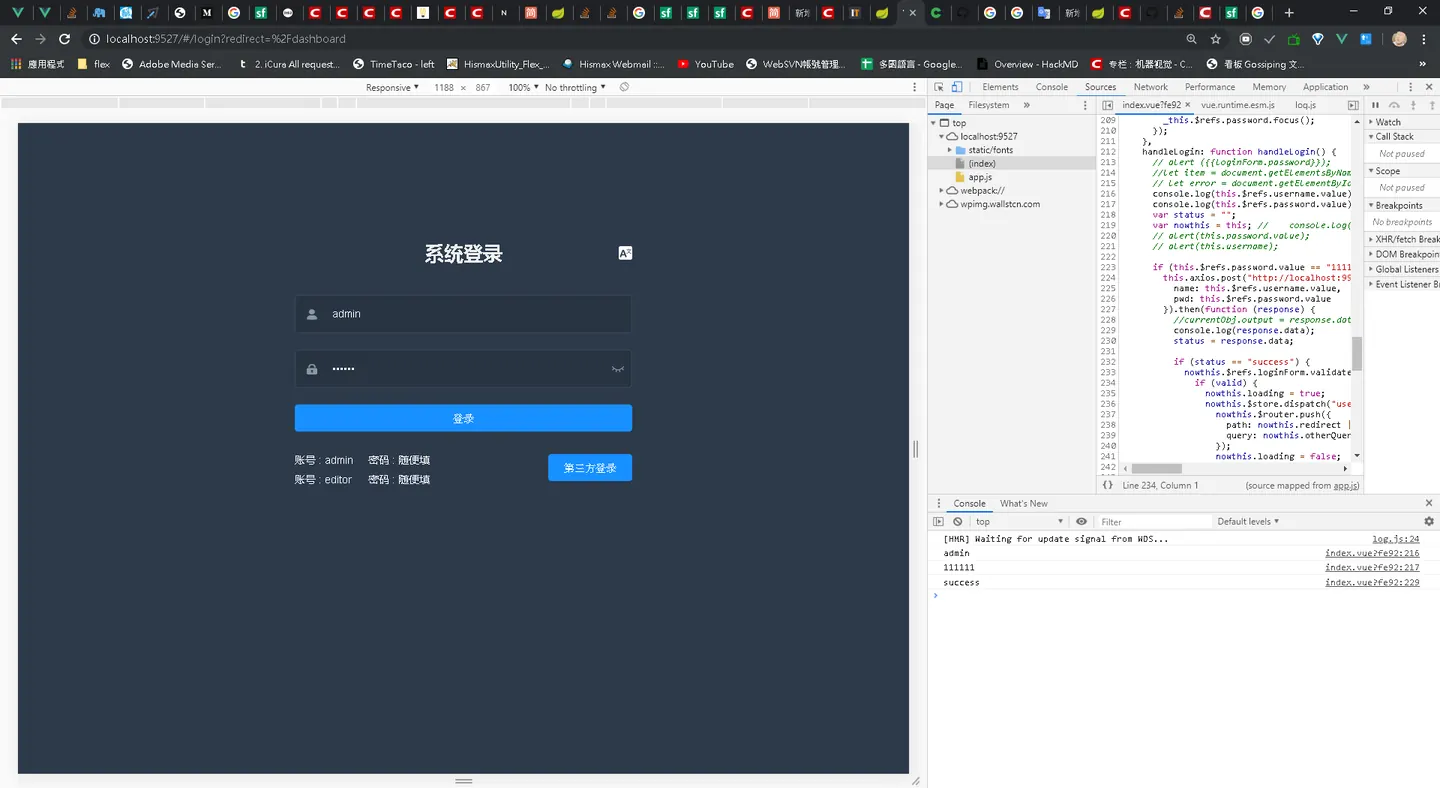
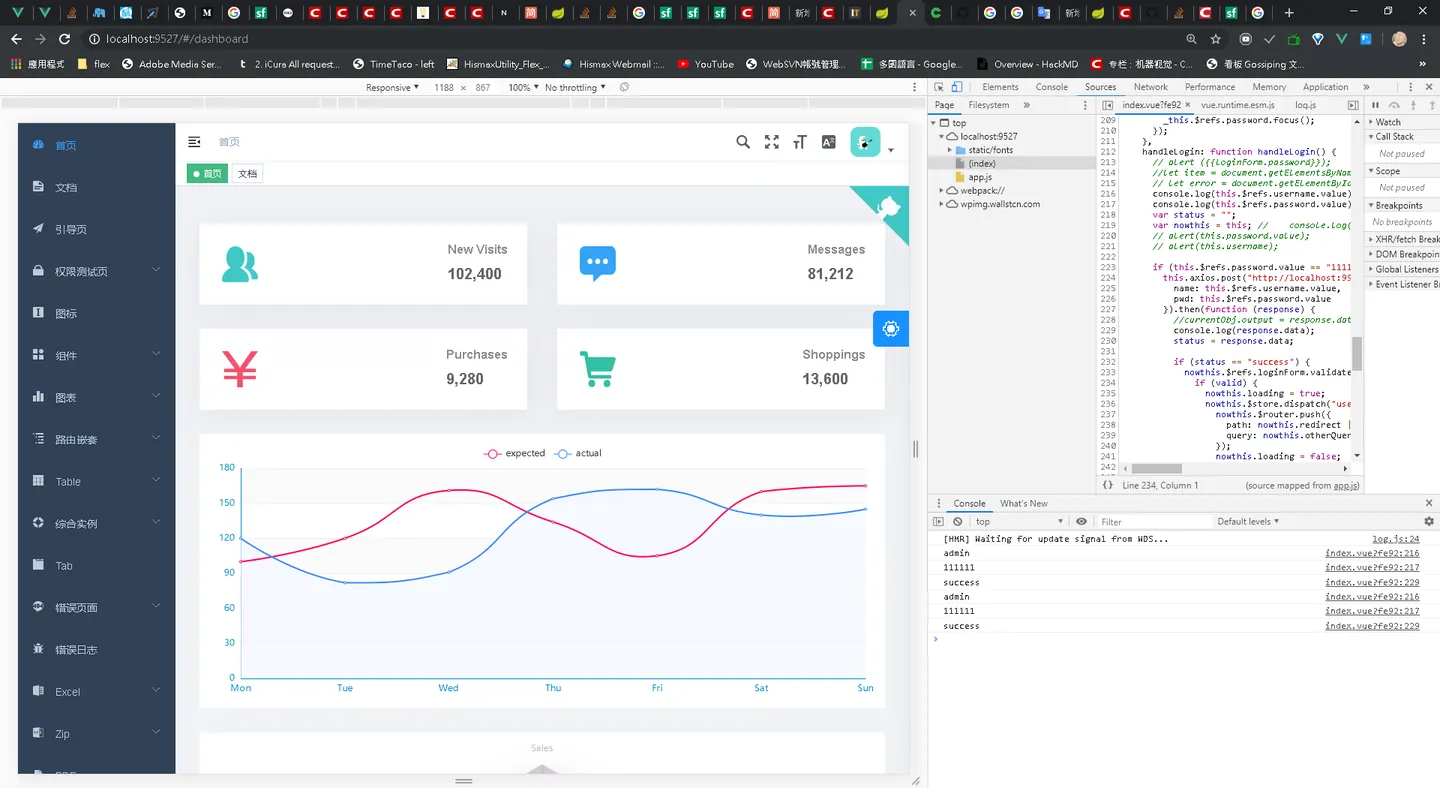
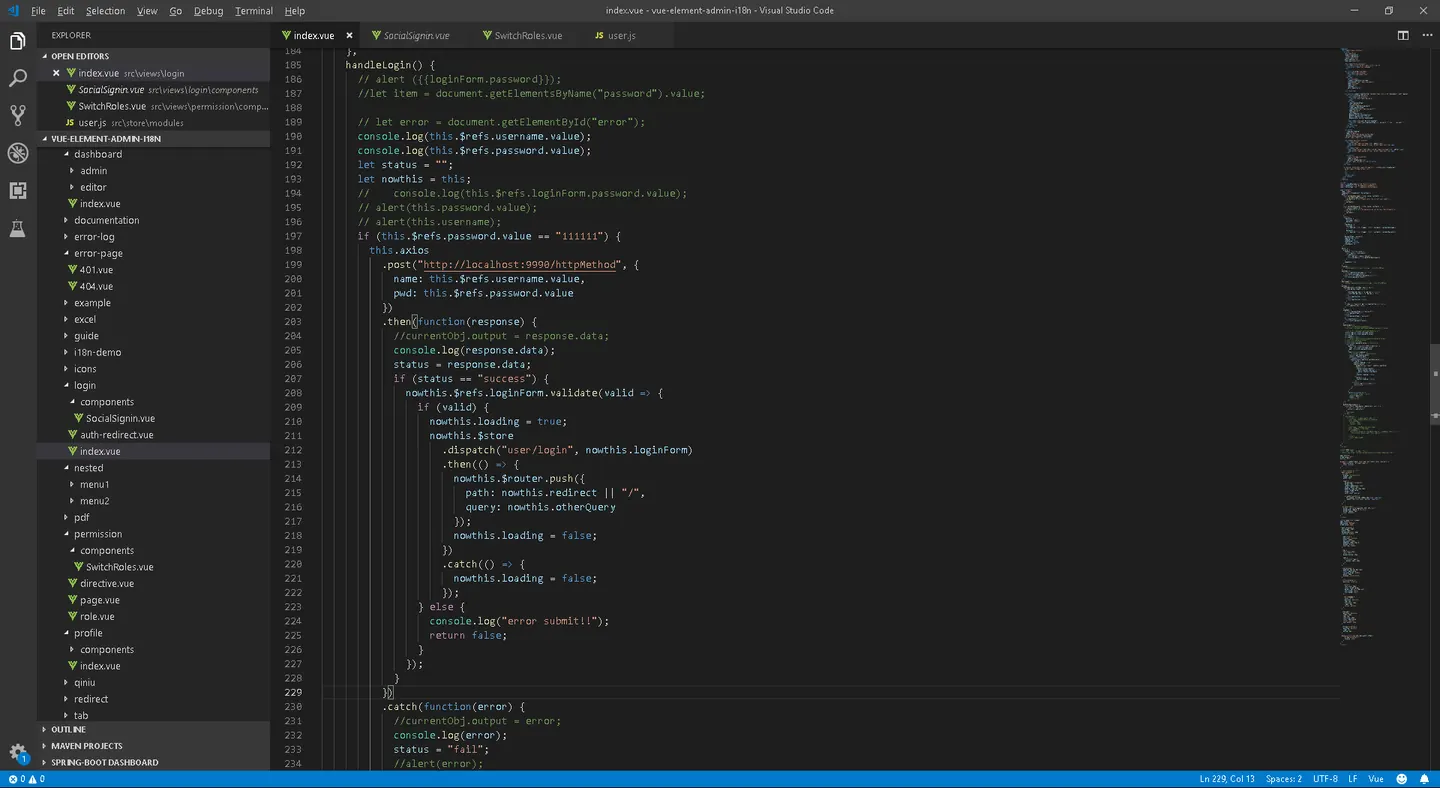
實現簡單 login / menu 登入
https://www.jianshu.com/p/587c56ed9dfa
Comments