

基於 Elasticsearch 搜尋商品
摘要
我們之前用 Elasticsearch 來去匯集 我們微服務之間的LOG 現在的話我們直接用搜尋再資料庫的某項商品資料 意味者賦予你的數據、搜尋、分析等功能
Elasticsearch 6.2.2
Elasticsearch 是一個分佈式、可擴展、實時的搜尋與數據分析引擎。它能從項目一開始就賦予你的數據以搜尋、分析和探索的能力,可用於實現全文搜尋和實時數據統計。 https://www.elastic.co/cn/downloads/past-releases/elasticsearch-6-2-2
安裝 中文分詞 elasticsearch-plugin 6.2.2
延伸閱讀 https://blog.toright.com/posts/5319/fulltext-search-elasticsearch-kibana-bigdata.html
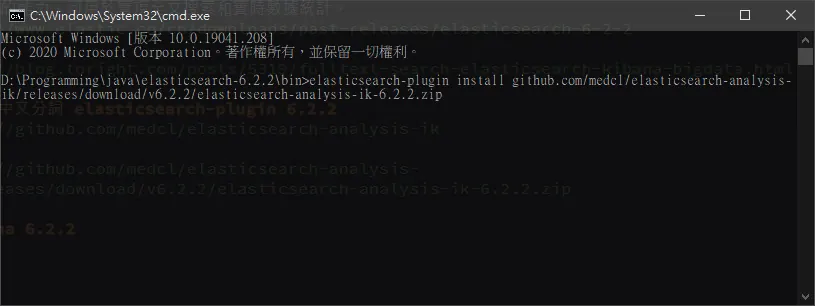
elasticsearch-plugin install https://github.com/medcl/elasticsearch-analysis-ik/releases/download/v6.2.2/elasticsearch-analysis-ik-6.2.2.zip
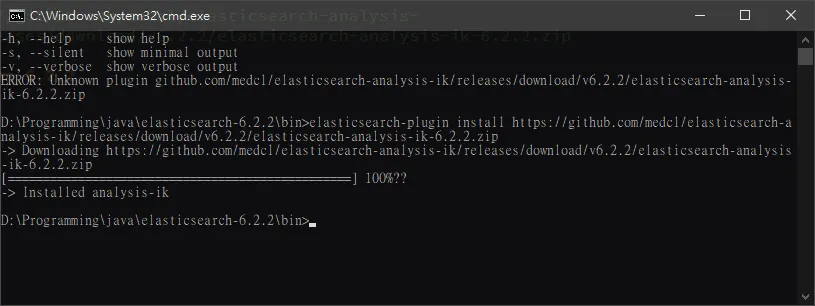
https://github.com/medcl/elasticsearch-analysis-ik
https://github.com/medcl/elasticsearch-analysis-ik/releases/download/v6.2.2/elasticsearch-analysis-ik-6.2.2.zip
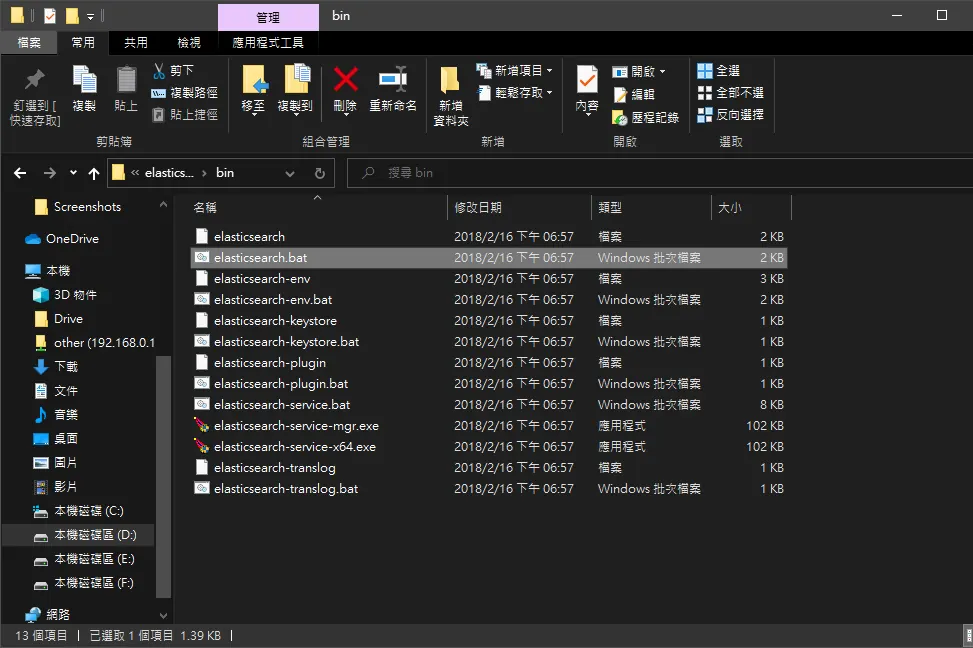
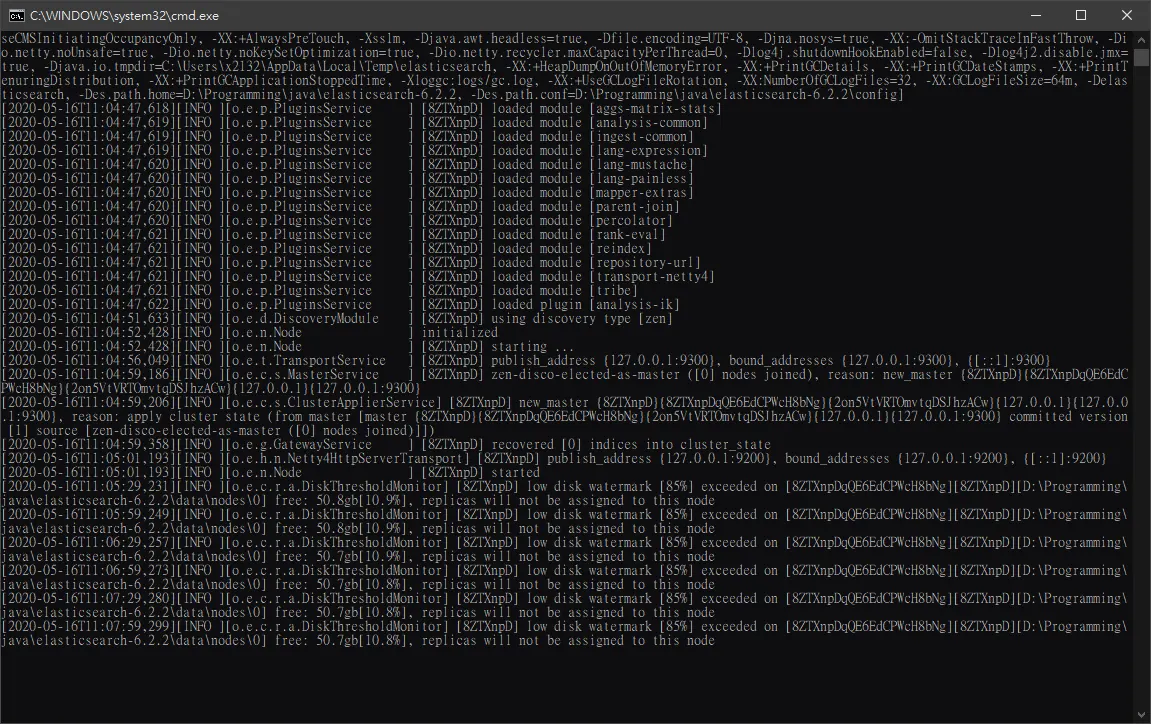
啟動 elasticsearch
elasticsearch.bat
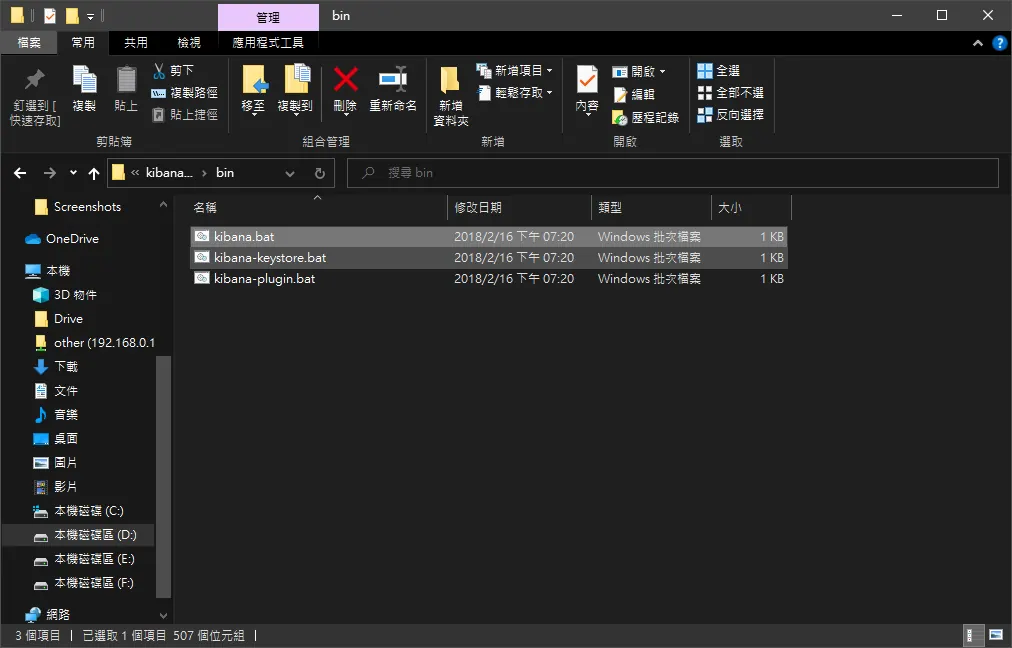
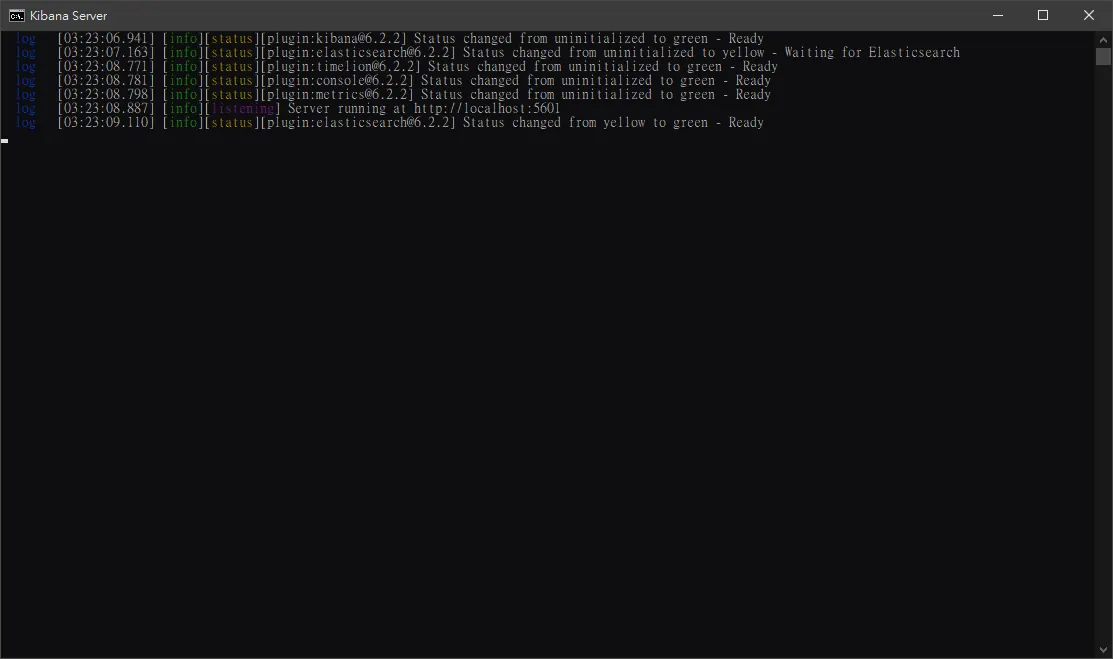
Kibana 6.2.2
kibana.bat
可以輸入 dsl 語句 操作 elasticsearch
Elasticsearch 快速入門
https://www.elastic.co/guide/cn/elasticsearch/guide/current/index-doc.html
就根據官方文檔案看下來,索引就相對於是資料庫,類型就相對於 資料庫裡面的表 文檔就就相對於資料庫裏面每一條紀錄,屬性就相對於欄位。
什麼是文檔?
在大多數應用中,多數實體或對象可以被序列化為包含鍵值對的JSON對象。 一個對象,一些計數值,或一些其他特殊類型表示日期的字符串,或代表一個定位的對象:
{
    "name": "John Smith",
    "age": 42,
    "confirmed": true,
    "join_date": "2014-06-01",
    "home": {
        "lat": 51.5,
        "lon": 0.1
    },
    "accounts": [
        {
            "type": "facebook",
            "id": "johnsmith"
        },
        {
            "type": "twitter",
            "id": "johnsmith"
        }
    ]
}
創建索引文檔
https://www.elastic.co/guide/cn/elasticsearch/guide/current/index-doc.html
PUT http://localhost:9200/website/blog/123
{
  "title": "My first blog entry",
  "text":  "Just trying this out...",
  "date":  "2014/01/01"
}
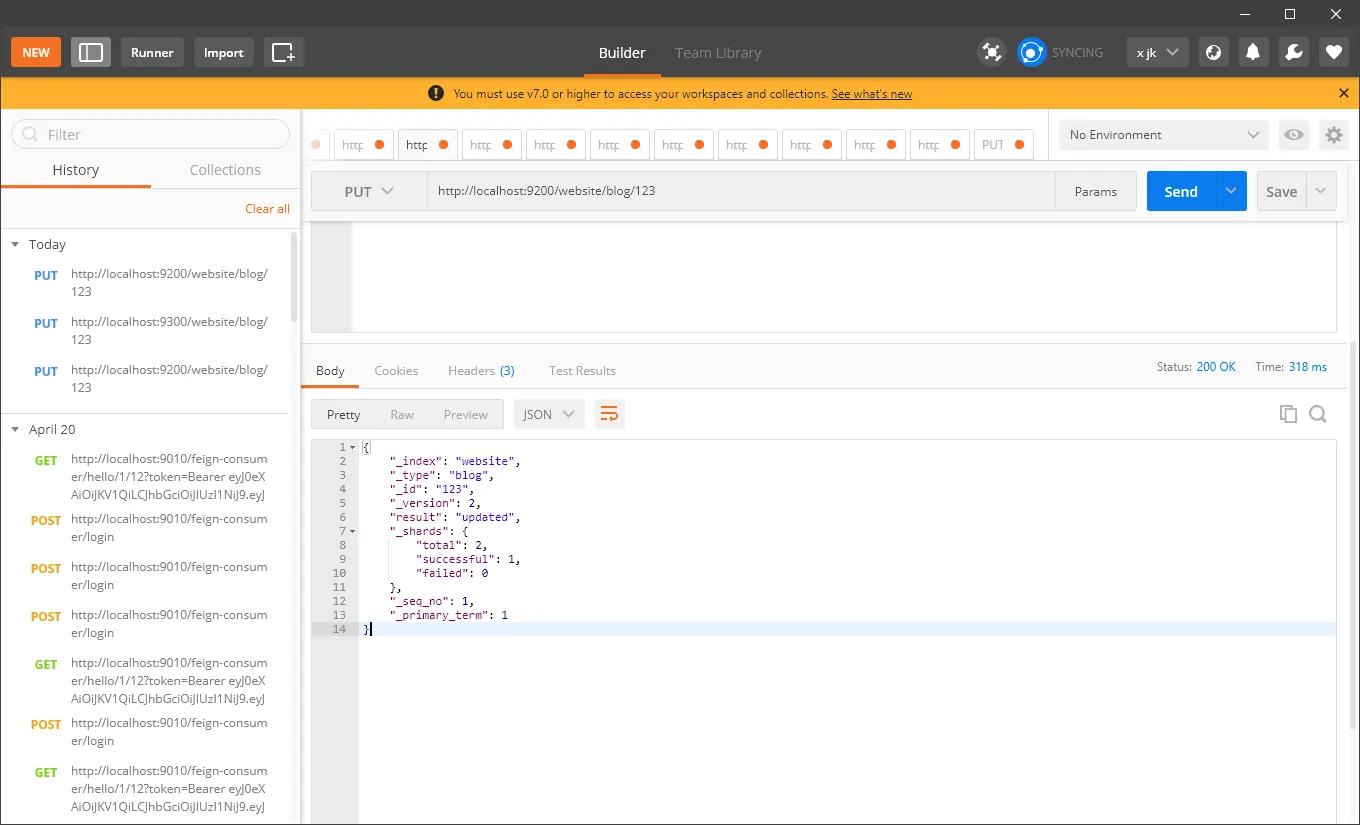
取回索引文檔
https://www.elastic.co/guide/cn/elasticsearch/guide/current/get-doc.html
GET http://localhost:9200/website/blog/123?pretty
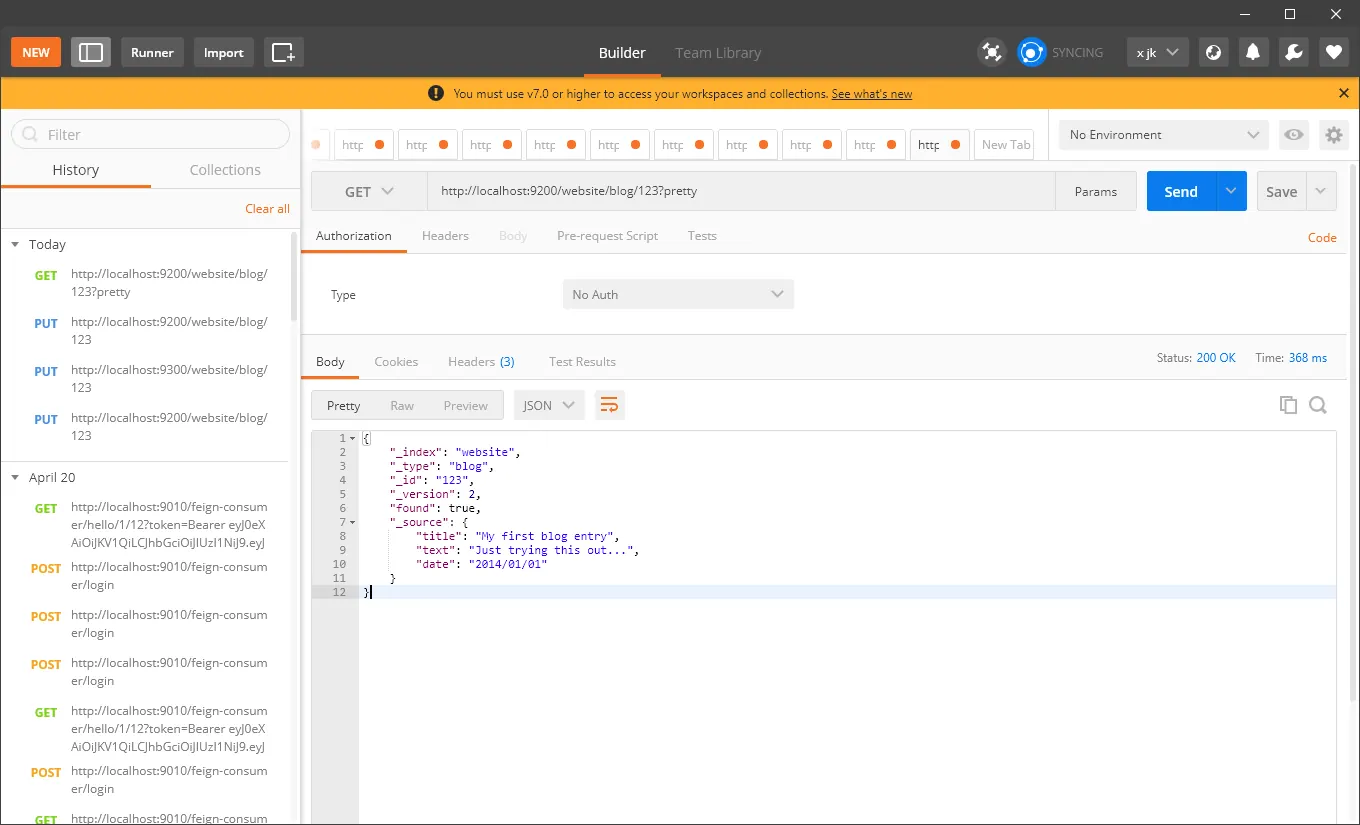
檢查索引文檔是否存在
https://www.elastic.co/guide/cn/elasticsearch/guide/current/doc-exists.html
HEAD http://localhost:9200/website/blog/123/
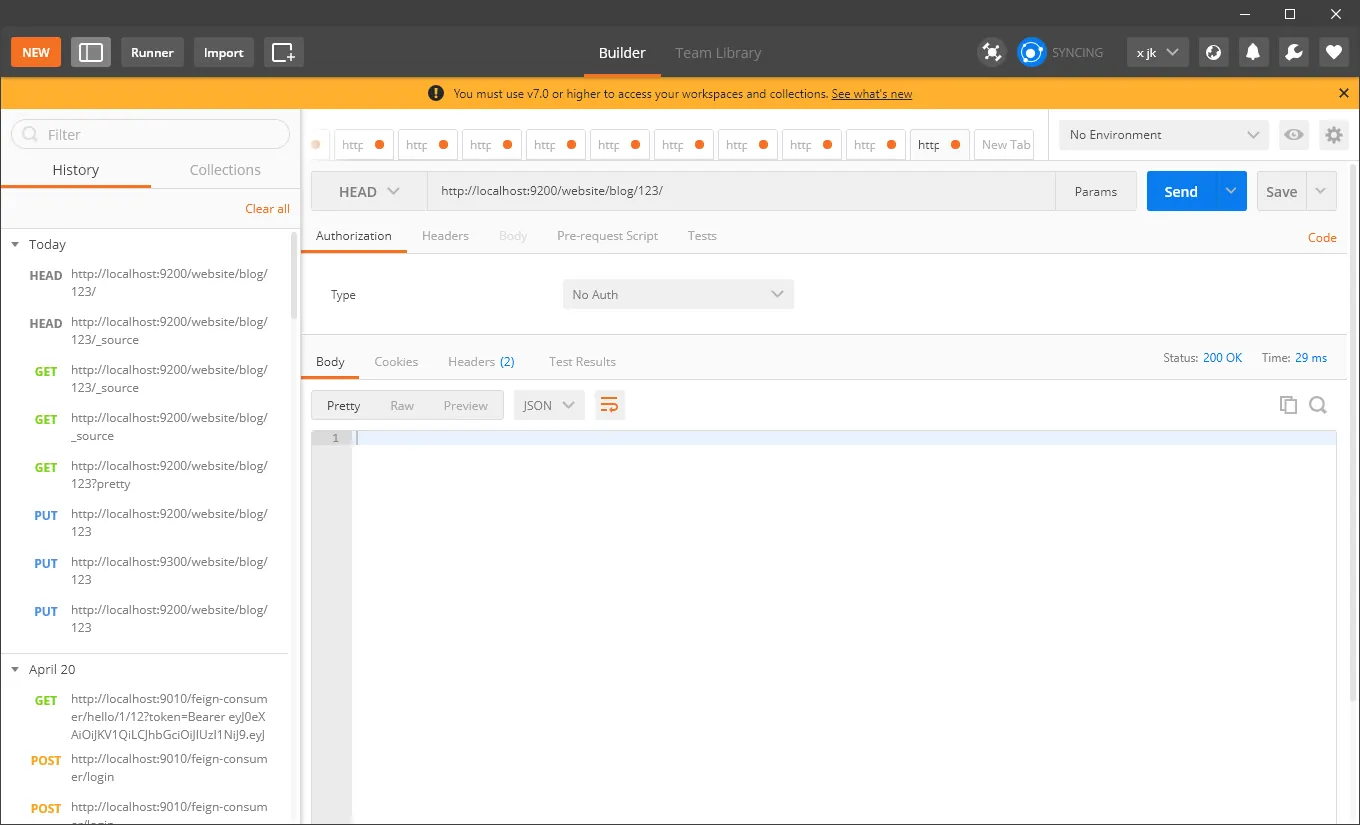 存在他會直接response 200
更新索引文檔
https://www.elastic.co/guide/cn/elasticsearch/guide/current/update-doc.html
PUT http://localhost:9200/website/blog/123
{
  "title": "My first blog entry",
  "text":  "Just trying this out...",
  "date":  "2014/01/01"
}
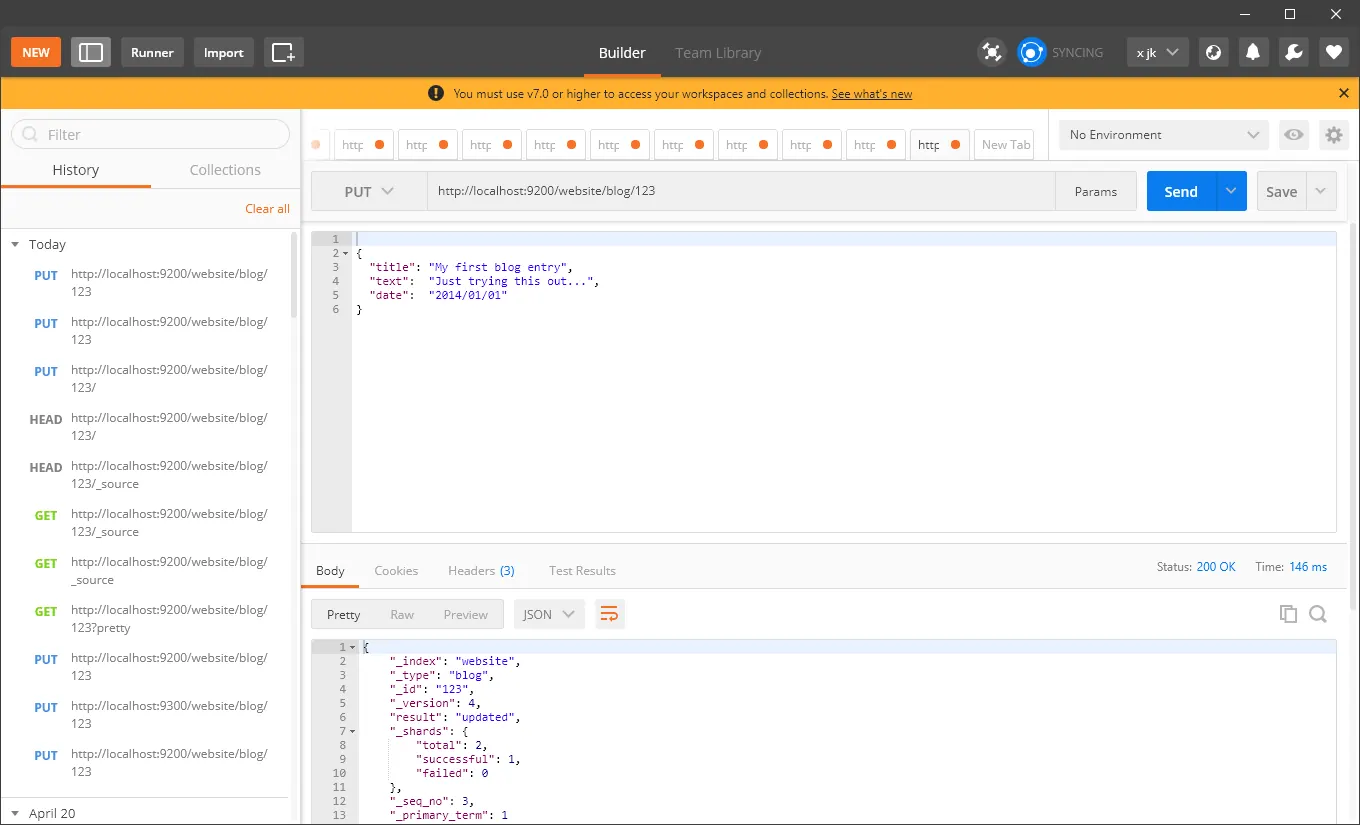
創建新文檔
PUT http://localhost:9200/website/blog/123?op_type=create
PUT /website/blog/123/_create
{
  "title": "My first blog entry",
  "text":  "Just trying WWthis out...",
  "date":  "2014/01/02"
}
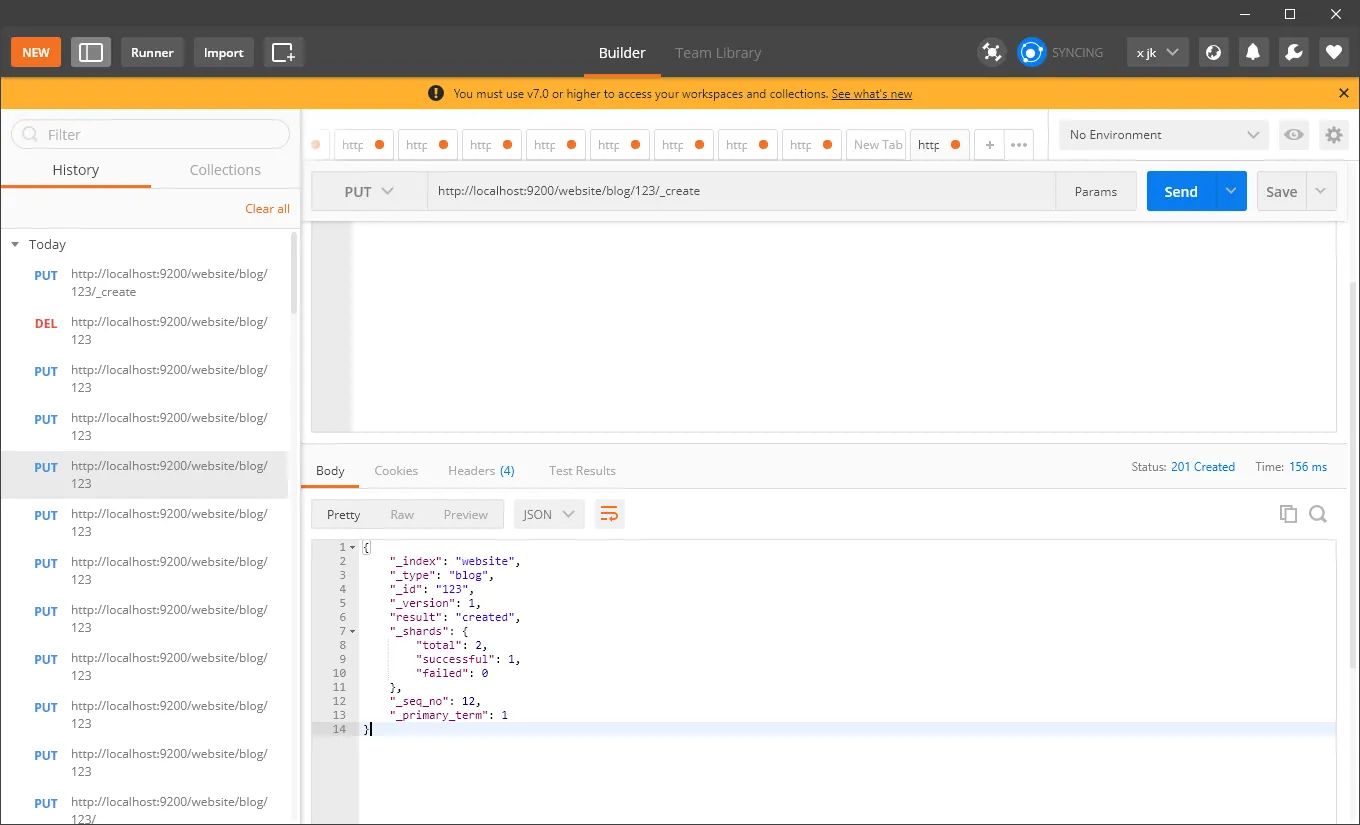
刪除文檔
DELETE http://localhost:9200/website/blog/123
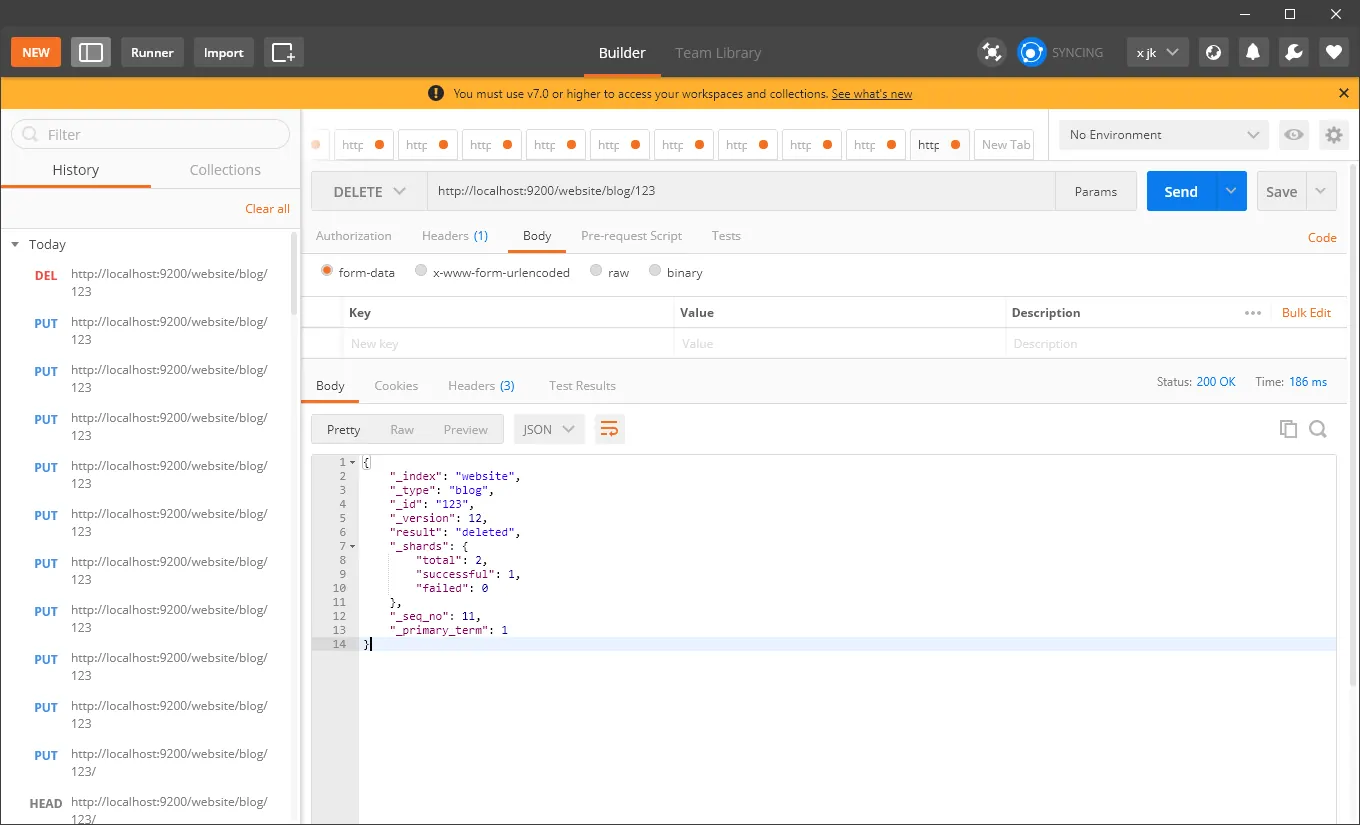
Comments