
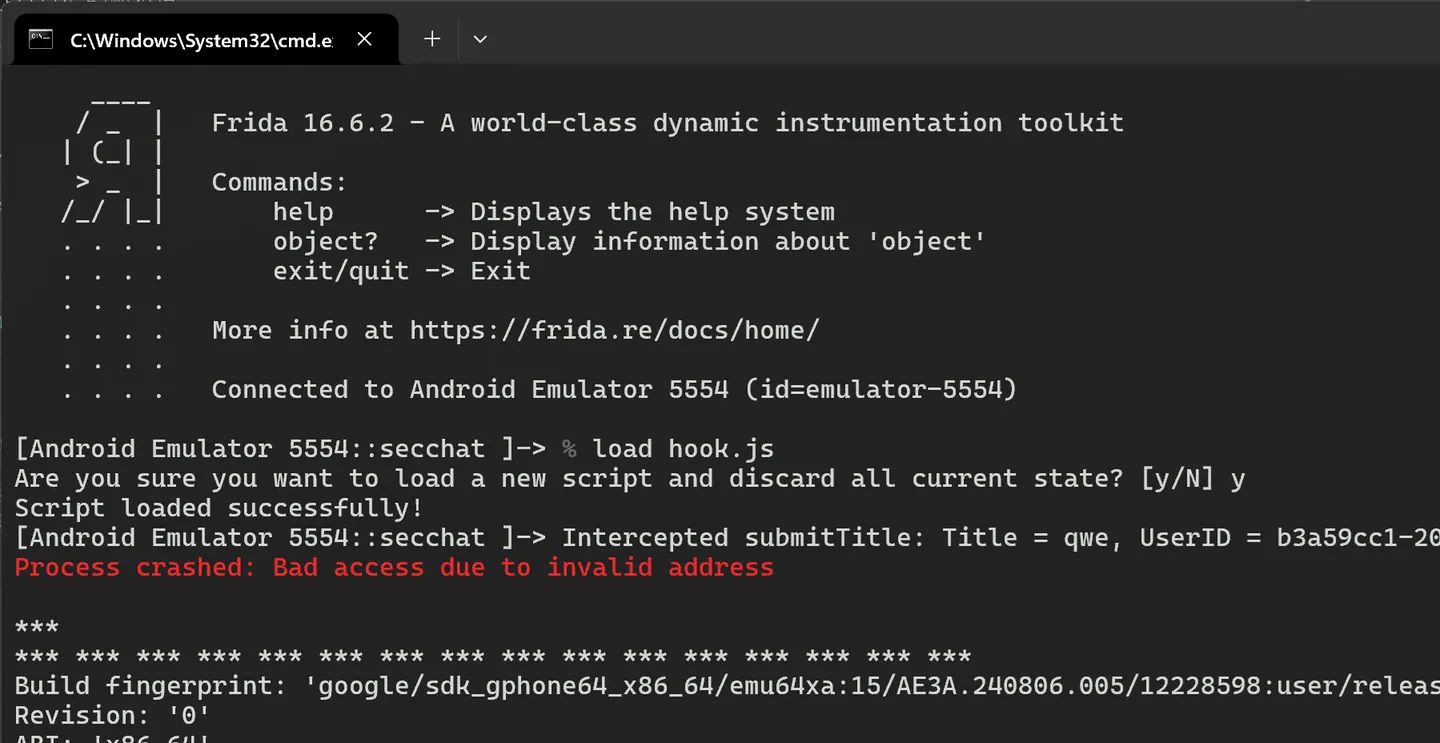
use magisck root image && frida example
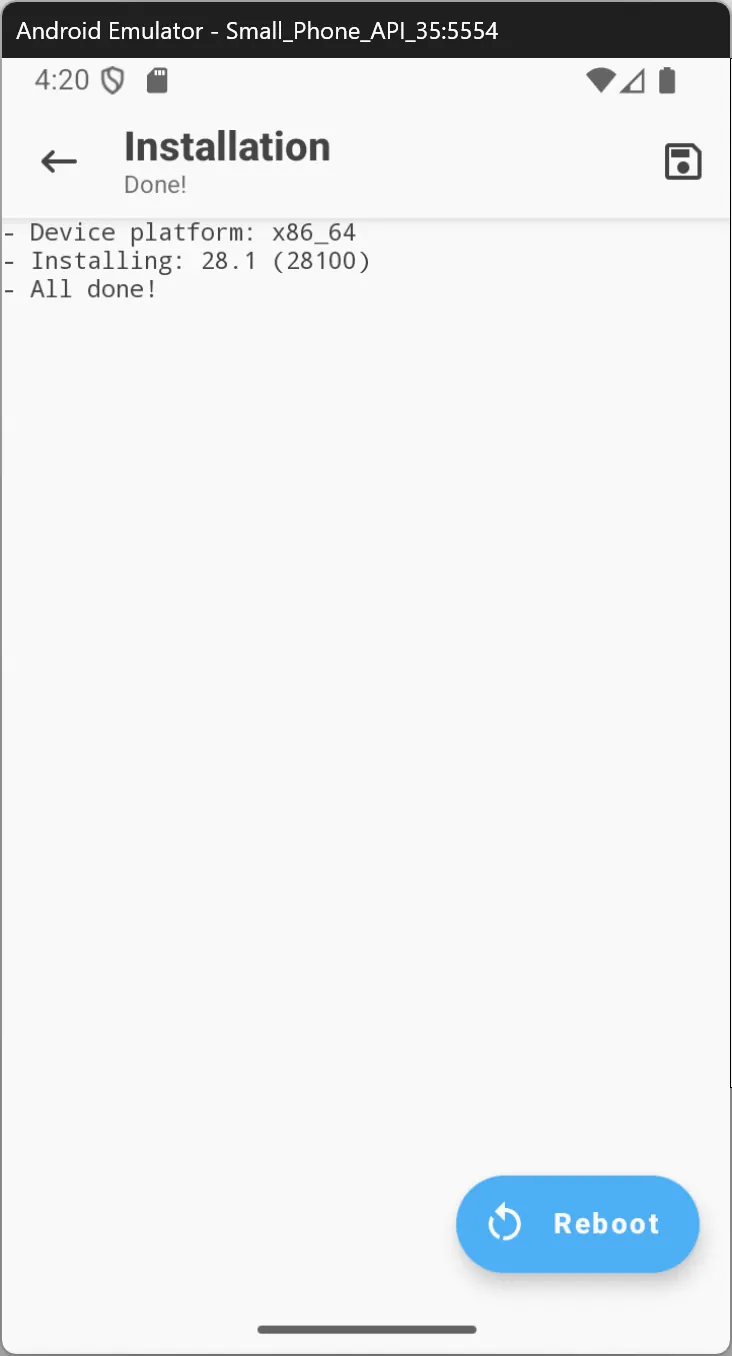
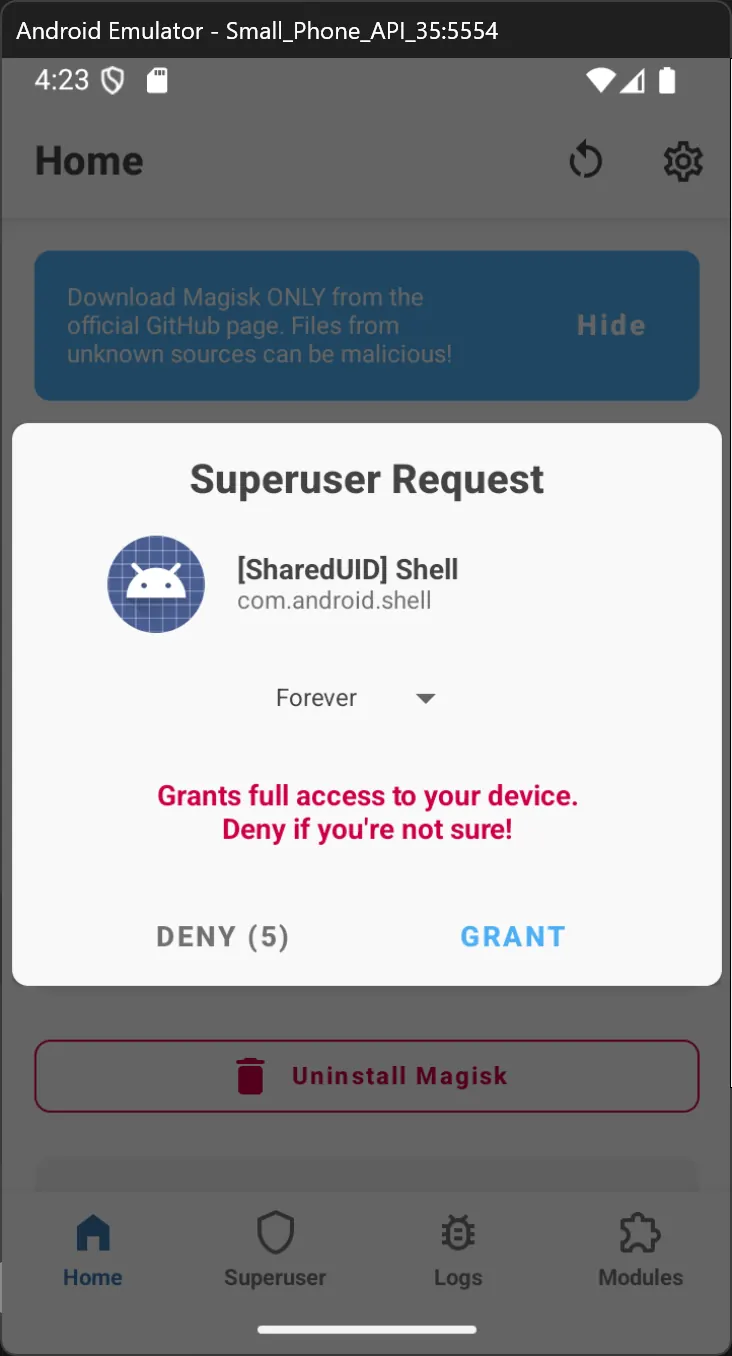
magisck 對 android 虛擬機進行root
https://systemweakness.com/rooting-emulator-and-installing-magisk-c3cbd34ec436
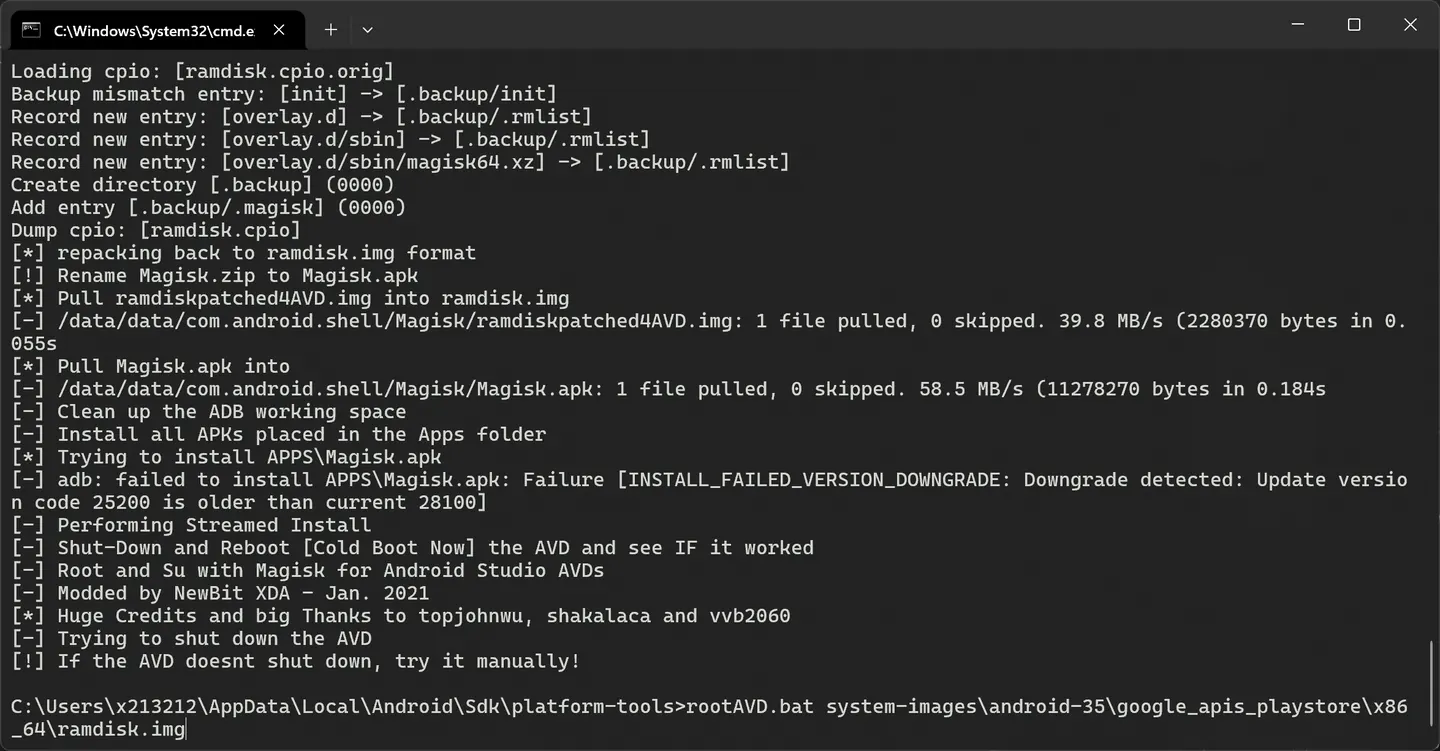 這邊直接指向 android 虛擬機 ram disk.img刷入即可
>rootAVD.bat system-images\android-35\google_apis_playstore\x86_64\ramdisk.img
啟動虛擬機
C:\Users\x213212\AppData\Local\Android\Sdk\emulator>emulator.exe -avd Small_Phone_API_35 -writable-system -selinux permissive
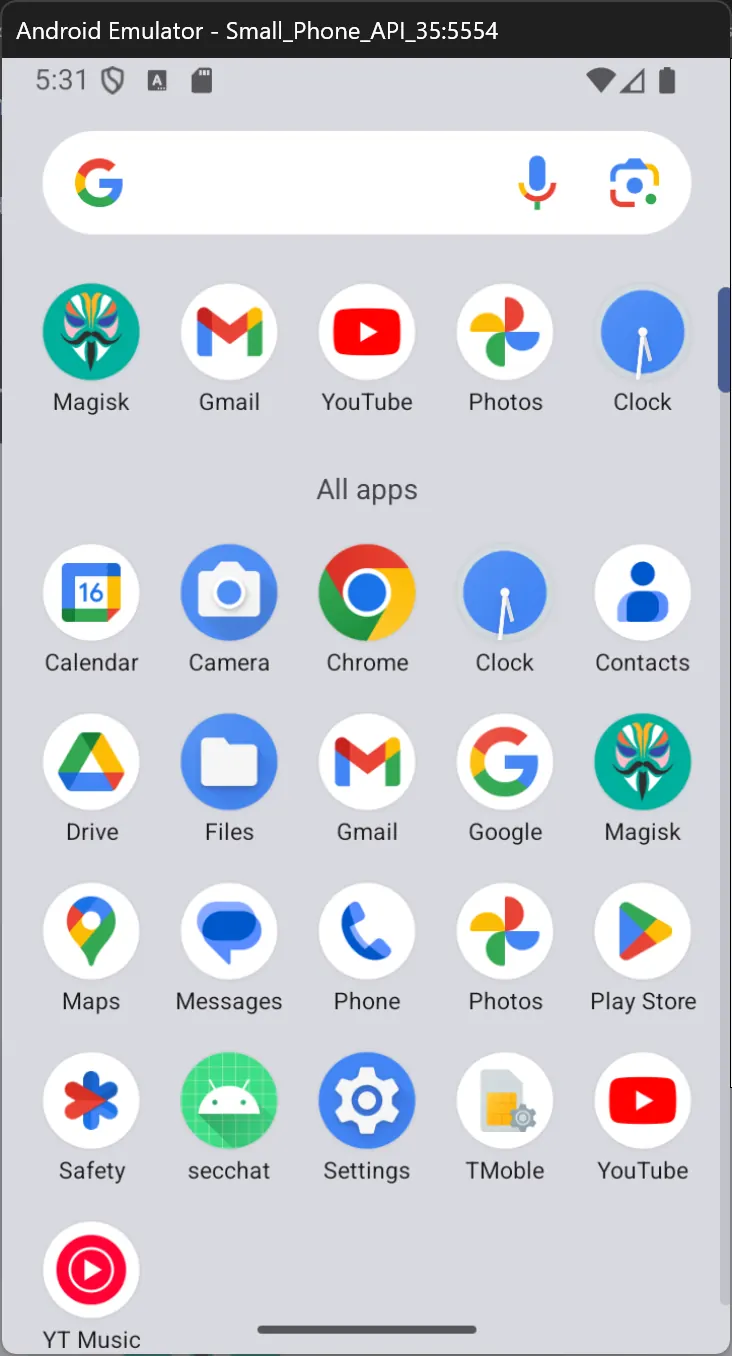
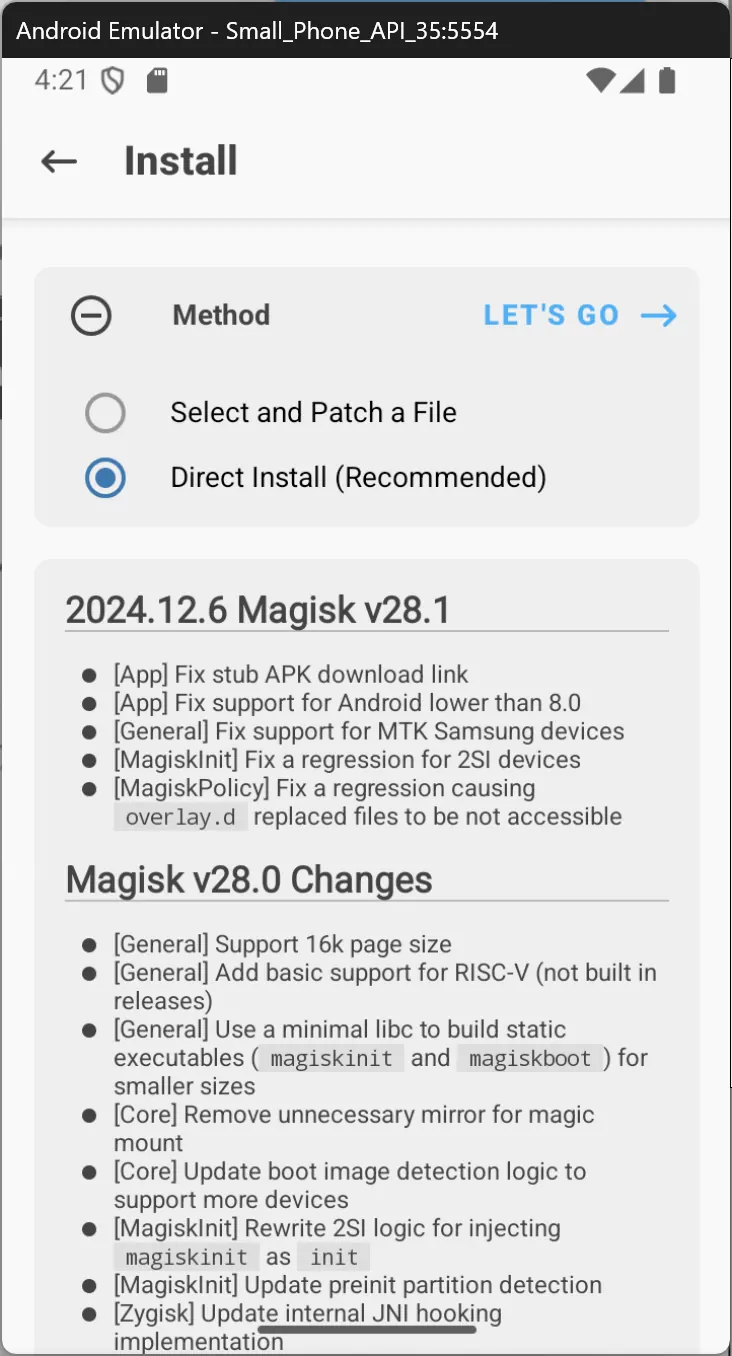
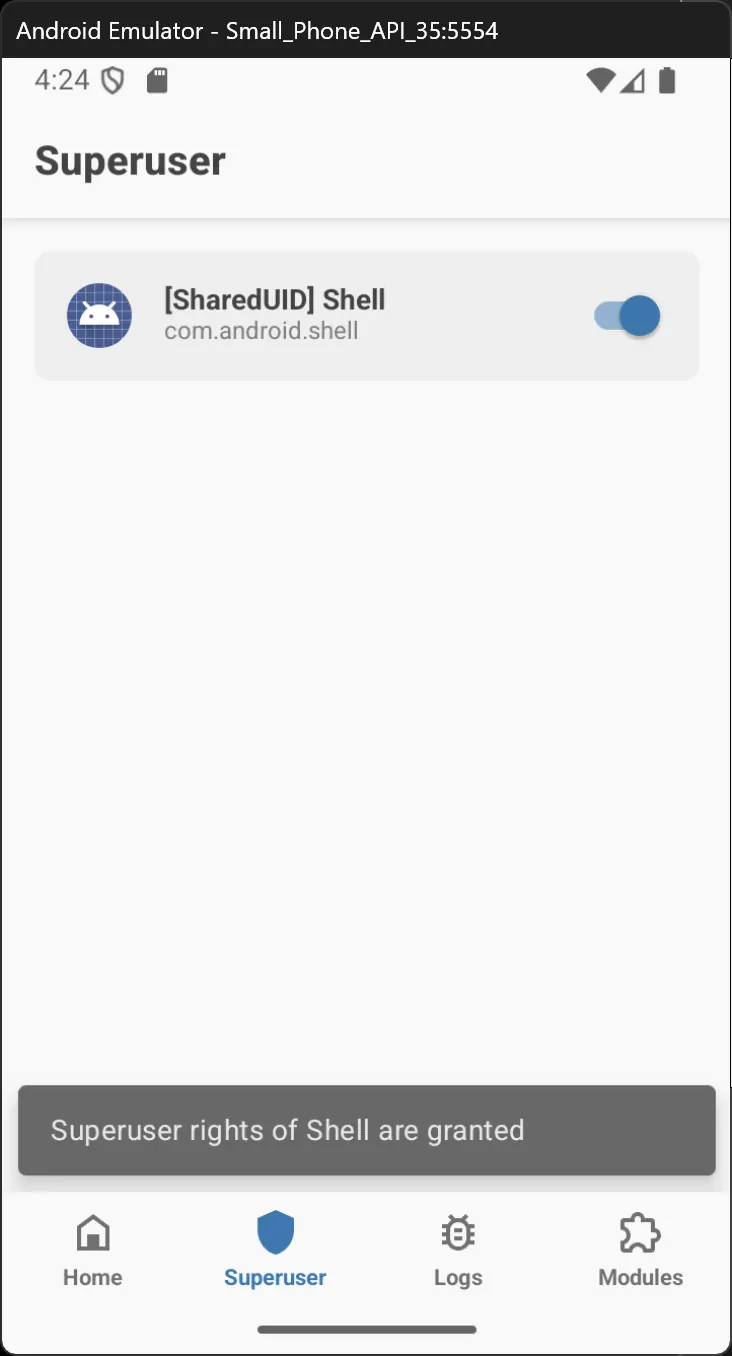
重開後 就可以透過 magisk 進行 root
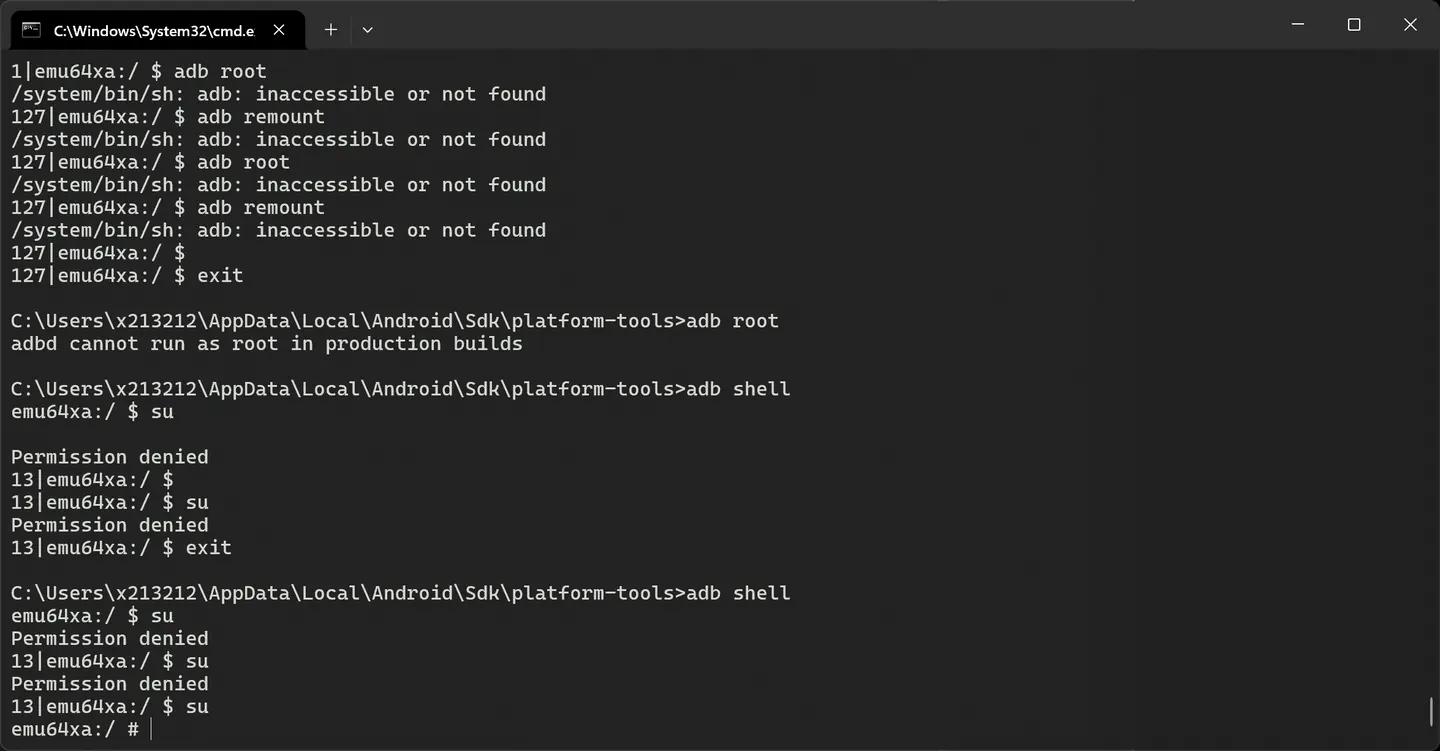
adb shell
su
看到#字號就是root 成功
frida
這是一個動態插樁的 tool
pip install frida frida-tools
記得這邊放環境變數,cli tool 都放在這,當然你可以透過python 去呼叫
這邊要去 frida下載
https://github.com/frida/frida/releases
反正就是gdb server的概念
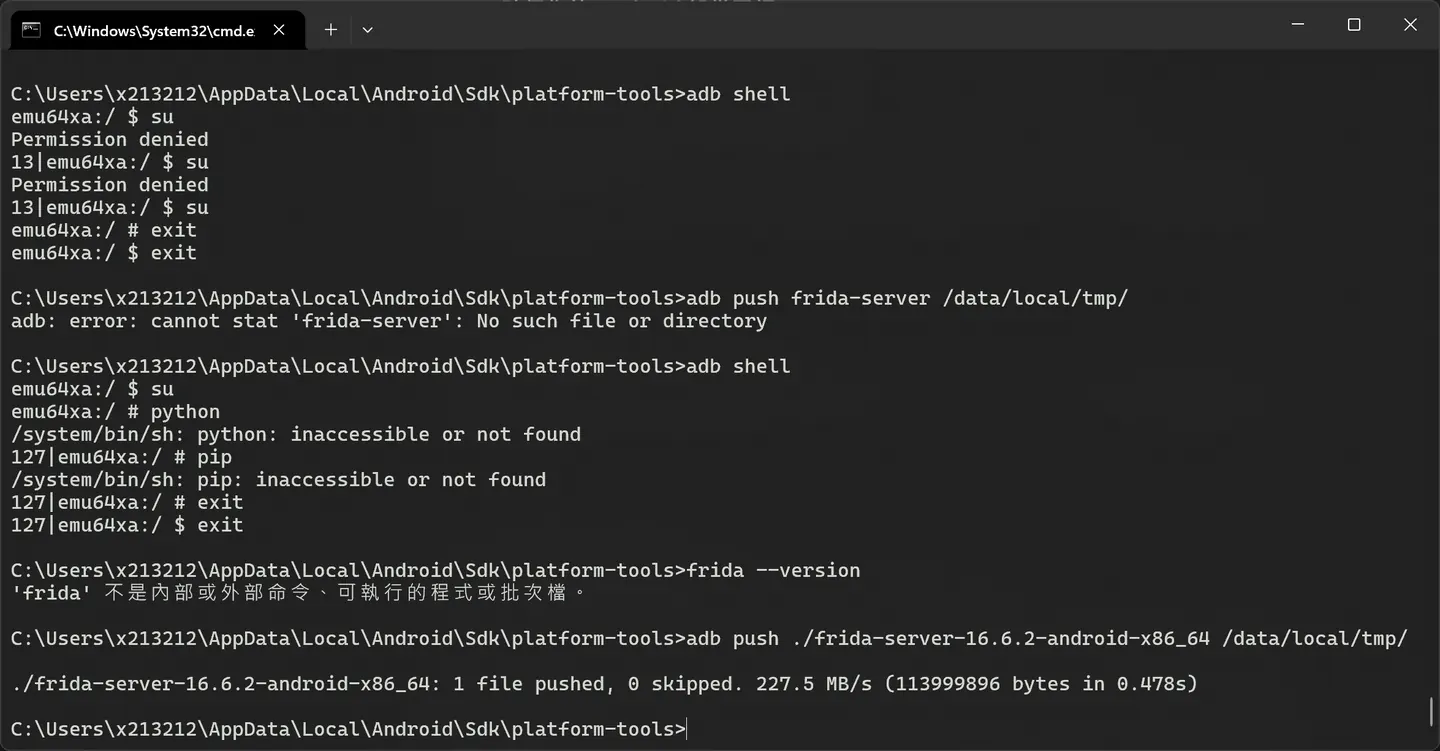
adb push ./frida-server-16.6.2-android-x86_64 /data/local/tmp/
上傳後直接啟動
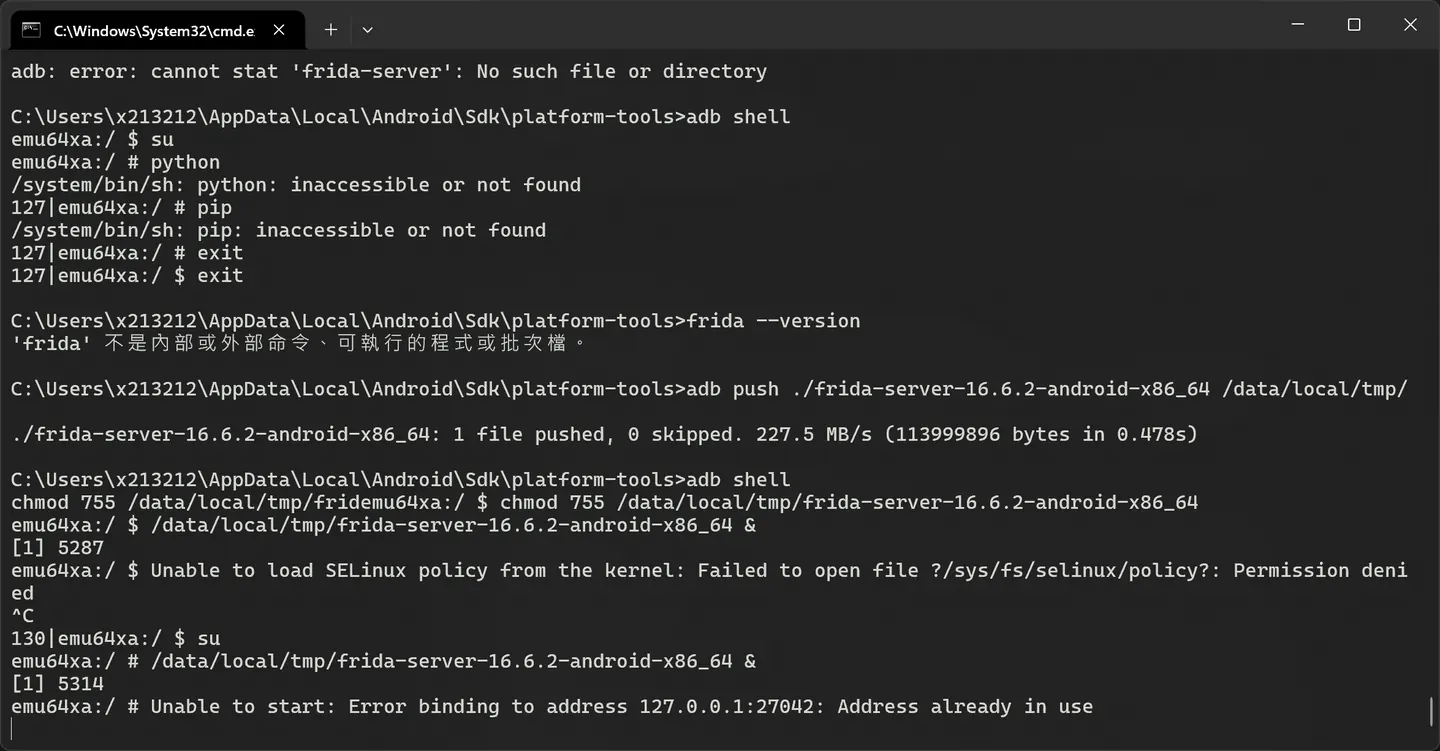
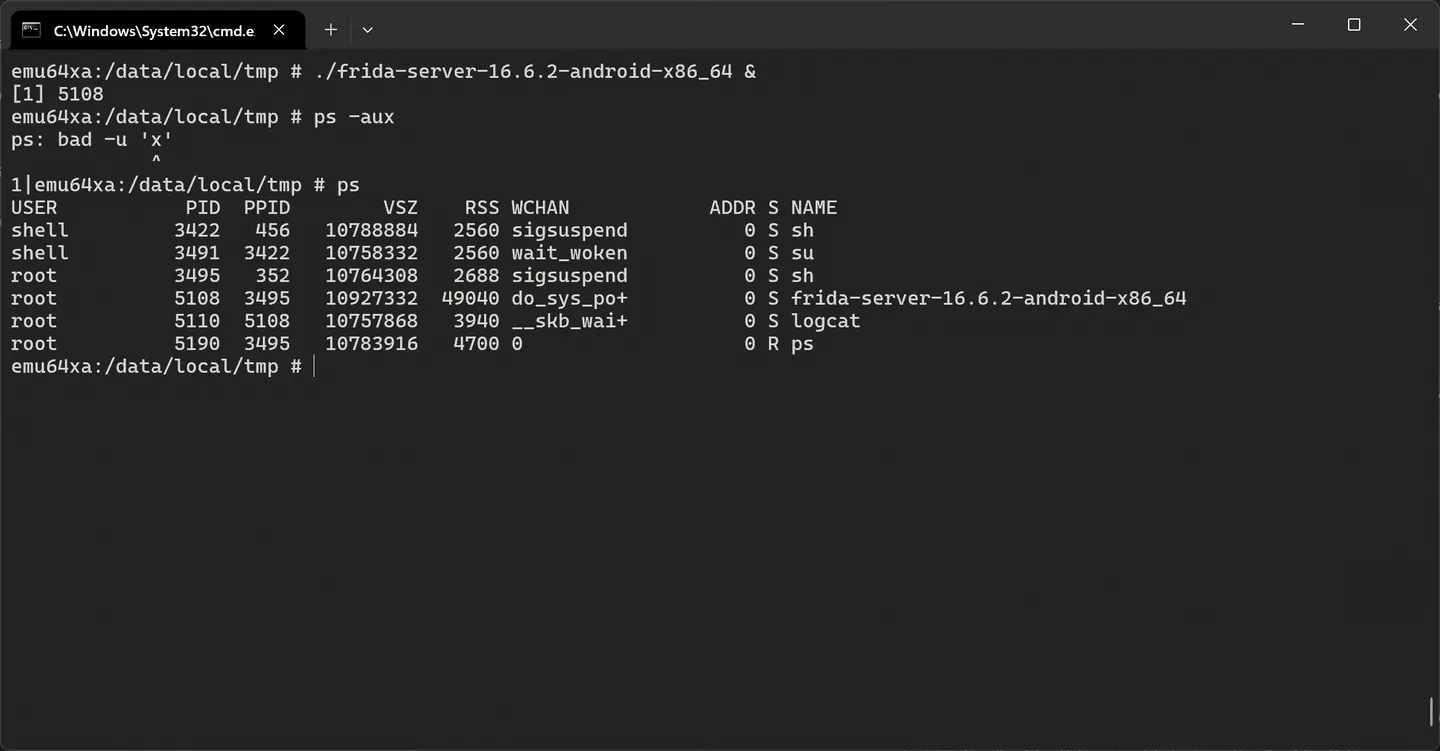
./frida-server-16.6.2-android-x86_64 &
ps
 接下來就可以對 apk進行 hook 了
這邊透過我們剛剛環境變數設置的frida cli tool
C:\Users\x213212\156156>frida-ls-devices
Id             Type    Name                   OS
-------------  ------  ---------------------  ------------------
local          local   Local System           Windows 10.0.22631
emulator-5554  usb     Android Emulator 5554  Android 15
barebone       remote  GDB Remote Stub
socket         remote  Local Socket
C:\Users\x213212\156156>frida-ps -U
 PID  Name
----  -------------------------------------------------------------------------------------------------
4077  Chrome
1397  Google
4022  Google Play Store
4642  Magisk
2445  Messages
4329  Personal Safety
3912  Photos
 997  SIM Toolkit
3962  Settings
3814  YouTube
 456  adbd
 187  android.hardware.atrace@1.0-service
 385  android.hardware.audio.service
 417  android.hardware.authsecret-service.example
 786  android.hardware.biometrics.face-service.example
 785  android.hardware.biometrics.fingerprint-service.ranchu
 401  android.hardware.bluetooth-service.default
 386  android.hardware.camera.provider.ranchu
 387  android.hardware.camera.provider@2.7-service-google
 422  android.hardware.cas-service.example
 402  android.hardware.contexthub-service.example
 441  android.hardware.drm-service.widevine
 390  android.hardware.gatekeeper@1.0-service.software
 866  android.hardware.gnss-service.ranchu
 391  android.hardware.graphics.allocator@3.0-service.ranchu
 403  android.hardware.graphics.composer3-service.ranchu
 392  android.hardware.health-service.example
 404  android.hardware.identity-service.example
 407  android.hardware.lights-service.example
 393  android.hardware.media.c2@1.0-service-goldfish
 432  android.hardware.neuralnetworks-service-sample-all
 434  android.hardware.neuralnetworks-service-sample-limited
 437  android.hardware.neuralnetworks-shim-service-sample
 408  android.hardware.power-service.example
 409  android.hardware.power.stats-service.example
 440  android.hardware.rebootescrow-service.default
 190  android.hardware.security.keymint-service
 397  android.hardware.sensors-service.multihal
 398  android.hardware.thermal@2.0-service.mock
 399  android.hardware.usb-service.example
 411  android.hardware.vibrator-service.example
 400  android.hardware.wifi-service
 384  android.hidl.allocator@1.0-service
1607  android.process.acore
2409  android.process.media
 185  android.system.suspend-service
1399  artd
 442  audioserver
 486  bt_vhci_forwarder
 487  cameraserver
4147  com.android.chrome:privileged_process0
4258  com.android.chrome:sandboxed_process0:org.chromium.content.app.SandboxedProcessService0:0
3157  com.android.chrome_zygote
1449  com.android.emulator.multidisplay
3881  com.android.externalstorage
 920  com.android.networkstack.process
4060  com.android.providers.calendar
 981  com.android.se
 832  com.android.systemui
4328  com.android.traceur
4153  com.android.vending
2818  com.google.android.adservices.api
1410  com.google.android.apps.messaging:rcs
1131  com.google.android.apps.nexuslauncher
2162  com.google.android.apps.wallpaper
1313  com.google.android.apps.wellbeing
1378  com.google.android.as
1932  com.google.android.as.oss
 951  com.google.android.bluetooth
4353  com.google.android.cellbroadcastreceiver
1022  com.google.android.ext.services
1559  com.google.android.gms
1086  com.google.android.gms.persistent
4355  com.google.android.gms.ui
3255  com.google.android.gms.unstable
1583  com.google.android.googlequicksearchbox:search
4397  com.google.android.healthconnect.controller
1291  com.google.android.inputmethod.latin
4418  com.google.android.marvin.talkback
3613  com.google.android.partnersetup
2041  com.google.android.permissioncontroller
1368  com.google.android.providers.media.module
3656  com.google.android.rkpdapp
3997  com.google.android.settings.intelligence
2770  com.google.android.webview:sandboxed_process0:org.chromium.content.app.SandboxedProcessService0:0
4675  com.topjohnwu.magisk:root:0
 443  credstore
 370  dhcpclient
 474  drmserver
5108  frida-server-16.6.2-android-x86_64
 506  gatekeeperd
 444  gpuservice
 163  hwservicemanager
 490  incidentd
   1  init
  92  init
 491  installd
 395  ip6tables-restore
 394  iptables-restore
 186  keystore2
4672  libbusybox.so
 498  libgoldfish-rild
 161  lmkd
 571  logcat
5110  logcat
 155  logd
 352  magiskd
 472  mdnsd
 492  media.extractor
 493  media.metrics
 501  media.swcodec
 495  mediaserver
 376  netd
 153  prng_seeder
 167  qemu-props
 162  servicemanager
3422  sh
3495  sh
 375  statsd
 496  storaged
3491  su
4663  su
 446  surfaceflinger
 588  system_server
 218  tombstoned
 476  traced
 475  traced_probes
  93  ueventd
 177  vold
 879  webview_zygote
 497  wificond
 819  wpa_supplicant
 377  zygote64

C:\Users\x213212\156156>frida-ps -U
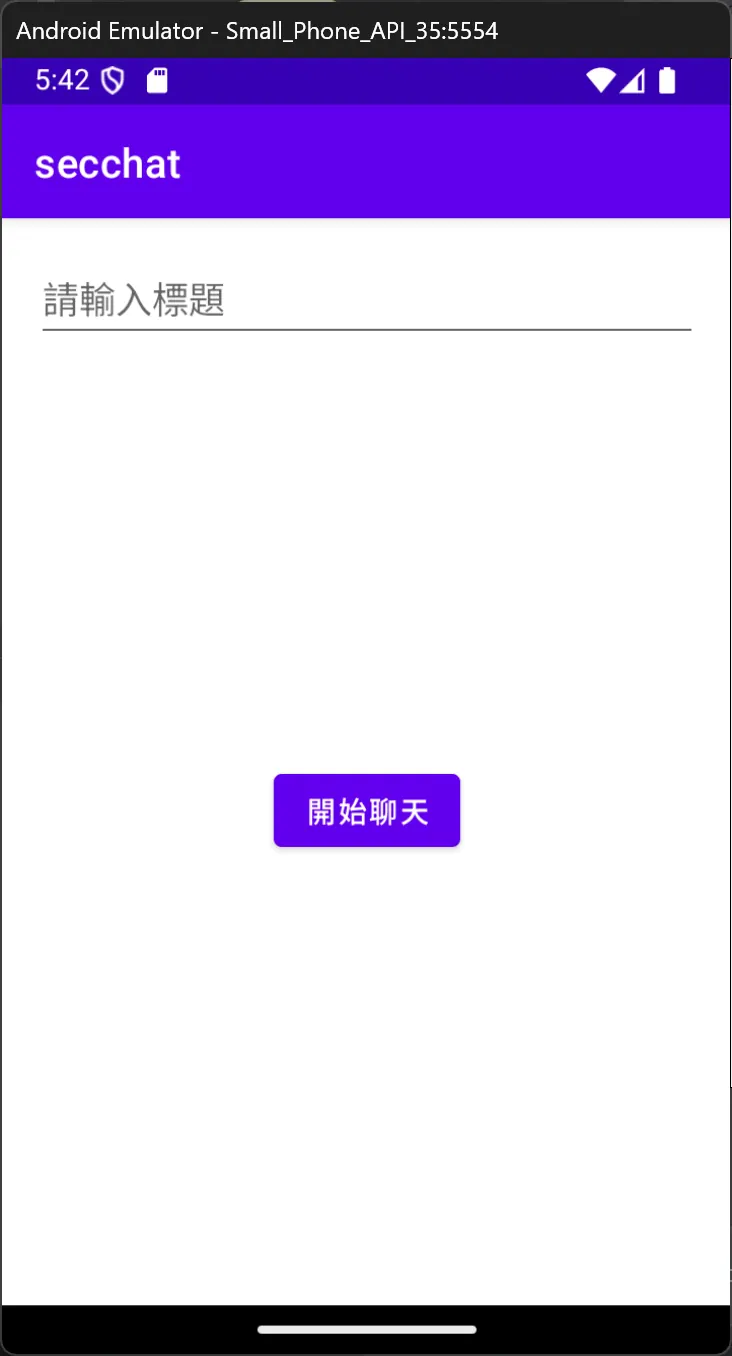
這邊開啟之前的專案
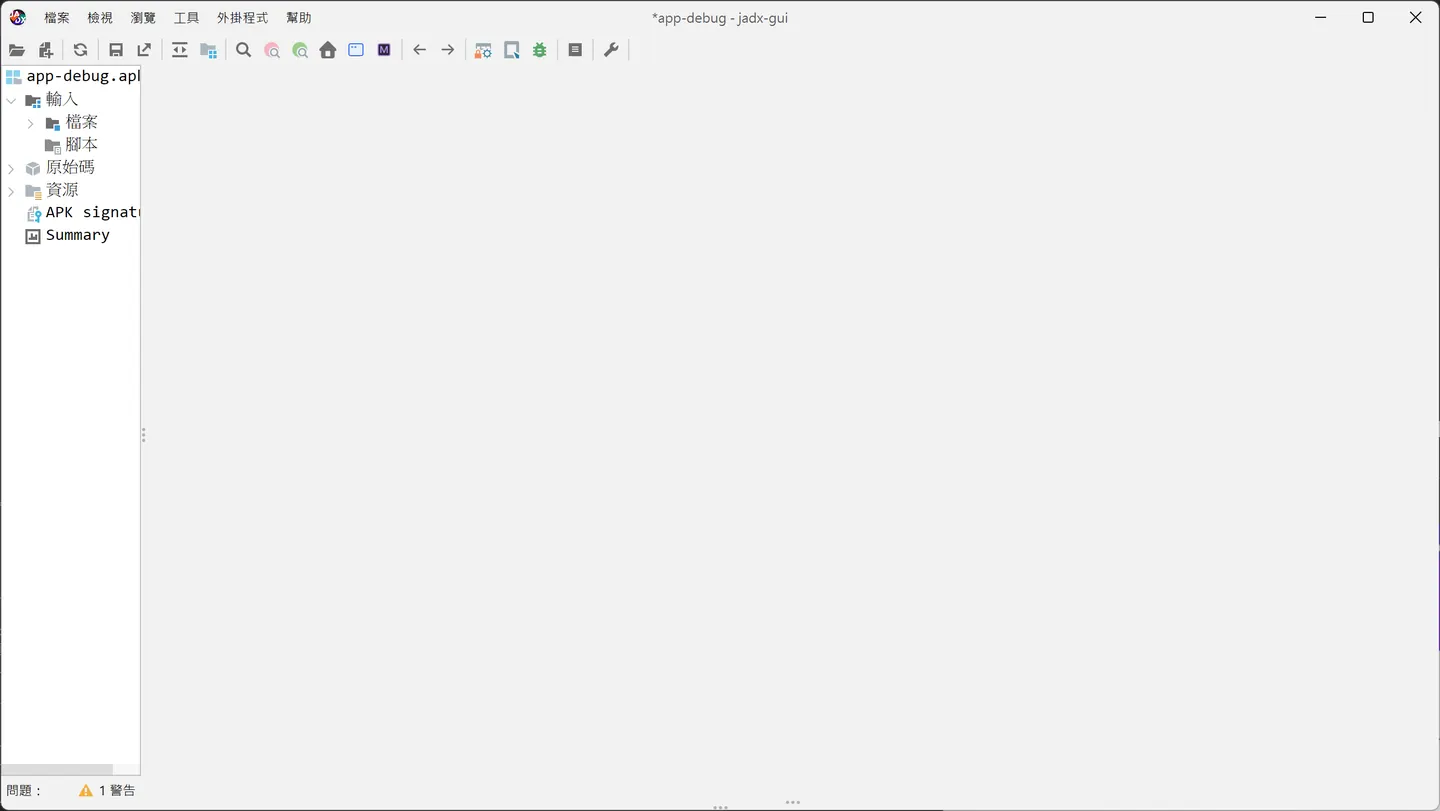
jadx decompiler
https://github.com/skylot/jadx/releases/tag/v1.5.1
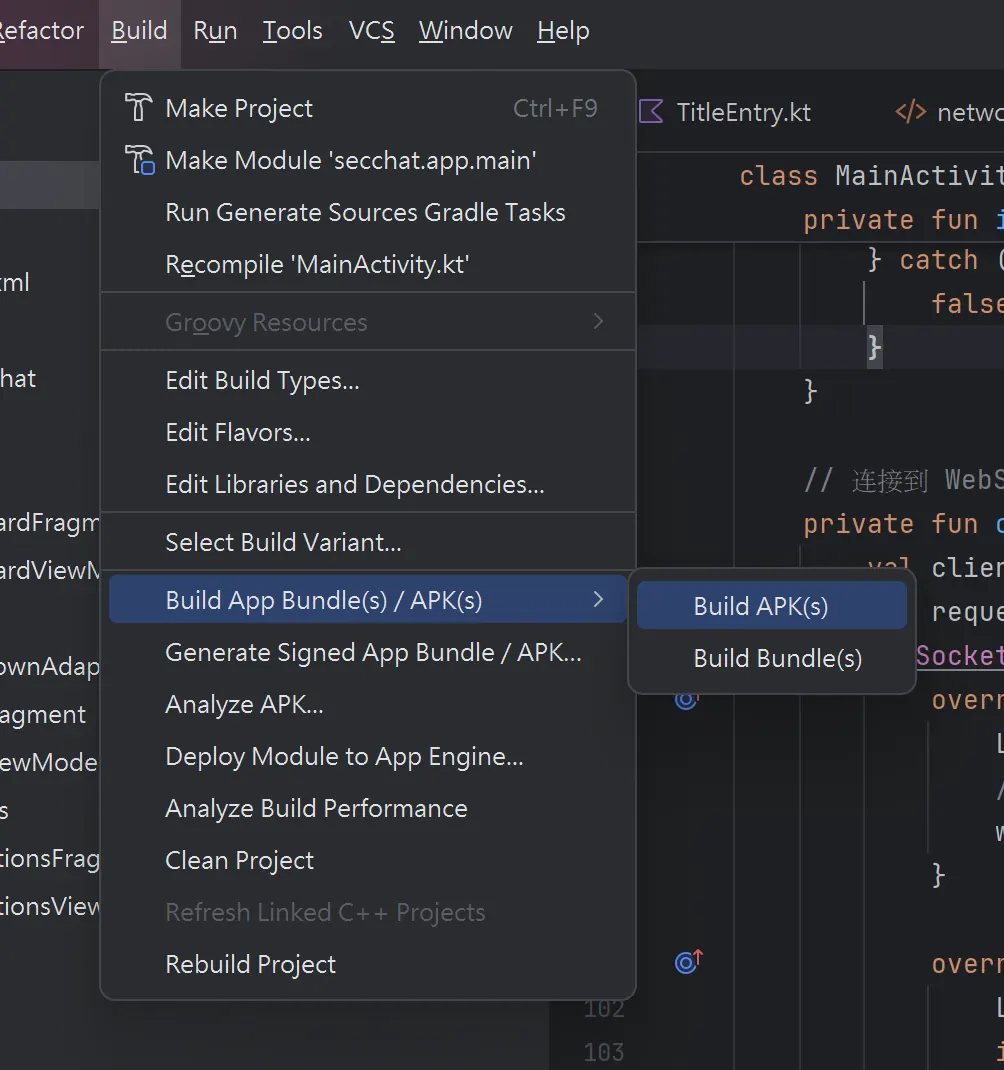
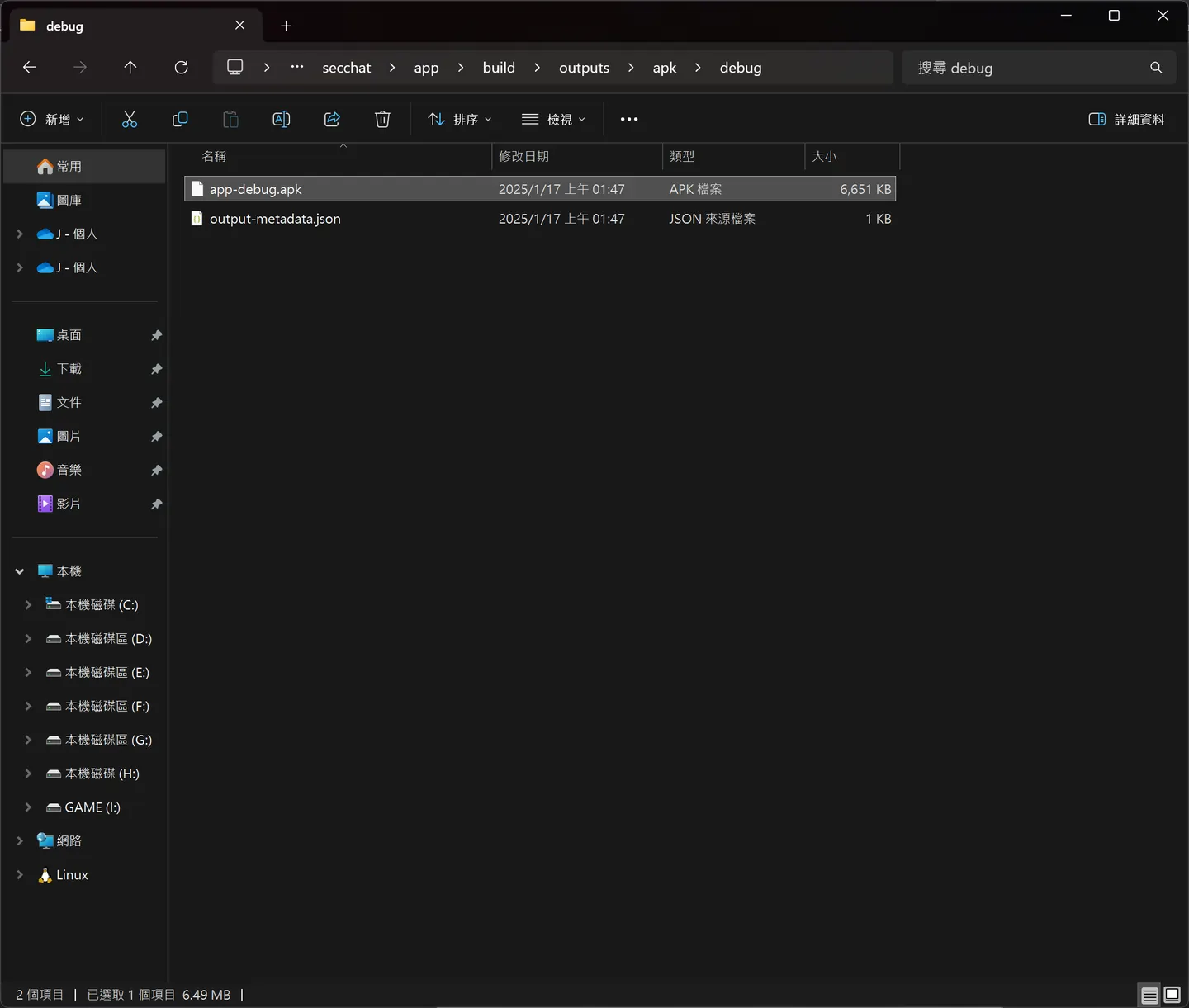
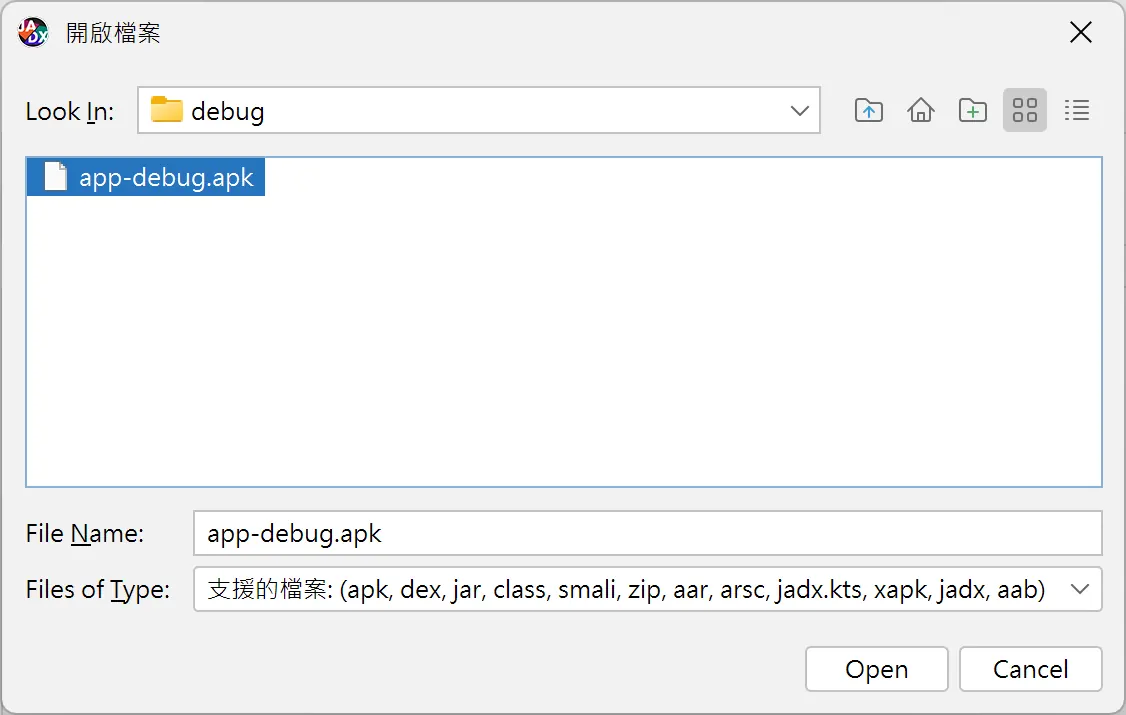
這邊將專案build 成 apk 反編譯查看
C:\Users\x213212\AndroidStudioProjects\secchat\app\build\outputs\apk\debug
 沒加殼應該很好看
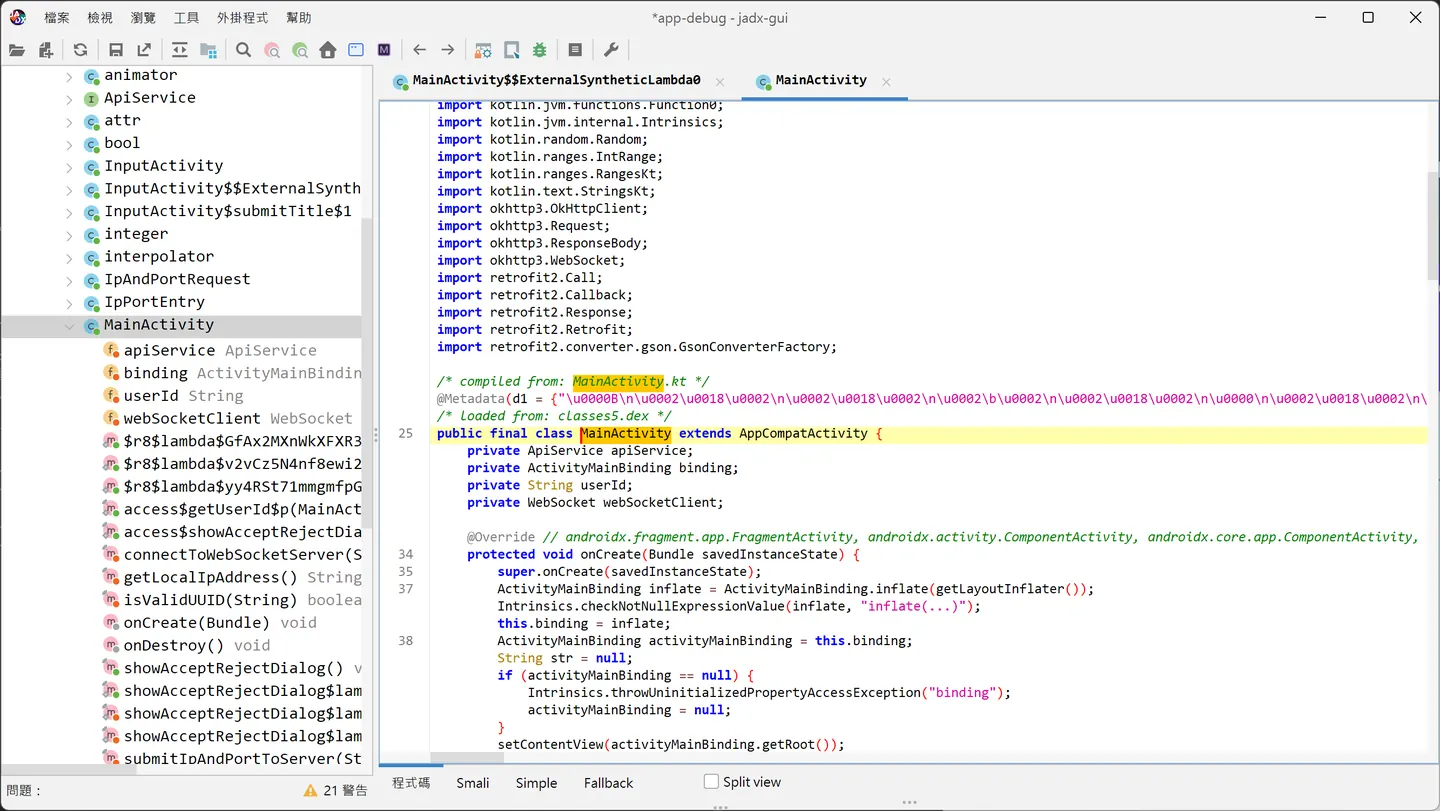
 找到InputActivity
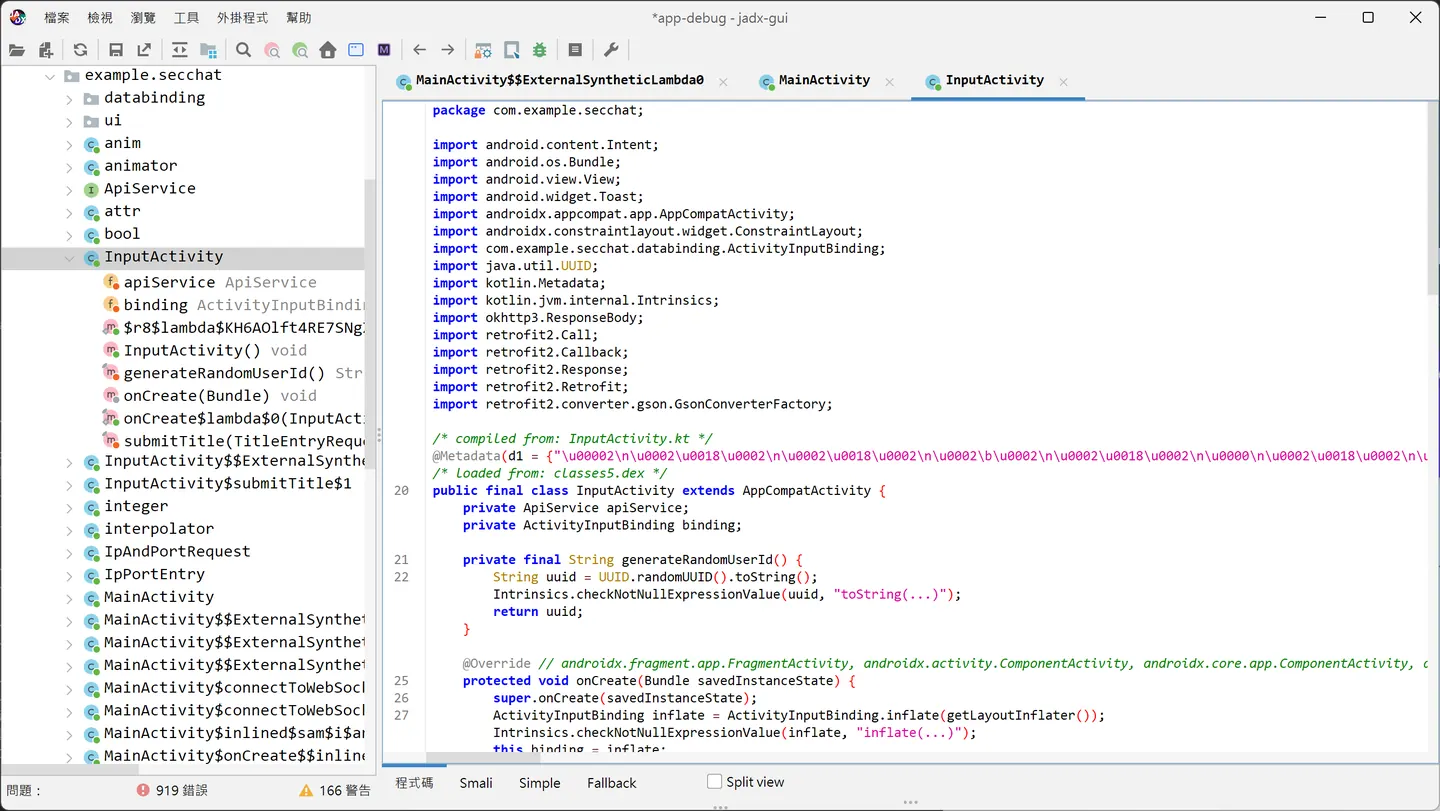
這邊透過 frida attach,有兩種方式一種用 ld_preload ,一種是用 ptrace ,android 對解析 apk 其實是透過 Zygote fork 一個 process 來解析 apk 的 dex 檔案,來能運行 java 的 app https://segmentfault.com/a/1190000023185691 這邊直接attach 剛剛的 process
frida -U -n secchat
Java.perform(() => {
    console.log("Script loaded successfully!");

    // Hook InputActivity
    const InputActivity = Java.use('com.example.secchat.InputActivity');

    // Hook onCreate 方法,设置标题默认值
    InputActivity.onCreate.overload('android.os.Bundle').implementation = function (savedInstanceState) {
        console.log("Hooked InputActivity.onCreate");

        // 调用原始方法
        this.onCreate(savedInstanceState);

        // 确保 binding 初始化
        const binding = this.binding.value;
        if (binding == null) {
            console.log("binding is null");
            return;
        }

        // 设置 etTitle 的默认值
        const etTitle = binding.etTitle.value;
        etTitle.setText("Hello Frida");
        console.log("Set default title to 'Hello Frida'");
    };

    // Hook submitTitle 方法,打印标题和用户 ID
    InputActivity.submitTitle.overload('com.example.secchat.TitleEntryRequest').implementation = function (titleRequest) {
        const title = titleRequest.getTitle();
        const userId = titleRequest.getUser_id();

        console.log(`Intercepted submitTitle: Title = ${title}, UserID = ${userId}`);

        // 调用原始方法
        this.submitTitle(titleRequest);
    };
});
frida 載入 hook.js
% load hook.js
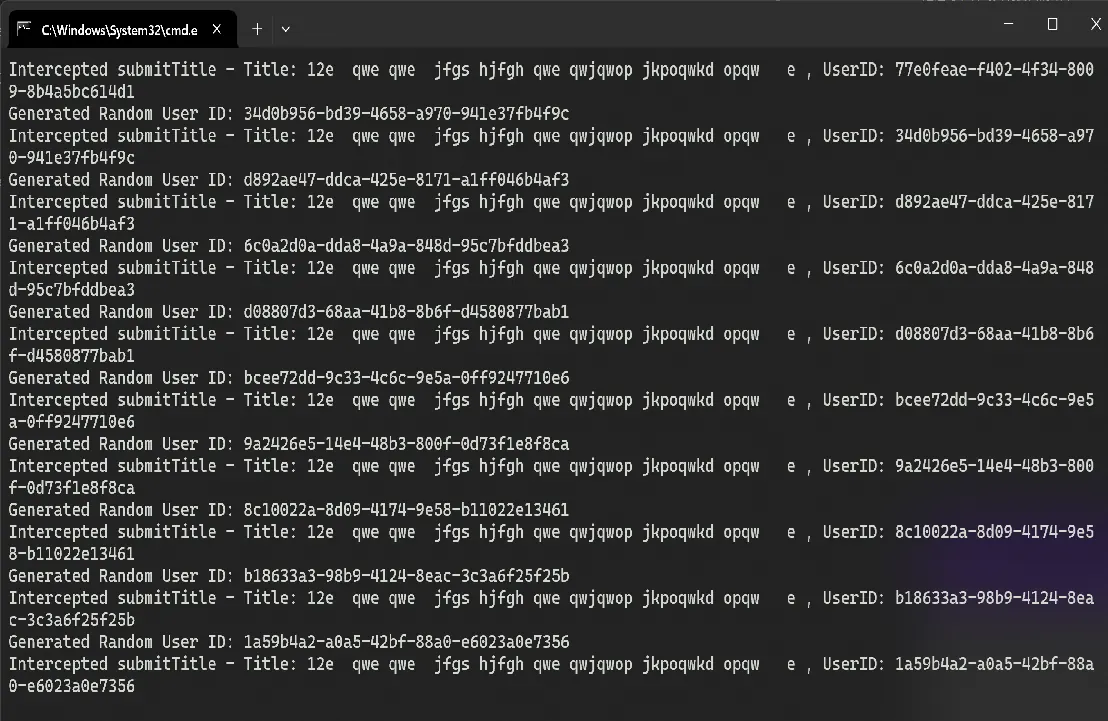
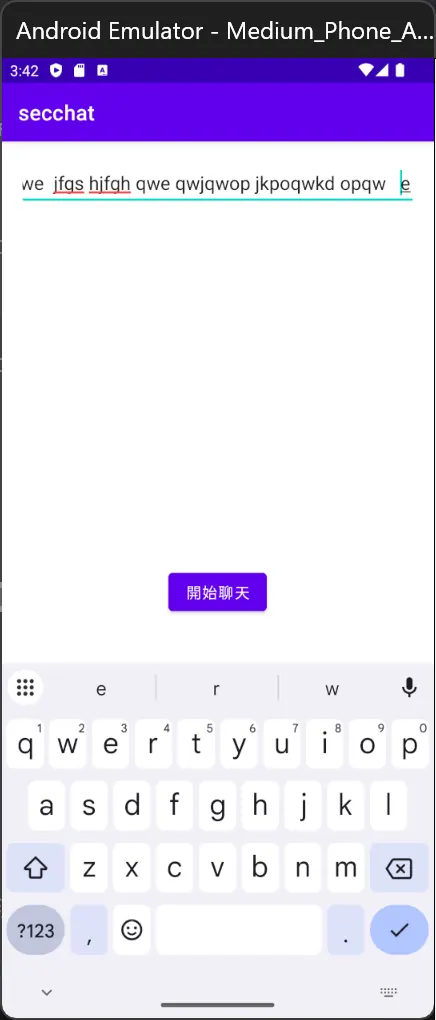
這邊可以看到實現攔截的效果 多試幾次可能發生崩潰 這邊升級版本 好像也沒辦本解決,可能要降 api sdk 在測試
這邊降版到 api 34 android 14 確定該程式碼不會崩潰
Comments