

Drone Plugin
其實說白了就是封裝後的 Docker Images,具有以下特性:
- 共享: 可用於公司不同團隊,或提供開源使用。
- 重複使用。
add ./update.sh
輸入參數作為環境變數傳遞至 Drone Plugin 內部,需要加上 PLUGIN_ 前綴詞。
if [ -z ${PLUGIN_HELLO} ]; then
  PLUGIN_HELLO="default"
fi
add ./Dockerfile
FROM alpine:3.4

## 安裝 bash 指令
RUN apk --no-cache add bash

## 將寫好的腳本複製到映像檔內
COPY update.sh /bin/

## 啟動容器後執行
CMD ["/bin/update.sh"]
update ./.drone.yml
kind: pipeline
type: docker      # 在 Docker 內部執行管道命令
name: default       # 可自行定義的名稱

steps:
  - name: self-plugin                    # 事件一:可自行定義的名稱
    image: activate.adobe.com/library/drone-plugin-ex    # 使用 harbor容器內  容器
    settings:
      hello: "Wow"                       # 提供 hello 值為「Wow」,若不提供則為「default」值
    commands:                            # 驗證是否有接收到帶入的值
    - echo $PLUGIN_HELLO
    when:                                # 當觸發條件為 master 分支時會執行的動作
      branch:
      - master
trigger:     # 觸發 pipeline 條件,分支為 master,且進行 push 行為
  branch:
  - master
  event:
  - push
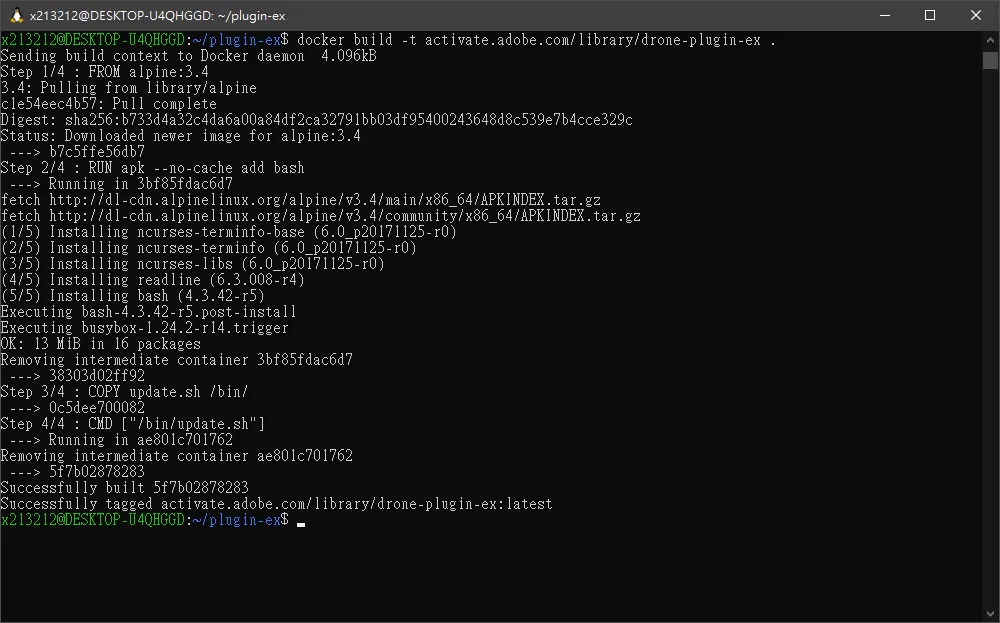
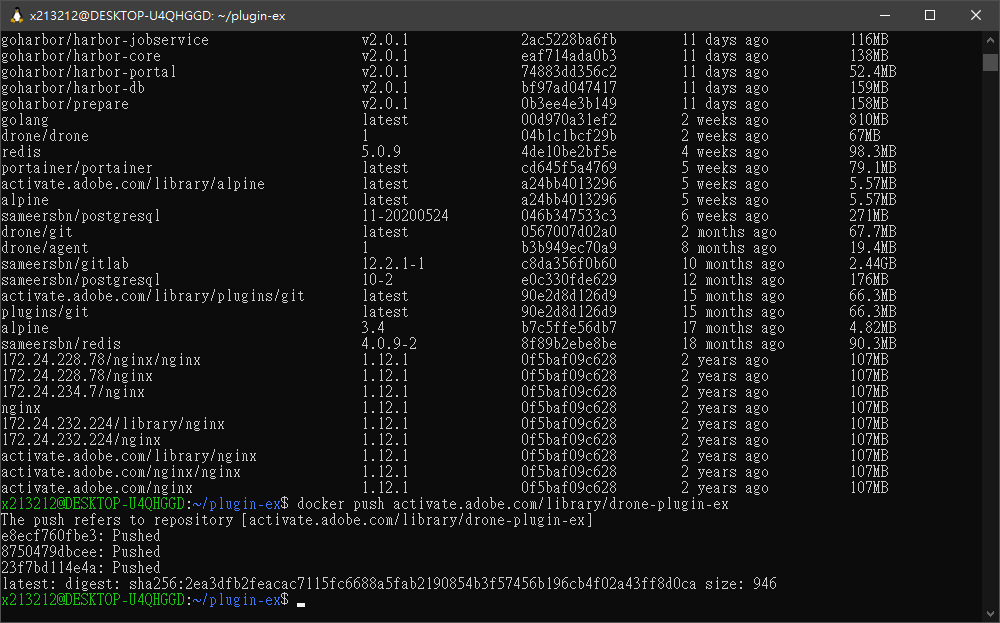
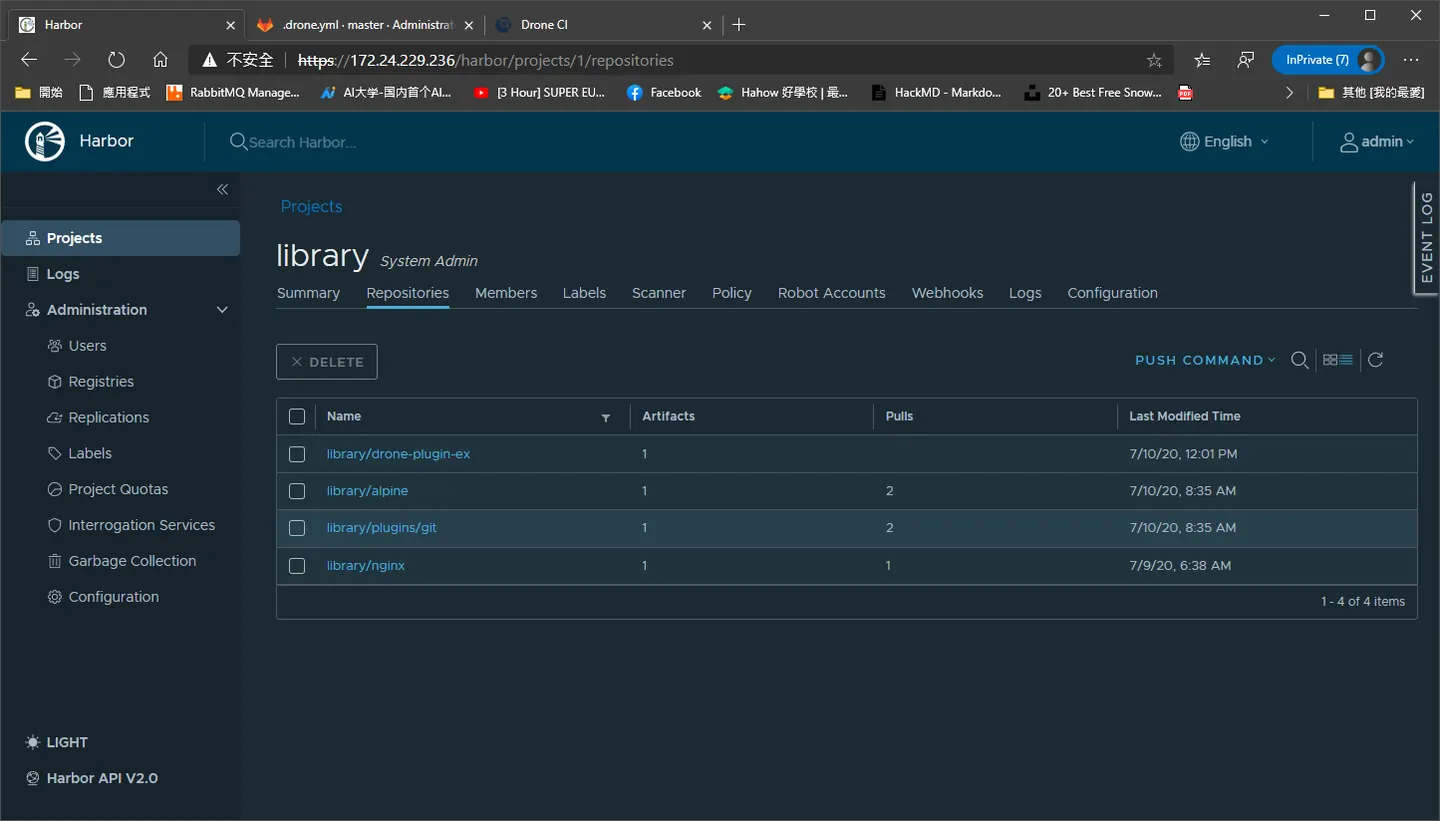
docker build -t activate.adobe.com/library/drone-plugin-ex . docker push activate.adobe.com/library/drone-plugin-ex
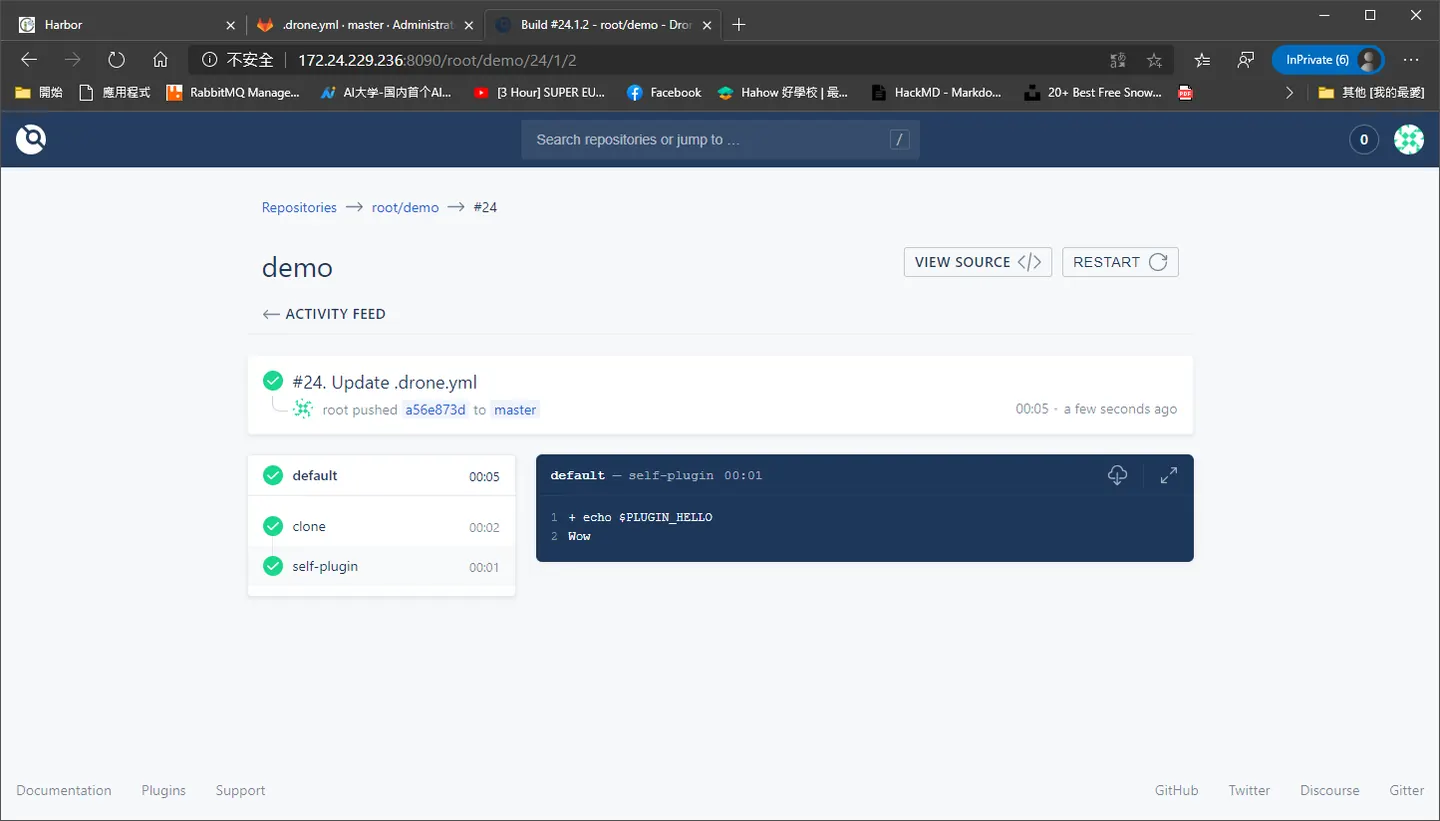
Comments