
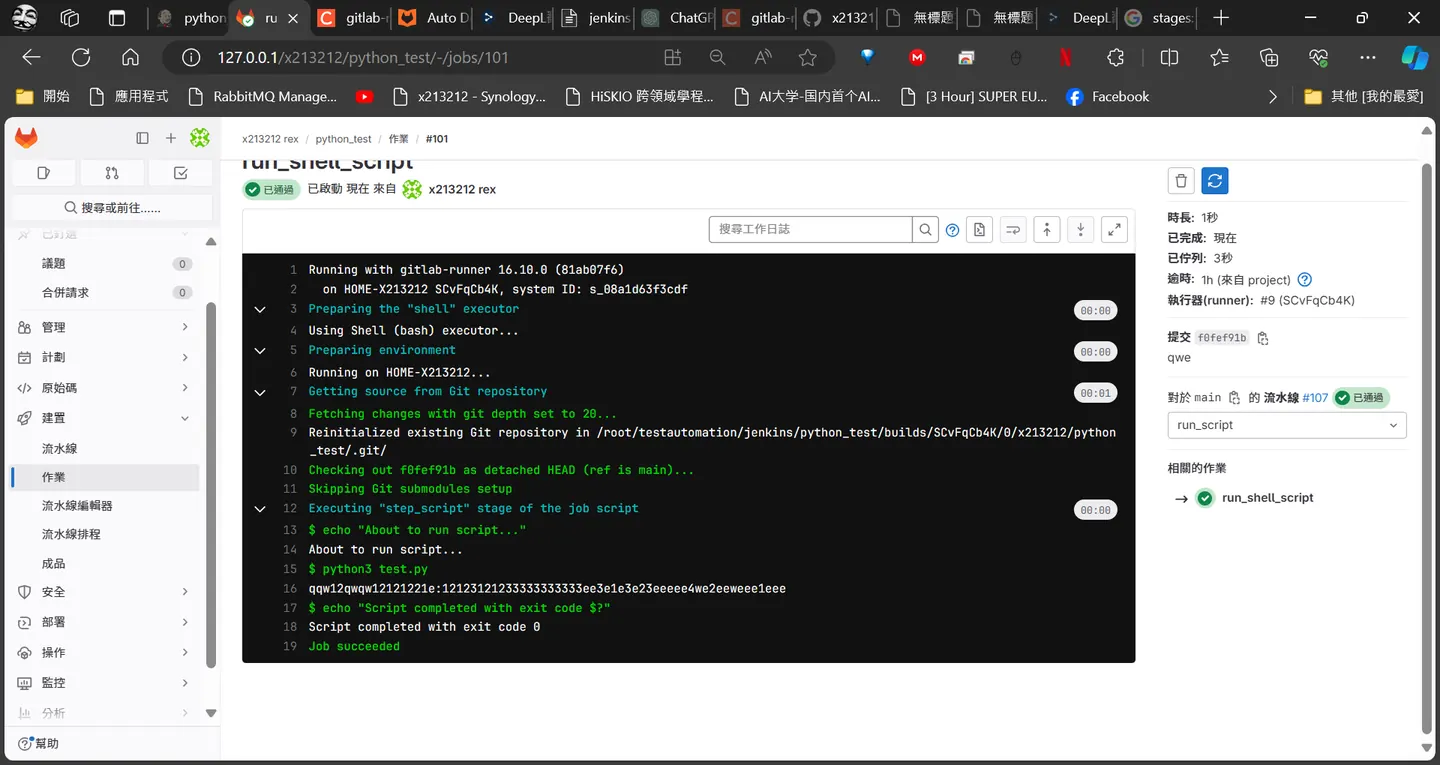
gitlab Auto DevOps
在上一次實驗中有發現這個Auto DevOps大概來測試一下
.gitlab-ci.yml
stages:
  - test

run_my_tests:
  stage: test
  script:
    - echo "Running custom test script..."
    - ./run_tests.sh
  only:
    - main
chmod +x run_tests.sh
git add .gitlab-ci.yml run_tests.sh
git commit -m "Add CI/CD pipeline and test script"
git push main
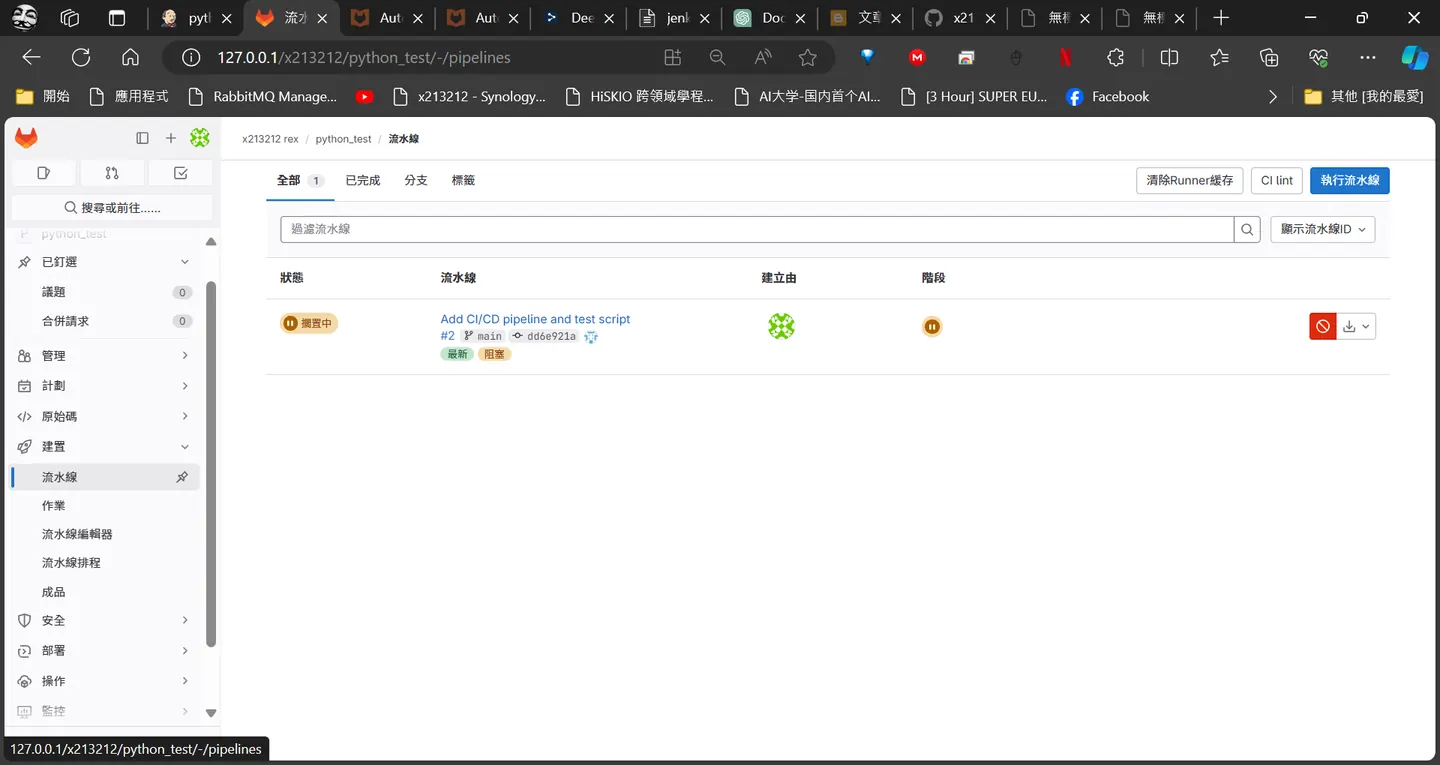
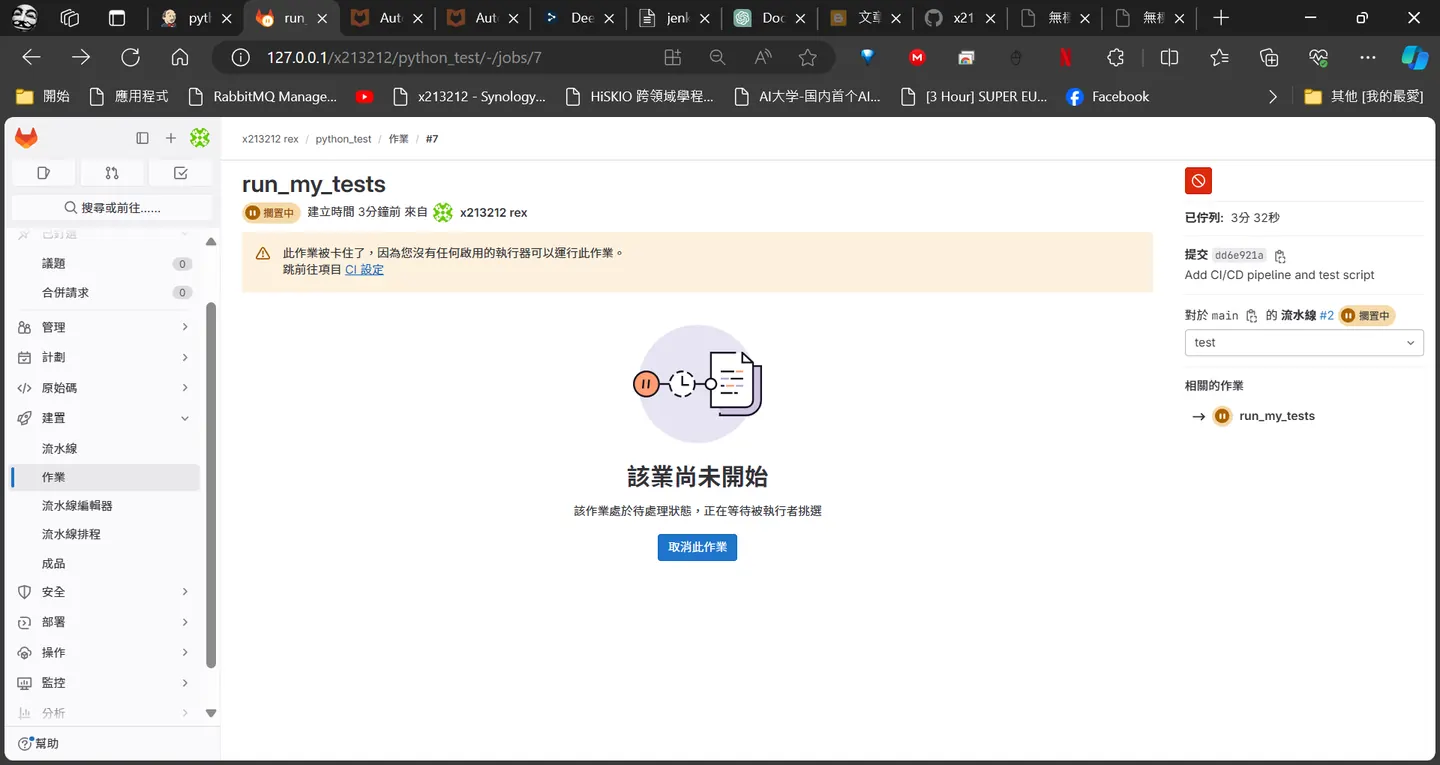
這邊可以看到pipeline被卡住了
 創建一個專案執行器
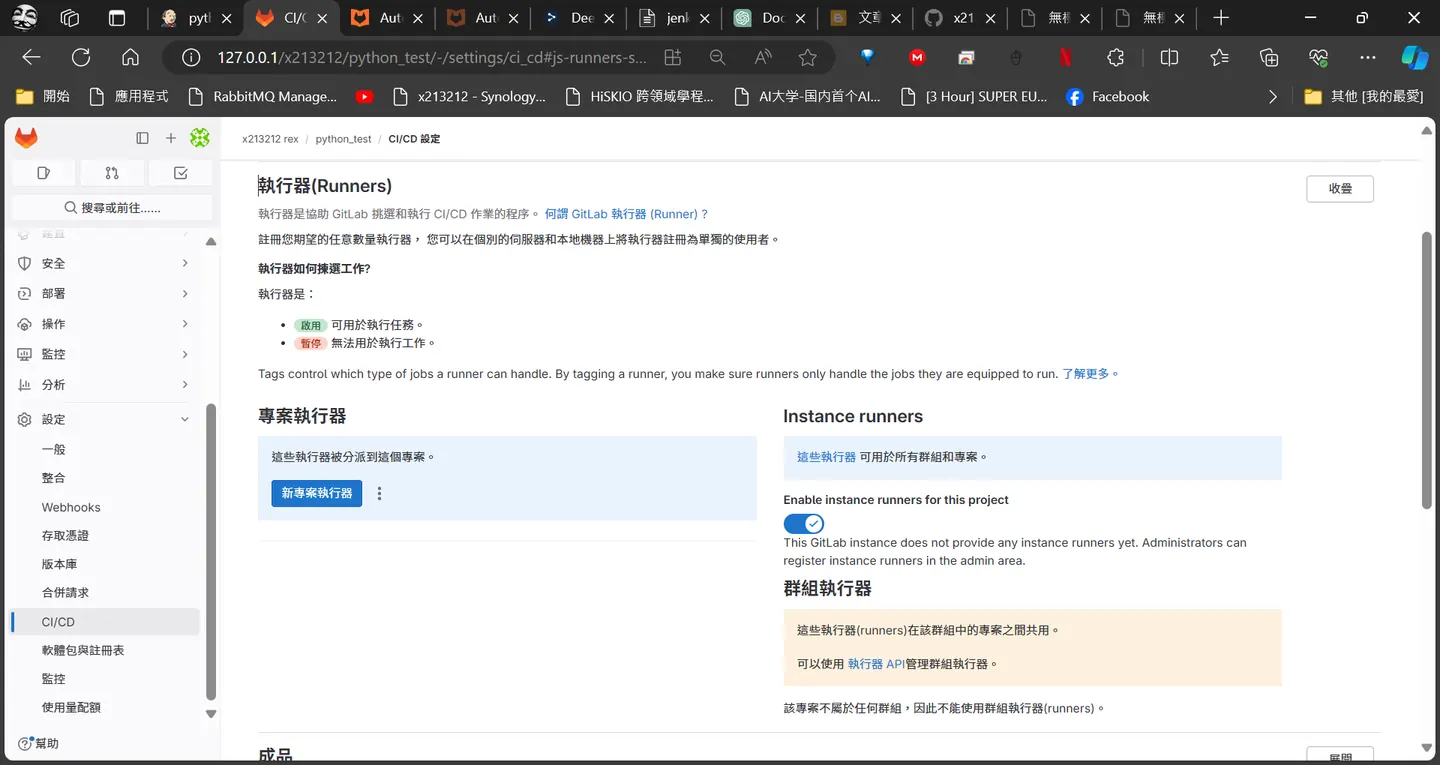 應該是類似一個執行環境
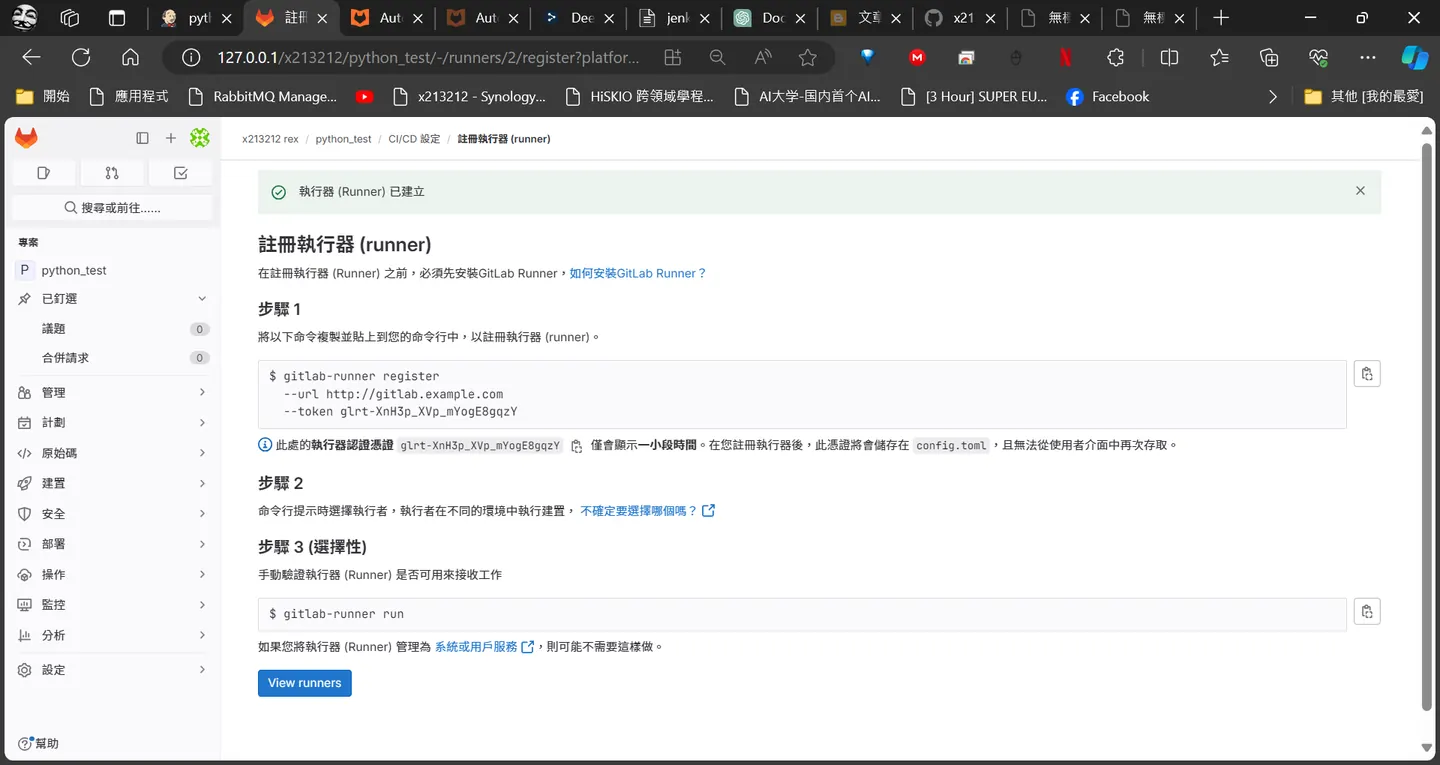
gitlab-runner config.toml
調整設定gitlab-runner 設定
vim /etc/gitlab-runner/config.toml
concurrent = 1
check_interval = 0
log_level = "debug"

[[runners]]
  name = "HOME-X213212"
  url = "http://127.0.0.1"
  token = "glrt-SCv…DEb4"
  executor = "shell"
  shell = "bash"
gitlab-runner run
sudo gitlab-runner run
試了三小時結果是wsl runnner版本太舊
sudo curl -L --output /usr/local/bin/gitlab-runner "https://s3.dualstack.us-east-1.amazonaws.com/gitlab-runner-downloads/latest/binaries/gitlab-runner-linux-arm64"
用這個下載最新的
在push 一次
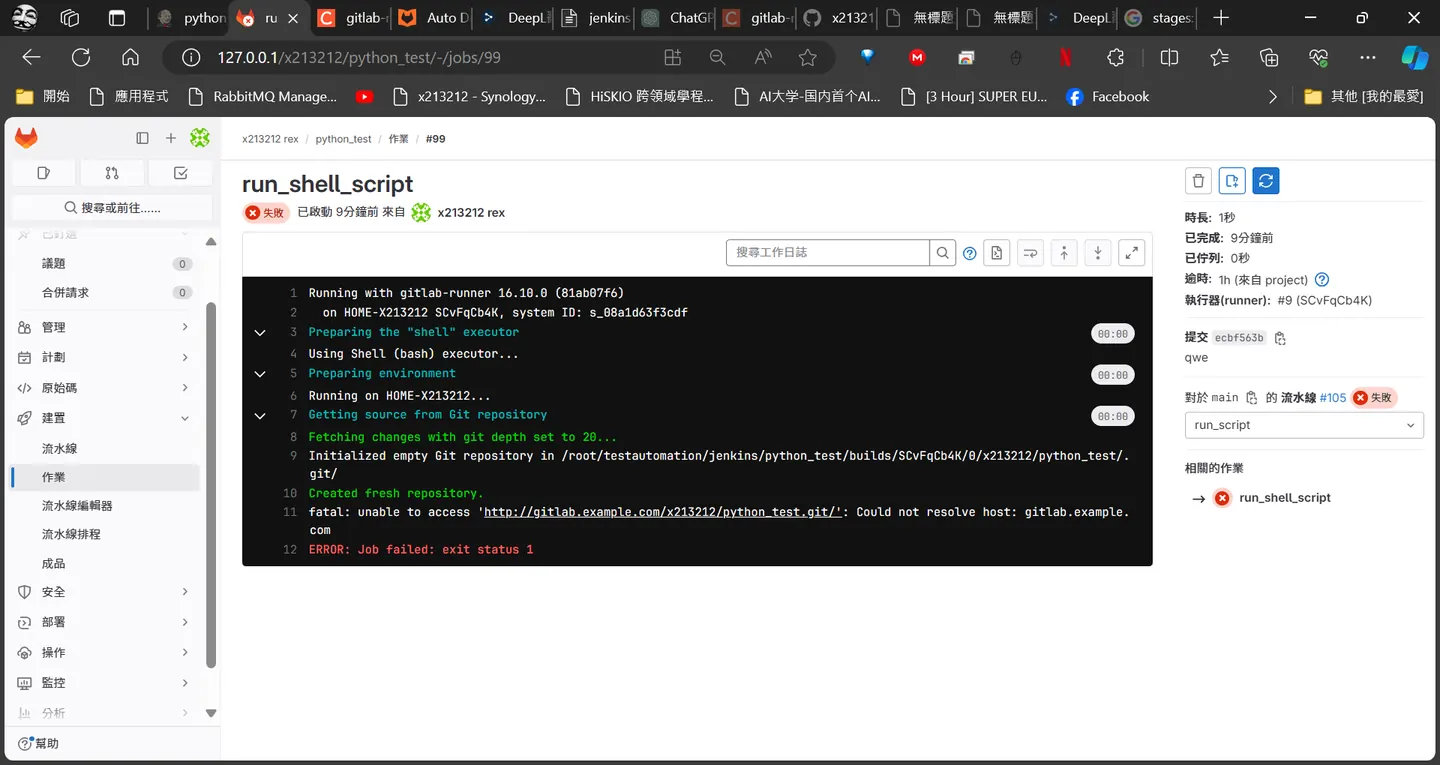 發現訪問不到 gitlab.example.com
然後加個dns
發現訪問不到 gitlab.example.com
然後加個dns
dns gitlab.example.com
vim  /etc/hosts
127.0.1.1       gitlab.example.com
在push 一次
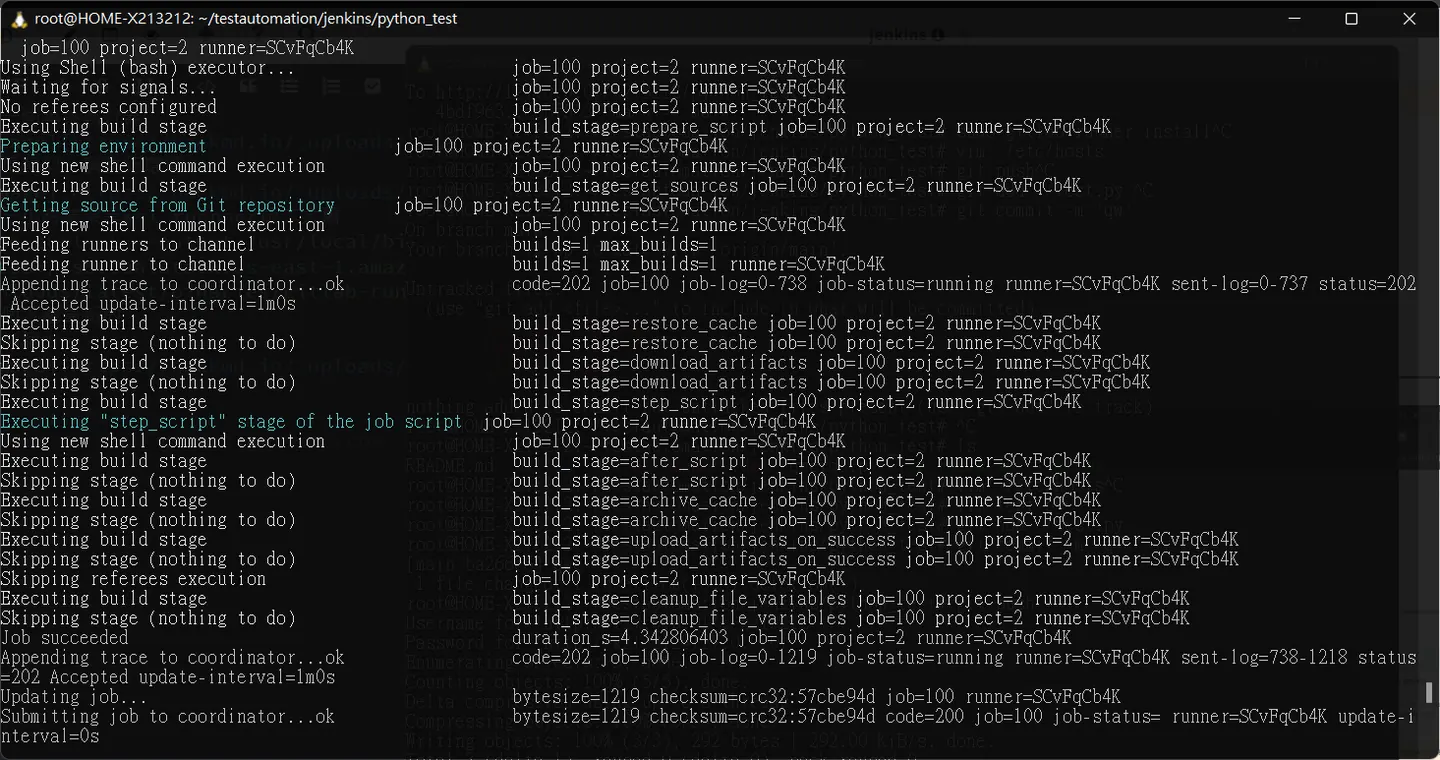
.gitlab-ci.yml
來微調一下看能不能run push python 腳本
stages:
  - run_script

run_shell_script:
  stage: run_script
  script:
    - echo "About to run script..."
    - python3 test.py
    - echo "Script completed with exit code $?"
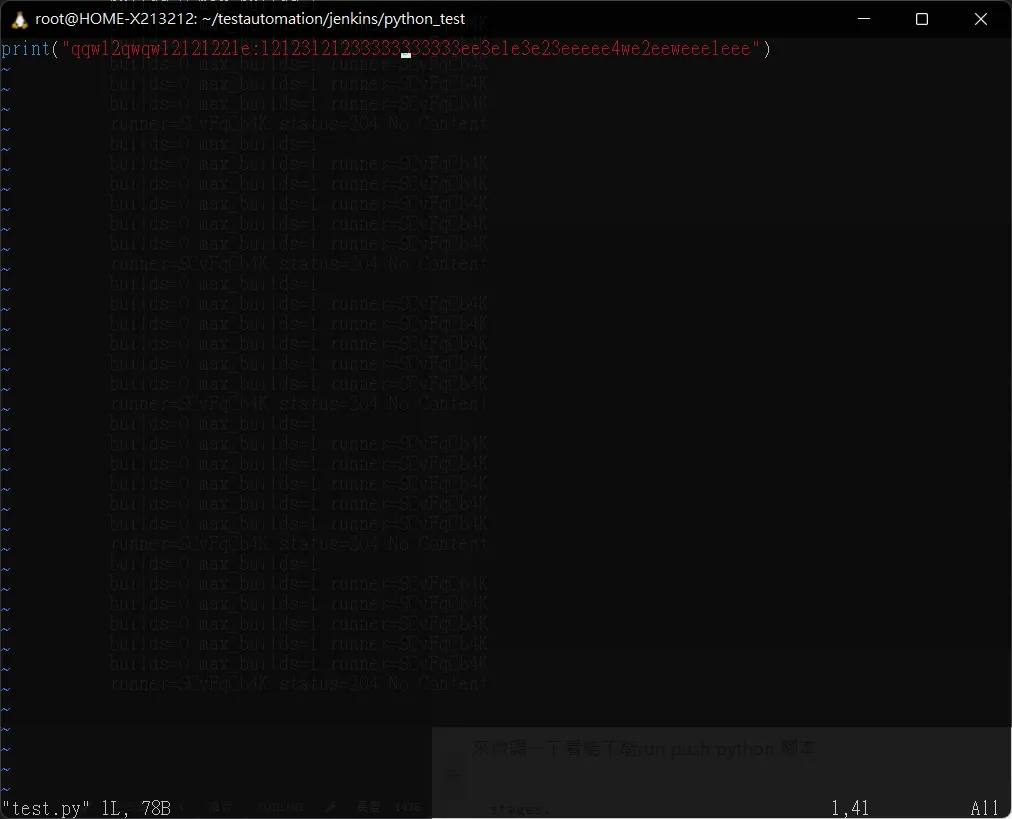
看起來 gitlab 內建autodevops 功能算蠻強大的
Comments