
 打造一個 c# 多執行緒 server
---
,接續上篇標體寫得上古語言 沒錯 hls m3u8格式失敗了,原因呢,
flex 已經停止更新一段時間了,又這麼剛好我要傳輸的音訊 沒有解碼器,flex 又沒有寫好的aac encode,adobe media server 的 音訊無法 壓成 aac 規格 導致m3u8 影音格式無法解析,後來
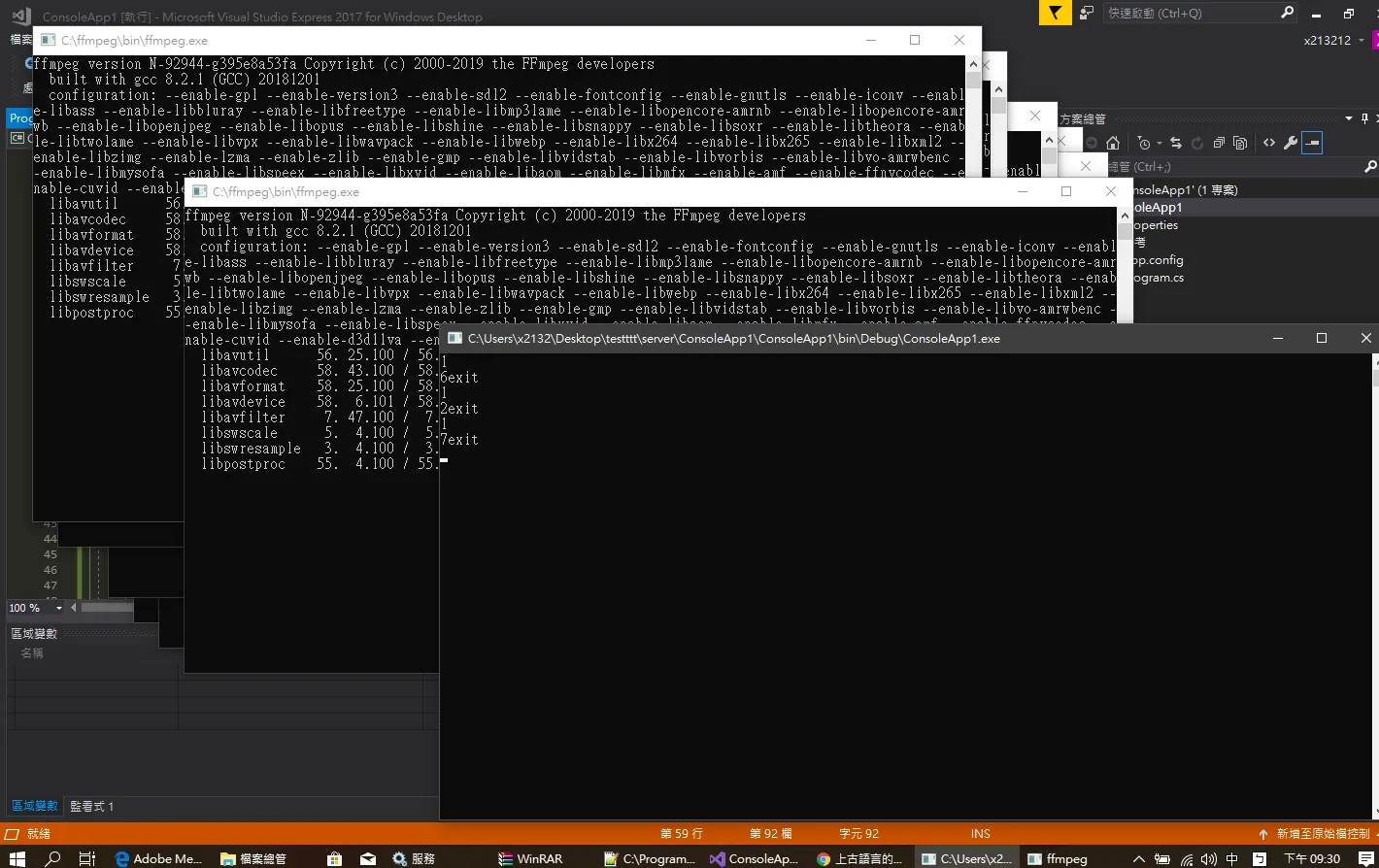
在想了 要交叉編譯後果斷放棄,真的沒辦法了嗎,在公司積極的轉型真的沒辦法了嗎,沒錯土法煉鋼的時間又到了,大致上的做法就是,在client對server連接埠發送rtmp訊號,這個時候就開啟多執行緒去呼叫,沒想到 ffmpeg 竟然可以當作串流轉接器, 解決方案就是,先上傳至
rtmp再進行 encode 在配合 c# 編寫的 server 再轉推送去其他流 這樣就大功告成囉,效能的話恩恩,很明顯可以看到處理都是在伺服器做處理,至於..hls 實在不是適合用於 即時傳輸影像,過幾天再來研究一下http flv格式到底是怎麼一回事,或許應該嘗試其他media server囉?
using System;
using System.Collections.Generic;
using System.Diagnostics;
using System.Threading;

namespace ConsoleApp1
{
    class Program
    {
        static String nProcessID;
        static int count = 0;
        public static void process_Exited(object sender, EventArgs e)
        {
            Console.WriteLine(nProcessID);
            //Console.WriteLine(“exit”);
        }

        public static void call_process_ffmpeg(object name)
        {
            string thread_name = (string)name; //unboxing
            Process process = new Process();
            //Environment.GetEnvironmentVariable("WinDir") + "\\Notepad.exe";
            //  process.StartInfo.FileName = "C:\\ffmpeg\\bin\\ffmpeg.exe -re -i rtmp://localhost/live/myCamera -s 640x480 -vcodec copy  -tune  zerolatency - filter_complex aresample = 44100 - bufsize 1000  - c:a aac -b:a: 0 128k - f flv rtmp://localhost/livepkgr/livestream?adbe-live-event= liveevent";
            ProcessStartInfo pinfo = new ProcessStartInfo("ffmpeg");
            pinfo.Arguments = "-re -i rtmp://localhost/live/myCamera -r 30 -vcodec copy  -tune  zerolatency  -filter_complex aresample=44100  -bufsize 1000 -c:a aac -b:a:0 128k -f flv rtmp://localhost/livepkgr/livestream?adbe-live-event=liveevent";
            process.StartInfo = pinfo;

            process.Start();

            process.Exited += new EventHandler(process_Exited);

            process.EnableRaisingEvents = true;
            // process.WaitForInputIdle();

            nProcessID = process.SessionId.ToString();

            process.WaitForExit();
            Console.WriteLine(thread_name + "exit");
        }
        static void Main(string[] args)
        {
            List<Thread> threads = new List<Thread>();

            for (int i = 0; i < 10; i++)
            {
                Thread tmp = new Thread(new ParameterizedThreadStart(call_process_ffmpeg));

                threads.Add(tmp);

            }
            int count = 0;
            foreach (Thread tmp in threads)
            {
                tmp.Start(count.ToString());
                count++;
            }

            //for (int i = 0; i < threads.)
            //Thread test = new Thread( new ParameterizedThreadStart(call_process_ffmpeg));

            //test.Start("test1");
            //Thread test2 = new Thread(new ParameterizedThreadStart(call_process_ffmpeg));

            //test2.Start("test2");
            //Console.ReadLine();


        }

    }
}
Comments