

實現自動化 build image
https://docs.drone.io/pipeline/docker/syntax/volumes/host/
修改配置檔
掛載 Host Volumes
kind: pipeline
type: docker      # 在 Docker 內部執行管道命令
name: clone       # 可自行定義的名稱

steps:
  - name: build-golang                   # 事件一:可自行定義的名稱
    image: activate.adobe.com/library/plugin-govendor     # 使用 neil605164/plugin-govendor  容器
    volumes:
    - name: cache
      path: /tmp/cache
    commands:                            # 需執行的指令
      - mkdir -p /go/src/${DRONE_REPO_NAME}                 # 於 goroot 建立專案名稱的空資料夾
      - ls -al /drone/src
      - rsync -r  /tmp/cache/* /go/src/${DRONE_REPO_NAME}    # 將 clone 的專案複製到 goroot 底下
      - rsync -r  /tmp/cache/build-image/Dockerfile /drone/src/Dockerfile  # 將 clone 的專案複製到 goroot 底下
      - ls -al /drone/src
      - go get -u github.com/gin-gonic/gin
      - cd /go/src/${DRONE_REPO_NAME}
      - ls -al /go/src/
      - go build -o demo main.go                                      # 編譯 golang 程式碼
      - rsync -r  /go/src/${DRONE_REPO_NAME}/demo /drone/src/demo   # 將 clone 的專案複製到 goroot 底下

  - name: build-image-push-harbor                   # 事件二:可自行定義的名稱
    image: plugins/docker                           # 使用 plugins/docker  容器
    settings:
      insecure : true
      username: admin
      password: Harbor12345
      repo: 172.24.229.236/library/haha      # harbor 私有庫存放位置
   #   auto_tag: true
  #    tags: ${DRONE_TAG}
      registry: 172.24.229.236                   # harbor 私有庫網址
      debug: true

volumes:
- name: cache
  host:
    path: /home/x213212/demo/
main.go
package main

import (
        "github.com/gin-gonic/gin"
        "net/http"
)

func main() {
        r := gin.Default()

        r.GET("/", func(c *gin.Context) {
                c.String(http.StatusOK, "hello world")
        })

        r.Run(":3000")
}
亂改中
取得最新
docker pull 172.24.229.236/library/haha
docker run
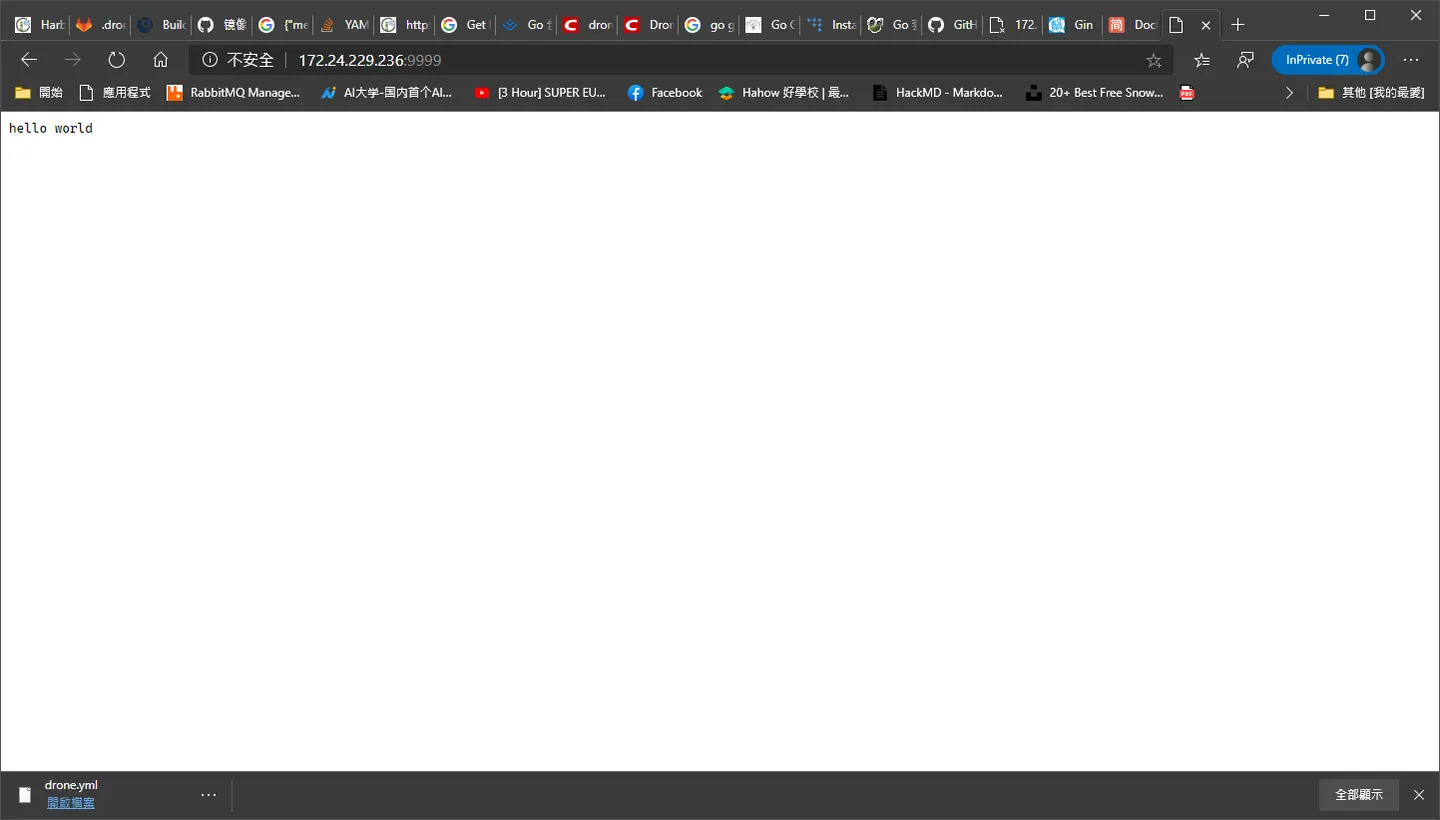
docker run -p 9999:3000 172.24.229.236/library/haha
暴露連接埠,正常應該是要共用 package 不然每次部屬就慘囉!
Comments